English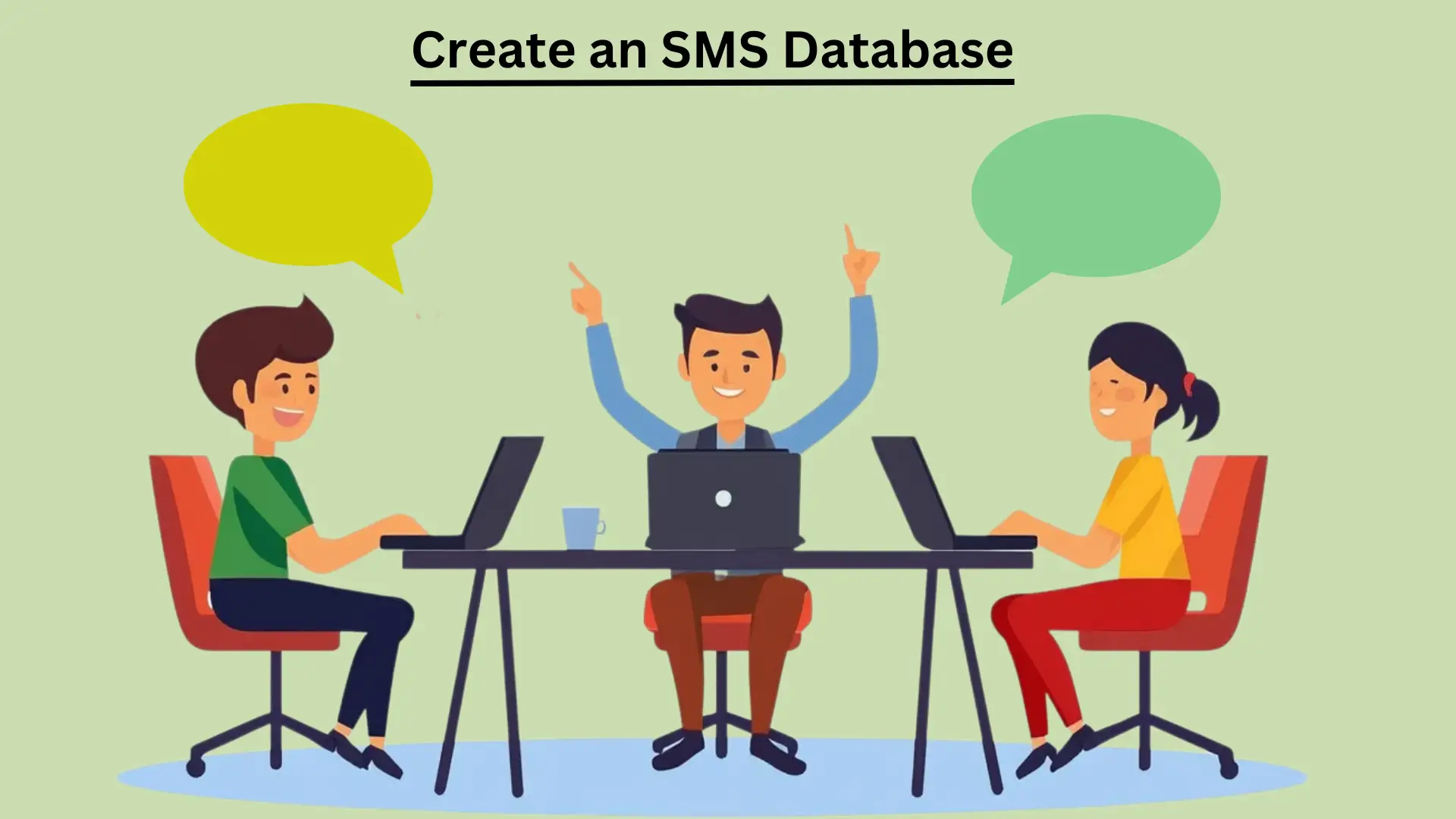
How to Create an SMS Database the Correct Way
If you’re in the text marketing business, you know that one of the most important components is your SMS database. It is a list of phone numbers that have opted-in to receive texts from your business. But what’s the best way to go about creating this list? This blog post will walk you through how to create an SMS database.
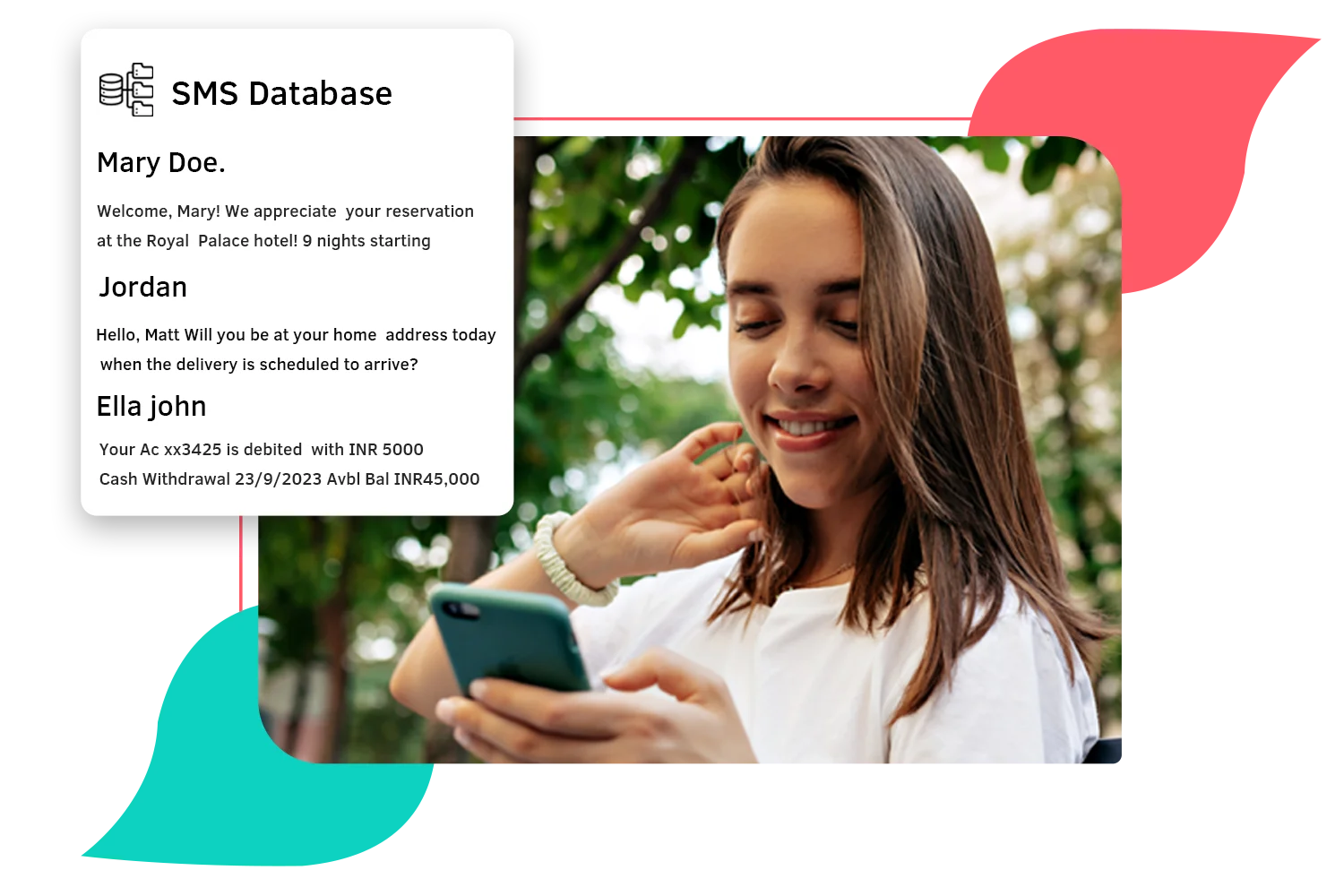
Unlike email or phone calls, text messages are short and to the point. This makes them perfect for quickly getting in touch with customers or sending them reminders and updates. However, because text messages are so concise, it can be easy to lose track of important customer information if you’re not careful. That’s why creating a database of your customers’ text message interactions from the beginning is essential.
Key Takeaways
- An SMS database is a list of phone numbers whose owners have opted in to receive texts from your business.
- Build it by entering numbers manually (small lists) or by adding them automatically through an API (large lists).
- Store consent details and status with every number, and remove opt-outs straight away.
- Keep the list clean and never use bought or scraped numbers.
Why a Clean SMS Database Matters
Your database decides how well every campaign performs. A list of people who asked to hear from you gets more replies and fewer complaints, while a list full of old, invalid or unwanted numbers wastes money on messages that never arrive and risks having your messages blocked. Getting the foundation right from the start is easier than repairing it later.
There are two main ways to create an SMS database: manually or through an API. Let’s look at each method to decide which is best for your needs.
Manual Entry
The first method is manual entry. It means that you or someone on your team will need to manually input each phone number into your system. It can be time-consuming, but it does have the benefit of allowing you to vet each number before adding it to your list. This method is best for small lists (<1000 numbers).
API Integration
The second method is through API integration. It means using an API (Application Programming Interface) to automatically add new numbers to your list as they opt in. It is much faster and easier than manual entry but requires technical know-how. This method is best for large lists (>1000 numbers).
The most important thing is to ensure that you’re collecting all the relevant information in one place so you can easily refer back to it later. Here are a few tips:
- Collect customer contact information:When a new customer opts in to receive text SMS Database messages from your business, ensure you collect their name and phone number. It will help you personalize your messages and ensure that you’re reaching the right person.
- Please keep track of opt-ins and opt-outs:It’s essential to keep track of who has opted in to receive text messages from your business and who has opted out. That way, you can avoid accidentally sending marketing messages to people who have no interest in receiving them.
- Archive old text messages:Once you’ve finished a conversation with a customer or resolved an issue, make sure you save or archive the text message exchange so that you can refer back to it later if necessary. It will be handy if a customer ever contacts you about the same issue again.
What to Store for Each Contact
Phone numbers on their own are not enough. For each contact, record:
- Phone number in one consistent format, including the country code.
- Name, so you can personalize messages.
- Opt-in date, time and source, for example web form, keyword text, checkout or paper form.
- The wording they agreed to, so you can show what the person consented to.
- Status: subscribed or unsubscribed, updated the moment someone opts out.
- Groups or preferences, such as location, interests or customer type, so you can send relevant messages.
- Last message and last reply, so you can see who is engaged.
Get Consent Before You Add Anyone
In the United States, marketing texts generally need the recipient’s prior express written consent, and the rules differ in other countries. In practice that means:
- Ask clearly at the point of sign-up, and say who you are, what kind of messages you will send and how often.
- Tell people they can reply STOP to opt out, and that message and data rates may apply.
- Keep a record of every opt-in so you can prove it later.
- Honor every opt-out immediately and keep those numbers off your lists.
Our guides to SMS marketing and 10DLC registration explain the US rules in more detail.
Grow Your Database
Provide vital information that piques consumers’ attention, and your list will keep growing. Below are a few suggestions to assist you in expanding your database:
In-Store
Since many individuals are already involved in your store or facility, this is an excellent alternative for restaurant chains, retail stores, gymnasiums, etc. In addition, owning an on-site opt-in mechanism is a perfect way to create your list quickly, whether you have a sign-up sheet at the front workstation or your employees describe how well the consumer can participate throughout a shopping.
Social Media Sites
Inspire your followers on social media to join your SMS Database of customers by constantly posting about it. Your followers could indeed opt into your list by giving a simple Text message by publishing your dedicated number.
Internet
Consumers are already visiting your site, so use that traffic: add a pop-up or sign-up form, or, if you run an e-commerce platform, a checkbox at checkout. Say clearly what people are agreeing to, including the type of messages and how often you will send them, so every number you collect is a number that has opted in.
Keyword and QR Code Sign-Ups
Ask people to text a keyword to your number, such as “JOIN”, and reply with a confirmation message. A QR code on a poster, receipt or table card can open a pre-filled text or your sign-up page, which makes joining easy in the places your customers already are.
Keep Your Database Clean
- Remove opt-outs as soon as they arrive.
- Remove invalid numbers and landlines, which cannot receive SMS. You can check a number with our free carrier lookup tool.
- Merge duplicates and keep one standard format for phone numbers.
- Check in with contacts who never engage, or retire them, so your results reflect real subscribers.
- Export a backup of your list regularly.
Mistakes to Avoid
- Buying, renting or scraping numbers. People on those lists never agreed to hear from you, so using them breaks the consent rules and tends to get messages blocked.
- Not recording consent. If you cannot show when and how someone opted in, you cannot show you were allowed to text them.
- Importing old lists without checking. Make sure opted-out numbers are not added back.
- Collecting more data than you need. Ask only for what you will actually use.
Build Your Database with SMSLocal
With SMSLocal you can add contacts manually or upload a list, organize them into groups and send targeted messages from one place. Start a free trial to try it.
Conclusion
The best way to create an SMS database will vary depending on your needs. For example, manual entry may be your best option if you have a small list (<1000 numbers). On the other hand, API integration may be the better choice if you have an extensive list (>1000 numbers).
Whichever method you choose, make sure that you vet each number before adding it to your list to ensure optimal results for your text marketing campaigns.
Frequently Asked Questions
An SMS database is a list of phone numbers whose owners have opted in to receive texts from your business. It is the foundation of any text marketing program.
There are two main methods. Manual entry lets you vet each number and suits small lists, under about 1,000 numbers. API integration adds numbers automatically as people opt in, and suits larger lists but needs technical know-how.
Collect each customer's name and phone number so you can personalize messages and reach the right person, and keep track of opt-ins and opt-outs.
Give people a reason to join and make joining easy. On-site opt-ins work well for restaurants, retail stores and gyms, for example a sign-up sheet at the front desk or staff asking customers in person.