
 English
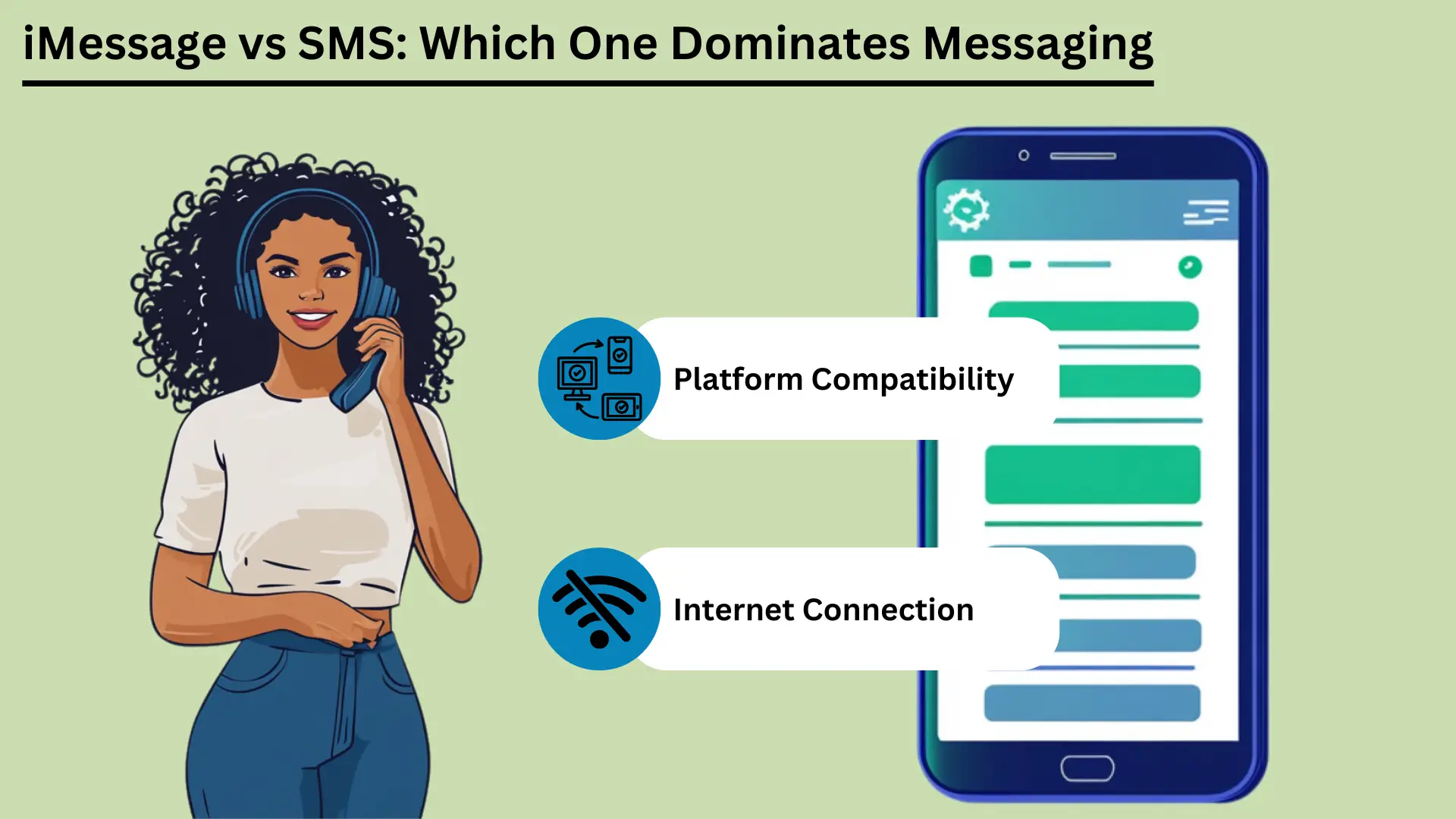
Mobile messaging is now a big part of daily life. Two of the best-known services are СМС и iMessage. SMS, short for Short Message Service, is one of the oldest messaging services. It works over cell networks and sends short text messages to almost any phone.
SMS came out in the early 1990s. It is still a reliable, low-cost way to message, especially where internet access is poor. Apple launched iMessage in 2011. It uses the internet to send messages between Apple devices.
iMessage adds photos, video and many extra features. It also keeps your messages private, and it works smoothly across Apple devices.
This post compares the two services. It covers how they differ, how they feel to use, how they connect, how much data they use, how safe they are, and where they may go next.
Ключевые выводы:
- SMS works over cell networks. It reaches nearly everyone, it is fast, and it needs no internet.
- iMessage uses Wi-Fi or mobile data. It supports photos, video and extra features, but only on Apple devices.
- SMS works on every phone and costs little. It suits simple messages and alerts.
- iMessage scrambles messages so only you and the other person can read them (end-to-end encryption). It also syncs across your devices and has fun, interactive features.
- Knowing these differences helps you pick the right service for your needs.
Что такое служба коротких сообщений (SMS)?
Служба коротких сообщений (SMS) – это text messaging service that lets you send and receive short messages of up to 160 characters over cell networks. It came out in the early 1990s. People use it all over the world because it is simple, reliable and works on almost every mobile phone. That makes it a key tool for staying in touch.
Определение и базовая функциональность
SMS is a text messaging service for sending short messages between mobile phones. These are called SMS texts. They travel over cell networks, and each one can hold up to 160 characters.
SMS is one of the oldest and most used messaging services in the world. It came out in the early 1990s. It does not need the internet. That makes it a dependable choice, especially where internet access is weak.
Преимущества СМС
Широкий охват и совместимость
One big advantage of SMS is that it works everywhere. Almost every mobile phone and carrier in the world supports it. Messages get through whatever phone or network people use.
This wide reach makes СМС эффективная tool for reaching many people, for personal use or for business. Businesses can also text people in many countries and large groups quickly.
Скорость и надежность
SMS messages usually arrive within seconds, so it is a quick way to reach someone. It uses the cell network, so it works even where the internet is poor.
SMS is also dependable. If the other phone is off or out of range, the network holds the message for a while. It then delivers it once the phone is back in service.
Экономическая эффективность
SMS is cheap. Many mobile plans include a set number of texts at no extra cost. Even when you pay per text, the price is usually low. That makes SMS a good choice for people and businesses, especially for short, urgent messages.
Варианты использования в маркетинге и уведомлениях
Businesses use SMS a lot for marketing and alerts. People open texts quickly and read them right away. Common uses include:
| Вариант использования | iMessage | SMS |
|---|---|---|
| Личное общение | Богатые, интерактивные и безопасные разговоры в экосистеме Apple | Базовое универсальное общение |
| Деловые коммуникации | Подходит для внутренней связи на устройствах Apple. | Подходит для охвата всех клиентов |
| Маркетинговые кампании | Только для пользователей Apple, мультимедийные кампании | Широкий охват, высокий процент открытий |
| Напоминания о встречах | Эффективность в экосистеме Apple | Эффективно на всех устройствах |
| Уведомления о транзакциях | Безопасно для пользователей Apple | Надежность для всех клиентов |
| Двухфакторная аутентификация (2FA) | Безопасность в экосистеме Apple | Часто используемый, эффективный |
| Групповые чаты | Многофункциональный, поддерживает мультимедиа | Базовый групповой обмен сообщениями |
Because SMS is widely available, fast, dependable and cheap, people and businesses can use it for many jobs. That makes it a handy tool at home and at work.
Что такое iMessage на устройствах Apple?
iMessage is Apple's messaging service. It lets you send texts, photos, videos and documents between Apple devices over Wi-Fi or mobile data. It is built into the Messages app on iPhone, iPad and Mac. It offers end-to-end encryption, read receipts and rich media.
This gives Apple users a secure and smooth way to message.
Определение и базовая функциональность
iMessage was created by Apple and launched in 2011. It sends texts, photos, videos, documents and more between Apple devices. It runs over the internet, using Wi-Fi or mobile data. That sets it apart from traditional SMS and MMS.
It is built into the Messages app on iOS and macOS. That means it works the same way on iPhones, iPads, iPods and Macs.
iMessage runs on Apple's own system. You can message other Apple users without SMS or MMS fees, as long as you have an internet connection. If the other person does not have iMessage turned on, the message switches to SMS or MMS on its own. So it still gets delivered, whatever device the person uses.
Преимущества iMessage
Шифрование и безопасность
iMessage uses end-to-end encryption. That means only the sender and the person receiving can read the messages. This is a big plus over SMS, which has no encryption and can be intercepted on its way. Even Apple cannot read the content of your messages.
This gives users a high level of privacy and safety.
Синхронизация устройств в экосистеме Apple
A standout feature of iMessage is syncing. Your messages show up on every Apple device that uses your Apple ID. You can start a conversation on your iPhone, continue it on your iPad, and pick it up later on your Mac.
This is handy for people who switch between devices all day. You never miss a message.
Мультимедийная поддержка (фотографии, видео, документы)
iMessage can share photos, videos, documents and other files. You can send high-quality media without the limits that come with MMS. You can send large files, which is helpful for detailed photos or videos, and the quality does not drop.
Расширенные функции (уведомления о прочтении, индикаторы ввода, наклейки, эффекты)
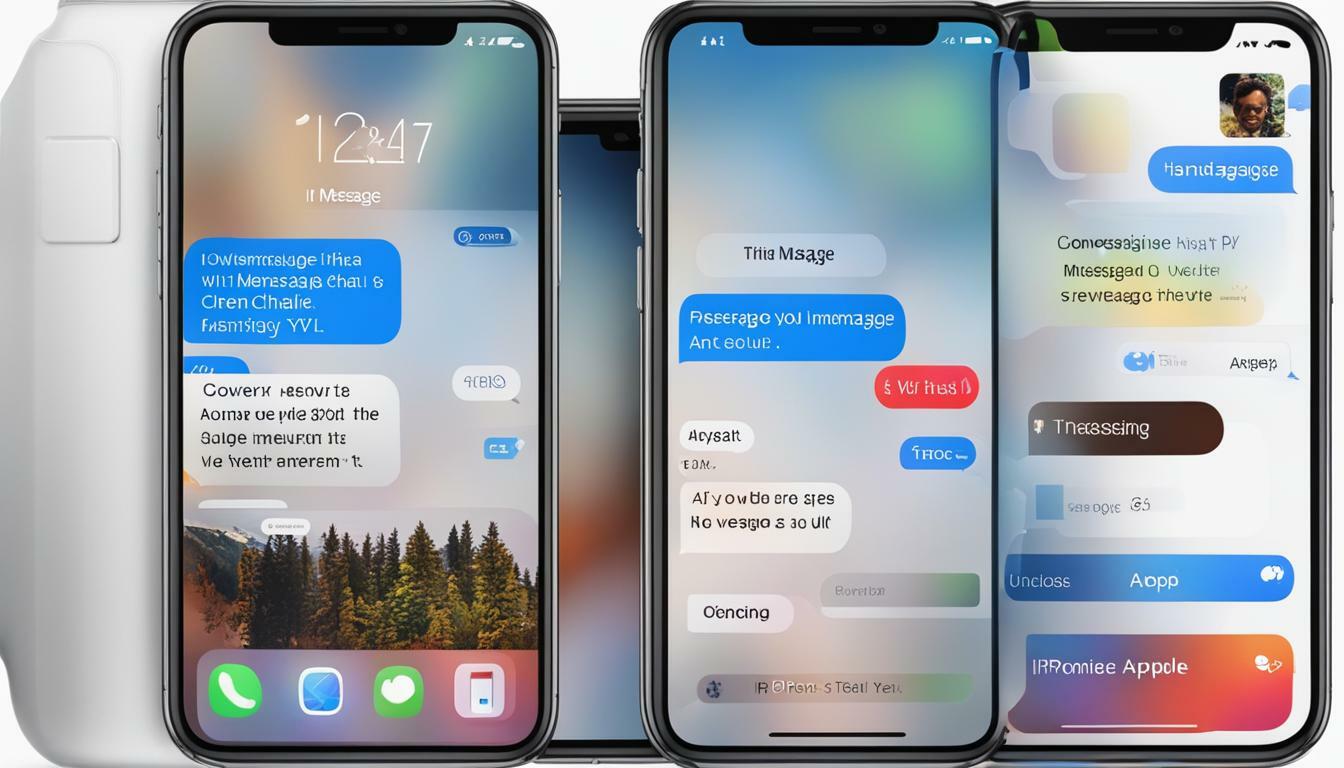
iMessage has several extra features that make messaging better:
- Прочтите квитанции: You can turn on read receipts to see when someone has read your message. This confirms that the message arrived and was seen.
- Индикаторы ввода: iMessage shows when the other person is typing. You see a small bubble with three dots at the bottom of the chat. It tells you a reply is on the way.
- Наклейки и эффекты: You can send animated stickers and add effects such as balloons, confetti and fireworks. These make chats more fun and more personal.
- Цифровое касание: You can send hand-drawn sketches, heartbeats and other touch-based messages. This adds a personal touch to digital chats.
iMessage has strong encryption, smooth syncing, rich media and many extra features. Together they give Apple users a fuller messaging experience than SMS and MMS. That makes iMessage a strong choice for people who use Apple devices.
Ключевые различия между iMessage и SMS
iMessage only works on Apple devices. It uses the internet to offer rich media and extra features. SMS uses cell networks and works on every mobile phone. This section compares them on how messages travel, message size, features, security, which devices they work with, and cost.
Канал доставки (Интернет или операторская сеть)
iMessage and SMS send messages in very different ways. iMessage uses the internet, over Wi-Fi or mobile data. That lets it offer richer media and more features. SMS uses the cell network, so it works without an internet connection.
That makes SMS easier to reach for everyone.
Размер сообщения и поддержка мультимедиа
An SMS can hold only 160 characters. If a message is longer, it is usually split into several messages. SMS also handles media poorly. Sending photos, videos and files needs MMS, which can be costly and unreliable.
iMessage has no character limit. It supports many types of media, including photos, videos and documents. That makes it more flexible for sharing rich content than traditional SMS.
Преимущества iMessage и SMS
| Преимущество | iMessage | SMS |
|---|---|---|
| Широкий охват | Ограничено устройствами Apple | Универсальная поддержка на всех устройствах |
| Скорость | Быстро, зависит от скорости интернета | Обычно доставляется в течение нескольких секунд |
| Надежность | Надежность с доступом в Интернет | Надежность даже без доступа в Интернет |
| Экономическая эффективность | Экономично с тарифным планом Wi-Fi/передачи данных | Как правило, низкая стоимость, часто включенная в планы. |
| Безопасность | Сквозное шифрование | Нет шифрования |
| Мультимедийная поддержка | Поддерживает фотографии, видео, документы | Ограничено, для мультимедиа требуется MMS |
| Расширенные функции | Чтение квитанций, индикаторы набора текста, интерактивные функции | Основной текст и смайлы |
Сравнение возможностей
- Базовый текст против мультимедийных и интерактивных функций: SMS is built for plain text. It supports simple emojis, but not much more. iMessage supports rich media and interactive features such as stickers, animated effects and Digital Touch, which lets you send hand-drawn sketches and heartbeats.
- Чтение квитанций и индикаторов набора текста: iMessage shows when a message was read and when the other person is typing. SMS has neither. It only shows whether a message was delivered.
Безопасность и конфиденциальность
Шифрование в iMessage и отсутствие шифрования в SMS: iMessage uses end-to-end encryption. Only the sender and the person receiving can read the messages. This stops others, including Apple, from seeing or reading the content.
SMS has no encryption, so messages can be intercepted on the way. That is a real drawback for sensitive messages.
Межплатформенная совместимость
Устройства Apple против всех мобильных устройств: iMessage only works on Apple devices: iPhones, iPads, iPods and Macs. So you can only use it to message other Apple users. You cannot use it to message an Android phone.
SMS works on all mobile devices, whatever the brand or system. That makes it a better choice for reaching a wide audience.
Стоимость последствий
Использование данных для iMessage и стоимость одного сообщения для SMS: iMessage uses data to send messages. That can save money if you have Wi-Fi or a good data plan. But heavy use, especially sending large files, can eat a lot of data and may lead to extra charges.
Большинство мобильных планов включают определенное количество текстовых сообщений каждый месяц. Это упрощает стоимость SMS. Но отправка большего количества текстовых сообщений, чем позволяет ваш план, может стоить дополнительно, а MMS может быть особенно дорогим.
Сводная таблица: Ключевые различия между iMessage и SMS
| Особенность | iMessage | SMS |
|---|---|---|
| Канал доставки | Интернет (Wi-Fi или сотовые данные) | Сотовая сеть |
| Размер сообщения | Безлимитный | 160 символов в сообщении |
| Медиа-поддержка | Фотографии, видео, документы и т.д. | Ограничено, требуется MMS для мультимедиа |
| Безопасность | Сквозное шифрование | Нет шифрования |
| Совместимость | Только устройства Apple | Все мобильные устройства |
| Расходы | Использует данные, может быть экономически эффективным | Обычно низкая цена, но MMS может быть дорогостоящим. |
| Расширенные функции | Квитанции о прочтении, индикаторы набора текста, мультимедийные возможности, интерактивные функции | Основной текст, базовые смайлы |
Знание этих различий поможет вам решить, какая услуга соответствует вашим потребностям. Независимо от того, заботитесь ли вы о безопасности, носителях, с какими устройствами он работает или сколько стоит, как iMessage, так и SMS имеют четкие сильные стороны и ограничения.
Пользовательский опыт
Пользовательский интерфейс показывает, насколько прост в использовании сервис обмена сообщениями, как он работает с другими приложениями и как вы можете настраивать уведомления. iMessage имеет чистый внешний вид, тесно сотрудничает с другими службами Apple и имеет множество опций уведомлений. SMS - это просто, с базовыми настройками уведомлений и небольшим количеством ссылок на другие приложения.
Интерфейс и удобство использования
Простота использования сервиса во многом зависит от его дизайна. iMessage имеет чистый, простой внешний вид и бесперебойно работает с iOS и macOS. Отслеживать чаты легко, написать сообщение быстро, а доступ к большинству функций не требует особых усилий.
SMS также прост в использовании, но ему не хватает дополнительных конструктивных особенностей iMessage. Это дает вам базовый опыт текстовых сообщений. Это работает нормально, но менее визуально и менее интерактивно, чем iMessage.
Интеграция с другими приложениями и сервисами
iMessage тесно сотрудничает с другими приложениями и сервисами Apple. Вы можете обмениваться контентом из таких приложений, как Photos, Maps и Safari, прямо в iMessage. Apple Pay позволяет быстро и безопасно оплачивать через сообщения. iMessage также поддерживает сторонние дополнения к приложениям.
Это позволяет вам бронировать столик или делиться музыкой прямо в чате.
В SMS меньше возможностей для работы с другими приложениями. Он может использовать основные функции телефона, такие как контакты и журналы вызовов, но не может работать с приложениями и службами, как iMessage. Это делает SMS более ограниченным инструментом.
Управление уведомлениями и настройка
Good notification settings matter for a good messaging experience. iMessage gives you many options. You can choose how and when you get alerts, set special alerts for certain contacts, and change sounds and vibrations. You can also mute a chat or turn on Do Not Disturb for one conversation.
This puts you in control of your alerts.
SMS notifications are more basic. You usually get standard alert tones and vibration settings with few choices. You can mute chats or change general notification settings, but you have fewer options than in iMessage.
These points on how easy each service is to use, how it works with other apps, and how you manage notifications show the strengths and limits of iMessage and SMS. They can help you choose the one that suits you.
Связь и доступность через сотовые сети передачи данных
Connection and access matter when you choose between iMessage and SMS. iMessage needs the internet, so you need Wi-Fi or mobile data. In return you get rich media features. SMS works over cell networks, so it works without internet, and it works on more devices.
This section looks at these differences and how they affect reach and use around the world.
Зависимость от подключения к Интернету для iMessage
iMessage needs an internet connection, either Wi-Fi or mobile data, to send and receive messages. That lets it offer advanced features and rich media, but it limits what you can do when you are offline.
Надежность сотовой сети для SMS
SMS uses the regular cell network. So it can deliver messages even where there is no internet. All it needs is a basic cell signal. That makes it a dependable choice where internet access is poor or missing.
Глобальный охват и ограничения
iMessage only works on Apple devices. That limits its use with people who do not have Apple devices, but it works smoothly between Apple users. SMS works on all mobile devices, so it reaches almost everyone in the world. It can cost extra for international messages, though.
Влияние на данные и хранилище
Data and storage are worth thinking about when you pick between iMessage and SMS. iMessage uses internet data for rich media, so it can use a lot of data and storage. SMS uses cell networks, so it uses very little data, but it supports little media.
This section covers data use, storage problems, and ways to manage both.
Использование данных для iMessage
iMessage uses Wi-Fi or mobile data to send and receive messages. That includes text, photos, videos and other media. How much data it uses depends on the type and size of the media.
For example, sending high-resolution photos and videos can use up data quickly, especially when you are not on Wi-Fi. Watch your data plan to avoid extra charges, especially if you often share large files. SMS texts, in contrast, use very little data because they go over the cell network and mostly carry text.
Проблемы хранения мультимедийных сообщений
Because iMessage can send and receive rich media, storage can become a problem over time. Photos, videos and other large files pile up in the Messages app and take up a lot of storage on your device. This can slow the device down, so you need to clean it up now and then.
Unlike SMS, which mostly handles text, iMessage can handle lots of media. So you should keep an eye on your storage.
Стратегии эффективного управления данными и хранилищем
- Регулярное удаление старых сообщений: Delete old chats and attachments now and then to free up space. You can удалять сообщения by hand, or set your device to delete them after a set time.
- Использование iCloud для хранения сообщений: Turn on iCloud for Messages to move messages and attachments off your device and into the cloud. This frees up space and still lets you read old chats.
- Мониторинг использования данных: Check your data use in your device settings to see how much iMessage uses. You can send lower-quality images or use Wi-Fi for large files to use less data.
- Оптимизация настроек мультимедиа: You can change iMessage settings to send smaller photos and videos. This can cut both the data you use and the storage you need.
Once you understand how iMessage uses data and storage, and use these tips, you can keep your device running well and avoid surprise charges. That keeps messaging smooth.
Проблемы безопасности и конфиденциальности
Security and privacy matter a lot in messaging. iMessage uses end-to-end encryption, so only the sender and the person receiving can read the messages. That gives strong protection for your data. SMS has no encryption, so it can be intercepted and read by others.
This section looks at these differences and gives tips to make your messaging safer. It helps you protect your messages.
Шифрование и защита данных в iMessage
iMessage has strong security thanks to end-to-end encryption. Only the sender and the person receiving can read the messages. This covers texts, photos, videos and documents.
Apple built its encryption so that not even Apple can read your messages. This gives users a high level of privacy. It also means that anyone who intercepted a message could not read it without the keys, which only the two devices hold.
Риски, связанные с SMS
SMS has no encryption, so criminals can intercept and read text messages. SMS messages travel in plain text over the cell network, and they can be intercepted in several ways. This is a real privacy risk, especially for sensitive information.
Cell carriers can also store and access SMS messages, which adds to the risk to your privacy.
Риски, связанные с SMS
SMS messages have no encryption, so criminals can intercept them. They travel in plain text over cell networks and can be intercepted in several ways. This is a real privacy risk, especially for sensitive information.
Cell carriers can also store and access SMS messages, which adds to the risk to your privacy.
Советы по повышению безопасности обмена сообщениями
- Используйте службы зашифрованных сообщений: Use encrypted services like iMessage when you can, or other safe apps such as Signal or WhatsApp. These apps use end-to-end encryption, which makes your messages much safer.
- Включите двухфакторную аутентификацию (2FA): Add two-factor authentication to your messaging accounts. It adds a second check, such as a код отправлен на ваш телефон, on top of your password.
- Постоянно обновляйте программное обеспечение: Update your device and apps often to get the latest security патчи and fixes. Old software can have weak spots that hackers use.
- Будьте осторожны с общественным Wi-Fi: Do not send sensitive information over public Wi-Fi, which is less secure and easier to spy on. If you must use it, think about using an IPsec VPN to protect your connection.
- Просмотрите разрешения приложения: Check the permissions you gave your messaging apps now and then. Make sure they can only reach what they need. This lowers the risk of your data being exposed.
- Используйте надежные и уникальные пароли: Protect your messaging accounts with strong passwords that are different for every account. Avoid passwords that are easy to guess. A менеджер паролей can keep track of them, and an онлайн генератор паролей can help you make strong ones.
Once you understand the security differences between iMessage and SMS, and follow these tips, you can make your messaging safer and better protect your personal information.
Будущие тенденции в обмене сообщениями
Mobile messaging will keep changing as new ideas arrive. This section looks at coming iMessage features, possible improvements to SMS, and wider predictions for mobile messaging.
Инновации и предстоящие функции в iMessage
Apple keeps adding new features to iMessage to make it better to use. Future updates are expected to bring more artificial intelligence (AI) and machine learning, for smarter suggestions and replies.
Apple may also add better augmented reality (AR) features, more interactive message effects, and closer links with other Apple services such as Apple Pay and Apple Fitness. Apple is also likely to add more privacy features, building on its strong name for protecting user data.
Потенциальные улучшения в технологии SMS
SMS has changed little over the years, but big improvements are possible. Rich Communication Services (RCS) is the next step for SMS. It aims to bring many iMessage features to more people. RCS supports higher-quality photo and video sharing, read receipts, typing indicators and group chats.
As more carriers and phones adopt RCS, SMS could compete better with messaging apps. Stronger security and encryption for RCS are also expected, which would address the privacy worries about traditional SMS.
Key Trends for the Future of Mobile Messaging
- Платформы унифицированных сообщений: One app could bring together SMS, RCS and internet-based messaging in a single place. That could make messaging simpler and more convenient.
- Increased Use of AI and Chatbots: AI and chatbots will do more of the work, such as sending automatic replies, helping customers, and offering personal responses. They can give instant help and smart reply suggestions.
- Больше внимания конфиденциальности и безопасности: As people worry more about their data, messaging services will likely focus on end-to-end encryption and other safety measures. Users will want more control over their data, which should lead to clearer privacy rules and stronger protection.
- Интеграция с IoT (Интернет вещей): Messaging apps could work more closely with smart devices. You could control smart home gadgets, get alerts, and talk to your devices right from a messaging app. Imagine controlling your lights or heating with a quick text message!
- Расширенные возможности мультимедиа и дополненной реальности: Future apps will likely support richer media, including 3D content and augmented reality. That would make chats more engaging and interactive. Imagine using AR to show a friend your new outfit, or to see how a piece of furniture would look in your home before you buy it.
- Взаимодействие между платформами: Efforts to make different messaging apps work with each other could create a more connected system. People could then message each other whatever service or device they use. Imagine sending a message to a friend on a different app with no hassle!
By following these trends, people and businesses can get ready for the future of mobile messaging and use new technology to improve their chats and engagement.
Заключение
In short, SMS and iMessage each have clear strengths and serve different needs. SMS works on every phone and is dependable. It is still a staple for basic messages and is widely used for marketing and alerts.
It works without internet access, so it is very valuable where connections are weak. It is also simple and universal, so it will stay a basic way to reach a wide audience.
iMessage, on the other hand, stands out among Apple devices. It gives a rich, secure and interactive messaging experience. End-to-end encryption, device syncing and rich media make it better to use.
As technology moves on, iMessage will likely get new features, including AI and augmented reality. That keeps it at the front of modern messaging.
Meanwhile, SMS may grow into Rich Communication Services (RCS), which would bring more advanced features to more people and close the gap between SMS and modern messaging apps. Knowing these strengths and where each is heading helps you choose the service that fits your needs.
Часто задаваемые вопросы
Часто задаваемые вопросы
The main difference is how they send messages. iMessage uses the internet (Wi-Fi or mobile data) for rich media and extra features. SMS uses cell networks, works on all phones, and sends basic text without internet.
No. iMessage only works on Apple devices, including iPhones, iPads, iPods and Macs. You cannot use it on Android or other non-Apple devices.
SMS has no encryption, so it can be intercepted and is less secure. iMessage uses end-to-end encryption, so only the sender and the person receiving can read the messages.
Yes. iMessage uses data to send messages, especially photos, videos and other large files. SMS does not use data, and most mobile plans include it with no extra data charges.
iMessage is expected to add more AI and augmented reality features. SMS is expected to move to Rich Communication Services (RCS), which offers higher-quality media sharing, read receipts and better security.


