English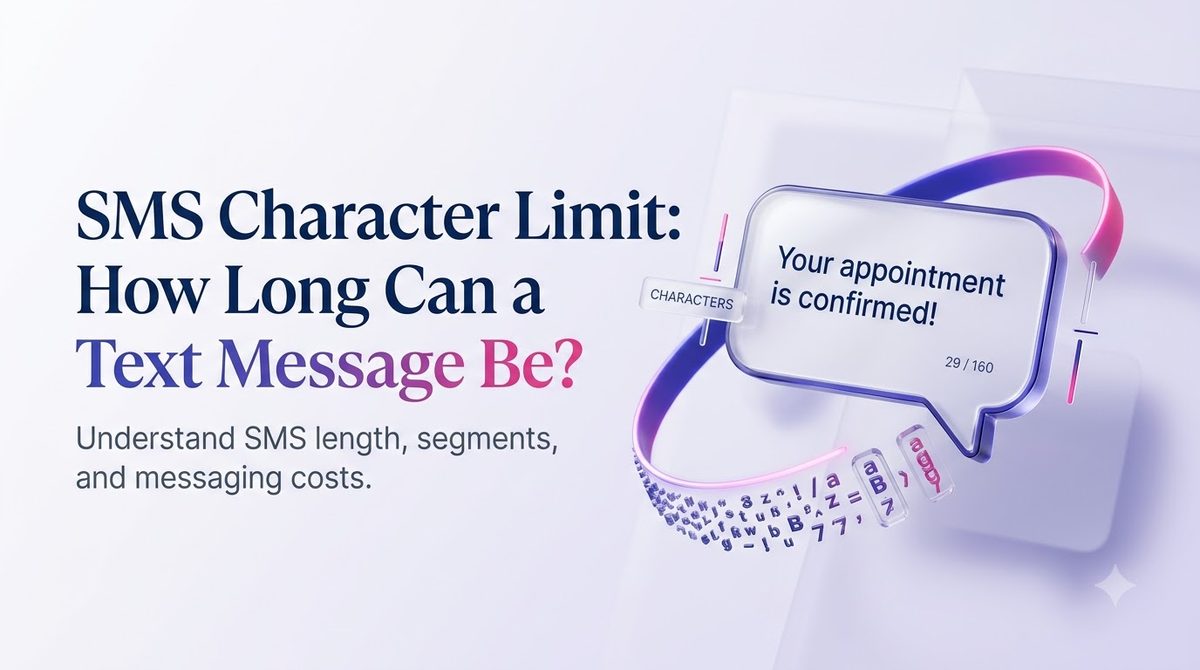
Введение
Вы пишете для своих клиентов понятный, дружелюбный текст из 170 символов. На вашем экране это выглядит нормально. Затем в вашем отчете о доставке указано, что оно было отправлено в виде двух сообщений, и это отражено в вашем счете.
Этот сюрприз связан с ограничением количества символов в SMS. Одно текстовое сообщение имеет фиксированный размер, который меняется в зависимости от того, что вы вводите. Фигурный апостроф или один смайлик могут сократить вашу комнату более чем вдвое.
В этом руководстве простыми словами объясняется ограничение: что это за числа, почему они существуют, как долго сообщения сшиваются вместе и как писать тексты, которые попадают одним куском. Примеры основаны на том, как компании в США сегодня отправляют сообщения, будь то с телефона или с помощью платформы массовых SMS, такой как SMSLocal.
Ключевые выводы
- Стандартное СМС держит 160 символов когда он использует базовый алфавит GSM-7.
- Один смайлик или один символ вне этого алфавита переключает все сообщение на Юникод, где ограничение составляет 70 символов.
- Более длинные сообщения делятся на сегменты длиной 153 (GSM-7) или 67 (Unicode) символов, и большинство платформ выставляют счет за сегмент.
- Формулировка отказа, ссылки и название вашей компании — все это учитывается в лимите, поэтому заранее запланируйте их.
- Вы можете просмотреть и протестировать свое сообщение до запуска кампании, что дешевле, чем узнавать об этом позже.
Каков лимит символов SMS?
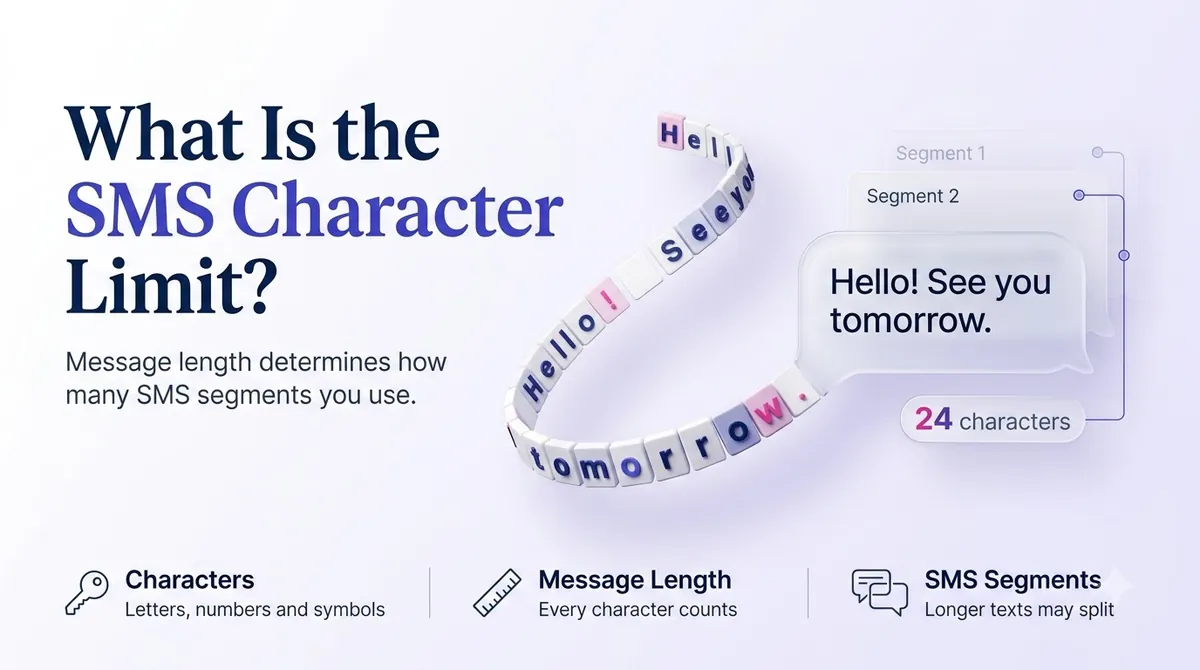
Ограничение количества символов SMS — это максимальный объем текста, который помещается в одно сообщение службы коротких сообщений. Для сообщения, написанного простыми английскими буквами, цифрами и знаками препинания, максимальный размер составляет 160 символов.
Это число восходит к 1985 году. Инженер Фридхельм Хиллебранд, который участвовал в разработке стандарта SMS, как сообщается, протестировал типичные открытки и телексные сообщения и обнаружил, что большинство мыслей умещаются примерно в 160 символов. Канал сигнализации, по которому передаются тексты, имел очень мало свободного места, поэтому стандартом стало 160, и оно никогда не менялось.
Вот почему текст не похож на электронное письмо. Текст передается по небольшому каналу управления в мобильной сети, а не по вашему тарифному плану. Он был построен, чтобы быть коротким.
Почему номер меняется?
Потому что реальный лимит — не 160 символов. Это 140 байт. Сколько символов умещается в 140 байтах, зависит от того, как закодирован каждый символ:
- GSM-7 использует 7 бит на символ, поэтому 140 байтов содержат 160 символов.
- UCS-2 (Юникод) использует 16 бит на символ, поэтому 140 байтов содержат только 70 символов.
Телефон или платформа сами выбирает кодировку. Если каждый символ вашего сообщения существует в алфавите GSM-7, используется GSM-7. Если хотя бы один из них этого не сделает, все сообщение перейдет в Юникод.
Краткий обзор ограничений на количество символов в SMS
| Тип сообщения | Одно сообщение | Каждая часть более длинного сообщения |
|---|---|---|
| GSM-7 (стандартные буквы, цифры, общие символы) | 160 символов | 153 символа |
| Unicode/UCS-2 (смайлики, фигурные кавычки, нелатинское письмо) | 70 символов | 67 символов |
Почему каждая часть более длинного сообщения короче отдельного сообщения? Сеть нуждается в небольшом заголовке, чтобы вернуть части в порядок, и этот заголовок занимает 7 символов в GSM-7 (и 3 в Unicode).
Что такое сегмент SMS?
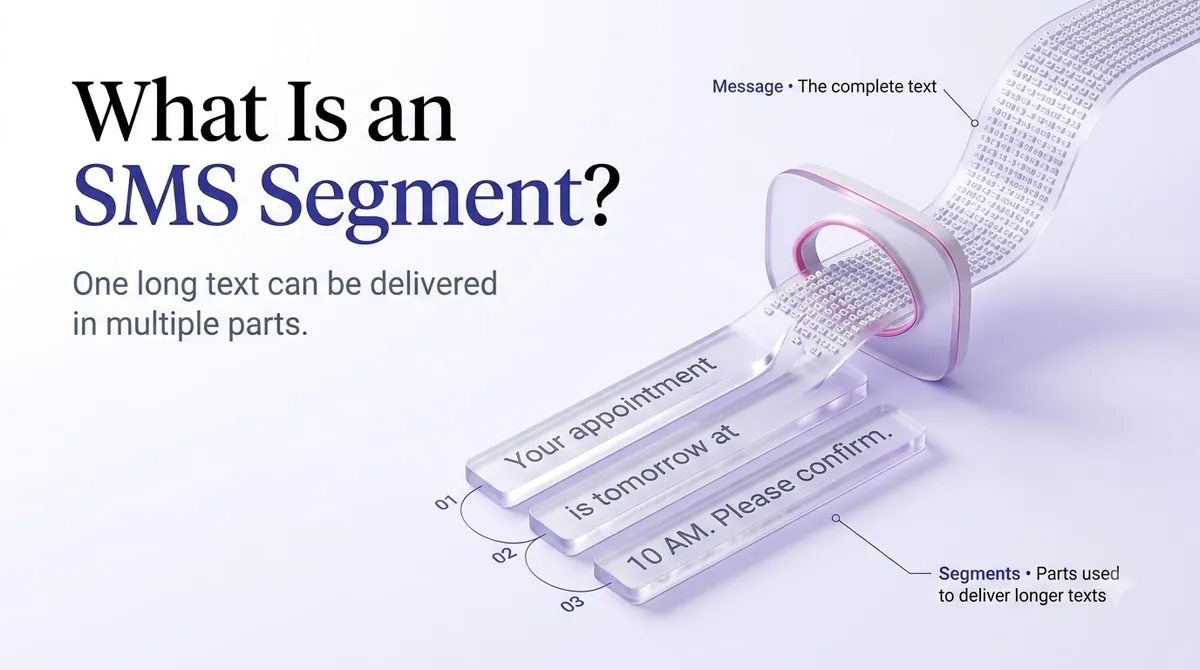
Сегмент – это одна оплачиваемая единица текста. Если ваше сообщение укладывается в один лимит, это один сегмент. Если этого не происходит, его разрезают на части, и каждый кусок представляет собой сегмент.
Вот как это выглядит с реальными числами:
- Сообщение GSM-7 длиной 140 символов = 1 сегмент.
- Сообщение GSM-7 длиной 200 символов = 2 сегмента (153 + 47).
- Сообщение GSM-7 длиной 306 символов = 2 сегмента (153+153). Добавьте еще один символ, и он станет 3 сегмента.
- Сообщение длиной 100 символов, содержащее один смайлик = 2 сегмента, потому что эмодзи принудительно используют Unicode, и ограничение на одно сообщение снижается до 70.
Получатель не видит сегменты. Современные телефоны склеивают их в одно сообщение. Но с вашей стороны каждый сегмент обычно оплачивается отдельно, поэтому кампания на 10 000 контактов с двумя сегментами на текст составляет 20 000 оплачиваемых сегментов.
Why Emojis and Fancy Punctuation Eat Your Limit
Most people never realize their message is in Unicode. The usual culprits:
- Emojis. Even one is enough.
- Curly quotes and apostrophes. If you draft in Word, Google Docs or Notes, your straight apostrophe (') often becomes a curly one (’). That single character switches the message to Unicode.
- Long dashes such as the em dash.
- Accented or non-Latin letters that are not in the GSM-7 set, including some characters used in Spanish-language messages.
- Non-English scripts such as Chinese, Arabic or Hindi.
There is a second quirk. A handful of GSM-7 characters, including ^ { } \ [ ] ~ | and the euro sign, use an escape sequence and count as two characters each. Both alphabets are defined in the ETSI and 3GPP specification TS 23.038, which says the GSM 7-bit alphabet allows up to 160 characters in a message.
A quick example. This is only about 80 characters, but it will send as two segments:
“Hi Maria, your table for 4 is ready 🍽️ Come on in — we’ll hold it for 10 minutes.”
The emoji, the em dash and the curly apostrophe each trigger Unicode. Rewriting it with plain punctuation and no emoji brings it back to a single segment:
“Hi Maria, your table for 4 is ready. Come on in, we'll hold it for 10 minutes.”
Do Emojis and Unicode Ever Make Sense?
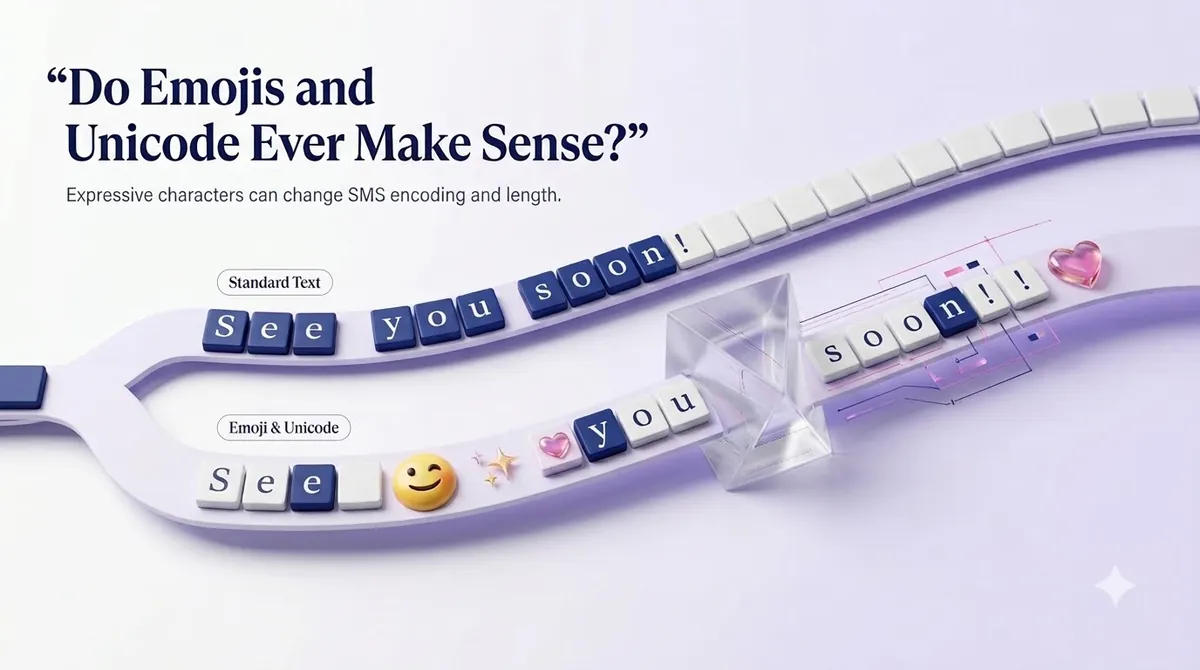
Yes, when the message earns it. A birthday offer or a restaurant promotion can feel warmer with one well-placed emoji, and Spanish-language campaigns need their accented characters to read correctly.
The trick is to choose on purpose. If your message is already close to 70 characters, Unicode is cheap. If it runs 140 characters or more, adding an emoji can double the segments. Test both versions on a small audience and compare response, not just cost.
Make your messages stand out with reliable, fast and effective communication. Elevate your texting game today.
SMS Limits vs MMS Limits
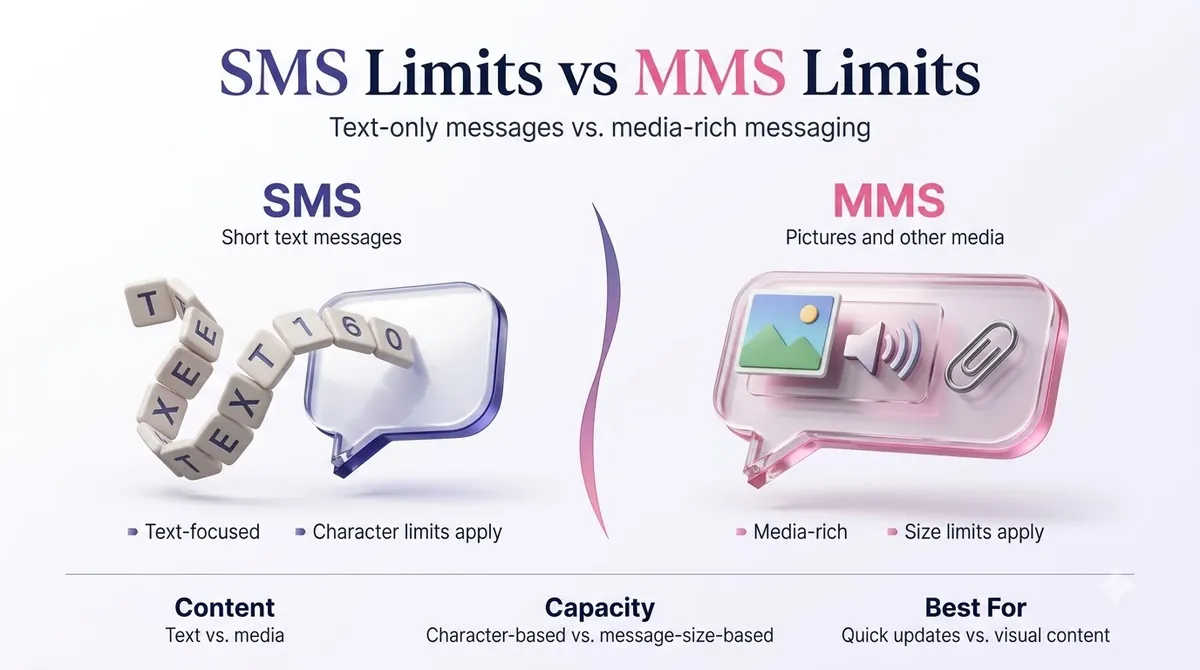
If you need more room, MMS (Multimedia Messaging Service) is the other option. It is built for images, short video, audio and longer text, and it is not constrained by the 160-character rule in the same way.
| SMS | ММС | |
|---|---|---|
| Text length | 160 (GSM-7) or 70 (Unicode) per segment | Much longer text, commonly up to about 1,600 characters |
| Media | Никто | Images, GIFs, short video, audio |
| Доставка | Works on any mobile phone | Needs MMS support and a data connection on many devices |
| Расходы | Ниже | Typically higher per message |
Limits for media size and text length vary by carrier and by platform, so check your provider's documentation before designing a campaign around a specific file size. A safe habit is to keep images small. For a deeper comparison, read our guide on SMS vs MMS.
iMessage, the blue-bubble service between Apple devices, is a different system altogether and does not follow the SMS limit. Your business texts to a customer's iPhone still go out as SMS or MMS unless they are sent through a channel that supports Apple's messaging service.
What Counts Toward Your Character Limit
Everything the customer sees counts. When you budget your message, include:
- Your business name, which US carriers and regulations expect you to identify.
- Any personalization you merge in, like a name or order number. A first name can be 4 characters or 14.
- Links. A full URL with tracking can use 60 or more characters by itself.
- Opt-out wording. Messages sent to customers should give an easy way to stop, such as "Reply STOP to opt out." That alone is about 22 characters.
A message you plan as 130 characters might grow to 190 after merge fields, a link and opt-out text. Plan for the longest version, not the average one.
A note about links
Short links save characters, but be careful with free public link shorteners. Carriers can treat them as a spam signal, and messages containing them may be filtered. A branded short link on your own domain is a safer way to keep a URL short and trusted.
How to Write Within the Limit: Practical Tips
- Lead with the point. Put the offer, the time or the action in the first 100 characters.
- Cut filler. "Just a reminder that" and "We wanted to let you know" are easy deletions.
- Use plain punctuation. Type straight quotes and apostrophes, or paste your draft into a plain-text editor first.
- Count the extras. Add opt-out text, your business name and the longest likely personalization before you decide the length.
- Use one clear call to action. Two requests in one text tend to cost characters and reduce replies.
- Test at scale. Send your final version to your own phone and a few colleagues to see how it actually arrives.
Here is how a real edit looks. The original is 203 characters and sends as two segments:
“Hello valued customer! We just wanted to remind you that your appointment with Dr. Lee is scheduled for tomorrow, March 14th at 3:00 PM. Please reply to this message if you need to reschedule. Thank you!”
The tightened version is 126 characters and stays in one segment:
“Reminder: your appointment with Dr. Lee is tomorrow, Mar 14 at 3:00 PM. Reply C to confirm or R to reschedule. STOP to opt out”
It says the same thing, gives a faster reply path and costs half as much, since it is one segment instead of two.
How to Check and Send Within the Limit Using SMSLocal
Whatever platform you choose, the workflow is similar. Here is how it works with SMSLocal.
- Create your account. Register on the SMSLocal website. Signing up takes a few minutes, and you can start with a free trial.
- Import your contacts. Upload a list or add numbers manually, and group them so you can send targeted messages.
- Напишите свое сообщение. Draft it in a template if you have one, using merge fields for names or order details. Write with the longest likely values in mind.
- Review the length before sending. Check your message for emojis, curly punctuation and the opt-out line. Send a test to your own phone.
- Schedule or send. Send right away or pick a date and time that suits your audience.
- Read your delivery reports. Confirm the messages went out, and note whether any customers replied. Use what you learn to tighten the next message.
Planning your sends also reduces failed or delayed messages. If a text is not reaching anyone, our guide to why text messages are not sending covers common causes.
Does the Limit Change for Business Messaging?
The character limit itself does not change when you use a business number. A 10DLC number, a toll-free number or a short code all deliver SMS segments of the same size. What changes is the compliance around the message, such as identifying your business, giving opt-out options and sending only to people who agreed to receive texts.
If you are new to how business texting works in the US, our overview of A2P-сообщения explains the difference between application-to-person and regular texting.
Заключение
The SMS character limit is simple on paper: 160 characters in GSM-7, 70 in Unicode. In practice, one curly apostrophe or one emoji decides which number applies, and the answer shows up as segments on your bill.
Write for the limit before you hit send. Keep your lead short, use plain punctuation unless the emoji is worth the cost, and budget room for your business name, link and opt-out text. Test the message, read the report, and adjust.
Start your free trial with SMSLocal and see how easy it is to reach your customers.
Часто задаваемые вопросы
Стандартное SMS-сообщение содержит 160 символов, если оно использует алфавит GSM-7. Если оно включает смайлик или другой символ за пределами этого алфавита, ограничение снижается до 70 символов для одного сообщения.
Сообщение разбивается на сегменты и отправляется как объединенное сообщение. Большинство телефонов отображают его как одно сообщение, но при выставлении счетов каждый сегмент учитывается отдельно. В более длинных сообщениях используется 153 символа (GSM-7) или 67 символов (Юникод) на сегмент.
Да. Сам смайлик может занимать более одного символа места, а также переключает все сообщение на кодировку Unicode. Это сокращает ваш лимит со 160 до 70 на сегмент. Сообщение с одним смайлом можно легко разбить на сегменты.
Это зависит от оператора связи и вашей платформы обмена сообщениями. Многие платформы допускают сообщения длиной примерно до 1600 символов, но длинные тексты труднее читать, и они стоят дороже. Если вам нужно больше, чем несколько предложений, рассмотрите возможность размещения ссылки на страницу или использования MMS.
SMS работает одинаково в обоих случаях. Если пользователь iPhone отправляет текстовое сообщение другому пользователю iPhone через iMessage, это отдельная служба Apple, на которую не распространяются ограничения на SMS. Сообщения, отправленные с платформы деловых текстовых сообщений, отправляются в виде SMS или MMS.