 English
Introduction
A dental clinic wants to cut no-shows, so the front desk starts texting patients from a personal phone. "Hi Sam, your root canal follow-up is tomorrow at 9." It works, until a patient's phone is shared with a family member who did not know about the procedure.
HIPAA compliant texting is possible. But it comes with rules, and the clinic above has already stretched them.
This guide explains HIPAA compliant texting in plain English. It covers what the rules say, which messages are safer, what to ask a texting vendor and how to set up a simple process. It is general information, not legal advice. We checked the rule text on 45 CFR Part 164 in November 2026.
Key Takeaways
- HIPAA does not ban texting patients. It requires reasonable safeguards for protected health information.
- HIPAA compliant texting depends on how you text, what you include and who handles the messages, not on the word "SMS" alone.
- Share the minimum. A reminder rarely needs a diagnosis or a treatment name.
- If a vendor handles patient information for you, you need a business associate agreement with them.
- Healthcare text messaging works best when it is short, scheduled and free of clinical detail.
- Marketing and reminder texts also fall under other laws, such as the TCPA.
- No tool makes you compliant on its own. Your process matters as much as your software.
Is Texting HIPAA Compliant?
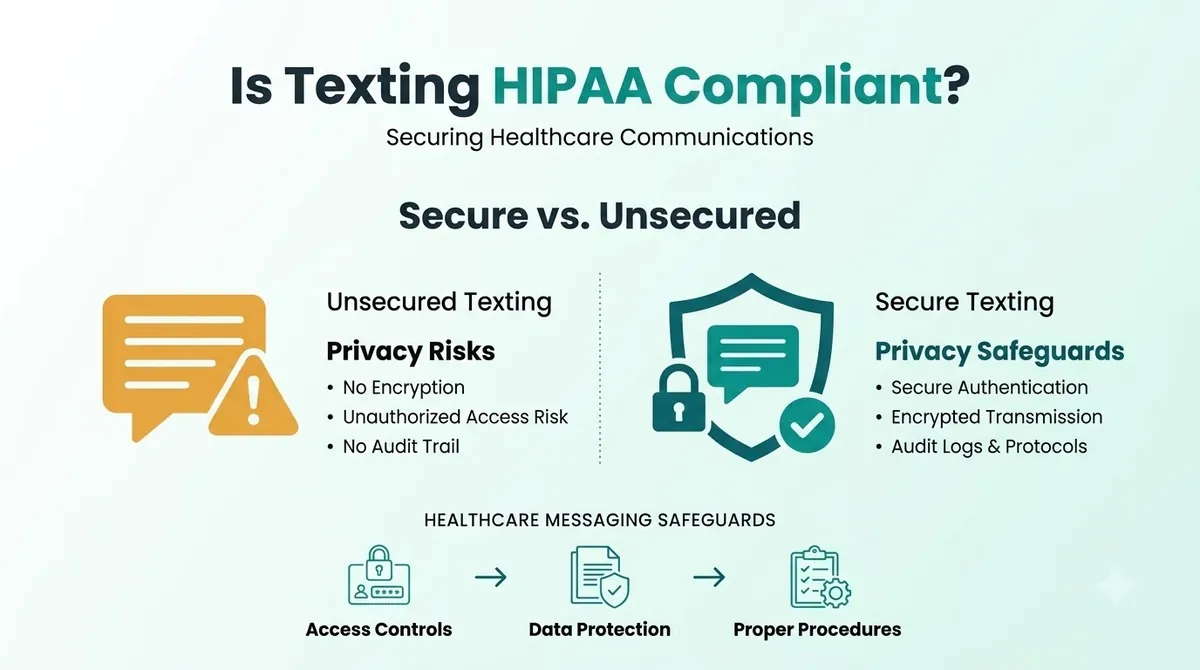
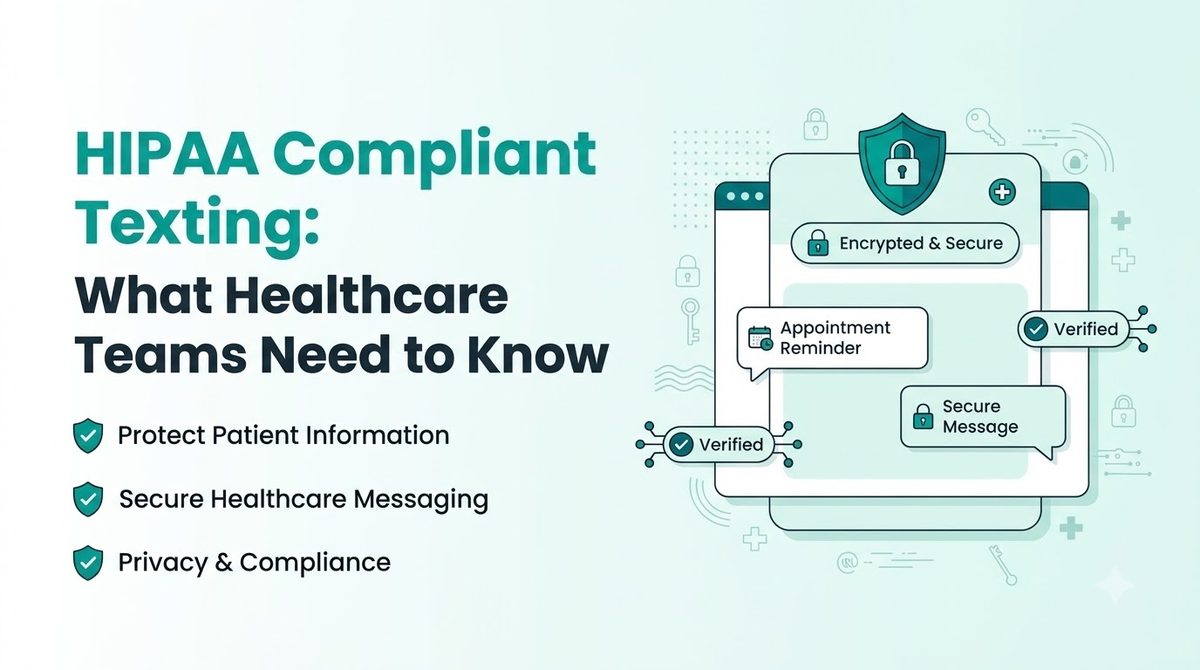
Texting can be done in a way that fits HIPAA, but plain texting is not automatically compliant. HIPAA is a set of rules for covered entities, such as doctors, clinics, dentists and health plans, and for the business associates who work for them. It is not a stamp you can put on a message type.
Standard SMS was not built as an encrypted channel, so HIPAA compliant SMS depends on how you use it. SMS encryption is not something plain texting gives you by default. Messages pass over carrier networks, stay on phones and can show on lock screens. That makes what you put in the text, and who can see the phone, the main risks.
Protected health information (PHI) is health information that can be tied to a person. Name plus appointment type is a common example. Texting PHI means you need safeguards that match the risk.
HIPAA Texting Rules at a Glance
| Topic | What it asks of you | Where it comes from |
|---|---|---|
| Transmission security | Technical measures to guard against unauthorized access to PHI sent over a network | 45 CFR 164.312(e) |
| Encryption | Encrypt electronic PHI whenever deemed appropriate (an addressable item) | 45 CFR 164.312(e)(2)(ii) |
| Minimum necessary | Limit PHI to what is needed for the purpose | 45 CFR 164.502(b) |
| Business associates | Get satisfactory assurances from vendors that handle PHI | 45 CFR 164.502(e) and 164.308(b) |
| Access control | Verify who is accessing PHI and limit access | 45 CFR 164.312(a) and (d) |
"Addressable" does not mean optional. It means you assess the risk and either apply the measure or document why something else is just as good.
HIPAA Texting Patients: What Is Usually Fine and What Is Risky
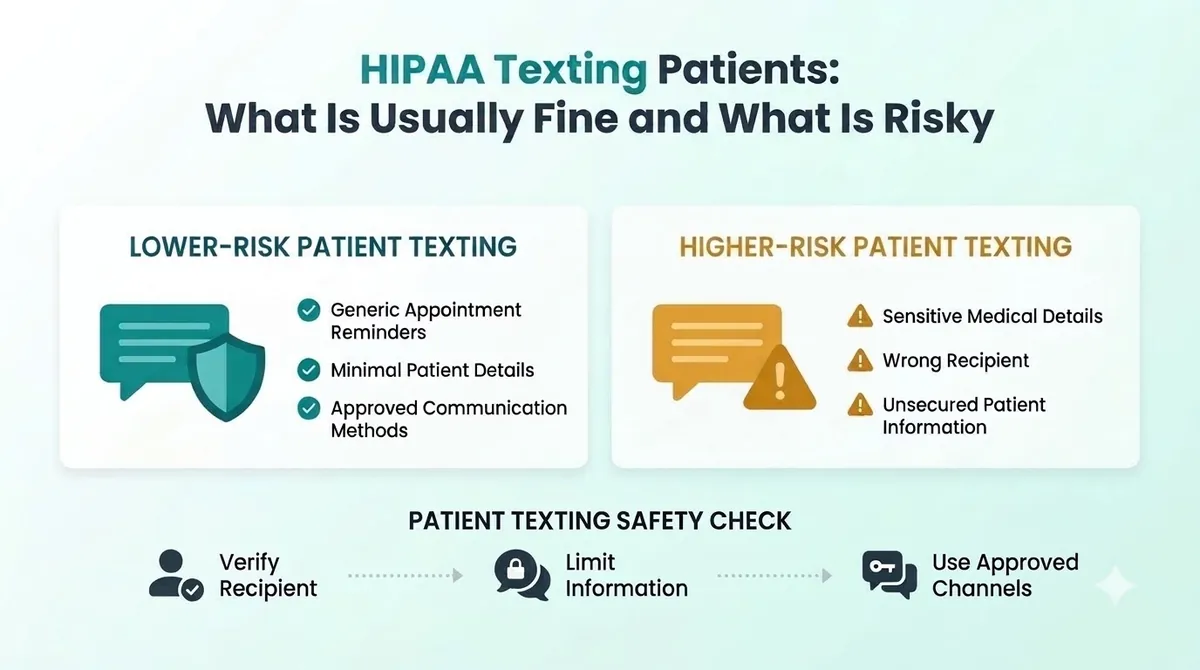
The safest texts say little. They point the patient to a secure place for details.
Lower risk examples (minimal information):
“Hi Sam, this is a reminder of your appointment at Bright Smile Dental tomorrow at 9:00 AM. Reply C to confirm or call us at the number on your card.”
“Your documents are ready. Please log in to the patient portal to view them.”
Higher risk examples (too much information):
“Hi Sam, your root canal follow-up is tomorrow at 9. Your test results showed an infection.”
“Your prescription for [medication name] is ready for your diagnosis of [condition].”
The first pair gives the minimum. The second pair puts clinical detail in a text that could be seen by anyone holding the phone. This is why we suggest HIPAA text message examples that never include a diagnosis, test result or medication.
Healthcare Text Messaging: Which Texts Teams Send
Common uses include appointment reminders, booking confirmations, "we are running late" notes, payment links, recall reminders and satisfaction surveys. Appointment reminders are the most common. Automated appointment reminders save the front desk hours of phone calls, and our guide to the appointment reminder text message shows how to keep them short and clear.
Texting clinical detail, such as results or treatment plans, needs much more care. In most cases, a secure portal or phone call is the better channel.
What to Ask a HIPAA Compliant Texting App or Vendor
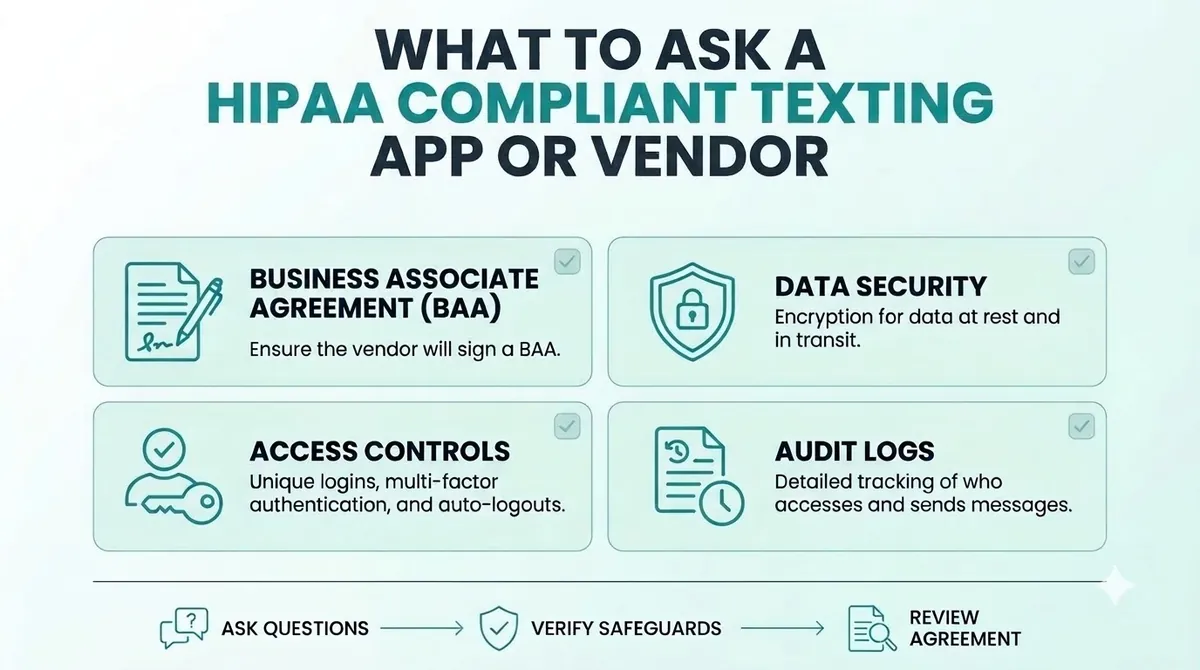
If a texting service will handle PHI for you, the vendor is acting as a business associate. HIPAA says a covered entity may let a business associate create, receive, maintain or transmit PHI only if it obtains satisfactory assurances that the information will be safeguarded. The usual way to do this is a business associate agreement, often called a BAA. For business associate agreement texting, that means getting it signed before any patient messages go out.
Before you choose a HIPAA compliant texting app, appointment reminder software or any other texting service, ask:
- Will you sign a business associate agreement with us?
- How do you protect messages and data while they are sent and stored?
- Who at your company can see our message content?
- How do you handle logins, passcodes and user access?
- Can we remove staff access quickly when someone leaves?
- How long are messages kept, and how are they deleted?
- What happens if there is a security incident?
Get the answers in writing. If a vendor will not sign a BAA, do not send PHI through them. This applies to every vendor, including us. Ask any provider directly before you send patient information.
HIPAA Compliant Texting for Healthcare: A Simple Checklist
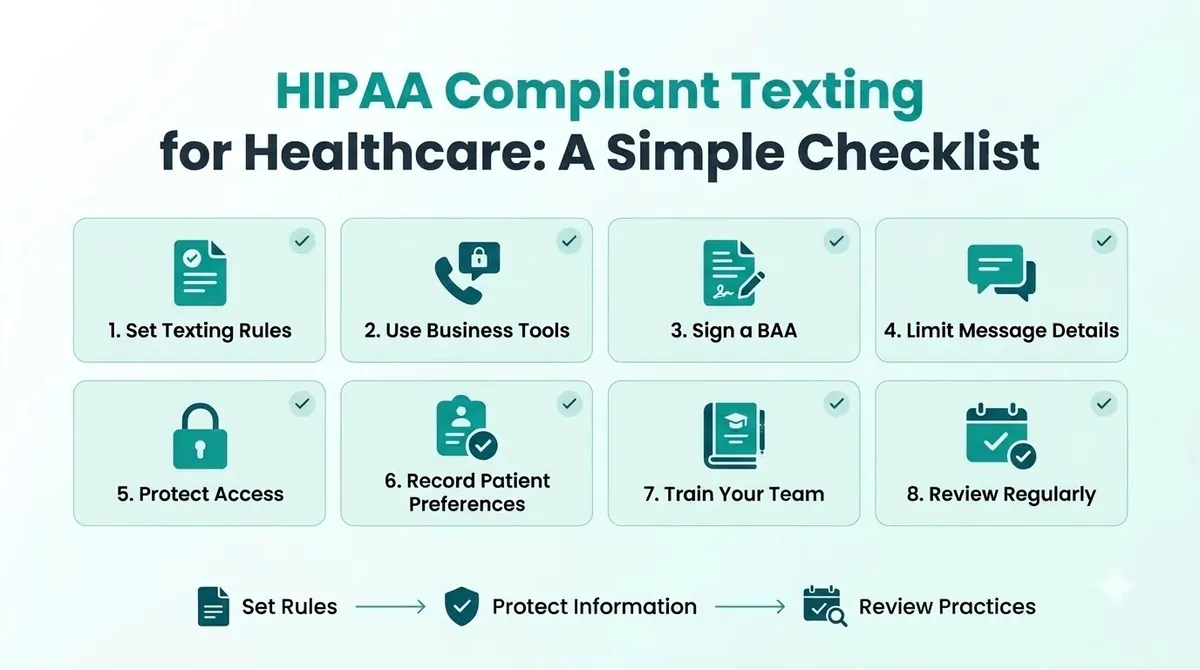
These HIPAA texting best practices are a starting point, not a full compliance program.
1. Decide What You Will and Will Not Text
Write a short list. For example: reminders, confirmations and portal links are fine. Diagnoses, test results and medication names are not.
2. Use Business Tools, Not Personal Phones
Personal phones are hard to control. If an employee leaves or loses their phone, you lose track of patient messages. Use a business tool where you can manage access.
3. Sign a Business Associate Agreement
Do this before you send anything with PHI. Keep a copy.
4. Limit What Each Text Includes
Think "minimum necessary". Use a first name, the clinic name, the time and a way to reply or call. Leave out the reason for the visit.
5. Protect Access
Use unique logins, screen locks and passcodes. Make sure former staff lose access the same day.
6. Get and Record Patient Preferences
Ask patients whether they want texts and which number to use. Record their answer. Our guide to SMS opt in explains how to ask clearly and keep proof.
7. Train Your Team
Everyone who texts patients should know the rules. A one-page guide with safe and unsafe examples is enough to start.
8. Review Regularly
Check your process twice a year, and again when you change tools or add new types of messages.
Common HIPAA Texting Mistakes
- Using personal phones for patient texts. You cannot control or audit them.
- Putting too much detail in the message. Diagnoses and results do not belong in a reminder.
- No agreement with the vendor. If they handle PHI, you need a BAA.
- Texting a wrong or shared number. Confirm numbers and ask patients which number to use.
- Treating HIPAA as the only law. Texts that promote services also fall under TCPA rules.
- Skipping training. One careless text can undo a good process.
HIPAA and the TCPA: Two Different Laws
HIPAA protects health information. SMS marketing compliance is a separate job. The TCPA controls marketing calls and texts, and it asks for consent, honors opt-outs and sets sending hours. A text can follow one and break the other. Some health care messages are treated differently under the TCPA, and our TCPA compliance guide explains how to tell the difference. When you are unsure, get written advice from a lawyer.
HIPAA Compliant Texting Using SMSLocal
SMSLocal is a messaging platform for business texting. We do not claim that using any platform makes you HIPAA compliant. If your messages will include PHI, ask us whether a business associate agreement is available for your account before you send anything, and get the answer in writing. For simple reminders that carry no clinical detail, keeping messages minimal reduces your risk. You can speak to the SMSLocal team about how replies, opt-outs and access work for your account.
Make your messages stand out with reliable, fast and effective communication. Elevate your texting game today.
Conclusion
HIPAA compliant texting comes down to a few habits. Say less in each message, use business tools, get a business associate agreement when a vendor handles PHI, protect access and train your team.
You do not need to stop texting patients. You need a process you can explain and a vendor who will put their promises in writing.
Start your free trial with SMSLocal and send registered, reliable messages.
Frequently Asked Questions
It can be, if you use reasonable safeguards. HIPAA does not ban texting patients, but standard SMS is not designed to be an encrypted channel. Keep messages minimal and use tools you can control.
It is texting that follows HIPAA's safeguards for protected health information. That means sharing the minimum, controlling access, protecting messages in transit and having an agreement with any vendor that handles the information.
If the service creates, receives, maintains or transmits PHI for you, yes. HIPAA requires satisfactory assurances from business associates, and a business associate agreement is the usual way to get them.
Many practices do. Keep the text short: first name, clinic name, date and time, and how to reply or call. Leave out the reason for the visit and any clinical detail.
Avoid diagnoses, test results, medication names and treatment details. Send patients to a secure portal or ask them to call instead.
Some apps are built for healthcare, but no app makes you compliant by itself. Ask the vendor for a signed business associate agreement and check how access and message storage are handled.