English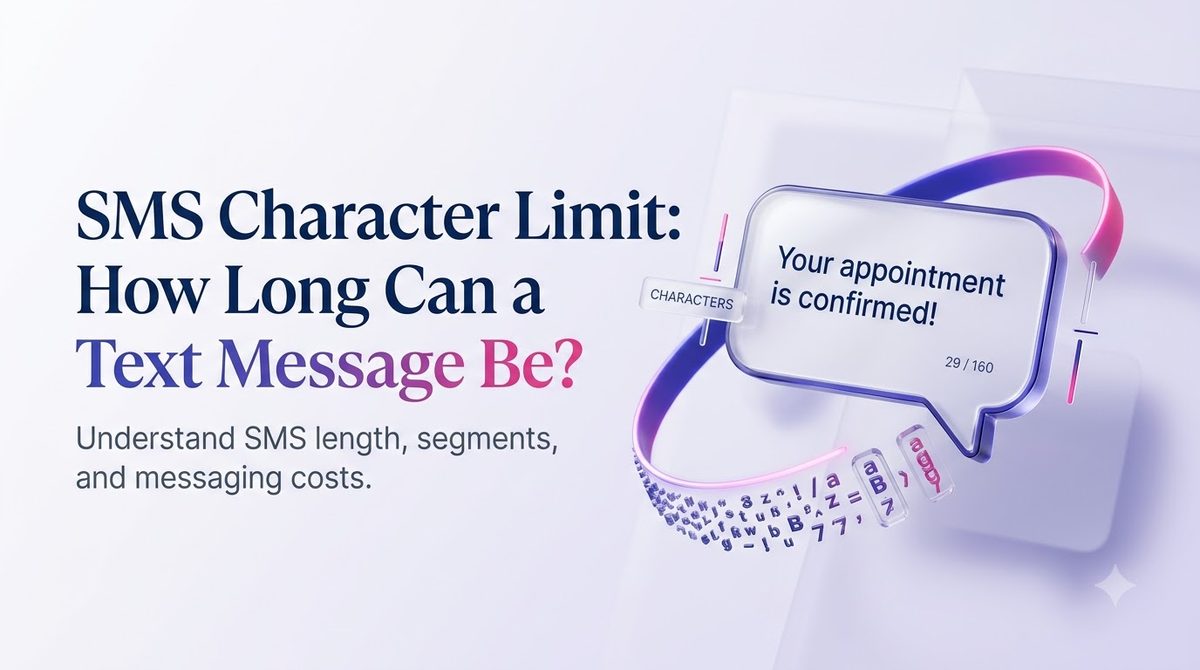
Introduction
You write a clear, friendly 170-character text for your customers. It looks fine on your screen. Then your delivery report shows it went out as two messages, and your bill reflects it.
That surprise comes from the SMS character limit. A single text message has a hard size cap, and the cap changes depending on what you type. A curly apostrophe or one emoji can cut your room by more than half.
This guide explains the limit in plain terms: what the numbers are, why they exist, how long messages are stitched together, and how to write texts that land in one piece. Examples are based on how businesses in the USA send messages today, whether from a phone or a bulk SMS platform like SMSLocal.
Key Takeaways
- A standard SMS holds 160 characters when it uses the basic GSM-7 alphabet.
- One emoji, or one character outside that alphabet, switches the whole message to Unicode, where the limit is 70 characters.
- Longer messages are split into segments of 153 (GSM-7) or 67 (Unicode) characters, and most platforms bill per segment.
- Opt-out wording, links and your business name all count toward the limit, so plan for them first.
- You can preview and test your message before a campaign goes out, which is cheaper than finding out afterward.
What Is the SMS Character Limit?
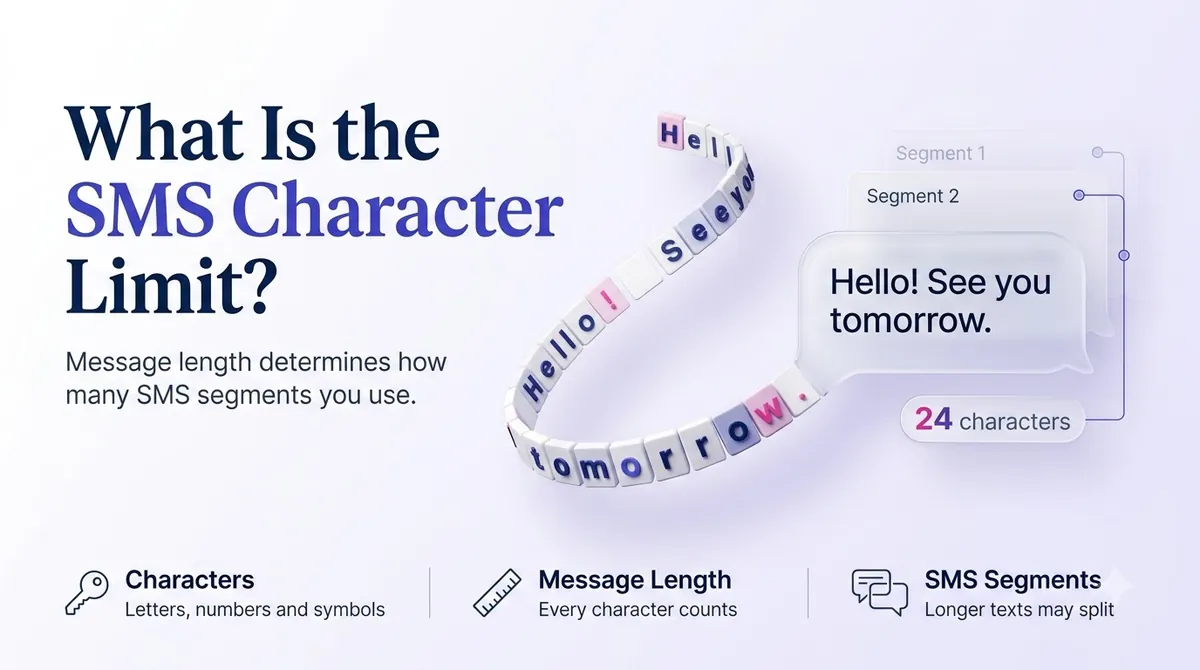
The SMS character limit is the maximum amount of text that fits in one Short Message Service message. For a message written in plain English letters, numbers and common punctuation, that maximum is 160 characters.
The number goes back to 1985. Engineer Friedhelm Hillebrand, who helped design the SMS standard, reportedly tested typical postcards and telex messages and found that most thoughts fit in about 160 characters. The signalling channel that carries texts had very little spare room, so 160 became the standard and it never moved.
That is why a text is not like an email. A text travels over a small control channel on the mobile network, not through your data plan. It was built to be short.
Why does the number change?
Because the real limit is not 160 characters. It is 140 bytes. How many characters fit in 140 bytes depends on how each character is encoded:
- GSM-7 uses 7 bits per character, so 140 bytes holds 160 characters.
- UCS-2 (Unicode) uses 16 bits per character, so 140 bytes holds only 70 characters.
The phone or platform picks the encoding for you. If every character in your message exists in the GSM-7 alphabet, it uses GSM-7. If even one does not, the entire message flips to Unicode.
SMS Character Limits at a Glance
| Message type | Single message | Each part of a longer message |
|---|---|---|
| GSM-7 (standard letters, numbers, common symbols) | 160 characters | 153 characters |
| Unicode / UCS-2 (emojis, curly quotes, non-Latin scripts) | 70 characters | 67 characters |
Why is each part of a longer message shorter than a single message? The network needs a small header to put the pieces back in order, and that header takes up 7 characters' worth of space in GSM-7 (and 3 in Unicode).
What Is an SMS Segment?
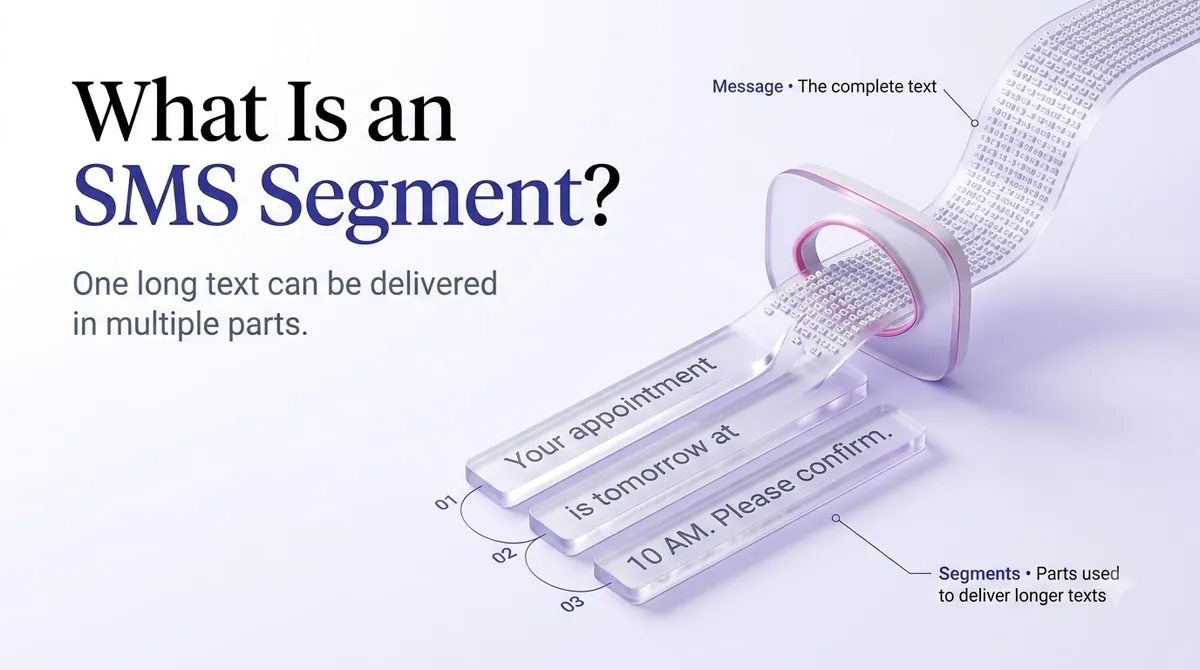
A segment is one billable unit of a text. If your message fits in one limit, it is one segment. If it does not, it is cut into pieces, and each piece is a segment.
Here is how that looks with real numbers:
- A 140-character GSM-7 message = 1 segment.
- A 200-character GSM-7 message = 2 segments (153 + 47).
- A 306-character GSM-7 message = 2 segments (153 + 153). Add one more character and it becomes 3 segments.
- A 100-character message that contains one emoji = 2 segments, because the emoji forces Unicode and the single-message limit drops to 70.
The recipient does not see segments. Modern phones glue them into one message. But on your side, each segment is typically a separate charge, so a 10,000-contact campaign at two segments per text is 20,000 billable segments.
Why Emojis and Fancy Punctuation Eat Your Limit
Most people never realize their message is in Unicode. The usual culprits:
- Emojis. Even one is enough.
- Curly quotes and apostrophes. If you draft in Word, Google Docs or Notes, your straight apostrophe (') often becomes a curly one (’). That single character switches the message to Unicode.
- Long dashes such as the em dash.
- Accented or non-Latin letters that are not in the GSM-7 set, including some characters used in Spanish-language messages.
- Non-English scripts such as Chinese, Arabic or Hindi.
There is a second quirk. A handful of GSM-7 characters, including ^ { } \ [ ] ~ | and the euro sign, use an escape sequence and count as two characters each. Both alphabets are defined in the ETSI and 3GPP specification TS 23.038, which says the GSM 7-bit alphabet allows up to 160 characters in a message.
A quick example. This is only about 80 characters, but it will send as two segments:
“Hi Maria, your table for 4 is ready 🍽️ Come on in — we’ll hold it for 10 minutes.”
The emoji, the em dash and the curly apostrophe each trigger Unicode. Rewriting it with plain punctuation and no emoji brings it back to a single segment:
“Hi Maria, your table for 4 is ready. Come on in, we'll hold it for 10 minutes.”
Do Emojis and Unicode Ever Make Sense?
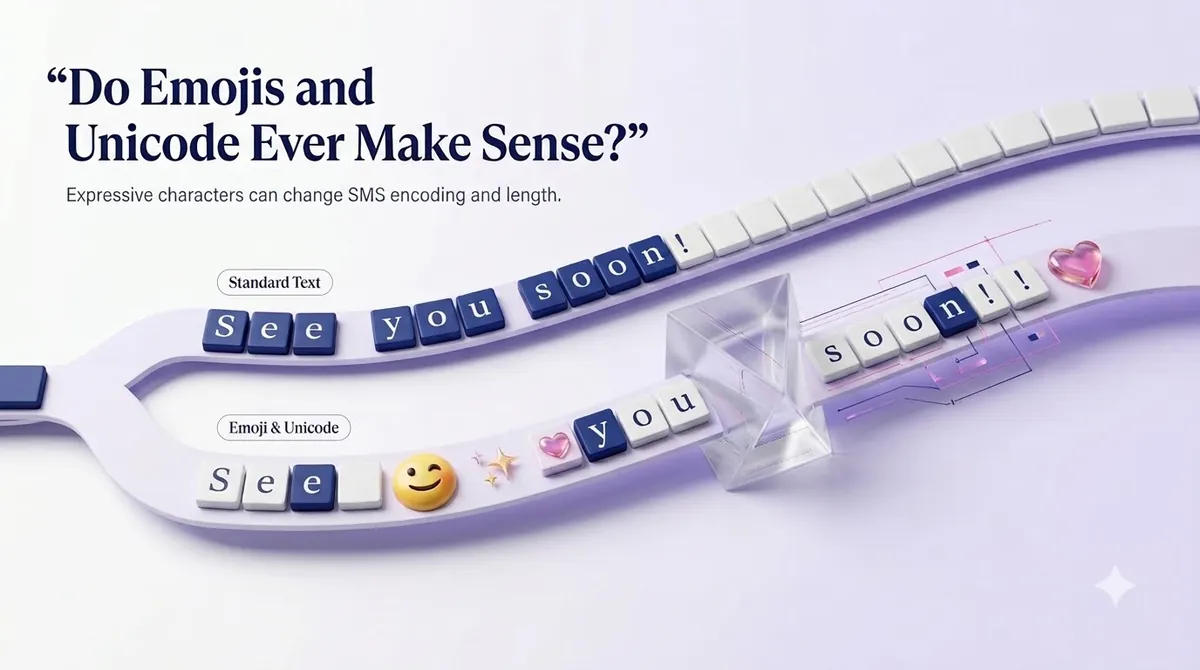
Yes, when the message earns it. A birthday offer or a restaurant promotion can feel warmer with one well-placed emoji, and Spanish-language campaigns need their accented characters to read correctly.
The trick is to choose on purpose. If your message is already close to 70 characters, Unicode is cheap. If it runs 140 characters or more, adding an emoji can double the segments. Test both versions on a small audience and compare response, not just cost.
Make your messages stand out with reliable, fast and effective communication. Elevate your texting game today.
SMS Limits vs MMS Limits
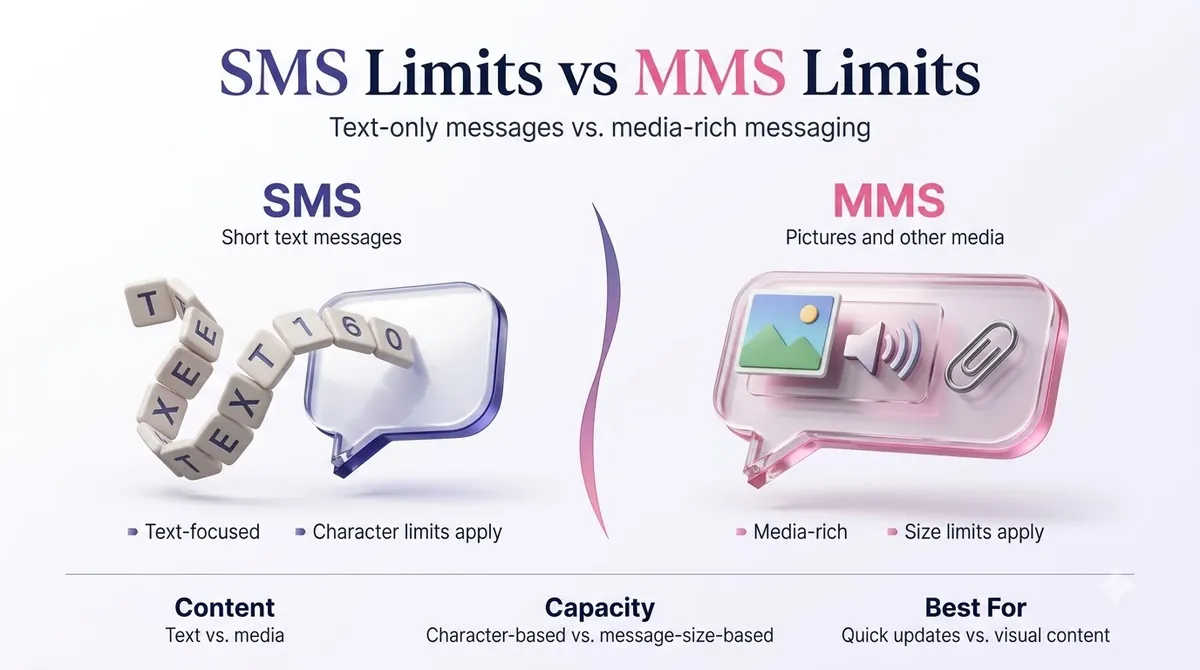
If you need more room, MMS (Multimedia Messaging Service) is the other option. It is built for images, short video, audio and longer text, and it is not constrained by the 160-character rule in the same way.
| SMS | MMS | |
|---|---|---|
| Text length | 160 (GSM-7) or 70 (Unicode) per segment | Much longer text, commonly up to about 1,600 characters |
| Media | None | Images, GIFs, short video, audio |
| Delivery | Works on any mobile phone | Needs MMS support and a data connection on many devices |
| Cost | Lower | Typically higher per message |
Limits for media size and text length vary by carrier and by platform, so check your provider's documentation before designing a campaign around a specific file size. A safe habit is to keep images small. For a deeper comparison, read our guide on SMS vs MMS.
iMessage, the blue-bubble service between Apple devices, is a different system altogether and does not follow the SMS limit. Your business texts to a customer's iPhone still go out as SMS or MMS unless they are sent through a channel that supports Apple's messaging service.
What Counts Toward Your Character Limit
Everything the customer sees counts. When you budget your message, include:
- Your business name, which US carriers and regulations expect you to identify.
- Any personalization you merge in, like a name or order number. A first name can be 4 characters or 14.
- Links. A full URL with tracking can use 60 or more characters by itself.
- Opt-out wording. Messages sent to customers should give an easy way to stop, such as "Reply STOP to opt out." That alone is about 22 characters.
A message you plan as 130 characters might grow to 190 after merge fields, a link and opt-out text. Plan for the longest version, not the average one.
A note about links
Short links save characters, but be careful with free public link shorteners. Carriers can treat them as a spam signal, and messages containing them may be filtered. A branded short link on your own domain is a safer way to keep a URL short and trusted.
How to Write Within the Limit: Practical Tips
- Lead with the point. Put the offer, the time or the action in the first 100 characters.
- Cut filler. "Just a reminder that" and "We wanted to let you know" are easy deletions.
- Use plain punctuation. Type straight quotes and apostrophes, or paste your draft into a plain-text editor first.
- Count the extras. Add opt-out text, your business name and the longest likely personalization before you decide the length.
- Use one clear call to action. Two requests in one text tend to cost characters and reduce replies.
- Test at scale. Send your final version to your own phone and a few colleagues to see how it actually arrives.
Here is how a real edit looks. The original is 203 characters and sends as two segments:
“Hello valued customer! We just wanted to remind you that your appointment with Dr. Lee is scheduled for tomorrow, March 14th at 3:00 PM. Please reply to this message if you need to reschedule. Thank you!”
The tightened version is 126 characters and stays in one segment:
“Reminder: your appointment with Dr. Lee is tomorrow, Mar 14 at 3:00 PM. Reply C to confirm or R to reschedule. STOP to opt out”
It says the same thing, gives a faster reply path and costs half as much, since it is one segment instead of two.
How to Check and Send Within the Limit Using SMSLocal
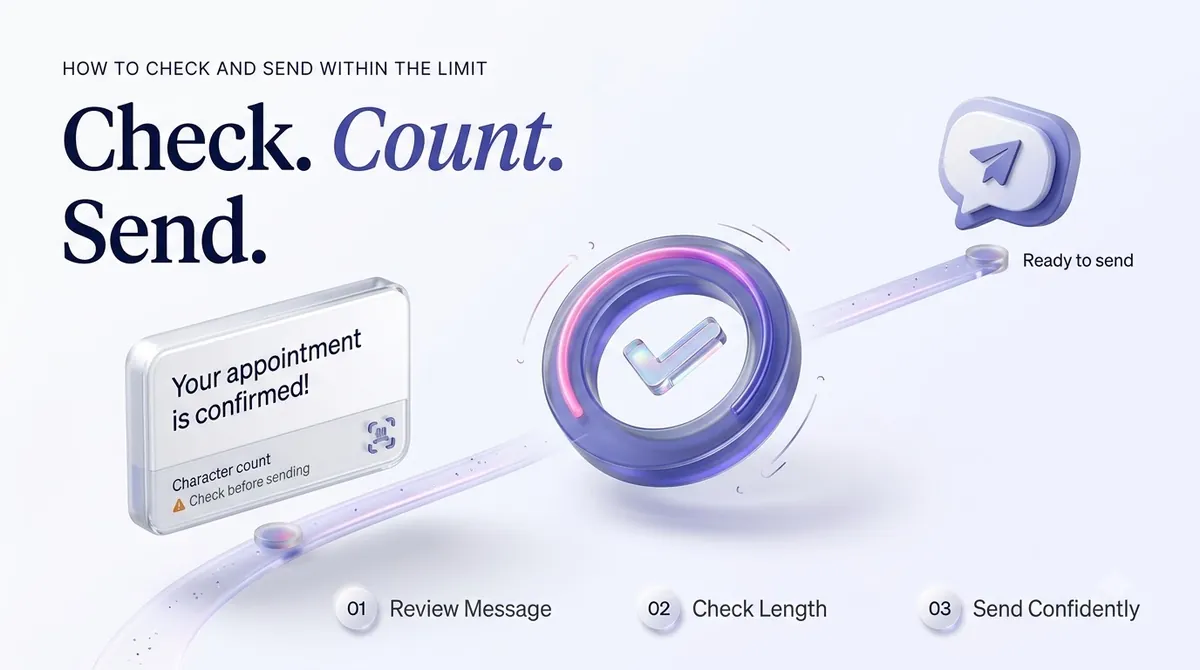
Whatever platform you choose, the workflow is similar. Here is how it works with SMSLocal.
- Create your account. Register on the SMSLocal website. Signing up takes a few minutes, and you can start with a free trial.
- Import your contacts. Upload a list or add numbers manually, and group them so you can send targeted messages.
- Write your message. Draft it in a template if you have one, using merge fields for names or order details. Write with the longest likely values in mind.
- Review the length before sending. Check your message for emojis, curly punctuation and the opt-out line. Send a test to your own phone.
- Schedule or send. Send right away or pick a date and time that suits your audience.
- Read your delivery reports. Confirm the messages went out, and note whether any customers replied. Use what you learn to tighten the next message.
Planning your sends also reduces failed or delayed messages. If a text is not reaching anyone, our guide to why text messages are not sending covers common causes.
Does the Limit Change for Business Messaging?
The character limit itself does not change when you use a business number. A 10DLC number, a toll-free number or a short code all deliver SMS segments of the same size. What changes is the compliance around the message, such as identifying your business, giving opt-out options and sending only to people who agreed to receive texts.
If you are new to how business texting works in the US, our overview of A2P messaging explains the difference between application-to-person and regular texting.
Conclusion
The SMS character limit is simple on paper: 160 characters in GSM-7, 70 in Unicode. In practice, one curly apostrophe or one emoji decides which number applies, and the answer shows up as segments on your bill.
Write for the limit before you hit send. Keep your lead short, use plain punctuation unless the emoji is worth the cost, and budget room for your business name, link and opt-out text. Test the message, read the report, and adjust.
Start your free trial with SMSLocal and see how easy it is to reach your customers.
Frequently Asked Questions
A standard SMS holds 160 characters when it uses the GSM-7 alphabet. If it includes an emoji or another character outside that alphabet, the limit drops to 70 characters for a single message.
The message is split into segments and sent as a joined message. Most phones show it as one message, but each segment counts separately for billing. Longer messages use 153 characters (GSM-7) or 67 characters (Unicode) per segment.
Yes. An emoji itself can take more than one character of space, and it also switches the entire message to Unicode encoding. That cuts your limit from 160 to 70 per segment. A message with a single emoji can easily double in segments.
It depends on the carrier and your messaging platform. Many platforms allow messages of up to roughly 1,600 characters, but long texts are harder to read and cost more. If you need more than a few sentences, consider linking to a page or using MMS.
SMS works the same on both. If an iPhone user texts another iPhone user through iMessage, that is a separate Apple service and does not follow SMS limits. Messages sent from a business texting platform go out as SMS or MMS.