
 English
介绍
无论您是向朋友发送快速消息还是从企业接收重要更新,流畅的短信通信都是关键。但是您是否遇到过“通过服务器以短信形式发送”的消息?您可能想知道这意味着什么以及它是否会影响您的消息传递。在这篇文章中,我们将解释什么是“以短信形式发送 通过服务器”的真正意思是 以及它如何影响您的消息传递。
要点
- “通过服务器以 SMS 形式发送”意味着由于兼容性或网络问题,您的消息以 SMS 而不是 RCS 形式发送。
- 常见原因包括 RCS 不兼容、收件人离线以及批量 SMS 传送的业务用途。
- 要修复此问题,请启用 RCS、打开 SMS 传送通知、禁用 SMS 回退并清除缓存。
- 基于服务器的 SMS 通过高效的批量消息传递、增强的安全性、可靠的交付和节省成本使企业受益。
“通过服务器以短信形式发送”是什么意思?
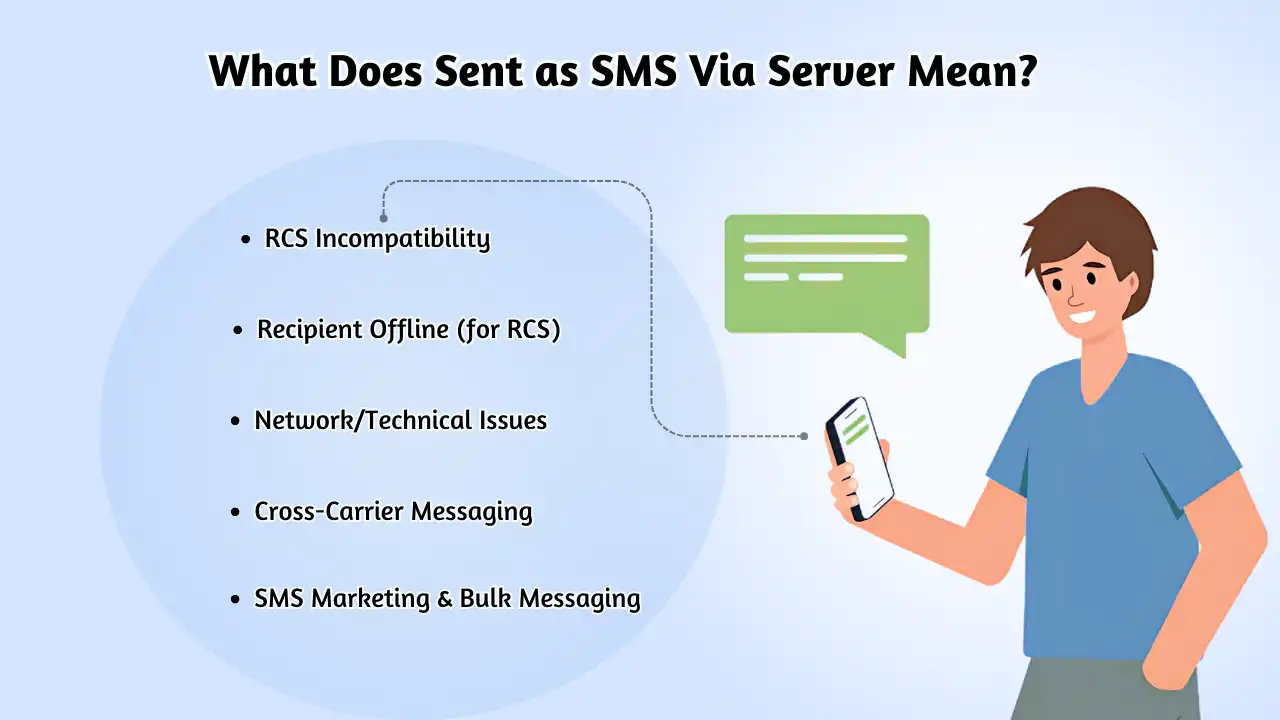
当您看到消息“通过服务器作为短信发送”时,这意味着您的消息无法通过丰富通信服务 (RCS) 发送,而是作为常规短信服务发送 (短信)。 RCS 消息通过 Wi-Fi 传递,这意味着它们不消耗移动数据,而 SMS 消息则依赖移动数据进行传递。
因此,如果您遇到此状态,则仅表明您的消息已离开您的手机,现在位于服务器上。这是向您展示消息传播过程当前阶段的一种方式。
术语“通过服务器以 SMS 形式发送”是指 SMS 传送状态。通过服务器以短信形式发送” 意味着你的文字 消息是通过服务器发送的,而不是直接从手机发送的,通常用于批量或自动短信发送,或者当收件人的设备不支持 RCS 时。
虽然普通用户通过本地电信网络发送短信,但企业通常需要短信服务器向广大受众发送批量消息。幸运的是,连接到互联网的计算机可以充当交付这两种服务的必要服务器。 短信和彩信.
您可能会看到此消息的 6 个常见原因
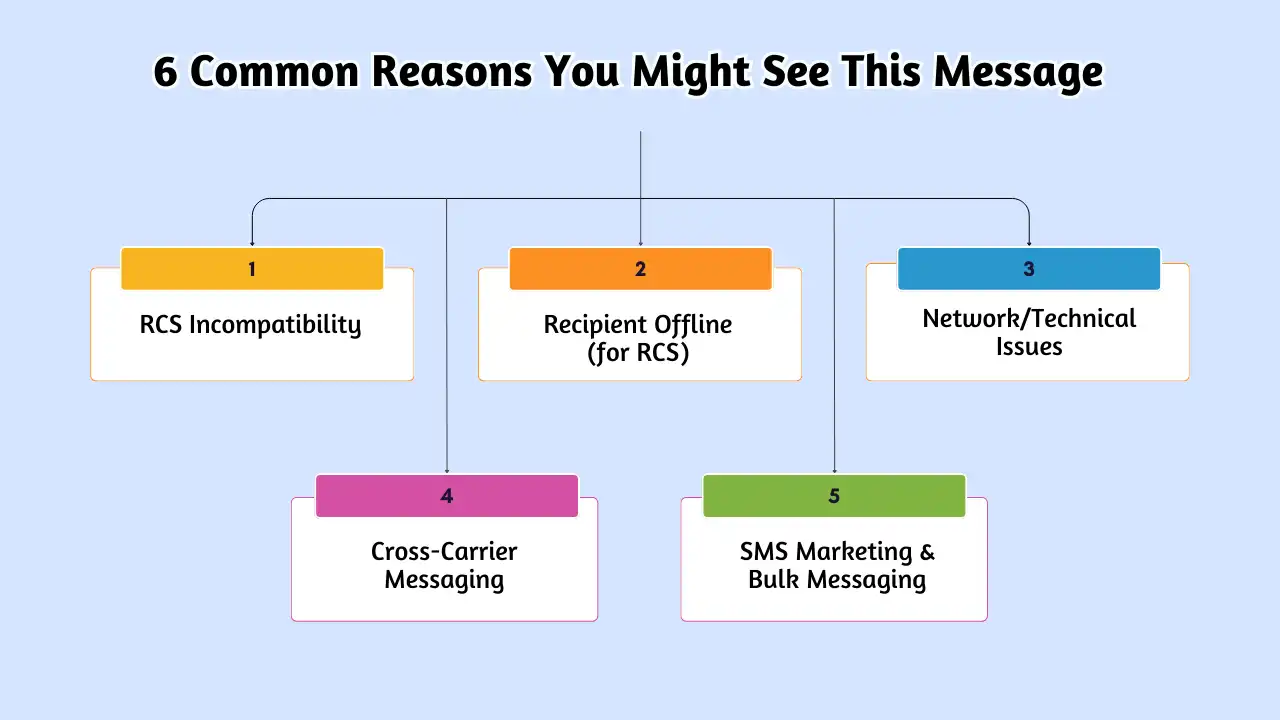
有几种情况可以触发“通过服务器以短信形式发送”状态:
- RCS 不兼容性: 如果 任何一个 发件人或收件人的设备不支持 RCS,或者如果某人将其关闭,则消息默认为 SMS,可能会显示此状态。
- 离线接收者(对于 RCS): 如果收件人未连接到互联网(Wi-Fi 或移动数据) RCS消息 如果尝试,它可能会通过服务器退回到 SMS。
- 网络/技术问题: 临时网络问题或运营商不兼容可能会阻止 RCS 传送,从而强制回退到服务器发送的 SMS。
- 跨运营商消息传递: 在不同移动运营商之间发送文本通常涉及通过各种服务器和网关传递消息,有时可能会导致这种状态。
- 商务沟通: 这是一个主要原因。使用 SMSLocal 等平台的企业通过 SMS 服务器发送预约提醒、确认、警报和双因素身份验证代码,以提高可靠性和规模。
- 短信营销和群发消息: 公司发送营销信息或大规模 活动 利用服务器系统进行有效的分发。如果您收到促销短信,几乎可以肯定它是“通过服务器”发送的。
您可能还知道:
如何修复“通过服务器以短信形式发送”
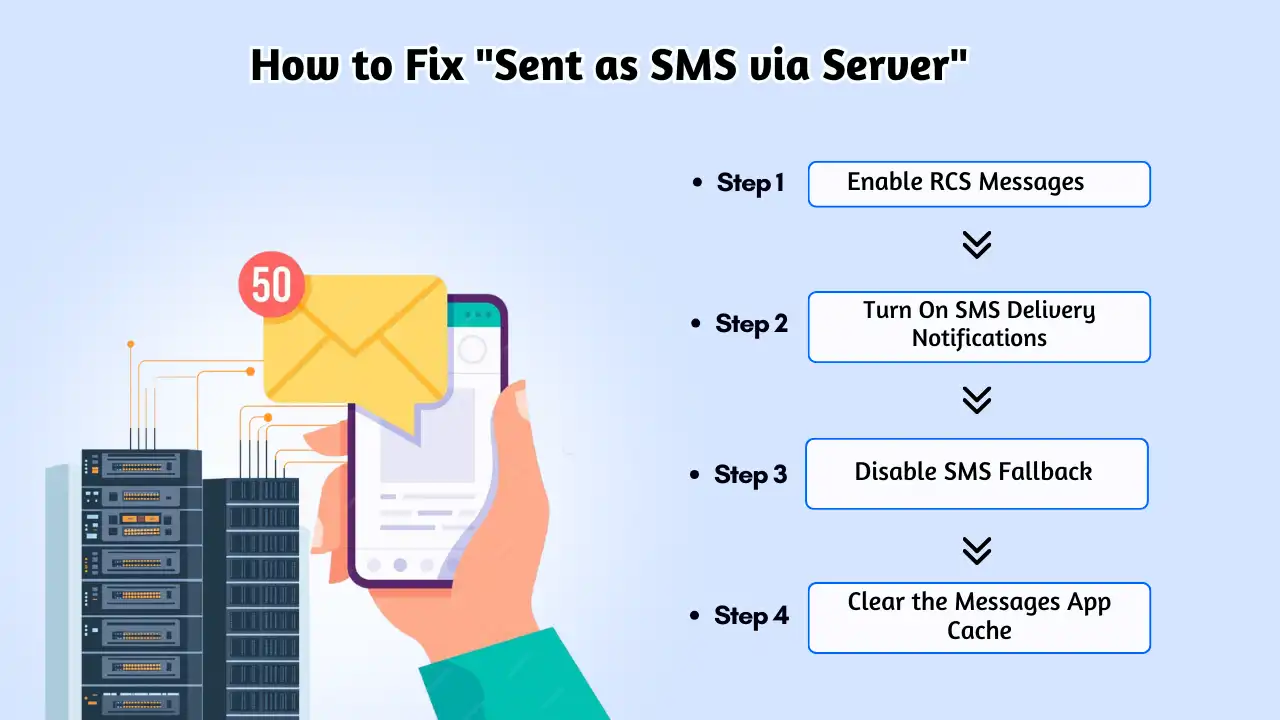
如果您看到“通过服务器以短信形式发送”消息,请不要担心 - 您可以采取一些简单的步骤来修复它。以下分步指南可帮助您恢复使用 RCS(丰富通信服务)而不是 SMS 来接收消息。
第 1 步:启用 RCS 消息
RCS 消息通常默认启用,但最好仔细检查。要解决此问题,请确保您和收件人都启用了 RCS。请按照以下步骤在手机上激活 RCS:
- 打开“消息”应用程序,然后点击右上角的个人资料图片。
- 点击消息设置 > RCS 聊天。
- 如果“打开 RCS 聊天”选项已关闭,请切换该选项。
第 2 步:开启短信发送通知
By default, SMS delivery notifications are off. Enabling these notifications can help avoid seeing the “Sent as SMS via Server” status. While this won’t change the delivery method (it’ll still be sent as SMS), you’ll get a standard delivery report instead. Here’s how to turn on SMS delivery notifications:
- Open the Messages app and tap your profile picture in the top-right corner.
- Tap Messages Settings > Advanced.
- Toggle on Get SMS Delivery Reports if it’s off.
Step 3: Disable SMS Fallback
If you want to avoid SMS being sent at all, you can disable the SMS fallback feature. Keep in mind that if RCS isn’t available or fails, the message will not be sent at all. To turn off SMS fallback:
- 打开“消息”应用程序,然后点击右上角的个人资料图片。
- 点击消息设置 > RCS 聊天。
- Toggle off Automatically Resend as a Text (SMS/MMS) if it’s turned on.
Step 4: Clear the Messages App Cache
Occasionally, the Messages app cache may become corrupted, causing issues like sending messages as SMS when they should be RCS. Clearing your app cache is an easy and safe troubleshooting step to fix this. Here’s how:
- Go to Settings and tap Apps or Apps & Notifications (you might need to select See All Apps).
- Find and tap on the Messages app.
- Tap Storage & Cache > Clear Cache.
The Business Perspective: Why Server-Based SMS is Essential
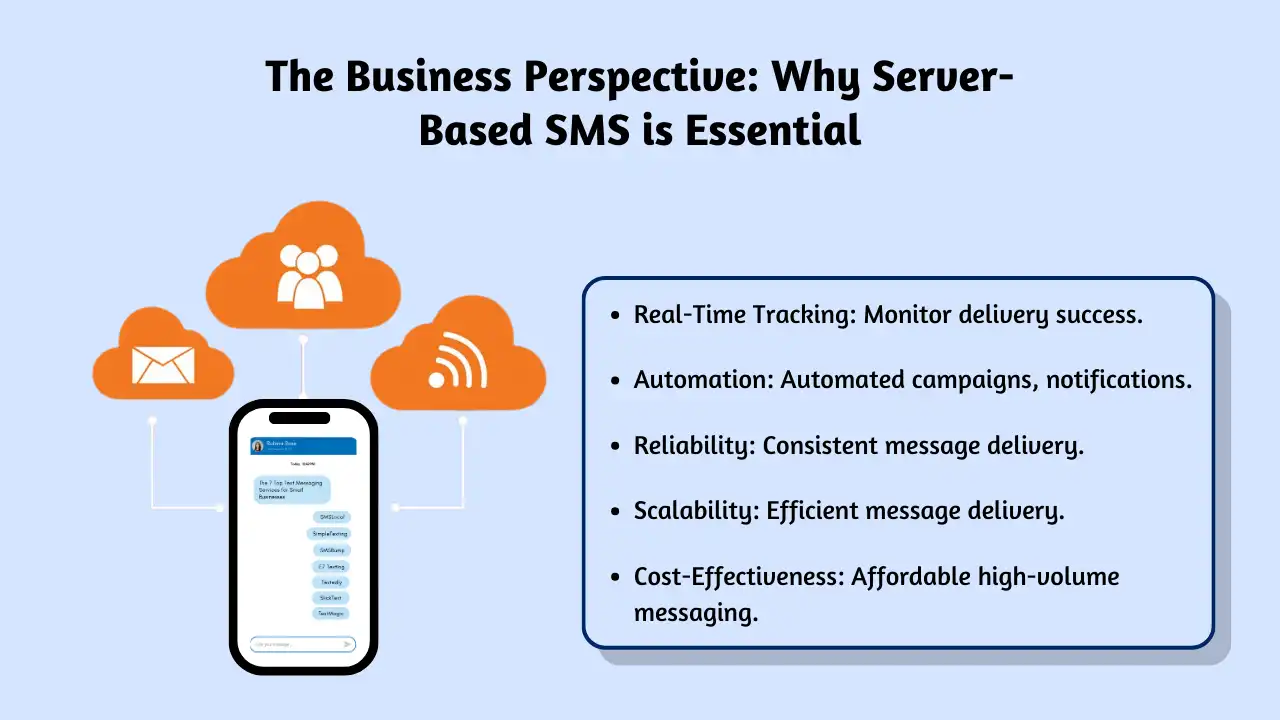
While the steps above help individuals manage their RCS preferences, the “Sent as SMS via Server” status often points to the powerful world of business SMS communication. For businesses, using an SMS server or platform like SMSLocal isn’t just an option; it’s crucial for effective communication.
According to studies, SMS boasts incredibly high open rates (often over 90%), with most messages read within minutes. This makes it invaluable for businesses. Here’s why they rely on server-based sending:
- Efficient Bulk Messaging: Sending thousands of marketing messages, alerts, or notifications individually from a phone is impossible. SMS servers automate this, allowing segmentation and personalization for massive audiences.
- Improved Security and Privacy: Reputable platforms use encryption and secure protocols to protect customer data. They also manage consent (opt-ins/opt-outs) rigorously, ensuring compliance with regulations like TCPA and GDPR.
- Reliable Delivery & Cost Savings: Server-based platforms bypass the limitations of individual devices and carrier plans. They ensure messages are delivered reliably, optimize routes for cost-effectiveness, and reduce the overhead of managing multiple devices or plans.
通过可靠、快速、有效的沟通,让您的信息脱颖而出。立即提升您的短信游戏水平!
How Much Does Sending SMS via Server Cost?
短信营销 is an affordable way to engage your audience, especially when compared to other marketing channels. For example, with services like Omnisend, sending a 160-character text message to a recipient in the US costs just $0.015. This means you only pay $15 for 1,000 messages.
Omnisend offers a free SMS calculator that helps you estimate the cost of sending SMS via server and previews how your message will appear on different phones.
Factors Influencing the Cost of Sending SMS via Server
The cost of sending SMS via server can vary based on several factors. Here’s a breakdown of how these elements affect the price:
| Message Length | Cost per Message |
|---|---|
| 160 characters | $0.015 |
| 320 characters | $0.03 |
| 480 characters | $0.045 |
| 640 characters | $0.06 |
| Multimedia (Images, GIFs, Videos) | Up to 4 times the cost of a regular SMS message |
| International SMS | Varies based on carrier fees and regulations |
Why Server-Based SMS Delivery Matters
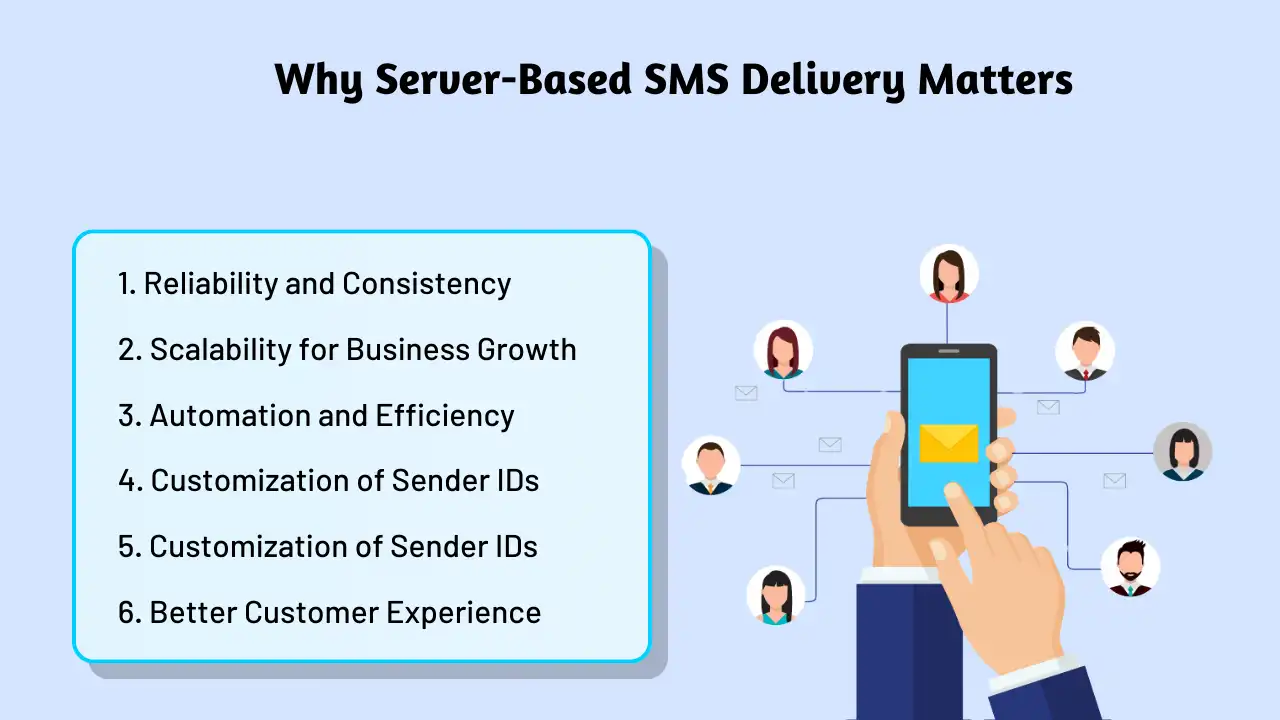
Server-based SMS delivery may seem like an added step, but it plays a critical role for businesses and individuals alike. Here’s why it’s so important:
- Reliability Server-based systems ensure your SMS messages are delivered consistently, even if the recipient is on a different carrier or in a different location. This guarantees that your message reaches its intended destination, no matter the circumstances.
- Speed When using server systems to send SMS, delivery is often quicker and more efficient compared to traditional device-to-device messaging. This allows for faster communication, which is especially beneficial for time-sensitive messages.
- Scalability For businesses and organizations that need to send large volumes of text messages, server-based SMS delivery provides the scalability needed to manage mass communication. This solution helps streamline the process of reaching large audiences without compromising performance or reliability.
- Enhanced Security Server-based SMS systems often come with added layers of security, such as encryption and authentication, to protect sensitive information. This makes sure that your messages are delivered securely, safeguarding both personal and business-related data.
Setting Up Server-Based SMS Messaging for Your Business
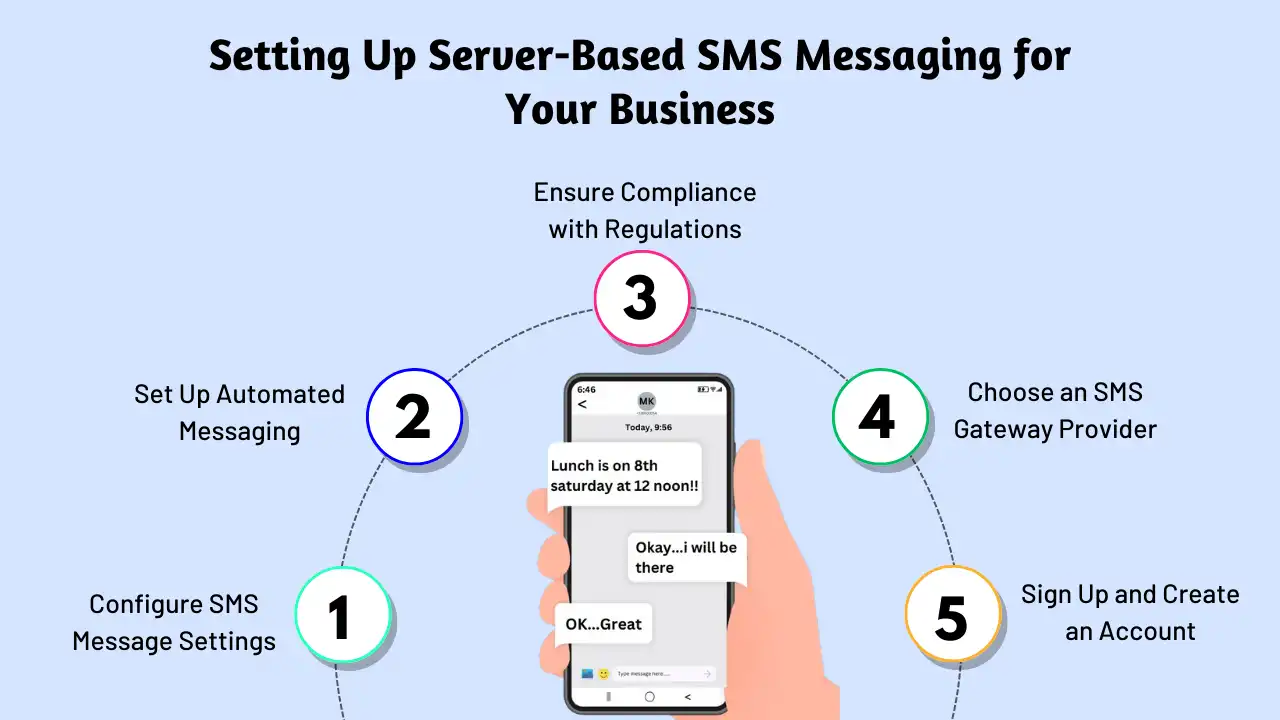
Setting up a server-based SMS messaging solution is a great way for businesses to communicate efficiently with their customers. Whether you’re using SMS for promotions, notifications, or customer support, here’s a guide to help you set up an effective system:
1. Choose the Right Messaging Platform
Start by exploring various SMS platforms to find one that best fits your business needs. Consider factors like reliability, features, pricing, and integration options. It’s important to choose a platform that can scale with your business and meet your messaging goals.
2. Enhance SMS Messaging with Automation and Personalization
To make the most of server-based SMS, use automation tools to send personalized messages triggered by specific customer actions or events. Additionally, leverage analytics and reporting to track delivery rates and evaluate the performance of your SMS campaigns.
3. Prioritize Compliance and Security
When sending SMS at scale, compliance is key. Ensure that your messaging practices align with regulations like the Telephone Consumer Protection Act (TCPA) and the General Data Protection Regulation (GDPR). It’s essential to choose a platform that prioritizes data security, privacy, and follows industry best practices to protect your customers’ information.
您可能还知道:
How to Forward a Text Message: Easy Steps for Sharing Messages
How to Set Up Server-Based SMS Messaging with SMSLocal
Setting up server-based SMS messaging with SMSLocal is simple and straightforward. Here’s a quick guide to get you started:
- Choose a Platform Select a secure and reliable platform, such as SMSLocal, that fits your business’s SMS needs. SMSLocal offers the flexibility and scalability you need to send messages efficiently.
- Create an Account To get started, sign up for an account with SMSLocal and gain access to a range of SMS features and services.
- Import Your Contact List Import your contact list into the platform, making it easier to send bulk messages. This is especially useful for businesses that regularly send out SMS notifications to large groups.
- Register for 10DLC Number If you’re a US-based business, be sure to register your 10DLC number to comply with carrier requirements. Unregistered 10DLC numbers will be blocked, and messages won’t be delivered by mobile network operators.
- Compose and Schedule Messages Use SMSLocal’s easy-to-use dashboard to create message templates, personalize content, and schedule SMS messages. You can target specific contact groups to improve engagement with your audience.
- Track and Manage Your SMS Activity Monitor all SMS activity directly from your SMSLocal account. Track messages that have been sent, received, and those scheduled for delivery to ensure your campaigns are running smoothly.
结论
In conclusion, setting up server-based SMS messaging is a powerful solution for businesses looking to streamline communication with their audience. By leveraging reliable platforms like SMSLocal, you can send bulk messages efficiently, enhance security, and ensure compliance with regulations. Whether you’re using SMS for marketing 活动, customer notifications, or internal communications, server-based delivery ensures messages are sent quickly, securely, and reliably. With the right platform, tools, and strategies in place, businesses can maximize their messaging efforts and engage their customers effectively.
Sign up with SMSLocal for more guides on popular acronyms and tips to improve your online communication. Don’t miss out!
常见问题解答
sent as sms via server meaning your message was sent through a server instead of directly from your phone, often used for bulk or automated messages, or when the recipient’s device doesn’t support RCS.
It indicates the message was sent using the standard SMS protocol, without the features of RCS, like high-quality images or read receipts.
This happens when messages are sent in bulk, automatically, by businesses, or when the recipient’s device doesn’t support RCS. It’s a default when RCS fails due to network or compatibility issues.
It means your message was sent using regular SMS, likely because RCS isn’t available for that specific message path (e.g., recipient incompatibility).
Typically, itensuresdelivery when RCS fails or isn’t appropriate. The messageisdelivered, just as a standard SMS without RCS features.
No, not if the sender (especially a business) is intentionally using a server-based platform for sending. You can only control howyourphone attempts tosendmessages.