
 English
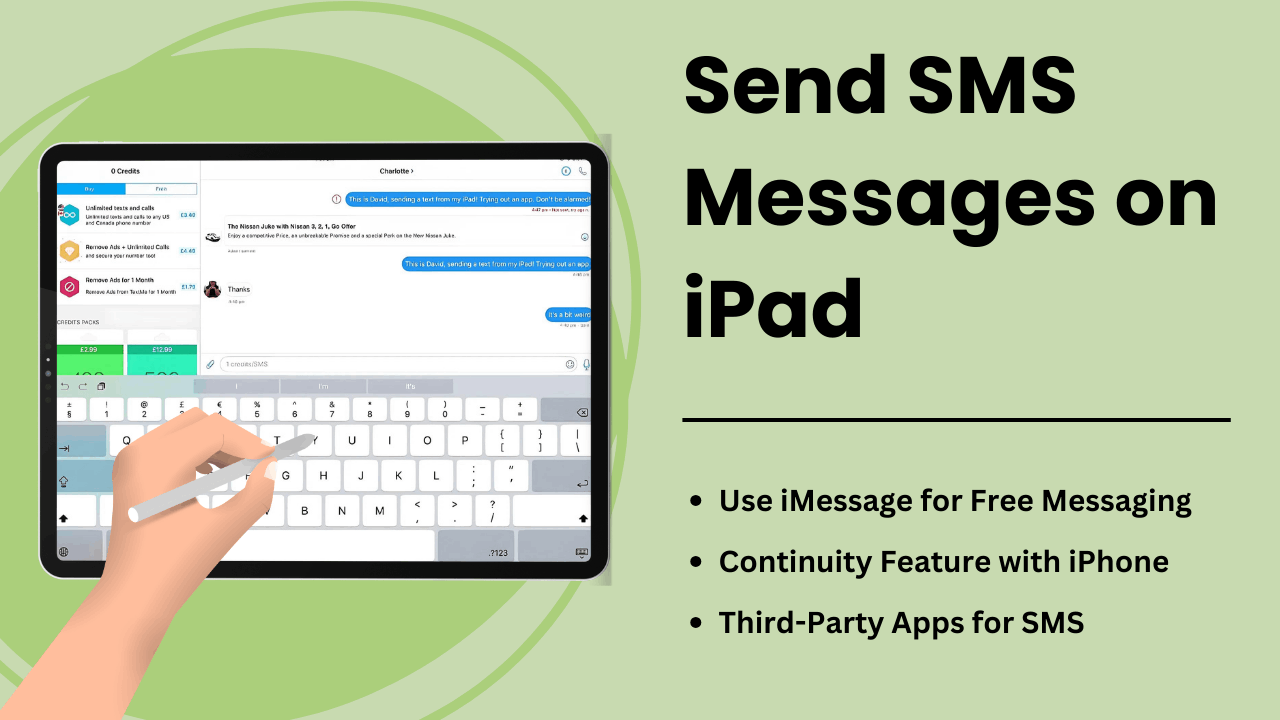
在 iPad 上发送短信允许用户扩展平板电脑的功能,将其变成强大的通信工具。虽然 iPad 不像 iPhone 那样配备原生短信功能,但 Apple 的连续性功能和第三方消息应用程序提供了在设备上发送和接收短信的便捷方式。
无论您是寻求简化沟通的专业人士还是寻求轻松访问的日常用户,了解短信在 iPad 上的工作原理都可以显着改善您的用户体验。本指南探讨了方法、技术方面、优点和故障排除技巧 发送短信 在 iPad 上。
要点:
- Apple 的连续性功能:当 iPad 通过同一 Apple ID 与 iPhone 配对时,您可以在 iPad 上发送和接收短信。
- 第三方应用程序:Google Voice 或 WhatsApp 等 SMS 服务使用户无需使用 iPhone。
- SMS 中继:允许 iPad 使用 iCloud 和 Apple ID 同步通过 iPhone 发送短信的技术流程。
- 提高生产力:iPad 具有更大的屏幕和多任务处理功能,可提供增强的消息传递体验。
- 故障排除提示:可以通过调整设置或正确同步 Apple 设备来修复消息失败等常见问题。
什么是在 iPad 上发送短信
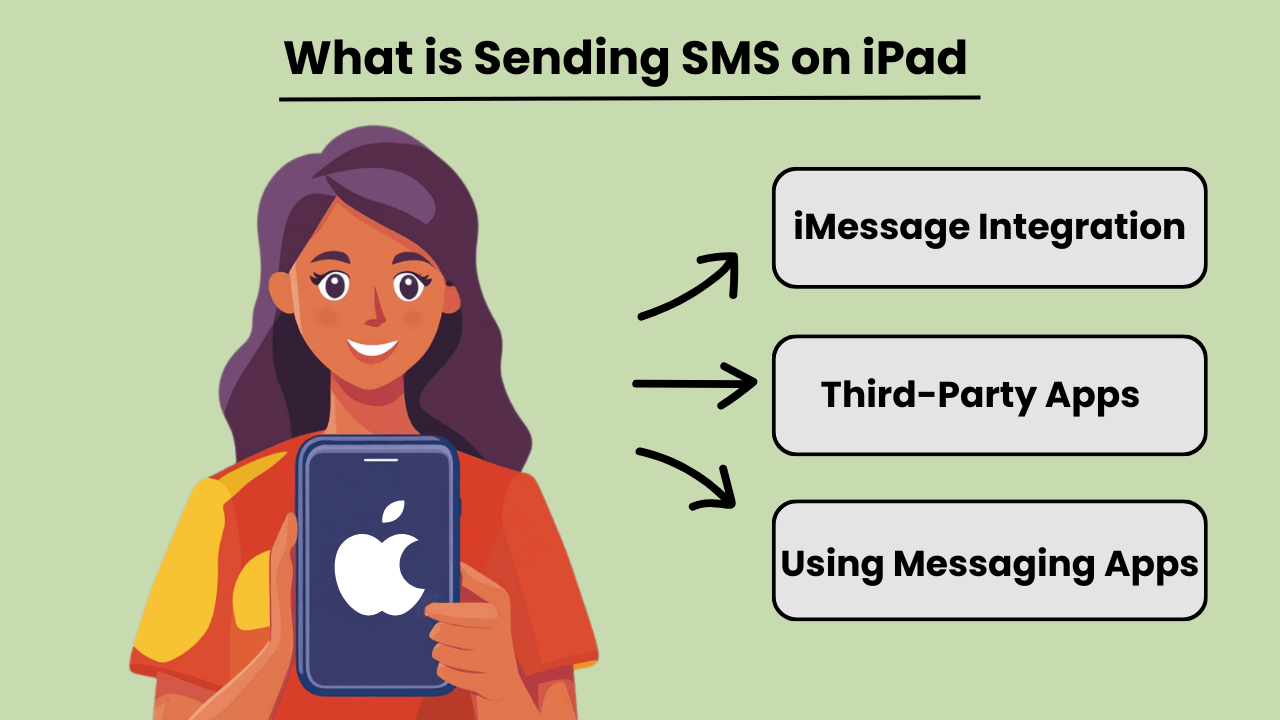
在 iPad 上发送短信 允许用户发送和接收传统的短信,尽管 iPad 本身并不像 iPhone 那样专为蜂窝通信而设计。通过与 iPhone 集成或使用第三方消息应用程序,用户可以访问 短信 能力。当 iPad 和 iPhone 使用 Apple 的连续性功能登录到同一 Apple ID 时,此功能即可使用。
除了 iPhone 连接之外,一些应用程序还提供 短信 功能直接在 iPad 上,允许用户访问非 Apple 设备。通过使用 Google Voice 或 WhatsApp 等应用程序,用户可以完全绕过对手机的依赖,并通过 iPad 的互联网连接发送短信。
iPad 上短信的重要性
iPad 上的短信功能增强 该设备的多功能性,使其对于依赖持续通信的用户来说更加有用。对于喜欢大屏幕的专业人士或个人来说,通过 iPad 发送文本可以简化通信,而无需在设备之间切换。它将桌面短信的优势引入便携式平板电脑,实现无缝工作流程。
此外,能够直接从 iPad 发送短信可以提高可访问性,特别是对于在较小设备上打字可能有困难的用户。消息传递应用程序或连续性的集成有助于将所有通信集中在单个设备上。
iPad 与 SMS 功能集成的优势
Integrating SMS features on an iPad offers several advantages, such as improved productivity and convenience. By linking an iPhone and iPad, users can send and receive messages from any device. This ensures that important conversations are not missed while switching between devices. This seamless transition between devices fosters greater flexibility.
此外,使用iPad上支持短信的应用程序可以让用户进行国际交流,而无需支付昂贵的短信费用,这使其成为一种经济高效的解决方案。 iPad 上更大的屏幕和强大的键盘选项也增强了整体消息传递体验。
如何在 iPad 上发送短信:技术概述
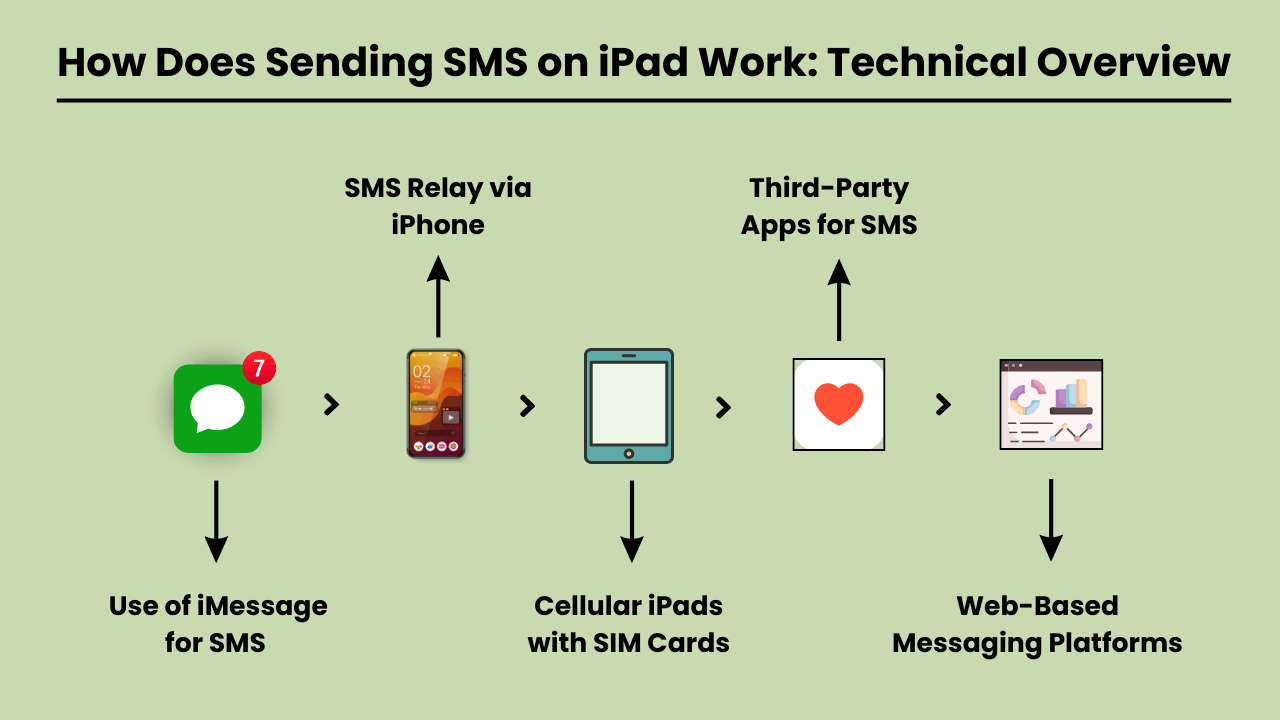
发送短信 on an iPad involves using a technical system that integrates with both iOS and cellular carrier services. Since iPads are typically Wi-Fi-only devices or rely on cellular data, they lack native SMS functionality found in traditional phones.
To enable SMS on an iPad, Apple uses a feature called SMS Relay, which is part of the Continuity suite in iOS. SMS Relay allows iPads to send and receive SMS and MMS messages through a paired iPhone, bridging the gap between the device’s limitations and the capabilities of cellular networks.
This process relies on the seamless integration of iCloud services, Apple ID, and carrier support to ensure messages are delivered as they would be from a traditional phone.
短信中继和 iCloud 服务
短信中继是骨干 发送短信 on an iPad. When you send a message from an iPad, the message is first routed through iCloud to the paired iPhone. The iPhone then sends the message through the cellular network as an SMS.
Similarly, when a message is received on the iPhone, it is relayed to the iPad via iCloud, enabling a synchronized messaging experience across devices.
This functionality requires that both the iPad and iPhone are signed in to the same iCloud account and connected to the same Wi-Fi network, although sometimes Bluetooth pairing can enhance this communication.
iOS 在 SMS 集成中的作用
The iOS system plays a critical role in integrating SMS functionality on iPads. It manages the handoff between devices, allowing seamless communication between the iPhone and the iPad.
The Messages app on iOS is designed to handle both iMessages and SMS/MMS, and when SMS Relay is enabled, iOS automatically determines which type of message should be sent based on the recipient.
The iOS ecosystem ensures that even though the iPad lacks cellular connectivity for SMS, it can leverage the iPhone’s network capabilities to send and receive messages.
启用短信中继的运营商服务
Carrier services are essential for making SMS Relay work, as they are responsible for transmitting SMS and MMS through the cellular network. While iCloud handles the relay between Apple devices, it is the carrier that ensures the actual delivery of the messages to non-Apple devices.
For this reason, the iPhone involved in the SMS Relay must have a valid carrier plan that supports SMS services. Carrier compatibility is crucial, as not all carriers may fully support all aspects of Apple’s Continuity features, especially when it comes to international networks.
在 iPad 上发送短信的好处:为什么应该使用它
The iPad has become an essential tool for communication, offering convenience, versatility, and ease of use. One of the key features is the ability to send SMS messages directly from the device.
Whether you’re at home, in the office, or on the go, 发送短信 在 iPad 上提供显着的优势,可增强您的通信体验。 iPad 更大的屏幕、直观的界面以及与其他 Apple 设备同步的能力使得 发短信轻松高效.
Additionally, SMS functionality on an iPad provides seamless connectivity, allowing users to stay in touch with friends, family, and colleagues from virtually anywhere. With the rise of digital communication, using an iPad to send SMS is not only practical but also a smart choice for modern users.
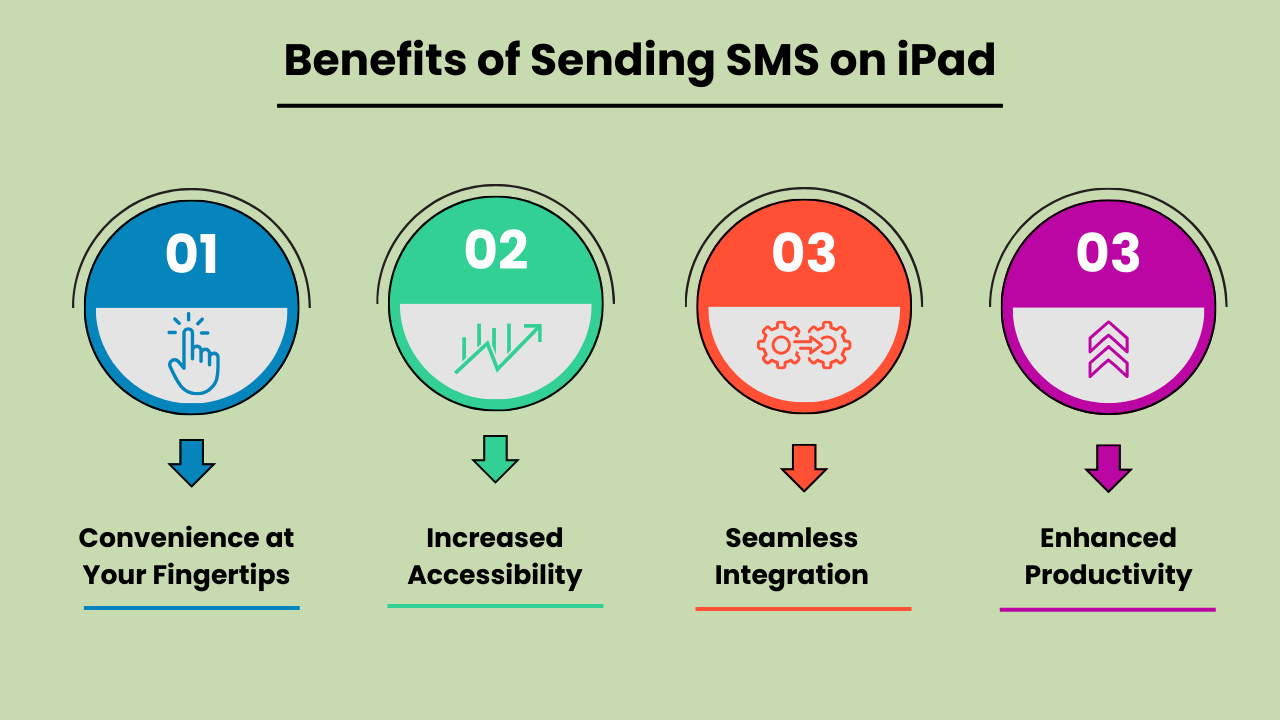
触手可及的便利
在 iPad 上发送 SMS 消息提供了无与伦比的便利。与传统手机不同,iPad 更大的屏幕可以让您更舒适地打字和阅读消息。无论您是发送快速更新还是进行长时间对话,iPad 的用户友好界面都可确保您轻松发送消息。这种便利性使其成为满足个人和专业通信需求的理想设备。
提高可访问性
The iPad’s SMS functionality provides increased accessibility, especially for individuals who might find smaller mobile devices difficult to use. The larger, clearer screen is particularly helpful for those with visual impairments or limited dexterity. Additionally, with the ability to connect to Wi-Fi, users can send SMS messages without relying solely on a mobile network. This ensures accessibility even in areas with poor cell service.
与其他 Apple 设备无缝集成
One of the biggest advantages of Send SMS Messages on an iPad is its seamless integration with other Apple devices. Messages sent on an iPad can be synced across all devices within the Apple ecosystem, including iPhones and MacBooks.
This feature allows users to pick up conversations from any device, providing flexibility and continuity in communication. It enhances productivity by ensuring that no messages are missed, regardless of the device being used at the moment.
提高多任务处理效率
Using an iPad to send SMS boosts productivity, particularly for multitaskers. With the iPad’s split-screen feature, you can send messages while simultaneously browsing the web, taking notes, or working on other tasks. This multitasking capability is especially beneficial for professionals who need to communicate while working on projects or accessing information on the go.
The ability to handle multiple tasks efficiently on one device makes the iPad a powerful tool for staying productive and connected.
选择在 iPad 上发送短信的最佳方法:选项和注意事项
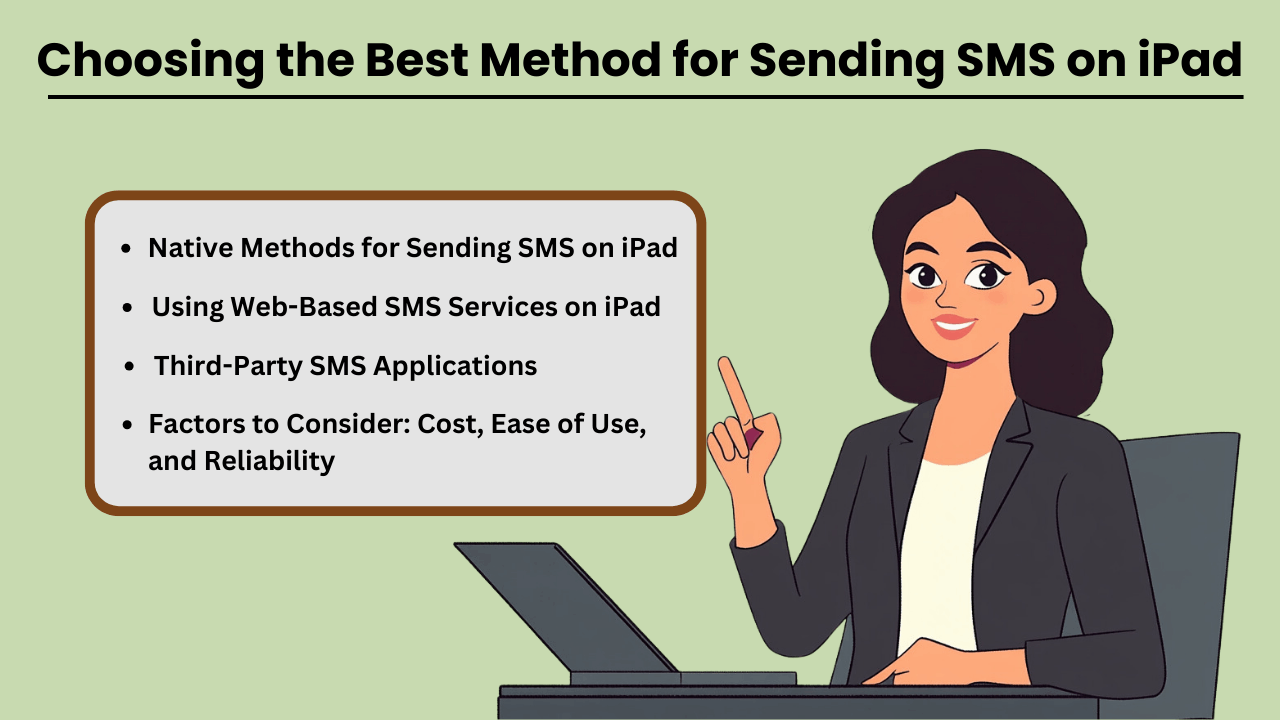
Send SMS Messages on an iPad can be done through several methods, both native and third-party. While iPads are not designed for direct SMS capabilities like iPhones, Apple has made it possible through its continuity features.
This allows users to send and receive text messages if they own an iPhone paired with their iPad via iMessage. Additionally, third-party apps provide robust solutions for SMS sending without an iPhone, often catering to business or high-volume needs.
When selecting a method, factors such as cost, ease of use, and reliability play crucial roles in determining the most suitable option for both personal and business use.
在 iPad 上发送短信的本机方法
If you already own an iPhone, Apple’s native messaging solution, iMessage, allows you to send SMS from your iPad seamlessly. This method leverages Apple’s ecosystem, offering a smooth experience with minimal setup.
The advantage of this approach is that it is highly reliable, as it uses your iPhone’s mobile network to relay messages through the iPad. Moreover, it is cost-effective since you don’t need any additional apps or subscriptions, making it an ideal solution for casual, everyday use.
第三方短信应用程序
对于那些没有 iPhone 或需要高级功能的人来说,Google Voice、TextNow 和 WhatsApp 等第三方应用程序提供了替代方案。这些应用程序旨在提供 短信 functionality using a data or Wi-Fi connection, enabling users to send messages globally.
These services can be more versatile than iMessage, as they allow communication with non-Apple devices without relying on phone network continuity. While some services are free, others come with premium features at a cost, offering features like message scheduling, 批量发送和高级报告。
需要考虑的因素:成本、易用性和可靠性
When choosing the best method for sending SMS on your iPad, it is essential to weigh factors such as cost, ease of use, and reliability. Native methods like iMessage come at no extra cost but require an iPhone, whereas third-party apps may involve subscription fees or in-app purchases.
Ease of use also varies, with native options generally being simpler for Apple users. However, third-party apps often provide a wider range of features, especially for business purposes. Reliability is critical as well—native methods tend to be highly dependable, while the reliability of third-party apps may vary based on network quality and app provider stability.
在 iPad 上使用基于 Web 的 SMS 服务
Web-based SMS services are another option for sending texts from your iPad, especially if you don’t want to install additional apps. Services like Twilio, SendPulse, and ClickSend allow users to send SMS directly from their browser.
These platforms are ideal for businesses needing bulk messaging or marketing solutions, providing features such as automation, message scheduling, and analytics. While highly functional, these services often require a subscription and may not be as user-friendly for personal use. However, they are an excellent choice for those looking for scalability and advanced messaging capabilities.
排除在 iPad 上发送短信的常见问题:解决方案和修复
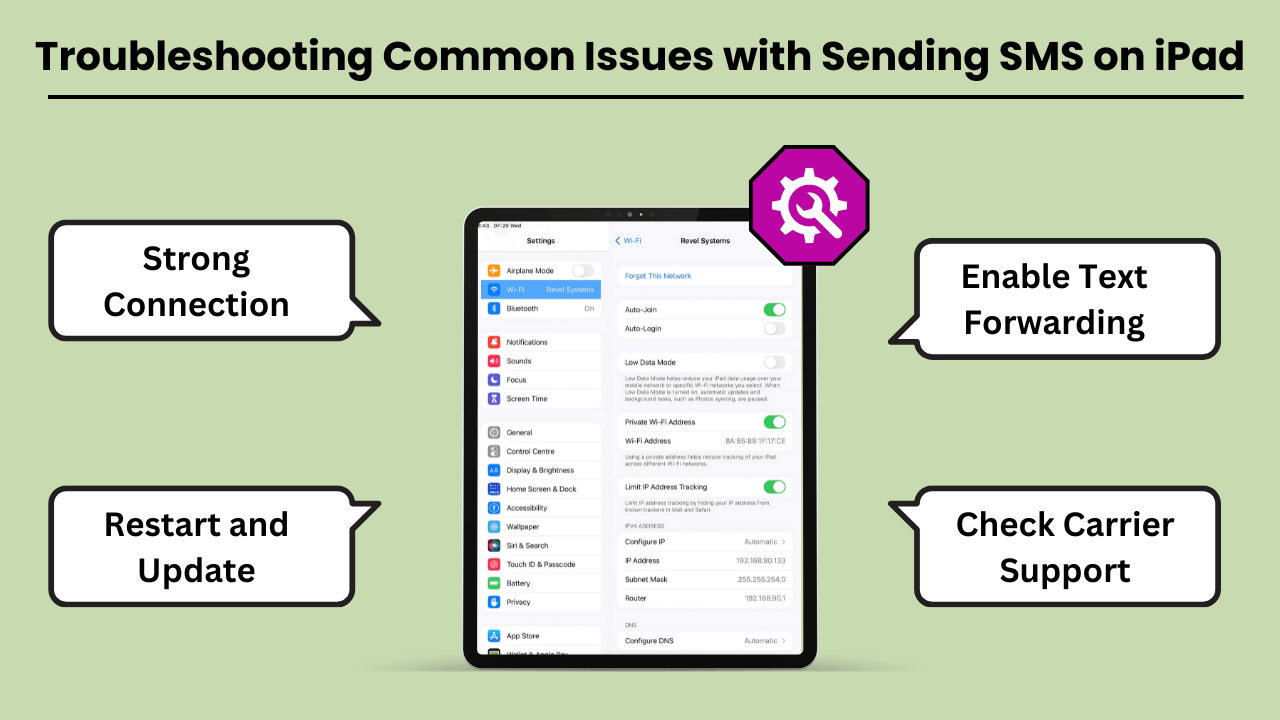
在 iPad 上发送短信 can be a convenient way to stay connected. But users often encounter various issues that can disrupt the experience. The most common problems include the inability to send messages, message delivery failures, and issues related to syncing with iPhone or cellular networks.
These problems can arise due to several reasons, such as incorrect settings, software bugs, or carrier-related issues. Fortunately, most of these problems can be resolved with a few troubleshooting steps. In this guide, we’ll explore the common errors and offer practical solutions to get your iPad’s messaging feature back on track.
Whether the issue lies with the device, network, or settings, these tips will help you fix it quickly and efficiently.
在 iPad 上发送短信的常见错误和问题
One of the most common issues iPad users face is not being able to send or receive SMS messages through the Messages app. This issue often occurs if your iPad is not properly synced with your iPhone or cellular service.
Additionally, software glitches, incorrect message settings, or a weak Wi-Fi connection can lead to these failures. Another issue could be related to network connectivity or problems with the carrier settings, which might prevent the iPad from sending SMS, even though it is connected to Wi-Fi.
故障排除技巧和解决方案
If you are unable to send SMS messages on your iPad, the first step is to check your device settings. Ensure that your iPad is connected to the same Apple ID as your iPhone and that Text Message Forwarding is enabled.
If the issue persists, restarting your iPad and checking for any available software updates can often resolve bugs. Additionally, ensure that your carrier supports SMS on the iPad, and consider resetting network settings to clear out any connection-related issues. Another tip is to make sure you have a strong Wi-Fi or cellular connection.
结论
Sending SMS Messages on an iPad brings convenience, especially for users who appreciate a larger screen and the ability to sync messaging across devices. By using the Continuity feature, iPads seamlessly integrate with iPhones to enable SMS functionality, while third-party apps expand the messaging capabilities even further.
This integration not only improves communication but also boosts productivity by allowing users to send messages without switching between devices. Understanding the setup, technical process, and troubleshooting tips ensures a smooth experience for both personal and professional use.
Additionally, utilizing SMS on an iPad offers greater flexibility and accessibility, particularly for users who prefer working on a larger screen or require assistive features. It bridges the gap between multiple devices, ensuring that important conversations continue uninterrupted.
Whether for personal messaging or professional communication, Sending SMS Messages on an iPad not only enhances user convenience but also streamlines workflows. This makes it a valuable tool in the Apple ecosystem. With a better understanding of how SMS works on the iPad, users can fully harness its potential for seamless, on-the-go communication.
常见问题解答
您可以使用 Google Voice、WhatsApp 或 TextNow 等第三方消息应用程序,通过 iPad 的互联网连接发送短信。
是的,如果您在 iPhone 上使用连续性功能,则两台设备需要位于同一 Wi-Fi 网络上。或者,第三方应用程序依赖 Wi-Fi 或数据连接。
检查两台设备是否登录到同一个 Apple ID,并且您的 iPhone 上是否启用了短信转发。重新启动两台设备也可以解决此问题。内容
Apps like Google Voice, WhatsApp and TextNow allow you to send SMS on your iPad without needing an iPhone.
是的,使用 WhatsApp、TextNow 或 Google Voice 等应用程序可以让您以更低的成本或免费发送国际短信,具体取决于应用程序的功能。


