
 English
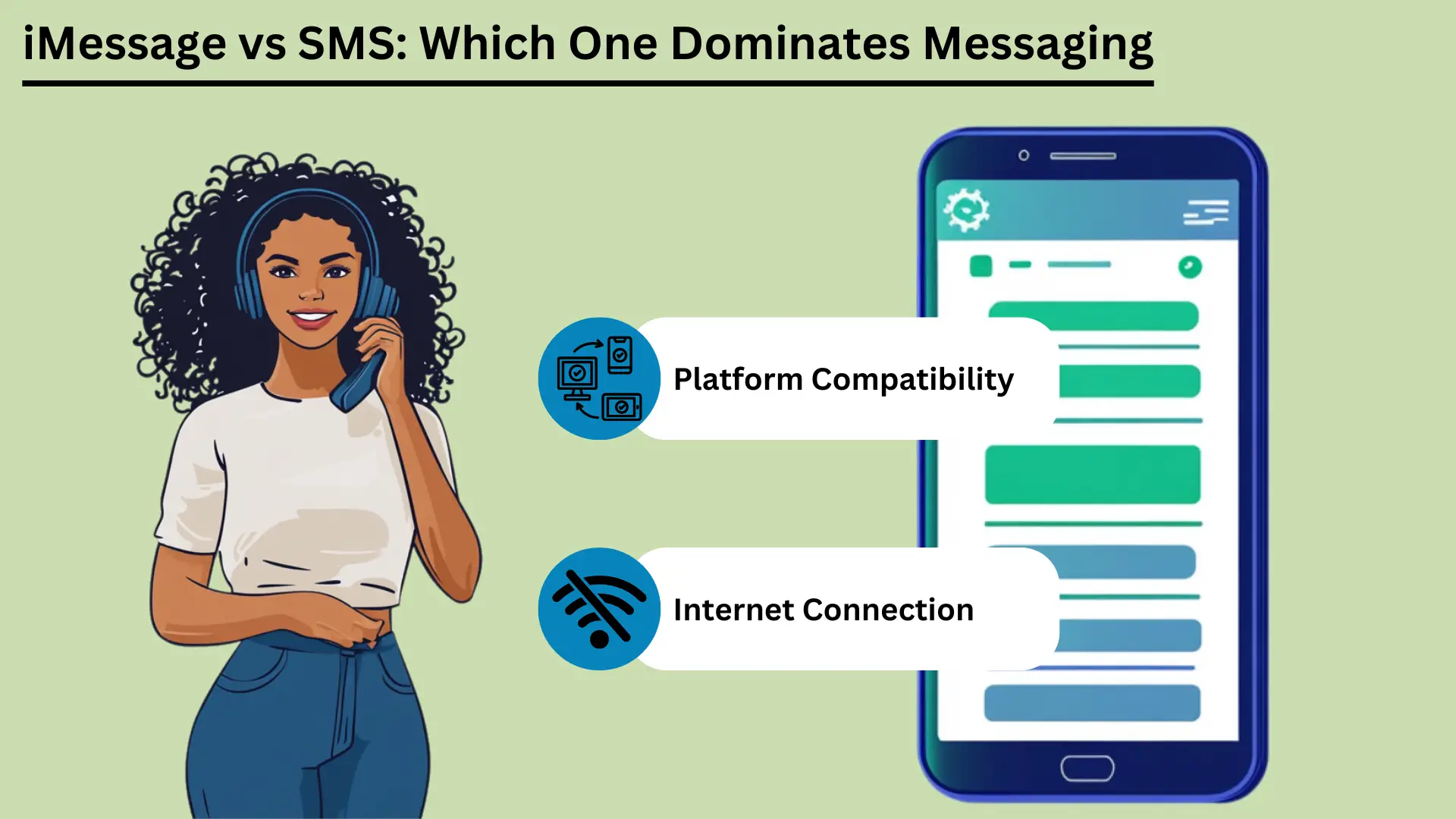
移动消息传递现在已成为日常生活的重要组成部分。两项最著名的服务是 短信和 iMessage。 SMS 是短消息服务的缩写,是最古老的消息服务之一。它通过蜂窝网络工作,并向几乎所有手机发送短信。
SMS 于 20 世纪 90 年代初出现。它仍然是一种可靠、低成本的消息传递方式,尤其是在互联网连接较差的情况下。 Apple 于 2011 年推出了 iMessage。它使用互联网在 Apple 设备之间发送消息。
iMessage 添加了照片、视频和许多额外功能。它还可以保护您的消息的私密性,并且可以在 Apple 设备上顺利运行。
这篇文章比较了这两种服务。它涵盖了它们的不同之处、使用感觉如何、如何连接、使用了多少数据、它们的安全性以及它们下一步可能会去哪里。
要点:
- SMS 通过蜂窝网络运行。它几乎覆盖每个人,速度很快,而且不需要互联网。
- iMessage 使用 Wi-Fi 或移动数据。它支持照片、视频和额外功能,但仅限于 Apple 设备。
- 短信适用于所有手机,且费用低廉。它适合简单的消息和警报。
- iMessage 对消息进行加密,以便只有您和其他人才能阅读它们(端到端加密)。它还可以在您的设备之间同步,并具有有趣的互动功能。
- 了解这些差异有助于您选择适合您需求的服务。
什么是短信服务(SMS)?
短消息服务(SMS)是一种 可让您发送短信的短信服务 并通过蜂窝网络接收最多 160 个字符的短信。它于 20 世纪 90 年代初问世。世界各地的人们都在使用它,因为它简单、可靠并且几乎适用于所有手机。这使其成为保持联系的关键工具。
定义和基本功能
SMS 是一种用于在手机之间发送短消息的文本消息服务。这些称为短信。它们通过蜂窝网络传输,每张最多可容纳 160 个字符。
SMS 是世界上最古老、使用最广泛的消息服务之一。它于 20 世纪 90 年代初问世。它不需要互联网。这使其成为可靠的选择,尤其是在互联网访问较弱的情况下。
短信的优点
广泛的覆盖范围和兼容性
SMS 的一大优势是它可以在任何地方使用。世界上几乎所有手机和运营商都支持它。消息可以通过人们使用的任何电话或网络发送。
这种广泛的影响力使得 短信有效 接触多人的工具,适合个人使用或商业用途。企业还可以快速向许多国家和大型团体的人员发送短信。
速度和可靠性
SMS 消息通常会在几秒钟内到达,因此这是联系某人的快捷方式。它使用蜂窝网络,因此即使在互联网较差的地方也能工作。
短信也很可靠。如果另一部手机关机或超出范围,网络会保留该消息一段时间。一旦电话恢复使用,它就会发送该信息。
成本效益
短信很便宜。许多移动套餐包含一定数量的短信,无需额外付费。即使您按短信付费,价格通常也很低。这使得短信成为个人和企业的不错选择,尤其是对于简短、紧急的消息。
营销和通知中的用例
企业大量使用短信进行营销和警报。人们快速打开文本并立即阅读。常见用途包括:
| 使用案例 | 短信 | 短信 |
|---|---|---|
| 个人通讯 | Apple 生态系统内丰富、互动、安全的对话 | 基本的通用通信 |
| 商务通讯 | 适用于Apple设备内部通信 | 适合覆盖所有客户 |
| 营销活动 | 仅限 Apple 用户,富媒体活动 | 覆盖面广,打开率高 |
| 预约提醒 | Apple 生态系统内高效 | 在所有设备上有效 |
| 交易通知 | 对 Apple 用户来说是安全的 | 对所有客户都可靠 |
| 双因素身份验证 (2FA) | 在 Apple 生态系统内安全 | 常用、有效 |
| 群聊 | 功能丰富,支持多媒体 | 基本群组消息传递 |
由于 SMS 广泛使用、快速、可靠且便宜,因此人们和企业可以将其用于许多工作。这使其成为家庭和工作中的方便工具。
Apple 设备上的 iMessage 是什么?
iMessage 是 Apple 的消息服务。它可让您通过 Wi-Fi 或移动数据在 Apple 设备之间发送文本、照片、视频和文档。它内置于 iPhone、iPad 和 Mac 上的“消息”应用程序中。它提供端到端加密、已读回执和富媒体。
这为 Apple 用户提供了一种安全、流畅的消息发送方式。
定义和基本功能
iMessage 由 Apple 创建并于 2011 年推出。它可以在 Apple 设备之间发送文本、照片、视频、文档等。它使用 Wi-Fi 或移动数据通过互联网运行。这使其与传统的短信和彩信不同。
它内置于 iOS 和 macOS 上的消息应用程序中。这意味着它在 iPhone、iPad、iPod 和 Mac 上的工作方式相同。
iMessage 运行在苹果自己的系统上。只要您有互联网连接,您就可以向其他 Apple 用户发送消息,无需支付短信或彩信费用。如果对方没有打开 iMessage,消息会自行切换为短信或彩信。因此,无论用户使用什么设备,它仍然会被交付。
iMessage 的优点
加密与安全
iMessage 使用端到端加密。这意味着只有发送者和接收者可以阅读消息。与短信相比,这是一个很大的优点,短信没有加密,并且可以在传输过程中被拦截。即使 Apple 也无法读取您的消息内容。
这为用户提供了高度的隐私和安全。
跨 Apple 生态系统的设备同步
iMessage 的一个突出功能是同步。您的消息会显示在使用您 Apple ID 的每台 Apple 设备上。你可以 开始对话 在 iPhone 上继续,在 iPad 上继续,稍后在 Mac 上继续。
这对于整天在设备之间切换的人来说很方便。您永远不会错过任何消息。
富媒体支持(照片、视频、文档)
iMessage可以共享照片、视频、文档和其他文件。您可以发送高质量的媒体,不受彩信的限制。可以发送大文件,这对于细节丰富的照片或视频很有帮助,而且质量不会下降。
高级功能(已读回执、打字指示器、贴纸、效果)
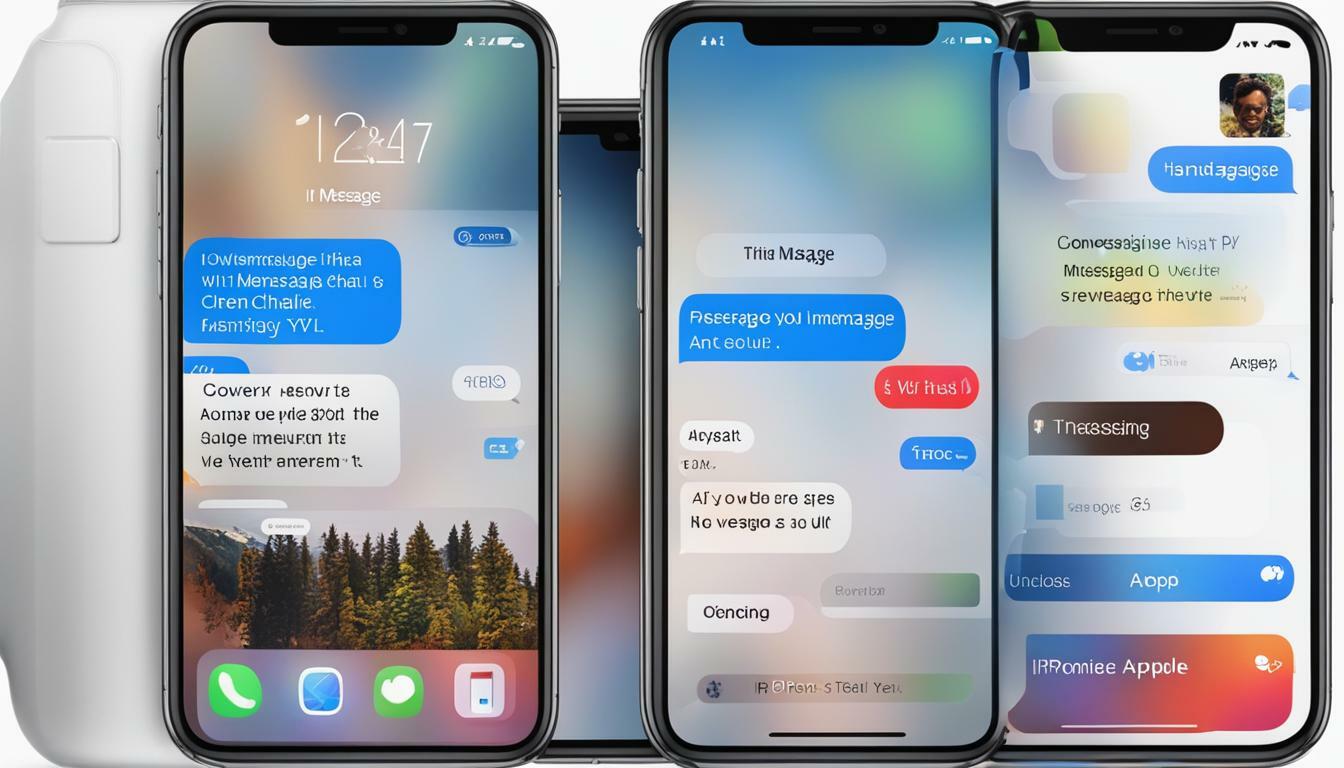
iMessage 有几个额外的功能可以让消息传递变得更好:
- 阅读收据: 您可以打开已读回执以查看某人何时阅读了您的消息。这确认消息已到达并已被看到。
- 打字指标: iMessage 会在对方打字时显示。您会在聊天底部看到一个带有三个点的小气泡。它告诉您回复正在路上。
- 贴纸和效果: 您可以发送动画贴纸并添加气球、五彩纸屑和烟花等效果。这些使聊天变得更有趣、更个性化。
- 数字触摸: 您可以发送手绘草图、心跳和其他基于触摸的消息。这为数字聊天增添了个人风格。
iMessage 具有强大的加密、流畅的同步、丰富的媒体和许多附加功能。它们共同为 Apple 用户提供了比 SMS 和 MMS 更全面的消息体验。这使得 iMessage 成为使用 Apple 设备的用户的有力选择。
iMessage 和 SMS 之间的主要区别
iMessage 仅适用于 Apple 设备。它使用互联网提供丰富的媒体和额外的功能。 SMS 使用蜂窝网络并适用于每部手机。本节对它们的消息传输方式、消息大小、功能、安全性、使用的设备以及成本进行比较。
交付渠道(互联网与运营商网络)
iMessage 和 SMS 发送消息的方式截然不同。 iMessage 通过 Wi-Fi 或移动数据使用互联网。这使其能够提供更丰富的媒体和更多功能。 SMS 使用蜂窝网络,因此 无需互联网即可工作 联系。
这使得每个人都更容易收到短信。
消息大小和媒体支持
一条短信只能容纳 160 个字符。如果消息较长,通常会将其分成多条消息。 SMS 也不能很好地处理媒体。发送照片、视频和文件需要彩信,这可能成本高昂且不可靠。
iMessage 没有字符数限制。它支持多种类型的媒体,包括照片、视频和文档。这使得它比传统短信更灵活地共享丰富的内容。
iMessage 和 SMS 的优点
| 优势 | 短信 | 短信 |
|---|---|---|
| 影响范围广 | 仅限苹果设备 | 所有设备都普遍支持 |
| 速度 | 快速,取决于互联网速度 | 通常在几秒钟内交付 |
| 可靠性 | 可靠,可连接互联网 | 即使没有互联网接入也可靠 |
| 成本效益 | Wi-Fi/数据计划具有成本效益 | 通常成本较低,通常包含在计划中 |
| 安全 | 端到端加密 | 无加密 |
| 富媒体支持 | 支持照片、视频、文档 | 有限,媒体需要彩信 |
| 高级功能 | 阅读收据、打字指示器、交互功能 | 基本文字和表情符号 |
特性比较
- 基本文本与富媒体和交互功能: SMS 是为纯文本而构建的。它支持简单的表情符号,但仅此而已。 iMessage 支持丰富的媒体和交互功能,例如贴纸、动画效果和数字触摸,让您可以发送手绘草图和心跳。
- 阅读收据和打字指示器: iMessage 显示消息何时被阅读以及何时其他人正在打字。短信两者都没有。它仅显示消息是否已送达。
安全和隐私
iMessage 中的加密与 SMS 中缺乏加密的对比: iMessage 使用端到端加密。只有发送者和接收者可以阅读消息。这会阻止其他人(包括苹果)查看或阅读该内容。
SMS 没有加密,因此消息可能会在途中被拦截。这对于敏感消息来说是一个真正的缺点。
跨平台兼容性
Apple 设备与所有移动设备: iMessage 仅适用于 Apple 设备:iPhone、iPad、iPod 和 Mac。所以你只能用它来给其他苹果用户发消息。您不能使用它向 Android 手机发送消息。
SMS 适用于所有移动设备,无论品牌或系统如何。这使其成为吸引广泛受众的更好选择。
成本影响
iMessage 的数据使用量与 SMS 的每条消息成本: iMessage 使用数据发送消息。如果您有 Wi-Fi 或良好的数据套餐,这可以省钱。但大量使用,尤其是发送大文件,可能会消耗大量数据,并可能导致额外费用。
Most mobile plans include a set number of texts each month. That keeps SMS costs simple. But sending more texts than your plan allows can cost extra, and MMS can be especially expensive.
汇总表: iMessage 和 SMS 之间的主要区别
| 特征 | 短信 | 短信 |
|---|---|---|
| 发货渠道 | 互联网(Wi-Fi 或蜂窝数据) | 蜂窝网络 |
| 消息大小 | 无限 | 每条消息 160 个字符 |
| 媒体支持 | 照片、视频、文档等 | 有限,需要彩信作为媒体 |
| 安全 | 端到端加密 | 无加密 |
| 兼容性 | 仅限苹果设备 | 所有移动设备 |
| 成本 | 使用数据,具有成本效益 | 一般较低,但彩信可能会很昂贵 |
| 高级功能 | 阅读收据、打字指示器、富媒体、交互功能 | 基本文字、基本表情符号 |
Knowing these differences helps you decide which service fits your needs. Whether you care most about security, media, which devices it works with, or cost, both iMessage and SMS have clear strengths and limits.
用户体验
The user experience covers how easy a messaging service is to use, how it works with other apps, and how you can adjust notifications. iMessage has a clean look, works closely with other Apple services, and has many notification options. SMS is simple, with basic notification settings and few links to other apps.
界面和可用性
How easy a service is to use depends a lot on its design. iMessage has a clean, simple look and works smoothly with iOS and macOS. Chats are easy to follow, writing a message is quick, and most features take little effort to reach.
SMS is also simple to use, but it lacks the extra design features of iMessage. It gives you a basic texting experience. That works fine, but it is less visual and less interactive than iMessage.
与其他应用程序和服务集成
iMessage works closely with other Apple apps and services. You can share content from apps like Photos, Maps and Safari right inside iMessage. Apple Pay lets you pay quickly and safely through messages. iMessage also supports third-party app add-ons.
These let you do things like book a table or share music right inside the chat.
SMS has fewer ways to work with other apps. It can use basic phone features such as contacts and call logs, but it cannot work with apps and services the way iMessage does. That makes SMS more limited as a tool.
通知管理和定制
Good notification settings matter for a good messaging experience. iMessage gives you many options. You can choose how and when you get alerts, set special alerts for certain contacts, and change sounds and vibrations. You can also mute a chat or turn on Do Not Disturb for one conversation.
This puts you in control of your alerts.
SMS notifications are more basic. You usually get standard alert tones and vibration settings with few choices. You can mute chats or change general notification settings, but you have fewer options than in iMessage.
These points on how easy each service is to use, how it works with other apps, and how you manage notifications show the strengths and limits of iMessage and SMS. They can help you choose the one that suits you.
通过蜂窝数据网络的连接性和可访问性
Connection and access matter when you choose between iMessage and SMS. iMessage needs the internet, so you need Wi-Fi or mobile data. In return you get rich media features. SMS works over cell networks, so it works without internet, and it works on more devices.
This section looks at these differences and how they affect reach and use around the world.
iMessage 对互联网连接的依赖
iMessage needs an internet connection, either Wi-Fi or mobile data, to send and receive messages. That lets it offer advanced features and rich media, but it limits what you can do when you are offline.
SMS 的蜂窝网络依赖
SMS uses the regular cell network. So it can deliver messages even where there is no internet. All it needs is a basic cell signal. That makes it a dependable choice where internet access is poor or missing.
全球影响力和局限性
iMessage only works on Apple devices. That limits its use with people who do not have Apple devices, but it works smoothly between Apple users. SMS works on all mobile devices, so it reaches almost everyone in the world. It can cost extra for international messages, though.
对数据和存储的影响
Data and storage are worth thinking about when you pick between iMessage and SMS. iMessage uses internet data for rich media, so it can use a lot of data and storage. SMS uses cell networks, so it uses very little data, but it supports little media.
This section covers data use, storage problems, and ways to manage both.
iMessage 的数据使用情况
iMessage uses Wi-Fi or mobile data to send and receive messages. That includes text, photos, videos and other media. How much data it uses depends on the type and size of the media.
For example, sending high-resolution photos and videos can use up data quickly, especially when you are not on Wi-Fi. Watch your data plan to avoid extra charges, especially if you often share large files. SMS texts, in contrast, use very little data because they go over the cell network and mostly carry text.
彩信的存储问题
Because iMessage can send and receive rich media, storage can become a problem over time. Photos, videos and other large files pile up in the Messages app and take up a lot of storage on your device. This can slow the device down, so you need to clean it up now and then.
Unlike SMS, which mostly handles text, iMessage can handle lots of media. So you should keep an eye on your storage.
有效管理数据和存储的策略
- 定期删除旧消息: Delete old chats and attachments now and then to free up space. You can 删除消息 by hand, or set your device to delete them after a set time.
- 使用 iCloud 进行消息存储: Turn on iCloud for Messages to move messages and attachments off your device and into the cloud. This frees up space and still lets you read old chats.
- 监控数据使用情况: Check your data use in your device settings to see how much iMessage uses. You can send lower-quality images or use Wi-Fi for large files to use less data.
- 优化媒体设置: You can change iMessage settings to send smaller photos and videos. This can cut both the data you use and the storage you need.
Once you understand how iMessage uses data and storage, and use these tips, you can keep your device running well and avoid surprise charges. That keeps messaging smooth.
安全和隐私问题
Security and privacy matter a lot in messaging. iMessage uses end-to-end encryption, so only the sender and the person receiving can read the messages. That gives strong protection for your data. SMS has no encryption, so it can be intercepted and read by others.
This section looks at these differences and gives tips to make your messaging safer. It helps you protect your messages.
iMessage 中的加密和数据保护
iMessage has strong security thanks to end-to-end encryption. Only the sender and the person receiving can read the messages. This covers texts, photos, videos and documents.
Apple built its encryption so that not even Apple can read your messages. This gives users a high level of privacy. It also means that anyone who intercepted a message could not read it without the keys, which only the two devices hold.
与 SMS 相关的风险
SMS has no encryption, so criminals can intercept and read text messages. SMS messages travel in plain text over the cell network, and they can be intercepted in several ways. This is a real privacy risk, especially for sensitive information.
Cell carriers can also store and access SMS messages, which adds to the risk to your privacy.
与 SMS 相关的风险
SMS messages have no encryption, so criminals can intercept them. They travel in plain text over cell networks and can be intercepted in several ways. This is a real privacy risk, especially for sensitive information.
Cell carriers can also store and access SMS messages, which adds to the risk to your privacy.
增强消息安全性的技巧
- 使用加密消息服务: Use encrypted services like iMessage when you can, or other safe apps such as Signal or WhatsApp. These apps use end-to-end encryption, which makes your messages much safer.
- 启用双因素身份验证 (2FA): Add two-factor authentication to your messaging accounts. It adds a second check, such as a 代码已发送至您的手机, on top of your password.
- 保持软件更新: Update your device and apps often to get the latest security 补丁 and fixes. Old software can have weak spots that hackers use.
- 谨慎使用公共 Wi-Fi: Do not send sensitive information over public Wi-Fi, which is less secure and easier to spy on. If you must use it, think about using an IPsec VPN to protect your connection.
- 查看应用程序权限: Check the permissions you gave your messaging apps now and then. Make sure they can only reach what they need. This lowers the risk of your data being exposed.
- 使用强而独特的密码: Protect your messaging accounts with strong passwords that are different for every account. Avoid passwords that are easy to guess. A 密码管理器 can keep track of them, and an 在线密码生成器 can help you make strong ones.
Once you understand the security differences between iMessage and SMS, and follow these tips, you can make your messaging safer and better protect your personal information.
消息传递的未来趋势
Mobile messaging will keep changing as new ideas arrive. This section looks at coming iMessage features, possible improvements to SMS, and wider predictions for mobile messaging.
iMessage 中的创新和即将推出的功能
Apple keeps adding new features to iMessage to make it better to use. Future updates are expected to bring more artificial intelligence (AI) and machine learning, for smarter suggestions and replies.
Apple may also add better augmented reality (AR) features, more interactive message effects, and closer links with other Apple services such as Apple Pay and Apple Fitness. Apple is also likely to add more privacy features, building on its strong name for protecting user data.
SMS 技术的潜在改进
SMS has changed little over the years, but big improvements are possible. Rich Communication Services (RCS) is the next step for SMS. It aims to bring many iMessage features to more people. RCS supports higher-quality photo and video sharing, read receipts, typing indicators and group chats.
As more carriers and phones adopt RCS, SMS could compete better with messaging apps. Stronger security and encryption for RCS are also expected, which would address the privacy worries about traditional SMS.
Key Trends for the Future of Mobile Messaging
- 统一消息平台: One app could bring together SMS, RCS and internet-based messaging in a single place. That could make messaging simpler and more convenient.
- Increased Use of AI and Chatbots: AI and chatbots will do more of the work, such as sending automatic replies, helping customers, and offering personal responses. They can give instant help and smart reply suggestions.
- 更加关注隐私和安全: As people worry more about their data, messaging services will likely focus on end-to-end encryption and other safety measures. Users will want more control over their data, which should lead to clearer privacy rules and stronger protection.
- 与 IoT(物联网)集成: Messaging apps could work more closely with smart devices. You could control smart home gadgets, get alerts, and talk to your devices right from a messaging app. Imagine controlling your lights or heating with a quick text message!
- 增强的多媒体和 AR 体验: Future apps will likely support richer media, including 3D content and augmented reality. That would make chats more engaging and interactive. Imagine using AR to show a friend your new outfit, or to see how a piece of furniture would look in your home before you buy it.
- 平台之间的互操作性: Efforts to make different messaging apps work with each other could create a more connected system. People could then message each other whatever service or device they use. Imagine sending a message to a friend on a different app with no hassle!
By following these trends, people and businesses can get ready for the future of mobile messaging and use new technology to improve their chats and engagement.
结论
In short, SMS and iMessage each have clear strengths and serve different needs. SMS works on every phone and is dependable. It is still a staple for basic messages and is widely used for marketing and alerts.
It works without internet access, so it is very valuable where connections are weak. It is also simple and universal, so it will stay a basic way to reach a wide audience.
iMessage, on the other hand, stands out among Apple devices. It gives a rich, secure and interactive messaging experience. End-to-end encryption, device syncing and rich media make it better to use.
As technology moves on, iMessage will likely get new features, including AI and augmented reality. That keeps it at the front of modern messaging.
Meanwhile, SMS may grow into Rich Communication Services (RCS), which would bring more advanced features to more people and close the gap between SMS and modern messaging apps. Knowing these strengths and where each is heading helps you choose the service that fits your needs.
常见问题解答
常见问题解答
主要区别在于它们发送消息的方式。 iMessage 使用互联网(Wi-Fi 或移动数据)来提供丰富的媒体和额外功能。 SMS 使用蜂窝网络,适用于所有手机,无需互联网即可发送基本文本。
不可以。iMessage 仅适用于 Apple 设备,包括 iPhone、iPad、iPod 和 Mac。您无法在 Android 或其他非 Apple 设备上使用它。
短信没有加密,因此可能被拦截,安全性较低。 iMessage 使用端到端加密,因此只有发送者和接收者才能读取消息。
是的。 iMessage 使用数据发送消息,尤其是照片、视频和其他大文件。短信不使用数据,大多数移动套餐都包含数据,无需支付额外的数据费用。
iMessage 预计将添加更多人工智能和增强现实功能。 SMS 预计将转向丰富通信服务 (RCS),后者提供更高质量的媒体共享、已读回执和更好的安全性。


