
 English
在特定时间安排和发送文本是一项改变游戏规则的功能,可帮助个人和企业保持及时和有组织的沟通。该工具无需手动发送消息,并确保重要通知在最合适的时间到达收件人。无论是个人提醒还是业务更新,安排文本的功能都可以提高生产力、增强组织性并提高沟通效率。
要点:
- 提前安排文本以避免错过重要的截止日期。
- 自动执行日常消息以释放时间和精神空间。
- 通过在最佳时间发送消息来提高通信可靠性。
为什么要安排短信?
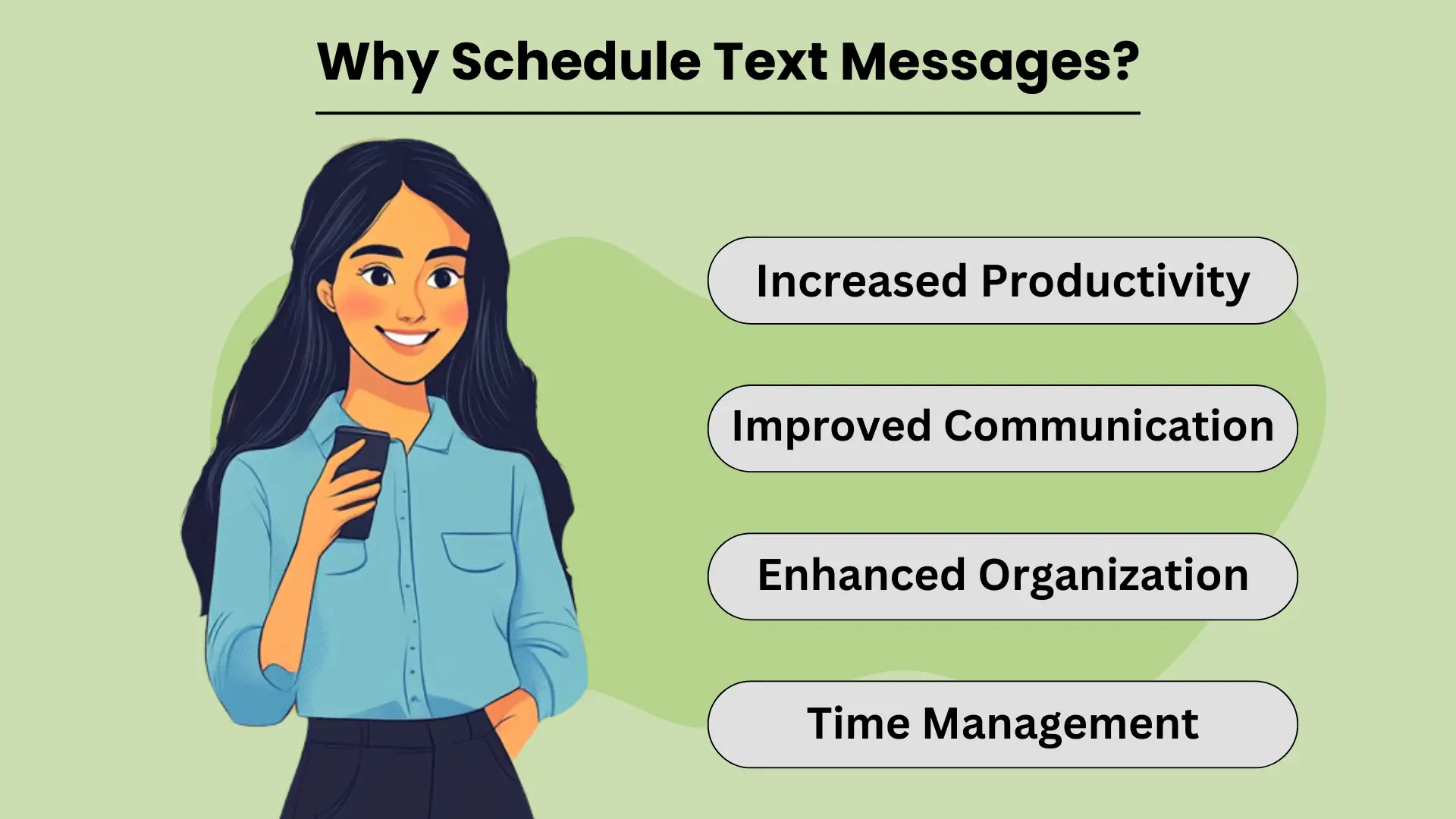
调度 短信 允许个人和企业及时发送相关信息,而无需在最佳时机手动点击“发送”。这个简单而强大的工具通过自动化日常消息来帮助简化沟通,确保重要信息在最具影响力时到达收件人。无论是个人提醒还是业务通知,安排 发短信有很多好处,可以增强 效率和生产力。借助此功能,您可以更好地安排您的一天,有效管理任务,并确保发送关键消息,即使您太忙而无法实时发送。
提高生产力
通过提前安排短信,您无需记住手动发送每条消息。这不仅可以节省时间,还可以释放您的心理空间,让您可以专注于更重要的任务。对于企业而言,此功能可以帮助自动化客户通信,使您能够轻松处理大量消息。最终,安排文本可以提高您的整体工作效率,因为它可以减少全天管理沟通带来的干扰。
改善沟通
预定消息传送可确保您的通信在最合适的时间发送。无论您是发送生日祝福、提醒还是业务更新,预先设置这些消息都可以及时发送。这可以提高沟通的一致性和可靠性,与个人联系人和客户建立更牢固的关系。当收件人在正确的时间收到消息时,可以提高参与度和响应率。
增强的组织和时间管理
安排文本是保持井井有条的关键工具。通过提前设置消息,您可以避免忘记重要日期或截止日期的风险,例如发送活动邀请或提醒。这也有助于 时间管理,因为它可以让您一次性计划好您的沟通,从而腾出时间来承担其他责任。此外,预定短信可帮助企业有效管理客户交互,尤其是例行通知,而无需中断日常运营。
安排短信的方法
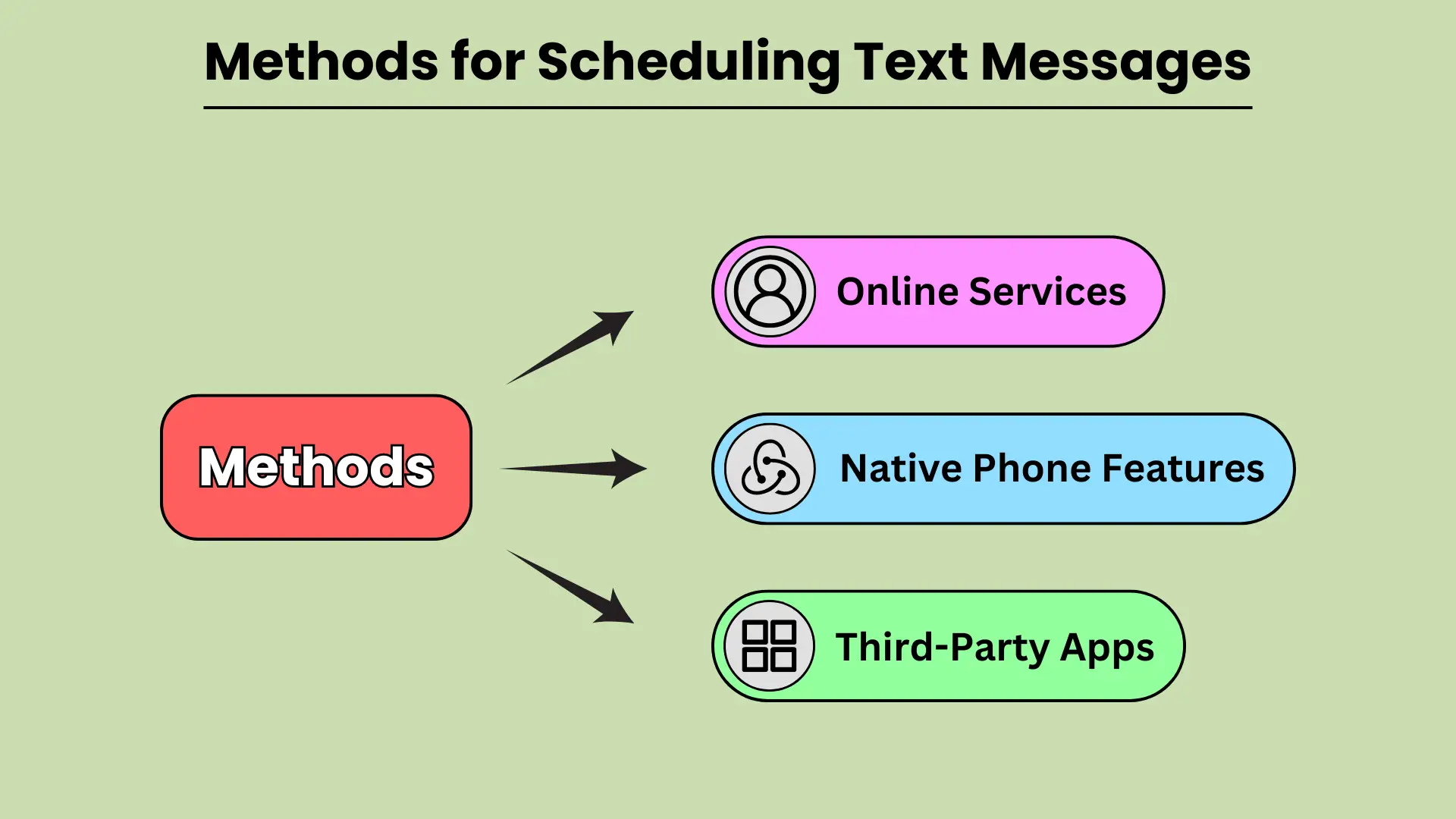
调度 短信 可以成为改善沟通的强大工具,确保您的消息在最方便的时间到达收件人。无论您需要发送提醒、生日祝福还是业务通知,安排短信都可以帮助您提前计划并避免忘记重要消息。有多种方法可用于安排文本,从内置电话功能到第三方应用程序,甚至基于网络的服务。在本指南中,我们将探讨如何利用 Android 和 iOS 上的本机电话功能、第三方应用程序和在线平台来无缝安排短信。
本机电话功能
现代智能手机配备了内置功能,允许用户在不依赖外部应用程序的情况下安排文本。 Android 设备,尤其是使用 Google Messages 和 Samsung Messages 的设备,提供简单直观的消息安排选项。使用 Google Messages,用户可以长按发送按钮来选择发送文本的日期和时间。同样,三星消息在消息设置下提供了该选项。在 iOS 上,“快捷方式”应用程序提供了自动安排文本的功能,而 iMessage 中的“预定发送”功能允许用户选择何时发送消息。
本机电话功能使安排短信变得方便快捷。
第三方应用程序
如果您想要更多灵活性或附加功能,第三方应用程序是安排文本的绝佳选择。 Android 上的 SMS Scheduler 等应用程序允许用户安排多条短信、设置重复消息并轻松管理日程安排。对于 iOS 用户,文本计划等应用程序提供类似的功能,使用户能够在指定时间自动发送文本。其他值得注意的应用程序包括 Pulse SMS 和 Textra,这两个应用程序都可以在 Android 上使用并提供高级调度选项。
第三方应用程序为安排文本提供了更好的定制和控制。
在线服务
对于喜欢从基于网络的平台安排文本的企业或用户,一些在线服务提供了强大的解决方案。 Twilio、Nexmo 和 MessageBird 等平台允许用户安排批量短信、将 SMS 功能集成到他们的应用程序中,并有效管理消息传递活动。这些平台对于需要向大量受众发送自动消息、提醒或营销传播的企业特别有用。通过使用在线服务,用户可以精确地安排消息并扩展他们的通信工作。
在线服务非常适合大规模安排文本。
如何在热门平台上安排短信
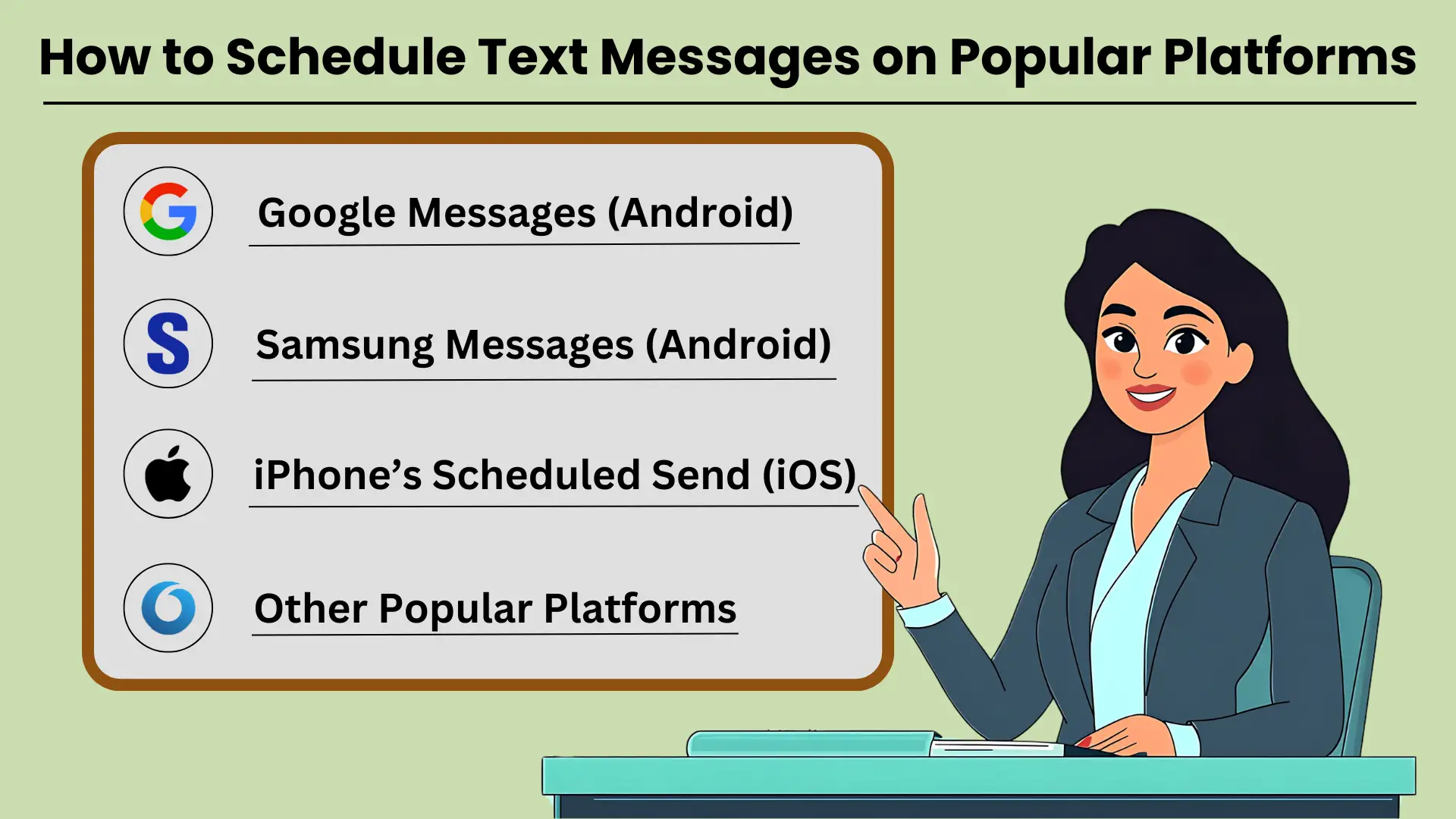
安排短信 是一个有用的工具,可确保您的消息在正确的时间发送,无论是个人提醒、商务通信还是社交场合。许多流行的平台(例如 Google Messages、Samsung Messages 和 iPhone 的预定发送功能)允许用户轻松安排短信。使用这些工具,您可以将消息设置为在特定日期和时间发出,确保您的沟通及时且具有影响力。在本指南中,我们将提供 有关如何安排短信的分步说明 在几个流行的消息平台上,帮助您充分利用此功能。
Google 消息 (Android)
Google Messages 是 Android 设备上广泛使用的消息应用程序,提供了一种简单的方式来安排文本。请按照下列步骤操作:
- 在 Android 设备上打开 Google 消息。
- 选择您要向其发送消息的联系人。
- 像平常一样输入您的消息。
- 按住“发送”按钮,将出现“安排发送”选项。
- 选择预设时间或点击“选择日期和时间”来设置自定义时间表。
- 确认预定时间并发送消息。
安排消息发送时间可确保您的文本在最相关时到达收件人。
三星信息 (Android)
对于三星 Galaxy 用户,原生三星消息应用程序还提供消息调度功能。使用方法如下:
- 打开 Galaxy 设备上的 Samsung Messages 应用程序。
- 选择对话或与您要向其发送消息的联系人开始新的对话。
- 在文本字段中输入您的消息。
- 点击“+”符号或选项按钮,然后选择“安排消息”。
- Set the date and time for when you want the message to be sent.
- Tap “Send,” and your message will be scheduled.
Scheduling texts with Samsung Messages helps you manage important communications with ease.
iPhone’s Scheduled Send (iOS)
On iOS, the scheduled send feature isn’t natively available in the Messages app, but with Shortcuts, you can automate this process:
- Open the Shortcuts app on your iPhone.
- Tap the “+” icon to create a new automation.
- Select “Create Personal Automation” and choose “Time of Day.”
- Set your desired time, then tap “Next.”
- Add the “Send Message” action and type your message.
- Choose the contact, and tap “Next” to finalize.
- Review the automation, then tap “Done.”
With iPhone’s Shortcuts, you can schedule texts to ensure your communication is on time.
Other Popular Platforms
In addition to Android and iPhone platforms, other messaging apps like WhatsApp, Telegram, and Facebook Messenger require third-party apps or built-in features to schedule messages. These platforms may not have native scheduling capabilities but can be managed with external tools.
Advanced Scheduling Features for Effective SMS Communication
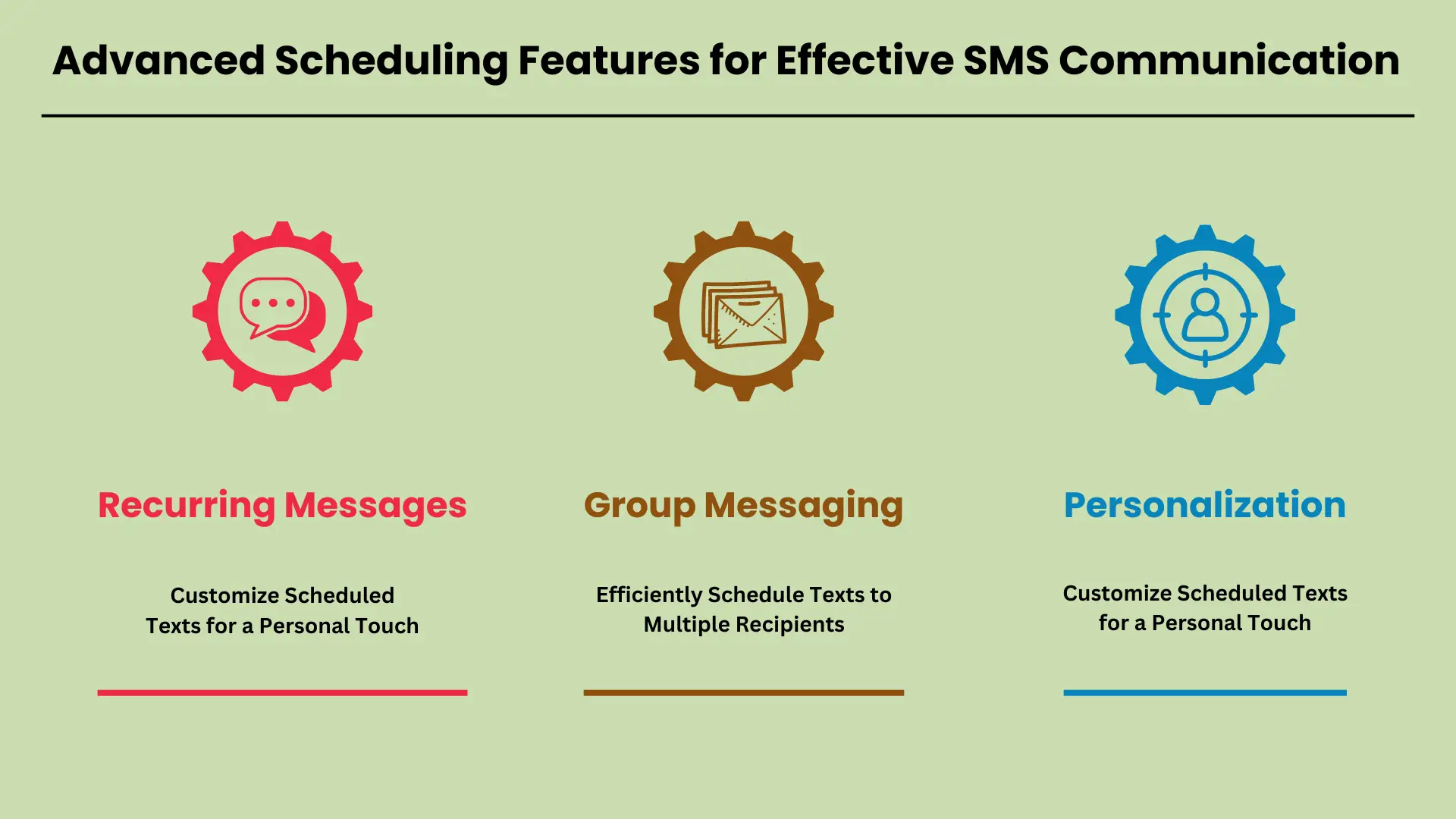
In today’s fast-paced world, advanced scheduling features for 短信 QUERY LENGTH LIMIT EXCEEDED. MAX ALLOWED QUERY : 500 CHARS
Recurring Messages: Set Up Regular Notifications and Reminders
QUERY LENGTH LIMIT EXCEEDED. MAX ALLOWED QUERY : 500 CHARS
Group Messaging: Efficiently Schedule Texts to Multiple Recipients
QUERY LENGTH LIMIT EXCEEDED. MAX ALLOWED QUERY : 500 CHARS
Personalization: Customize Scheduled Texts for a Personal Touch
QUERY LENGTH LIMIT EXCEEDED. MAX ALLOWED QUERY : 500 CHARS
Incorporating these advanced scheduling features into your SMS strategy can greatly enhance communication efficiency and personalization.
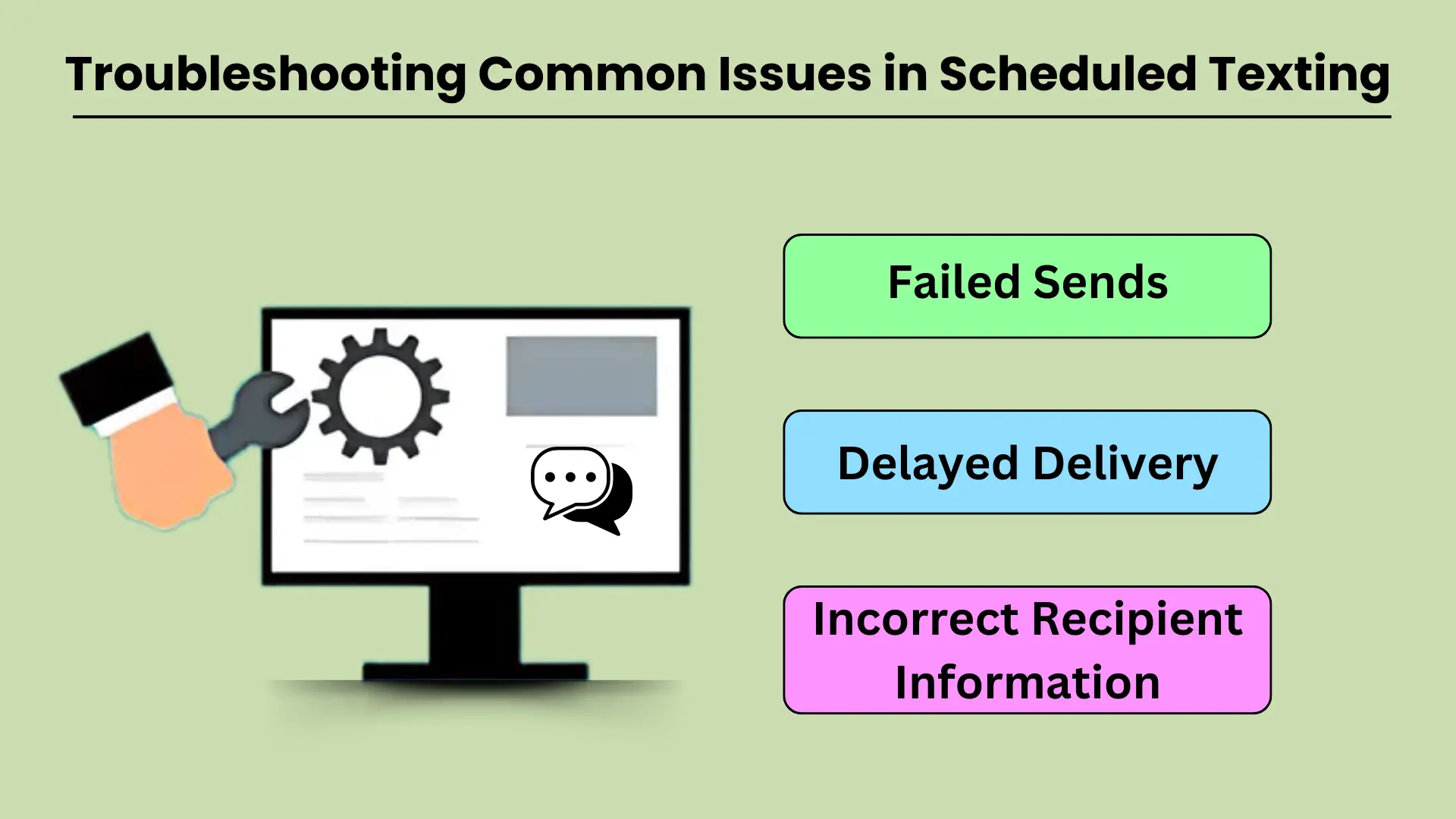
Troubleshooting Common Issues in Scheduled Texting
QUERY LENGTH LIMIT EXCEEDED. MAX ALLOWED QUERY : 500 CHARS
Failed Sends
Failed message sends are a frustrating issue that can occur for several reasons. The most common cause is poor network connectivity. If your device or the recipient’s phone lacks a stable network connection, the message may fail to send at the scheduled time. Another factor could be incorrect settings in the texting app or service being used, such as the wrong time zone configuration or outdated app versions. Additionally, the recipient’s phone may have been turned off or out of service during the scheduled send time, which can result in failure.
To troubleshoot this, ensure both devices are connected to a stable network and that the texting service is correctly configured. Check the app settings, update to the latest version, and verify that the recipient’s number is correct.
Delayed Delivery
Delayed message delivery is another common issue in scheduled texting, and it often results from network congestion or service provider delays. Sometimes, a message might get delayed if the recipient’s network is overloaded, especially during peak hours or when there is high demand on the server. Other times, the scheduled message might encounter delays if the sender’s device or network is experiencing issues, like low battery, data congestion, or poor signal strength.
To resolve this, ensure your device has a strong network signal and sufficient battery life. You can also try sending the message manually if the delay persists, or contact your service provider to check for any outages or slowdowns.
Incorrect Recipient Information
One of the most preventable issues with scheduled texting is sending messages to the wrong recipient. This often happens due to manual input errors when entering the recipient’s contact details or selecting the wrong contact from a list. Another potential cause is an outdated contact list where the recipient’s information has changed but hasn’t been updated in the system.
To prevent this issue, double-check the recipient information before scheduling any messages. It’s also a good practice to regularly update your contact list to ensure accuracy. If a message is sent to the wrong person, promptly inform them and resend the message to the correct recipient.
Troubleshooting Tips
For any of the above issues, here are some additional troubleshooting tips:
- Check your network connection: Ensure both your device and the recipient’s device have stable network connections.
- Update your app: Keep your messaging app up to date to avoid bugs and glitches that could affect scheduled texts.
- Verify settings: Double-check that the correct time zone, date, and time have been set for your scheduled messages.
- Test your system: Before sending important scheduled messages, send a test message to yourself or a colleague to ensure the system is working properly.
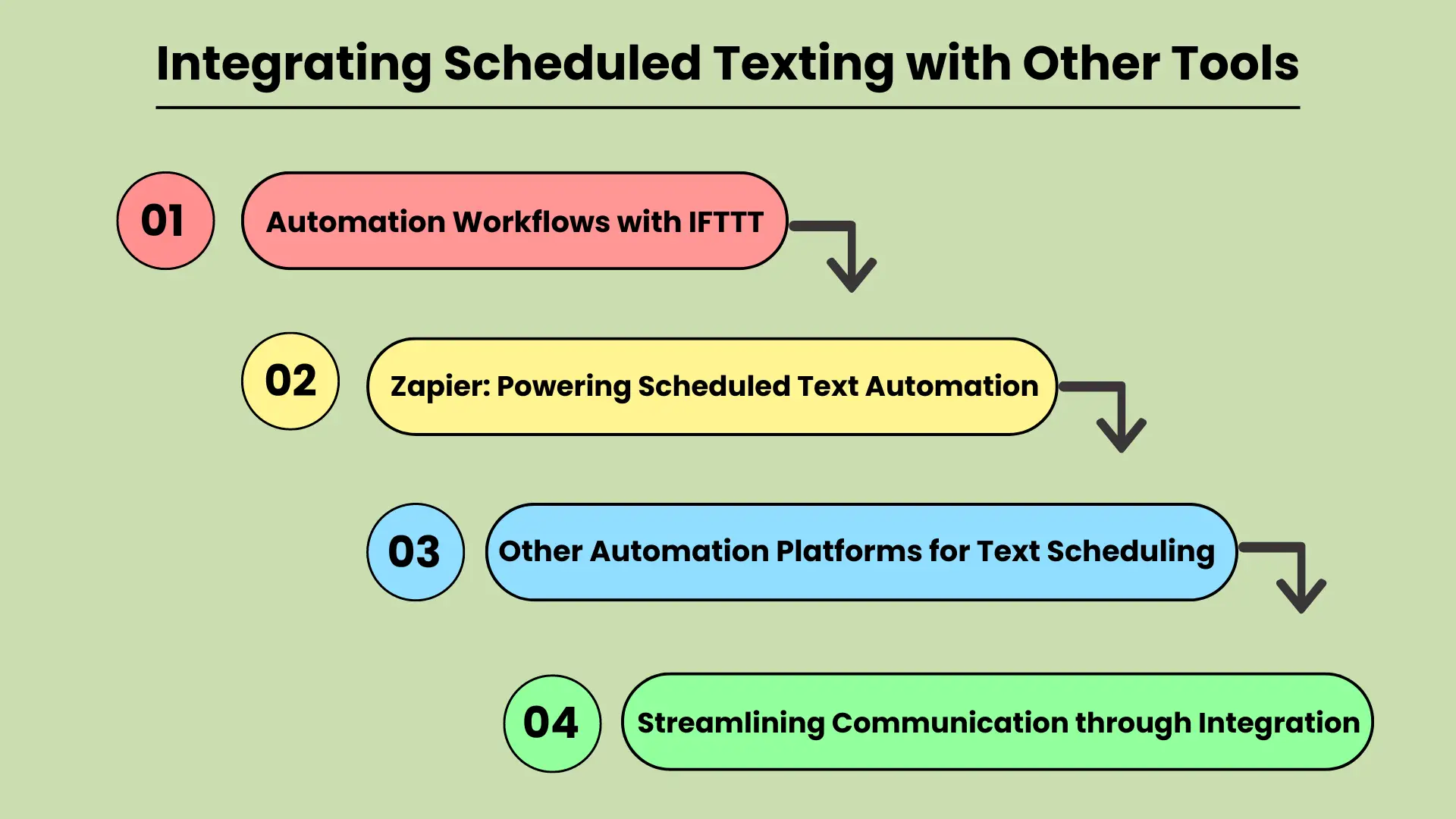
Integrating Scheduled Texting with Other Tools: Enhancing Automation and Communication
QUERY LENGTH LIMIT EXCEEDED. MAX ALLOWED QUERY : 500 CHARS
Automation Workflows with IFTTT
IFTTT is a popular automation platform that allows users to create “applets” — simple connections between different tools and services. By integrating scheduled texting with IFTTT, users can set up triggers for sending texts when specific conditions are met. For example, you could automatically send a reminder text to clients when an event is added to a Google Calendar or to any calendar apps. This type of automation helps eliminate manual texting tasks, ensuring that no communication is missed. Integrating scheduled texting with IFTTT makes it easy to automate repetitive tasks and streamline communication workflows.
Zapier: Powering Scheduled Text Automation
Zapier is another powerful tool for connecting apps and automating workflows. Similar to IFTTT, Zapier allows users to set up “zaps” that automate tasks between various apps, including text messaging platforms. With Zapier, businesses can schedule texts based on events, form submissions, or any other activity within their workflow. For example, a new lead generated in your CRM can trigger a scheduled text message follow-up. This integration reduces the risk of missed opportunities and ensures timely communication, enhancing customer engagement and team efficiency.
Other Automation Platforms for Text Scheduling
QUERY LENGTH LIMIT EXCEEDED. MAX ALLOWED QUERY : 500 CHARS
通过集成简化沟通
将预定短信与自动化平台集成的主要好处在于它能够简化通信流程。通过根据特定触发器自动发送消息,企业可以确保一致、及时的通信,而无需依赖手动输入。无论是发送提醒、促销还是后续活动,将预定短信与 IFTTT、Zapier 或其他平台等工具集成都可以实现更高效的沟通,节省时间并降低人为错误的风险。
集成预定短信可提高生产力和通信效率,使其成为现代工作流程的重要组成部分。
结论
安排和发送短信 特定时间 对于任何希望简化沟通并提高效率的人来说,这是一项重要功能。无论是个人使用还是商务使用,该工具都可以确保您不会错过重要时刻,同时还可以减少管理日常通信所花费的时间。通过本机电话提供可用选项 特征、第三方应用程序和在线平台,安排文本比以往任何时候都更容易访问。
通过将日程安排纳入您的日常沟通习惯,您不仅可以节省时间,还可以提高互动的质量和及时性。尤其是企业,可以从自动化客户沟通、发送提醒和无缝管理大量消息中受益。安排文本是一种简单而强大的策略,可以提高生产力并保持有组织、及时的沟通。
常见问题解答
在 Android 上,您可以使用 Google Messages 或 Samsung Messages 安排短信。只需输入您的消息,按住发送按钮,然后选择您想要的发送时间。ctetur adipiscing elit。 Ut elittellus,luctus nec ullamcorper mattis,pulvinar dapibus leo。
是的,使用 iPhone 上的快捷方式应用程序,您可以通过设置自定义自动化来自动化和安排短信。
用于安排文本的流行应用程序包括 SMS Scheduler、Pulse SMS 和 Android 版 Textra,而 Text Schedule 是 iOS 用户的常见选项。
安排文本使企业能够自动化客户通信,确保及时发送通知、提醒和促销,而无需人工干预。
是的,Twilio 和 Nexmo 等在线服务允许您安排批量消息,这使其成为需要向大量受众发送自动消息的企业的理想选择。