
 English
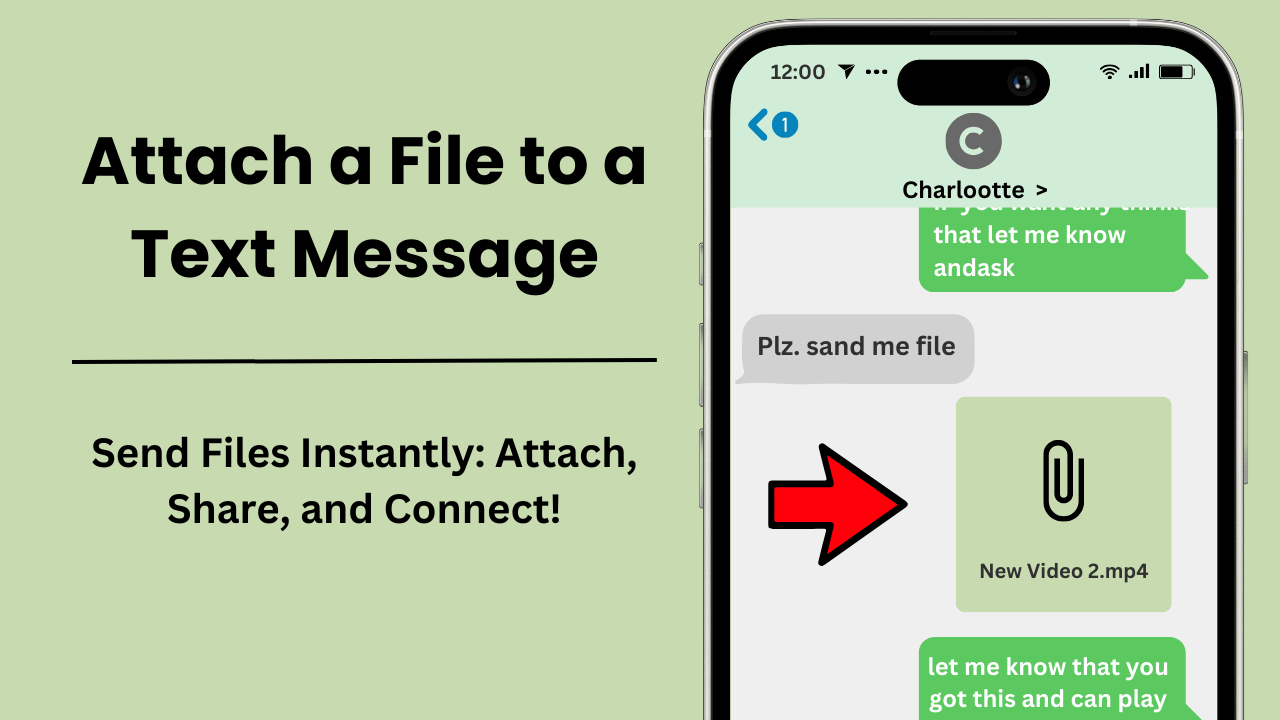
แนบไฟล์ไปกับข้อความตัวอักษรทำให้คุณสามารถส่งไฟล์มัลติมีเดีย เช่น รูปภาพ เอกสาร วิดีโอ และคลิปเสียงได้โดยตรงผ่านแอพส่งข้อความ กระบวนการนี้ปรับปรุงการสื่อสารโดยทำให้ผู้ใช้สามารถแบ่งปันข้อมูลที่จำเป็นภายในข้อความแบบเรียลไทม์ ด้วยความก้าวหน้าของเทคโนโลยีมือถือ ฟีเจอร์นี้จึงสามารถเข้าถึงได้และมีคุณค่ามากขึ้นกว่าเดิม โดยเปลี่ยนวิธีการสื่อสารระหว่างบุคคลและธุรกิจ
ประเด็นสำคัญ:
- ความสะดวกและรวดเร็ว: การแนบไฟล์ไปกับข้อความโดยตรง ขจัดความจำเป็นในการใช้แอปหรืออีเมลของบุคคลที่สาม มอบประสบการณ์การสื่อสารที่ราบรื่น
- รองรับไฟล์กว้าง: ประเภทไฟล์ทั่วไปสำหรับไฟล์แนบ ได้แก่ รูปภาพ (JPEG, PNG), วิดีโอ (MP4, MOV) และเอกสาร (PDF, DOCX)
- การจำกัดขนาดไฟล์: แพลตฟอร์มการรับส่งข้อความกำหนดขีดจำกัดขนาดไฟล์ โดยผู้ให้บริการส่วนใหญ่กำหนดขนาดไฟล์ระหว่าง 300KB ถึง 1MB สำหรับข้อความ MMS
- เพิ่มประสิทธิภาพการทำงาน: ไฟล์แนบช่วยประหยัดเวลาและปรับปรุงขั้นตอนการทำงาน ทำให้มีคุณค่าอย่างยิ่งสำหรับการสื่อสารทางธุรกิจ
- ข้อควรพิจารณาด้านความปลอดภัย: คำนึงถึงความเป็นส่วนตัวด้วยการส่งไฟล์ไปยังผู้รับที่เชื่อถือได้เท่านั้น และรับรองความเข้ากันได้กับอุปกรณ์ของผู้รับ
การแนบไฟล์ไปกับข้อความคืออะไร?
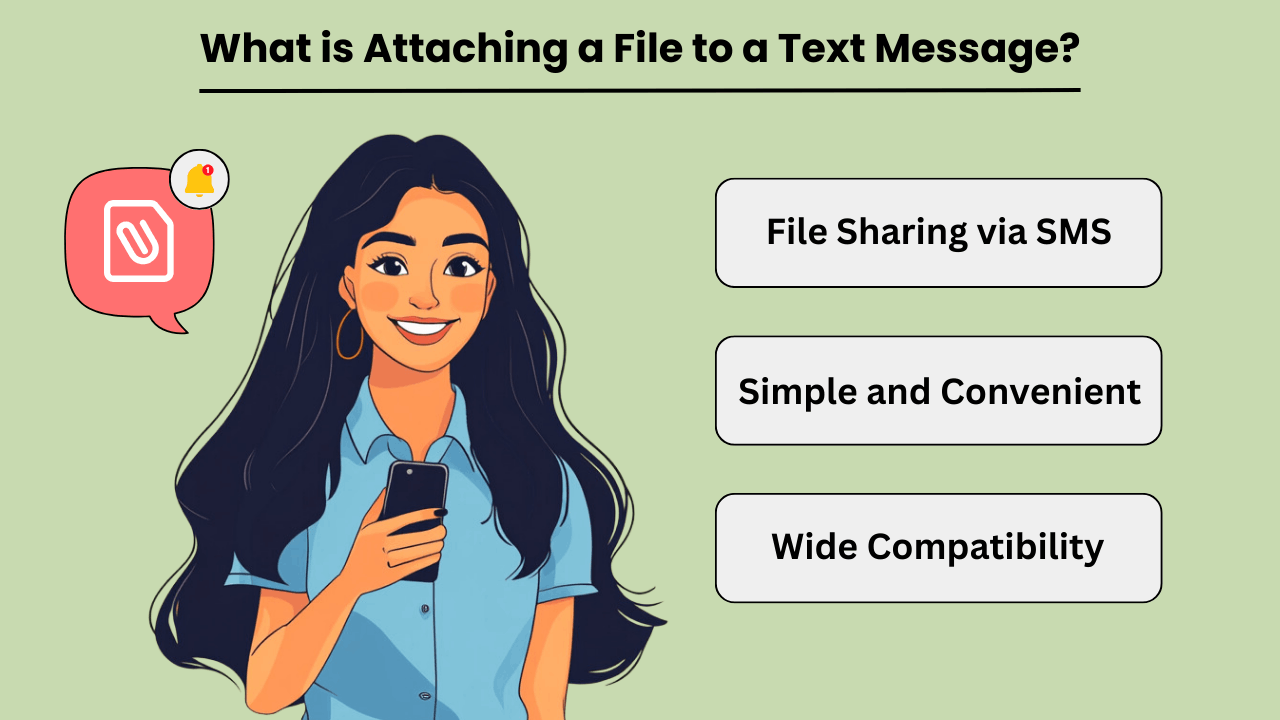
การแนบไฟล์ไปกับไฟล์ ข้อความหมายถึงกระบวนการส่ง ไฟล์ประเภทต่างๆ เช่น รูปภาพ เอกสาร วิดีโอ หรือไฟล์เสียง ผ่านทางแพลตฟอร์มการรับส่งข้อความ ฟังก์ชันนี้ปรับปรุงการสื่อสารโดยอนุญาตให้ผู้ใช้สามารถแบ่งปันเอกสารสำคัญหรือเนื้อหามัลติมีเดียได้โดยตรงภายในการสนทนาด้วยข้อความ
ประโยชน์ของการแนบไฟล์ในการส่งข้อความ
ไฟล์แนบในรูปแบบข้อความ การส่งข้อความ offer a range of benefits that enhance user experience and communication efficiency. One key advantage is the convenience of sharing files without switching between different apps or platforms.
For example, การส่งเอกสารหรือภาพถ่ายโดยตรงผ่านข้อความ ข้อความช่วยลดความจำเป็นในการใช้อีเมลหรือบริการคลาวด์ ทำให้กระบวนการง่ายขึ้น นอกจากนี้ ไฟล์แนบยังช่วยให้สามารถแบ่งปันแบบเรียลไทม์และเข้าถึงเนื้อหาได้ทันที ซึ่งมีประโยชน์อย่างยิ่งสำหรับข้อมูลที่ละเอียดอ่อนด้านเวลา
ประเภทไฟล์ทั่วไปสำหรับไฟล์แนบข้อความ
เมื่อแนบไฟล์ ข้อความ, users can choose from various file types depending on their needs. Common file types include images (JPEG, PNG), documents (PDF, DOCX), videos (MP4, MOV), and audio files (MP3).
However, If your file is not in one of these formats, you can easily convert it using ตัวแปลงออนไลน์ before attaching it to your message. Each file type serves a specific purpose and is compatible with most messaging platforms.
For instance, images and videos are ideal for sharing visual content, while documents and audio files are useful for exchanging textual or ข้อมูลเสียง.
เคล็ดลับในการจัดการไฟล์แนบในการส่งข้อความ
ถึง จัดการได้อย่างมีประสิทธิภาพ ข้อความ attachments, users should consider a few key tips. First, ensure that the file size is within the limits set by the messaging platform, as large files may not be sent or could impact the performance of the message.
Second, use clear and descriptive filenames to make it easier for the recipient to identify and access the attached file. Lastly, be mindful of privacy and security by only sending files to trusted recipients and avoiding sensitive information in unsecured messages.
การแนบไฟล์ไปกับข้อความช่วยให้สามารถแบ่งปันเนื้อหาและเอกสารมัลติมีเดียได้อย่างสะดวกและมีประสิทธิภาพ คุณสมบัตินี้ปรับปรุงการสื่อสารโดยอนุญาตให้แบ่งปันแบบเรียลไทม์และเข้าถึงไฟล์ได้ทันที ทำให้เหมาะสำหรับการใช้งานส่วนบุคคลและระดับมืออาชีพ
ฉันจะแนบรูปภาพและไฟล์ไปกับข้อความได้อย่างไร?
จะแนบไฟล์ไปกับข้อความได้อย่างไร? เพียงสแกน รหัส QR และทำตามขั้นตอนง่ายๆ เหล่านี้
- เปิดข้อความใหม่และคลิกที่ปุ่มไฟล์แนบ
- เลือกรูปแบบไฟล์ที่คุณต้องการในหน้าต่างใหม่
- จากนั้นเลือกรูปภาพหรือไฟล์ (ขึ้นอยู่กับระบบปฏิบัติการของคุณ) ที่คุณต้องการส่ง
- ใส่ผู้รับและข้อความของคุณ เท่านี้ก็เรียบร้อย!
โปรดทราบ: หากคุณใช้ iPad คุณจะถูกจำกัดให้แนบรูปภาพเท่านั้น
คุณสามารถแนบไฟล์ได้สูงสุด 4 ไฟล์ต่อข้อความ โดยมีขนาดสูงสุด 10 MB สำหรับแต่ละรูปภาพหรือไฟล์ ข้อจำกัดเหล่านี้ทำให้การส่งมอบเป็นไปอย่างราบรื่น ไฟล์แนบข้อความ โดยไม่ต้องโหลดแพลตฟอร์มการส่งข้อความมากเกินไป
การแนบไฟล์ไปกับข้อความทำงานอย่างไร?
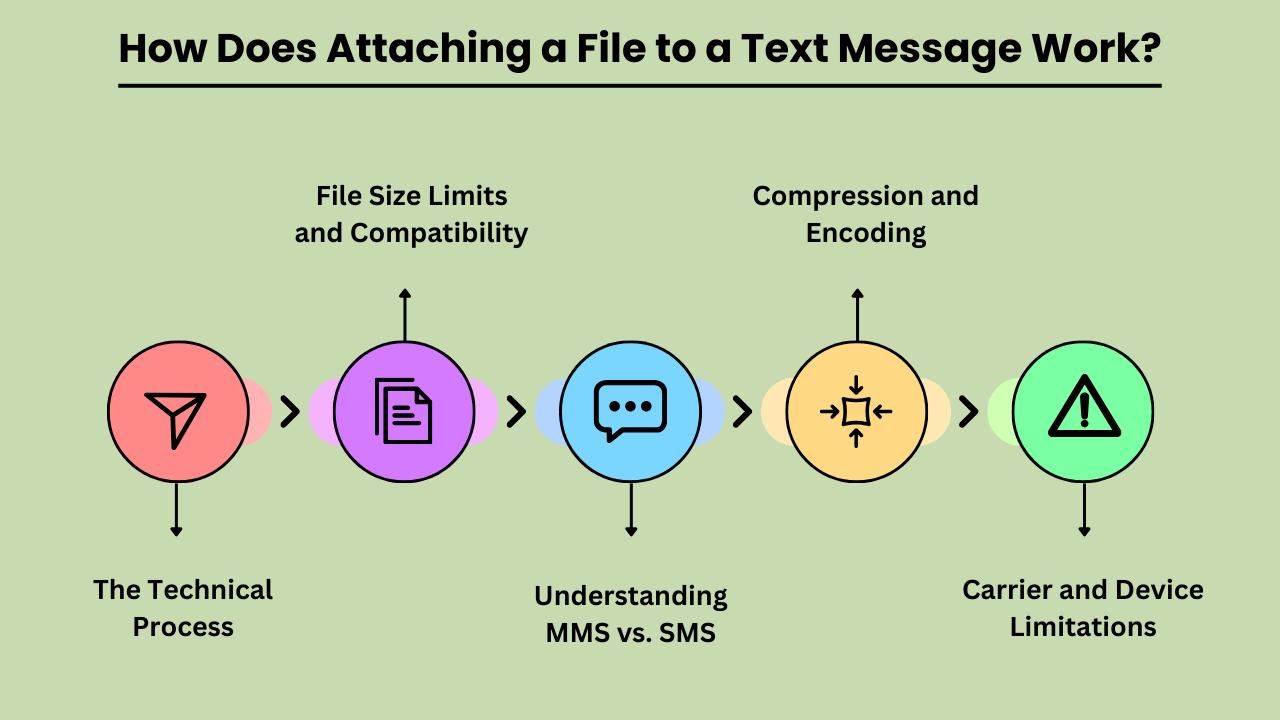
วิธีส่งไฟล์ผ่านทางข้อความเกี่ยวข้องกับกระบวนการทางเทคนิคหลายประการเพื่อให้แน่ใจว่าไฟล์ถูกส่งและรับอย่างถูกต้อง SMS แบบดั้งเดิม (บริการข้อความสั้น) รองรับเฉพาะข้อความ ดังนั้นการส่งไฟล์จึงต้องใช้ MMS (บริการข้อความมัลติมีเดีย) ซึ่งขยายขีดความสามารถของ SMS เพื่อรวมเนื้อหามัลติมีเดีย
กระบวนการทางเทคนิคของการแนบไฟล์ไปกับข้อความ
การแนบไฟล์จะเริ่มต้นเมื่อผู้ใช้เลือกไฟล์จากอุปกรณ์ของตน และเริ่มกระบวนการภายในแอปส่งข้อความ จากนั้นไฟล์จะถูกเข้ารหัสเป็นรูปแบบที่เหมาะสมสำหรับการส่ง MMS การเข้ารหัสนี้รวมถึงการเพิ่มข้อมูลเมตาเกี่ยวกับไฟล์ เช่น ประเภทและขนาดของไฟล์ ข้อความที่เข้ารหัสจะถูกส่งไปยังเซิร์ฟเวอร์ MMS ของผู้ให้บริการ ซึ่งจัดการการส่งไปยังเซิร์ฟเวอร์ MMS ของผู้รับ
ขีดจำกัดขนาดไฟล์และความเข้ากันได้
When sending files via MMS, size limits are a crucial consideration. Most carriers impose a maximum file size limit, typically between 300KB and 1MB. Files exceeding this limit may need to be compressed or sent using alternative methods, such as email or cloud storage links.
Additionally, file types must be compatible with both the sending and receiving devices. Common formats like JPEG, PNG, and MP4 are usually supported, but less common or proprietary formats may not be. Ensuring compatibility involves checking file types and sizes before sending to avoid delivery issues.
ทำความเข้าใจ MMS กับ SMS
MMS (Multimedia Messaging Service) and SMS (Short Message Service) serve different purposes in text communication. SMS is limited to text only, while MMS supports multimedia files such as images, videos, and audio clips. When attaching a file, the message is converted into an MMS format, which can handle these larger and more complex data types.
This conversion is necessary because traditional เอสเอ็มเอส ขาดความสามารถในการส่งไฟล์นอกเหนือจากข้อความธรรมดา
การบีบอัดและการเข้ารหัส
การบีบอัดไฟล์และการเข้ารหัสเป็นสิ่งจำเป็นสำหรับการส่งไฟล์ผ่าน MMS การบีบอัดจะลดขนาดไฟล์เพื่อให้เป็นไปตามขีดจำกัดของผู้ให้บริการ ในขณะที่การเข้ารหัสช่วยให้มั่นใจได้ว่าไฟล์จะถูกส่งผ่านเครือข่ายอย่างถูกต้อง กระบวนการนี้เกี่ยวข้องกับการแปลงไฟล์เป็นรูปแบบที่เข้ากันได้ และอาจลดคุณภาพลงเพื่อให้เหมาะสมกับข้อจำกัดด้านขนาด จากนั้นทำการถอดรหัสบนอุปกรณ์ของผู้รับเพื่อกู้คืนไฟล์กลับสู่สถานะดั้งเดิม
ข้อจำกัดของผู้ให้บริการและอุปกรณ์
ข้อจำกัดของผู้ให้บริการและอุปกรณ์มีบทบาทสำคัญในกระบวนการแนบไฟล์ ผู้ให้บริการแต่ละรายมีการจำกัดขนาดไฟล์และรูปแบบที่รองรับที่แตกต่างกัน ซึ่งอาจส่งผลต่อวิธีการส่งและรับไฟล์ นอกจากนี้ อุปกรณ์บางชนิดอาจไม่จัดการข้อความมัลติมีเดียในลักษณะเดียวกัน ซึ่งอาจนำไปสู่ปัญหาความเข้ากันได้ สิ่งสำคัญคือต้องพิจารณาปัจจัยเหล่านี้เมื่อแนบไฟล์เพื่อให้แน่ใจว่าการจัดส่งจะประสบความสำเร็จและการดูที่เหมาะสม
ข้อดีของการแนบไฟล์ไปกับข้อความ
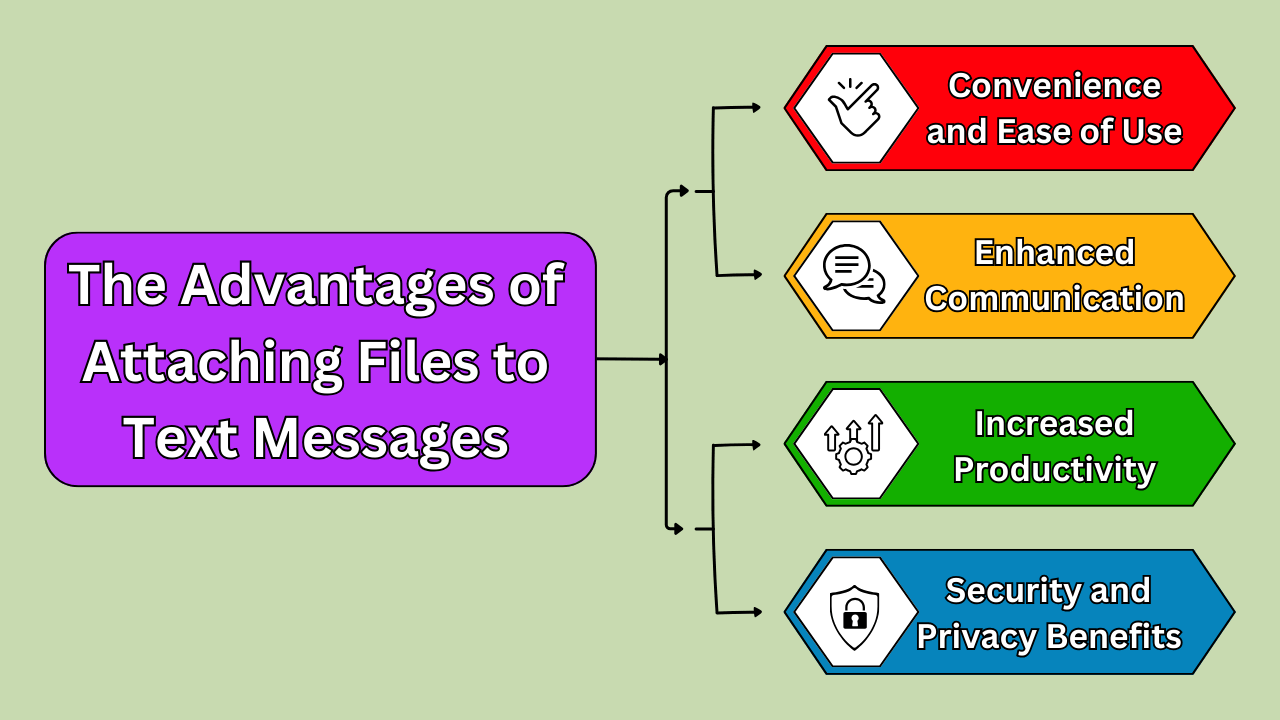
การแนบไฟล์ไปกับข้อความมีข้อดีหลายประการ โดยเปลี่ยนวิธีการสื่อสารและการทำงานร่วมกันของเรา หนึ่ง ผู้ช่วยโทร AI ลดความซับซ้อนในการทำงานร่วมกันโดยเปิดใช้งานการแบ่งปันไฟล์มัลติมีเดียได้อย่างง่ายดายผ่านทางข้อความและ โทรศัพท์เอไอ, streamlining communication.
The primary benefit is convenience; with just a few taps, you can send documents, images, and other files directly from your mobile device. This eliminates the need for additional apps or platforms, streamlining the process of sharing essential information. Enhanced communication is another key advantage.
Whether you’re sending a project update to a colleague or sharing a photo with a friend, attaching files ensures that your message is complete and contextually rich. Moreover, this method boosts productivity. By quickly sharing files without needing to switch between different applications or devices, you save time and can focus on more pressing tasks.
In today’s fast-paced world, the ability to send and receive files effortlessly through text messages is a significant asset.
ความสะดวกสบายและใช้งานง่าย
Attaching a file to a text message is incredibly convenient and user-friendly. Most modern smartphones allow for easy integration of file attachments into text conversations. You simply select the file you wish to share, and it’s sent instantly, eliminating the need for lengthy email threads or complex file-sharing systems.
This simplicity is particularly valuable when you’re on the go or in situations where quick communication is crucial. Additionally, text messages with file attachments can be accessed without an internet connection once received. This is beneficial for users in areas with unstable connectivity.
การสื่อสารและการทำงานร่วมกันที่เพิ่มขึ้น
Files attached to text messages significantly enhance communication and collaboration. For professional settings, this means that team members can quickly share reports, presentations, or spreadsheets. This makes it easier to coordinate and make decisions in real time. Implementing บริการสำหรับการจัดการโครงสร้างพื้นฐาน ensures these file-sharing capabilities remain reliable and secure across the organization.
In personal contexts, sharing images or documents via text helps keep conversations rich and detailed. This seamless exchange of information supports more effective and informed discussions, as recipients have immediate access to the materials they need.
Enhanced communication through file attachments also reduces the likelihood of misunderstandings, as the content is directly available for review and clarification.
ประหยัดเวลาและเพิ่มผลผลิต
Attaching files to text messages saves time and boosts productivity. Traditional methods of file sharing often involve multiple steps and can be cumbersome, especially if you have to use different platforms. By using text messaging to send files, you streamline the process, reducing the time spent navigating between applications.
This efficiency is particularly useful in professional settings where quick turnaround times are essential. The ability to instantly share documents or images means you can address tasks and respond to requests faster, leading to a more productive workflow.
ประโยชน์ด้านความปลอดภัยและความเป็นส่วนตัว
Attaching files to text messages also provides enhanced security and privacy compared to other methods of sharing. Many messaging platforms now offer encryption features that help protect the content of your messages and attached files from unauthorized access.
This ensures that sensitive information, such as contracts, personal documents, or private images, is kept secure during transmission. Additionally, since text messages are typically stored directly on the recipient’s device, there’s less risk of your files being intercepted or exposed in a shared or cloud-based system.
This added layer of security makes file attachment via text an attractive option for both personal and professional communication. This ensures that important data remains protected.
การเลือกวิธีที่ดีที่สุดในการแนบไฟล์ไปกับข้อความ
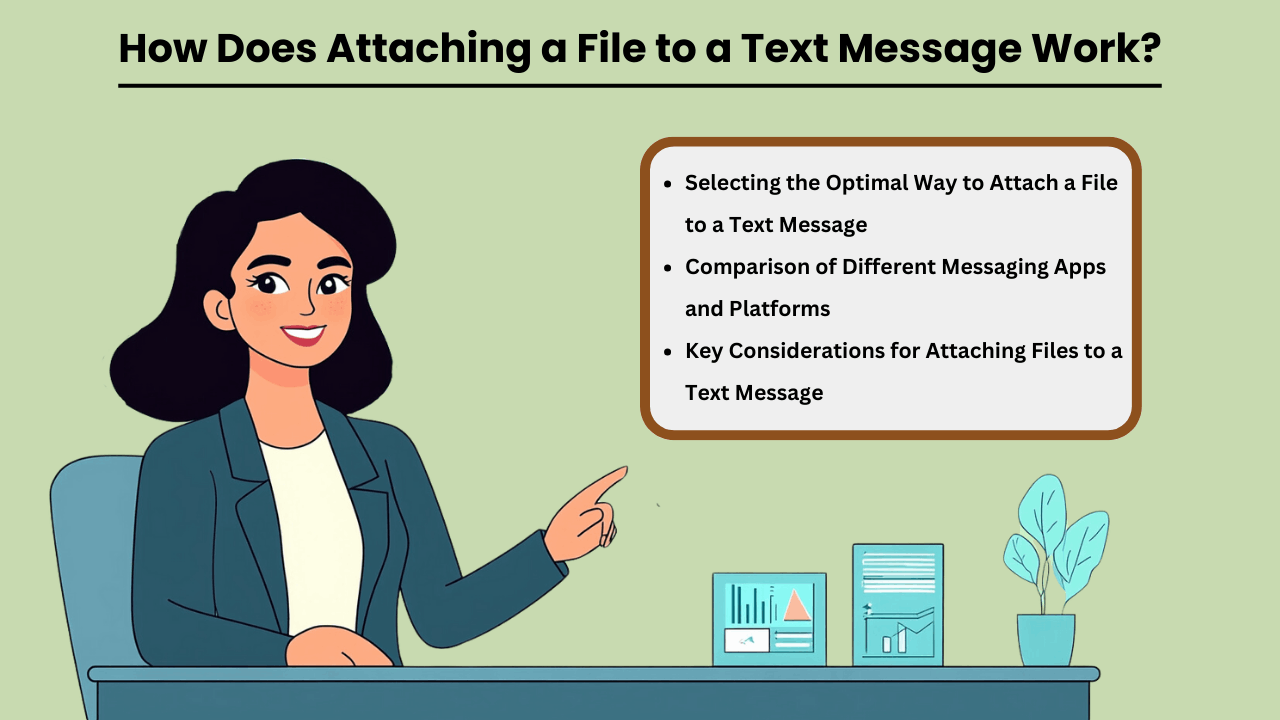
In today’s digital age, the ability to send files via text messages has become a vital aspect of personal and professional communication.
Whether you are sharing documents, images, or multimedia files, selecting the best method for วิธีแนบไฟล์ไปกับข้อความ can make a significant difference in terms of convenience and efficiency.
Factors such as file size, the platform being used, and the type of file all play a role in determining the most suitable method. Additionally, ensuring that the recipient can open the file without any compatibility issues is crucial for a seamless experience.
Understanding how different methods work can help you make informed decisions and improve your messaging experience.
การเลือกวิธีที่เหมาะสมที่สุดในการแนบไฟล์ไปกับข้อความ
แพลตฟอร์มการส่งข้อความที่แตกต่างกันเสนอวิธีการที่หลากหลาย แนบไฟล์ไปกับข้อความ messages, and knowing which one to use depends on the situation. Some apps, like WhatsApp or iMessage, allow for easy attachment of large files, while others, like standard SMS, may have restrictions on file size.
Consider the file type and recipient’s device compatibility when choosing a method. Sending files over secure platforms can also protect sensitive information, so it’s essential to select the right platform for the task.
การเปรียบเทียบแอพและแพลตฟอร์มการส่งข้อความที่แตกต่างกัน
When comparing messaging apps, factors such as file size limits, ease of use, and security features should be considered. Apps like WhatsApp, iMessage, and Signal offer secure, end-to-end encrypted file sharing, while basic SMS may only support small files. Additionally, certain apps are better suited for multimedia or document sharing depending on their design.
Understanding the limitations and strengths of each platform can help you choose the best one for your file-sharing needs.
ข้อควรพิจารณาที่สำคัญสำหรับการแนบไฟล์ไปกับข้อความ
เมื่อแนบไฟล์ไปกับข้อความ ขนาดไฟล์ ความเข้ากันได้ และความปลอดภัยเป็นปัจจัยสำคัญที่ต้องพิจารณา ไฟล์ขนาดใหญ่อาจต้องใช้ลิงก์ที่เก็บข้อมูลบนคลาวด์หรือบีบอัดไฟล์ให้พอดีกับขีดจำกัดของแอป สิ่งสำคัญคือต้องแน่ใจว่ารูปแบบไฟล์เข้ากันได้กับอุปกรณ์ของผู้รับ สุดท้ายนี้ การเลือกแพลตฟอร์มที่ปลอดภัยสามารถทำได้ ปกป้องข้อมูลของคุณ จากการเข้าถึงโดยไม่ได้รับอนุญาต ทำให้มั่นใจได้ว่าไฟล์แนบของคุณจะถูกส่งอย่างปลอดภัย
อนาคตของการแนบไฟล์ไปกับข้อความ
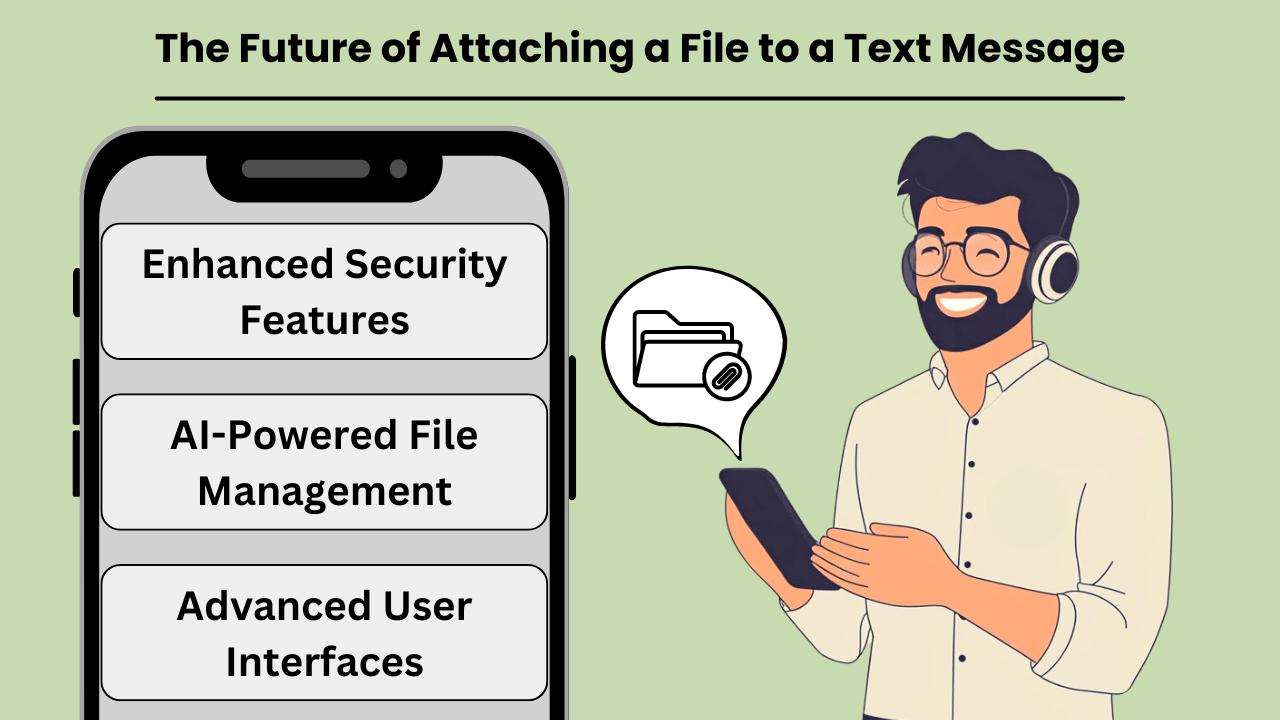
เมื่อเทคโนโลยีการสื่อสารพัฒนาขึ้น ความสามารถในการ แนบไฟล์ไปกับข้อความ messages is becoming faster, more reliable, and widely accessible. Traditional SMS, while effective for basic communication, has its limitations when it comes to sharing media, large files, or documents.
However, with the introduction of new technologies such as Rich Communication Services (RCS) and 5G, the future of file sharing via text is set to transform drastically. These advancements will not only increase the speed and ease of sharing files but also enhance the overall user experience.
This makes text messaging a more robust and versatile tool for personal and professional communication. From high-quality images to complex documents, file attachment capabilities are poised to meet the growing demand for seamless, real-time interaction. Advances in AI ต่อเนื่องหลายรูปแบบ ยังคงกำหนดรูปแบบวิธีที่แพลตฟอร์มการรับส่งข้อความจัดการกับรูปแบบเนื้อหาที่หลากหลาย
แนวโน้มและเทคโนโลยีที่เกิดขึ้นใหม่
The rise of RCS, often seen as the successor to SMS, brings enhanced functionality to text messaging, including the ability to attach large files. With RCS, users can share videos, high-resolution images, and even PDFs without the size constraints of traditional SMS.
Coupled with the rollout of 5G technology, which offers unprecedented download and upload speeds, the potential for file sharing via text messaging is limitless. This combination of RCS and 5G paves the way for a new era where attaching files to messages will be as seamless as sending a simple text.
ผลกระทบที่อาจเกิดขึ้นต่อการแชร์ไฟล์และการสื่อสาร
The integration of file-sharing capabilities into text messaging platforms will revolutionize how we communicate. With faster, more reliable networks, individuals and businesses can easily share important documents, images, and videos without the need for email or third-party apps.
This shift is expected to streamline communication workflows, especially in business environments where quick sharing of information is crucial. As file attachment technology becomes more sophisticated, text messaging could soon rival other communication methods as the preferred choice for sharing media.
การคาดการณ์อนาคตของการแนบไฟล์ไปกับข้อความ
In the near future, we can expect file attachments in text messages to become even more user-friendly and secure. Enhanced encryption and data protection measures will likely accompany these innovations, ensuring that sensitive information can be shared safely.
Additionally, the growing reliance on cloud storage and integration with messaging platforms may further simplify the process of attaching and accessing files. As these trends continue to evolve, text messaging will solidify its place as a versatile tool for both casual and professional communication, seamlessly integrating file sharing with everyday interactions.
บทสรุป
Attaching files to text messages has revolutionized personal and professional communication. The ability to share multimedia content instantly enhances collaboration, productivity, and convenience. As technologies like RCS and 5G advance, the future of file sharing via text messages will become even more efficient, with larger file sizes, enhanced security, and improved user experience.
Whether you’re sharing images, documents, or videos, file attachments through text messaging remain a vital tool in today’s digital landscape.
Looking ahead, as file-sharing capabilities continue to evolve, we can expect even greater integration of cloud storage services and AI-powered messaging platforms that streamline how we share and access content. These advancements will allow for even more seamless experiences. This ensures that file attachments via text will remain an essential feature of both personal and professional communication in the future.
คำถามที่พบบ่อย
คุณสามารถแนบรูปภาพ วิดีโอ เอกสาร และไฟล์เสียงไปกับข้อความตัวอักษรได้ รูปแบบทั่วไป ได้แก่ JPEG, PNG, MP4, PDF และ MP3
ขีดจำกัดขนาดไฟล์จะแตกต่างกันไปขึ้นอยู่กับแพลตฟอร์มการส่งข้อความและผู้ให้บริการ โดยทั่วไป ข้อความ MMS จะมีขีดจำกัดระหว่าง 300KB ถึง 1MB แต่แอปอย่าง WhatsApp หรือ iMessage อนุญาตให้ใช้ไฟล์ขนาดใหญ่กว่าได้
ไม่ SMS รองรับเฉพาะข้อความเท่านั้น หากต้องการส่งไฟล์ คุณต้องใช้ MMS หรือแอปที่รองรับการรับส่งข้อความมัลติมีเดีย เช่น WhatsApp, iMessage หรือ RCS
ใช่ สิ่งสำคัญคือต้องตรวจสอบให้แน่ใจว่าไฟล์ถูกส่งอย่างปลอดภัยและถึงผู้รับที่เชื่อถือได้ การใช้แพลตฟอร์มการรับส่งข้อความที่เข้ารหัสจะช่วยปกป้องข้อมูลที่ละเอียดอ่อน
หากอุปกรณ์ของผู้รับไม่รองรับรูปแบบไฟล์ พวกเขาอาจไม่สามารถเปิดหรือดูไฟล์ได้ จำเป็นอย่างยิ่งที่จะต้องตรวจสอบความเข้ากันได้ของไฟล์ก่อนที่จะส่ง


