
 English
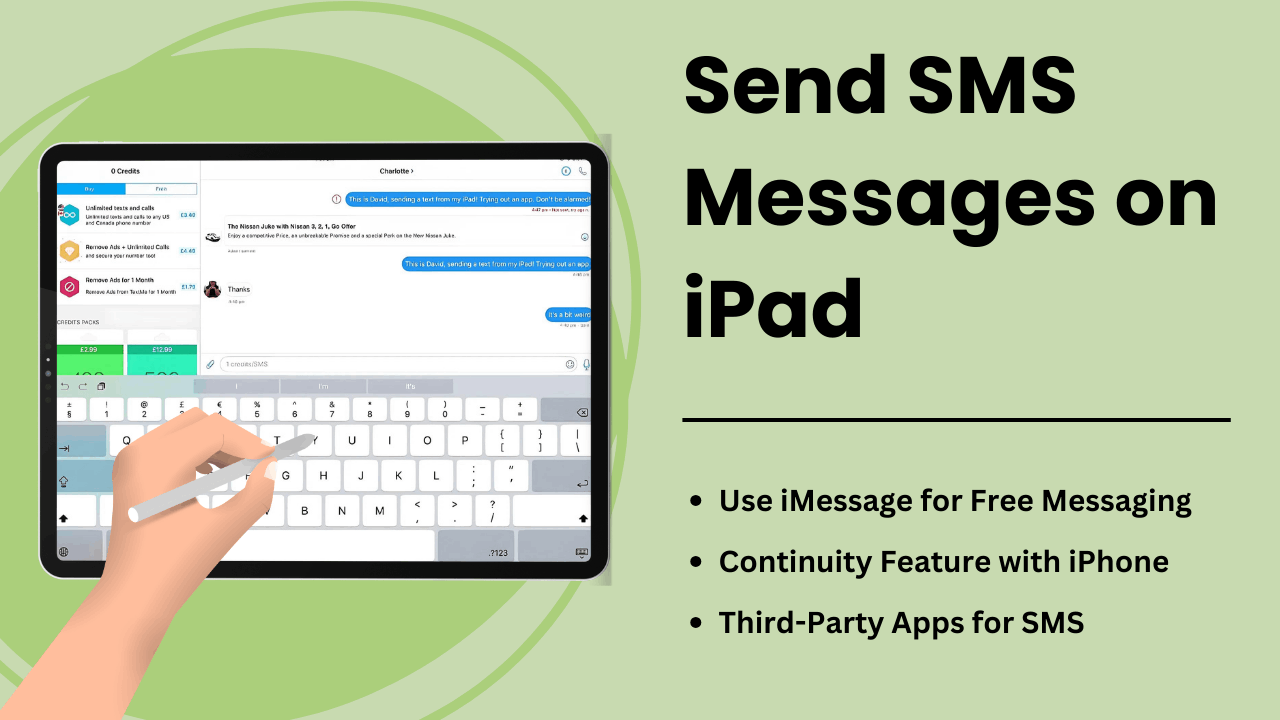
iPad で SMS メッセージを送信すると、ユーザーはタブレットの機能を拡張し、タブレットを堅牢なコミュニケーション ツールに変えることができます。 iPad には iPhone のようなネイティブ SMS 機能が装備されていませんが、Apple の Continuity 機能とサードパーティのメッセージング アプリは、デバイス上でテキスト メッセージを送受信するための便利な方法を提供します。
コミュニケーションの合理化を目指すプロフェッショナルであっても、アクセスの容易さを求める日常ユーザーであっても、iPad での SMS の仕組みを理解することで、ユーザー エクスペリエンスを大幅に向上させることができます。このガイドでは、方法、技術的側面、利点、およびトラブルシューティングのヒントについて説明します。 SMSメッセージを送信する iPadで。
重要なポイント:
- Apple の継続性機能: 同じ Apple ID を介して iPhone とペアリングされている iPad で SMS を送受信できます。
- サードパーティ アプリ: Google Voice や WhatsApp などの SMS サービスを使用すると、ユーザーは iPhone を必要とせずに済みます。
- SMS リレー: iCloud と Apple ID の同期を使用して、iPad が iPhone 経由で SMS を送信できるようにする技術プロセス。
- 生産性の向上: より大きな画面とマルチタスク機能を備えた iPad は、強化されたメッセージング エクスペリエンスを提供します。
- トラブルシューティングのヒント: メッセージの失敗などの一般的な問題は、設定を調整したり、Apple デバイスを適切に同期したりすることで解決できます。
iPadでSMSメッセージを送信とは何ですか
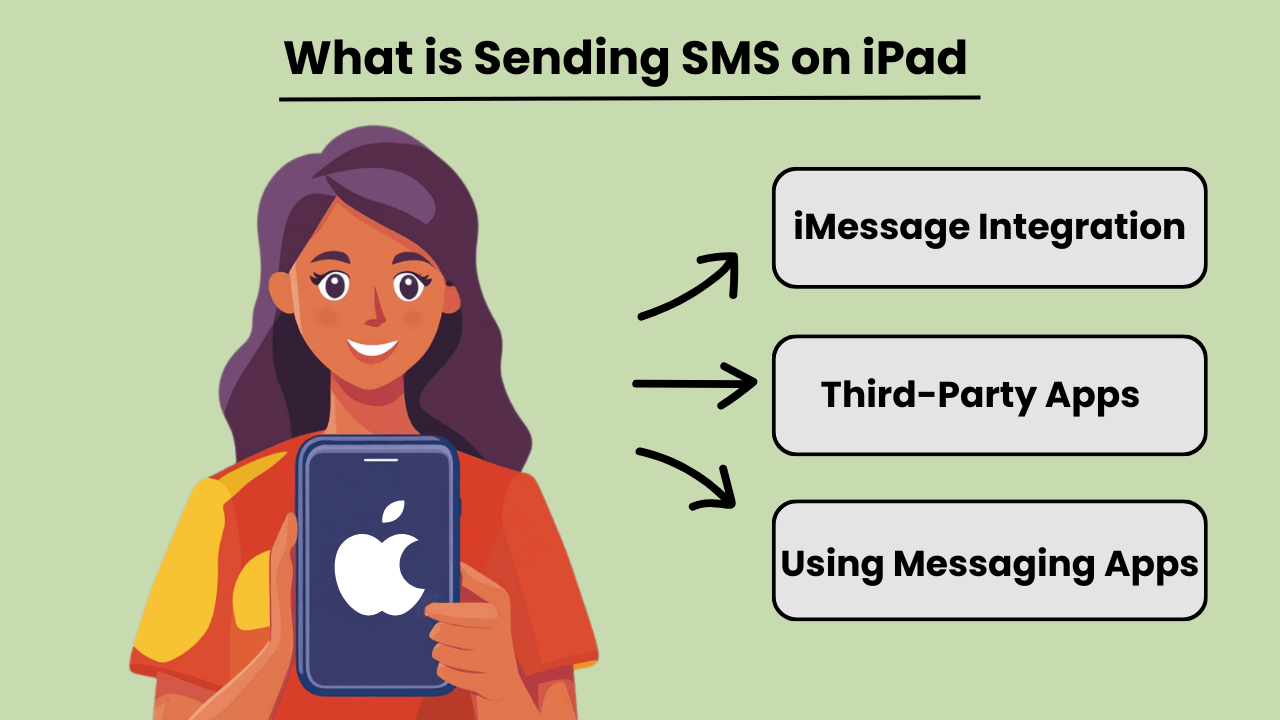
iPad で SMS メッセージを送信する iPad は本質的に iPhone のようなセルラー通信用に設計されていませんが、ユーザーは従来のテキスト メッセージを送受信できます。 iPhone との統合またはサードパーティのメッセージング アプリを使用することで、ユーザーは次のアクセスを行うことができます。 SMSメッセージング 能力。この機能は、Apple の継続機能を使用して、iPad と iPhone の両方が同じ Apple ID にサインインしている場合に利用可能になります。
iPhone 接続に加えて、いくつかのアプリが提供する SMSメッセージング iPad 上で直接機能を利用できるため、ユーザーは Apple 以外のデバイスにアクセスできるようになります。 Google Voice や WhatsApp などのアプリを使用すると、ユーザーは電話への依存を完全に回避し、iPad のインターネット接続を通じて SMS を送信できます。
iPad での SMS メッセージングの重要性
iPad での SMS メッセージングが強化される デバイスの多用途性により、継続的な通信に依存するユーザーにとってさらに便利になります。大きな画面を好む専門家や個人の場合、iPad を介してテキストを送信すると、デバイスを切り替えることなくコミュニケーションを効率化できます。デスクトップ テキストメッセージの利点をポータブル タブレットにもたらし、シームレスなワークフローを可能にします。
さらに、iPad から SMS を直接送信できるため、特に小型デバイスでの入力が難しいユーザーにとって、アクセシビリティが向上します。メッセージング アプリや Continuity を統合すると、すべてのコミュニケーションを 1 つのデバイスに集中させることができます。
iPad と SMS 機能を統合する利点
Integrating SMS features on an iPad offers several advantages, such as improved productivity and convenience. By linking an iPhone and iPad, users can send and receive messages from any device. This ensures that important conversations are not missed while switching between devices. This seamless transition between devices fosters greater flexibility.
さらに、iPad で SMS をサポートするアプリを使用すると、ユーザーは高額なテキスト メッセージ料金を負担せずに国際的に通信できるため、費用対効果の高いソリューションになります。 iPad のより大きな画面と堅牢なキーボード オプションも、全体的なメッセージング エクスペリエンスを向上させます。
iPad での SMS 送信の仕組み: 技術概要
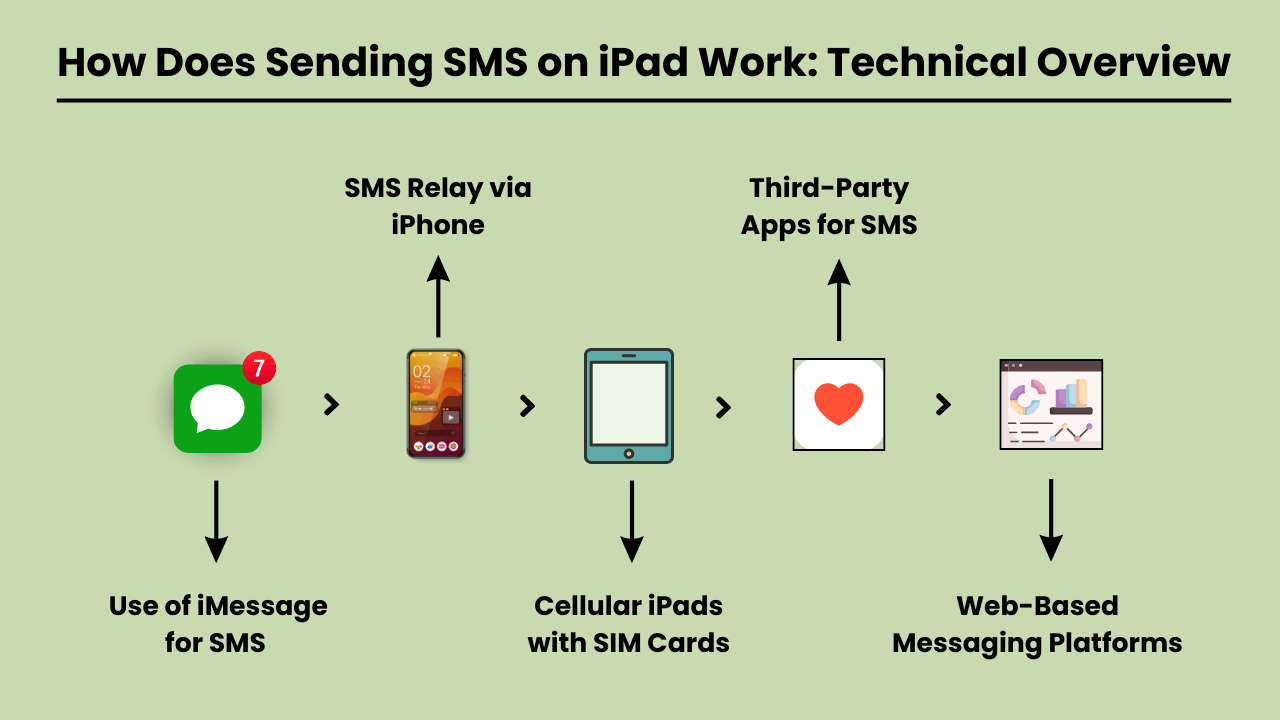
SMSメッセージを送信する on an iPad involves using a technical system that integrates with both iOS and cellular carrier services. Since iPads are typically Wi-Fi-only devices or rely on cellular data, they lack native SMS functionality found in traditional phones.
To enable SMS on an iPad, Apple uses a feature called SMS Relay, which is part of the Continuity suite in iOS. SMS Relay allows iPads to send and receive SMS and MMS messages through a paired iPhone, bridging the gap between the device’s limitations and the capabilities of cellular networks.
This process relies on the seamless integration of iCloud services, Apple ID, and carrier support to ensure messages are delivered as they would be from a traditional phone.
SMS リレーと iCloud サービス
SMS Relay はバックボーンです SMSメッセージを送信する on an iPad. When you send a message from an iPad, the message is first routed through iCloud to the paired iPhone. The iPhone then sends the message through the cellular network as an SMS.
Similarly, when a message is received on the iPhone, it is relayed to the iPad via iCloud, enabling a synchronized messaging experience across devices.
This functionality requires that both the iPad and iPhone are signed in to the same iCloud account and connected to the same Wi-Fi network, although sometimes Bluetooth pairing can enhance this communication.
SMS 統合における iOS の役割
The iOS system plays a critical role in integrating SMS functionality on iPads. It manages the handoff between devices, allowing seamless communication between the iPhone and the iPad.
The Messages app on iOS is designed to handle both iMessages and SMS/MMS, and when SMS Relay is enabled, iOS automatically determines which type of message should be sent based on the recipient.
The iOS ecosystem ensures that even though the iPad lacks cellular connectivity for SMS, it can leverage the iPhone’s network capabilities to send and receive messages.
SMS リレーを有効にするキャリア サービス
Carrier services are essential for making SMS Relay work, as they are responsible for transmitting SMS and MMS through the cellular network. While iCloud handles the relay between Apple devices, it is the carrier that ensures the actual delivery of the messages to non-Apple devices.
For this reason, the iPhone involved in the SMS Relay must have a valid carrier plan that supports SMS services. Carrier compatibility is crucial, as not all carriers may fully support all aspects of Apple’s Continuity features, especially when it comes to international networks.
iPad で SMS を送信する利点: iPad を使用する理由
The iPad has become an essential tool for communication, offering convenience, versatility, and ease of use. One of the key features is the ability to send SMS messages directly from the device.
Whether you’re at home, in the office, or on the go, SMSメッセージを送信する iPad には、コミュニケーション エクスペリエンスを向上させる大きなメリットがあります。 iPad のより大きな画面、直感的なインターフェイス、他の Apple デバイスとの同期機能により、 テキストメッセージを簡単かつ効率的に送信できる.
Additionally, SMS functionality on an iPad provides seamless connectivity, allowing users to stay in touch with friends, family, and colleagues from virtually anywhere. With the rise of digital communication, using an iPad to send SMS is not only practical but also a smart choice for modern users.
すぐに使える利便性
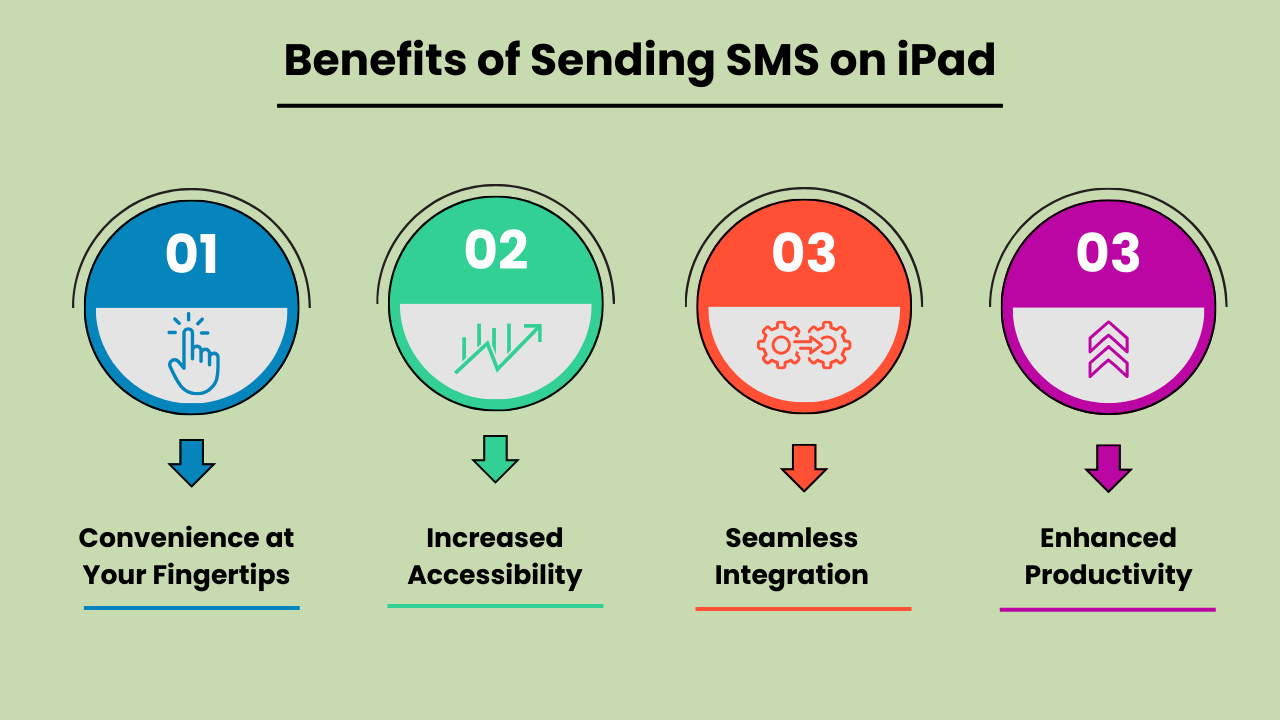
iPad で SMS メッセージを送信すると、比類のない利便性が得られます。従来の携帯電話とは異なり、iPad の画面が大きいため、入力やメッセージの読み取りがより快適になります。簡単な最新情報を送信する場合でも、長時間の会話をする場合でも、iPad のユーザーフレンドリーなインターフェイスにより、メッセージを簡単に送信できます。この利便性により、個人と仕事の両方のコミュニケーション ニーズにとって理想的なデバイスとなっています。
アクセシビリティの向上
The iPad’s SMS functionality provides increased accessibility, especially for individuals who might find smaller mobile devices difficult to use. The larger, clearer screen is particularly helpful for those with visual impairments or limited dexterity. Additionally, with the ability to connect to Wi-Fi, users can send SMS messages without relying solely on a mobile network. This ensures accessibility even in areas with poor cell service.
他の Apple デバイスとのシームレスな統合
One of the biggest advantages of Send SMS Messages on an iPad is its seamless integration with other Apple devices. Messages sent on an iPad can be synced across all devices within the Apple ecosystem, including iPhones and MacBooks.
This feature allows users to pick up conversations from any device, providing flexibility and continuity in communication. It enhances productivity by ensuring that no messages are missed, regardless of the device being used at the moment.
マルチタスクによる生産性の向上
Using an iPad to send SMS boosts productivity, particularly for multitaskers. With the iPad’s split-screen feature, you can send messages while simultaneously browsing the web, taking notes, or working on other tasks. This multitasking capability is especially beneficial for professionals who need to communicate while working on projects or accessing information on the go.
The ability to handle multiple tasks efficiently on one device makes the iPad a powerful tool for staying productive and connected.
iPad で SMS を送信するための最適な方法の選択: オプションと考慮事項
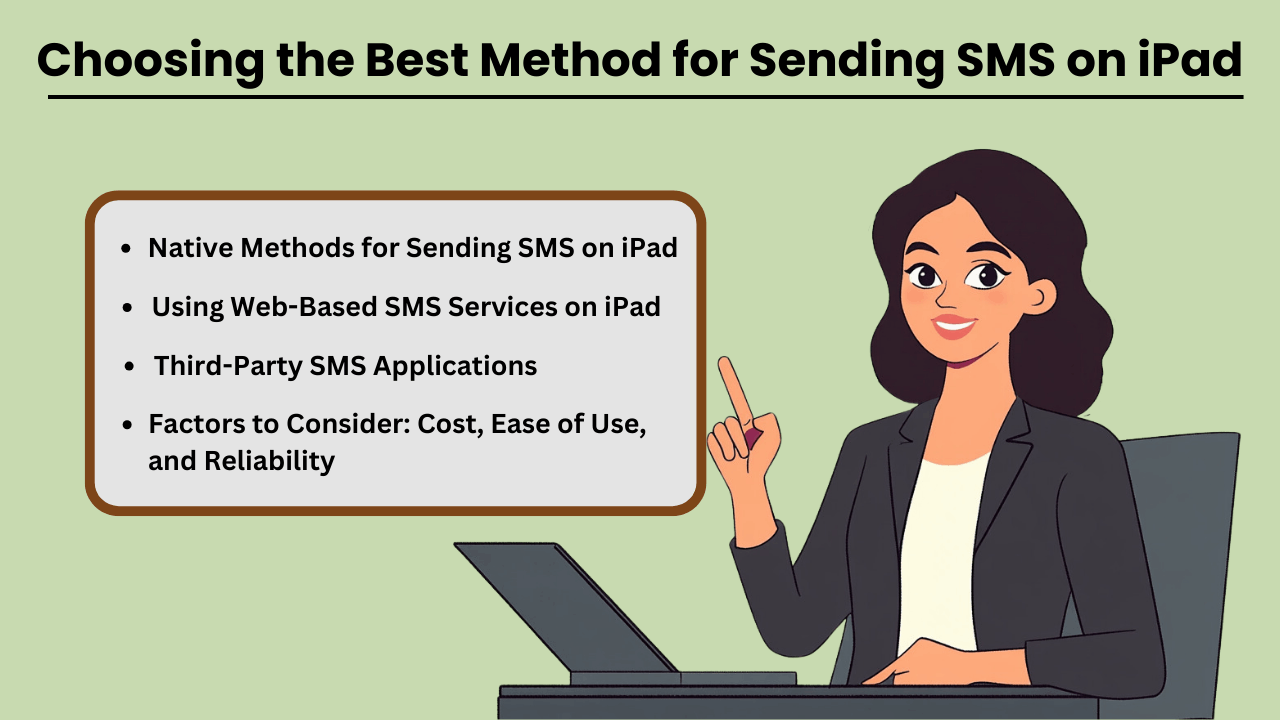
Send SMS Messages on an iPad can be done through several methods, both native and third-party. While iPads are not designed for direct SMS capabilities like iPhones, Apple has made it possible through its continuity features.
This allows users to send and receive text messages if they own an iPhone paired with their iPad via iMessage. Additionally, third-party apps provide robust solutions for SMS sending without an iPhone, often catering to business or high-volume needs.
When selecting a method, factors such as cost, ease of use, and reliability play crucial roles in determining the most suitable option for both personal and business use.
iPad で SMS を送信するためのネイティブな方法
If you already own an iPhone, Apple’s native messaging solution, iMessage, allows you to send SMS from your iPad seamlessly. This method leverages Apple’s ecosystem, offering a smooth experience with minimal setup.
The advantage of this approach is that it is highly reliable, as it uses your iPhone’s mobile network to relay messages through the iPad. Moreover, it is cost-effective since you don’t need any additional apps or subscriptions, making it an ideal solution for casual, everyday use.
サードパーティの SMS アプリケーション
iPhone をお持ちでない方、または高度な機能が必要な方には、Google Voice、TextNow、WhatsApp などのサードパーティ アプリケーションが代替手段を提供します。これらのアプリは以下を提供するように設計されています SMS functionality using a data or Wi-Fi connection, enabling users to send messages globally.
These services can be more versatile than iMessage, as they allow communication with non-Apple devices without relying on phone network continuity. While some services are free, others come with premium features at a cost, offering features like message scheduling, 一括送信、および高度なレポート。
考慮すべき要素: コスト、使いやすさ、信頼性
When choosing the best method for sending SMS on your iPad, it is essential to weigh factors such as cost, ease of use, and reliability. Native methods like iMessage come at no extra cost but require an iPhone, whereas third-party apps may involve subscription fees or in-app purchases.
Ease of use also varies, with native options generally being simpler for Apple users. However, third-party apps often provide a wider range of features, especially for business purposes. Reliability is critical as well—native methods tend to be highly dependable, while the reliability of third-party apps may vary based on network quality and app provider stability.
iPad で Web ベースの SMS サービスを使用する
Web-based SMS services are another option for sending texts from your iPad, especially if you don’t want to install additional apps. Services like Twilio, SendPulse, and ClickSend allow users to send SMS directly from their browser.
These platforms are ideal for businesses needing bulk messaging or marketing solutions, providing features such as automation, message scheduling, and analytics. While highly functional, these services often require a subscription and may not be as user-friendly for personal use. However, they are an excellent choice for those looking for scalability and advanced messaging capabilities.
iPad での SMS 送信に関する一般的な問題のトラブルシューティング: 解決策と修正
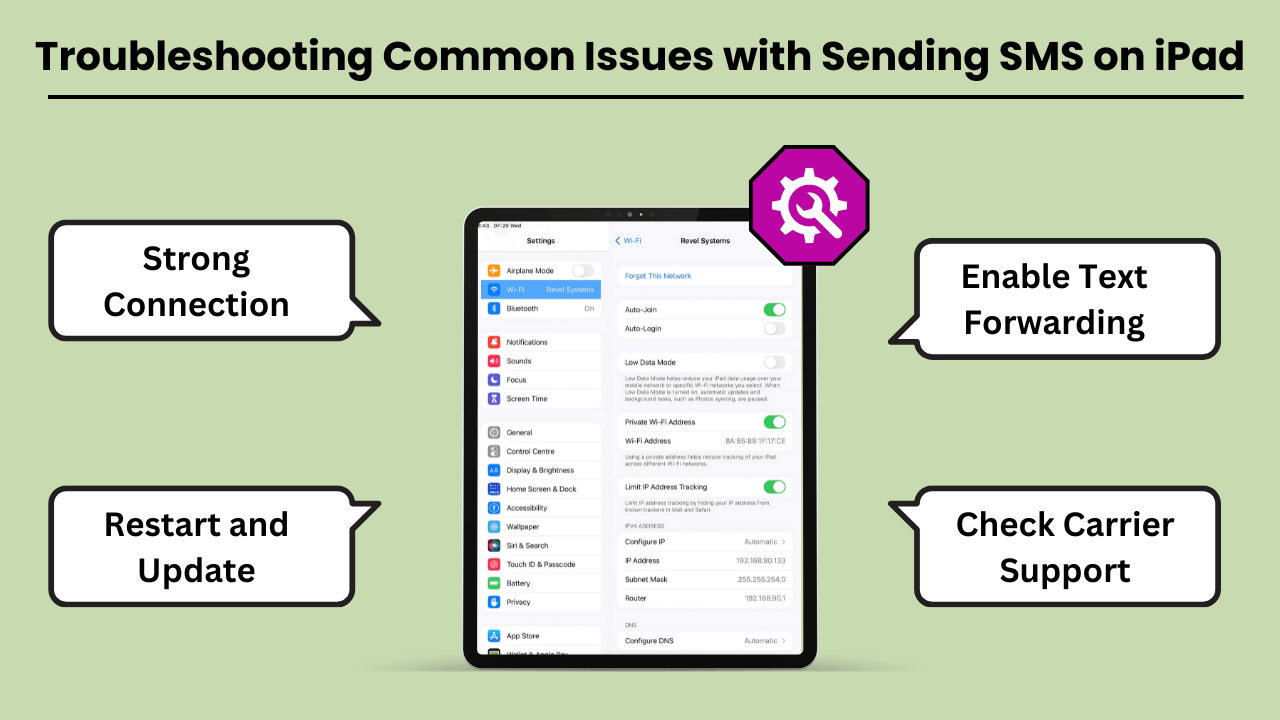
iPad で SMS メッセージを送信する can be a convenient way to stay connected. But users often encounter various issues that can disrupt the experience. The most common problems include the inability to send messages, message delivery failures, and issues related to syncing with iPhone or cellular networks.
These problems can arise due to several reasons, such as incorrect settings, software bugs, or carrier-related issues. Fortunately, most of these problems can be resolved with a few troubleshooting steps. In this guide, we’ll explore the common errors and offer practical solutions to get your iPad’s messaging feature back on track.
Whether the issue lies with the device, network, or settings, these tips will help you fix it quickly and efficiently.
iPad での SMS 送信に関する一般的なエラーと問題
One of the most common issues iPad users face is not being able to send or receive SMS messages through the Messages app. This issue often occurs if your iPad is not properly synced with your iPhone or cellular service.
Additionally, software glitches, incorrect message settings, or a weak Wi-Fi connection can lead to these failures. Another issue could be related to network connectivity or problems with the carrier settings, which might prevent the iPad from sending SMS, even though it is connected to Wi-Fi.
トラブルシューティングのヒントと解決策
If you are unable to send SMS messages on your iPad, the first step is to check your device settings. Ensure that your iPad is connected to the same Apple ID as your iPhone and that Text Message Forwarding is enabled.
If the issue persists, restarting your iPad and checking for any available software updates can often resolve bugs. Additionally, ensure that your carrier supports SMS on the iPad, and consider resetting network settings to clear out any connection-related issues. Another tip is to make sure you have a strong Wi-Fi or cellular connection.
結論
Sending SMS Messages on an iPad brings convenience, especially for users who appreciate a larger screen and the ability to sync messaging across devices. By using the Continuity feature, iPads seamlessly integrate with iPhones to enable SMS functionality, while third-party apps expand the messaging capabilities even further.
This integration not only improves communication but also boosts productivity by allowing users to send messages without switching between devices. Understanding the setup, technical process, and troubleshooting tips ensures a smooth experience for both personal and professional use.
Additionally, utilizing SMS on an iPad offers greater flexibility and accessibility, particularly for users who prefer working on a larger screen or require assistive features. It bridges the gap between multiple devices, ensuring that important conversations continue uninterrupted.
Whether for personal messaging or professional communication, Sending SMS Messages on an iPad not only enhances user convenience but also streamlines workflows. This makes it a valuable tool in the Apple ecosystem. With a better understanding of how SMS works on the iPad, users can fully harness its potential for seamless, on-the-go communication.
よくある質問
Google Voice、WhatsApp、TextNow などのサードパーティのメッセージング アプリを使用して、iPad のインターネット接続を使用して SMS を送信できます。
はい、iPhone で継続機能を使用している場合は、両方のデバイスが同じ Wi-Fi ネットワーク上にある必要があります。あるいは、サードパーティのアプリは Wi-Fi またはデータ接続に依存します。
両方のデバイスが同じ Apple ID にサインインしているかどうか、および iPhone でテキスト メッセージ転送が有効になっているかどうかを確認してください。両方のデバイスを再起動すると、この問題を解決できる場合もあります。コンテンツについて
Apps like Google Voice, WhatsApp and TextNow allow you to send SMS on your iPad without needing an iPhone.
はい、WhatsApp、TextNow、Google Voice などのアプリを使用すると、アプリの機能に応じて低コストまたは無料で国際 SMS を送信できます。


