
 English
特定の時間にテキストをスケジュールして送信することは、個人と企業の両方がタイムリーで組織的なコミュニケーションを維持するのに役立つ革新的な機能です。このツールを使用すると、メッセージを手動で送信する必要がなくなり、重要な通知が最適なタイミングで受信者に確実に届きます。個人的なリマインダーであれ、ビジネスの最新情報であれ、テキストのスケジュールを設定できる機能により、生産性が向上し、組織が強化され、コミュニケーション効率が向上します。
重要なポイント:
- 重要な締め切りを逃さないように、事前にテキストメッセージのスケジュールを設定してください。
- 日常的なメッセージを自動化して、時間と精神的なスペースを解放します。
- 最適なタイミングでメッセージを送信することで、通信の信頼性を向上させます。
テキスト メッセージをスケジュールする理由
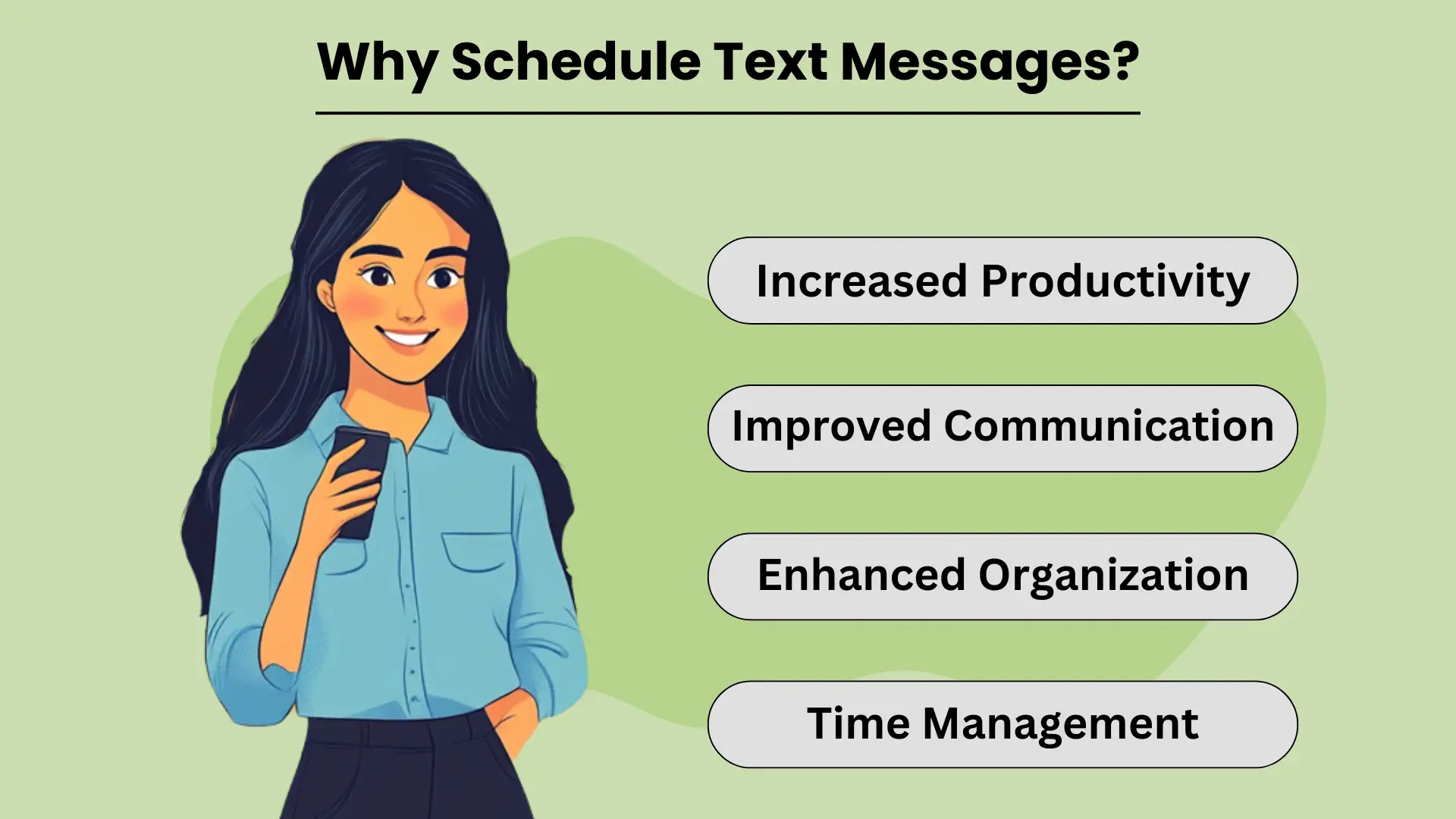
スケジュール設定 テキストメッセージ allows individuals and businesses to send timely and relevant information without needing to manually hit “send” at the perfect moment. This simple yet powerful tool helps streamline communication by automating routine messages, ensuring that important information reaches the recipient when it’s most impactful.
Whether it’s personal reminders or business notifications, scheduled テキストメッセージ送信には、さまざまな利点があり、 効率と生産性。この機能を使用すると、忙しすぎてリアルタイムで実行できない場合でも、1 日をより適切に整理し、タスクを効果的に管理し、重要なメッセージを確実に送信することができます。
生産性の向上
By scheduling texts in advance, you eliminate the need to remember to send each message manually. This not only saves time but also frees up your mental space to focus on more important tasks. For businesses, this feature can help automate customer communication, allowing you to handle high volumes of messages effortlessly.
Ultimately, scheduling texts improves your overall productivity, as it reduces the distractions that come with managing communication throughout the day.
コミュニケーションの向上
スケジュールされたメッセージングにより、コミュニケーションが最も適切な時間に送信されるようになります。誕生日の挨拶、リマインダー、ビジネスの最新情報を送信する場合でも、これらのメッセージを事前に設定しておくことでタイムリーな配信が可能になります。これにより、コミュニケーションの一貫性と信頼性が向上し、個人の連絡先と顧客の両方とのより強力な関係が構築されます。受信者が適切なタイミングでメッセージを受信すると、エンゲージメント率と応答率が向上します。
強化された組織と時間管理
テキストのスケジュールを立てることは、文章を整理するための重要なツールです。事前にメッセージを設定しておくと、イベントの招待状やリマインダーの送信など、重要な日付や期限を忘れるリスクを回避できます。これは次のような場合にも役立ちます 時間管理, as it allows you to plan out your communication in one go, freeing up time for other responsibilities.
Additionally, scheduled texting helps businesses manage customer interaction efficiently, especially for routine notifications, without the need to disrupt daily operations.
テキストメッセージをスケジュールする方法
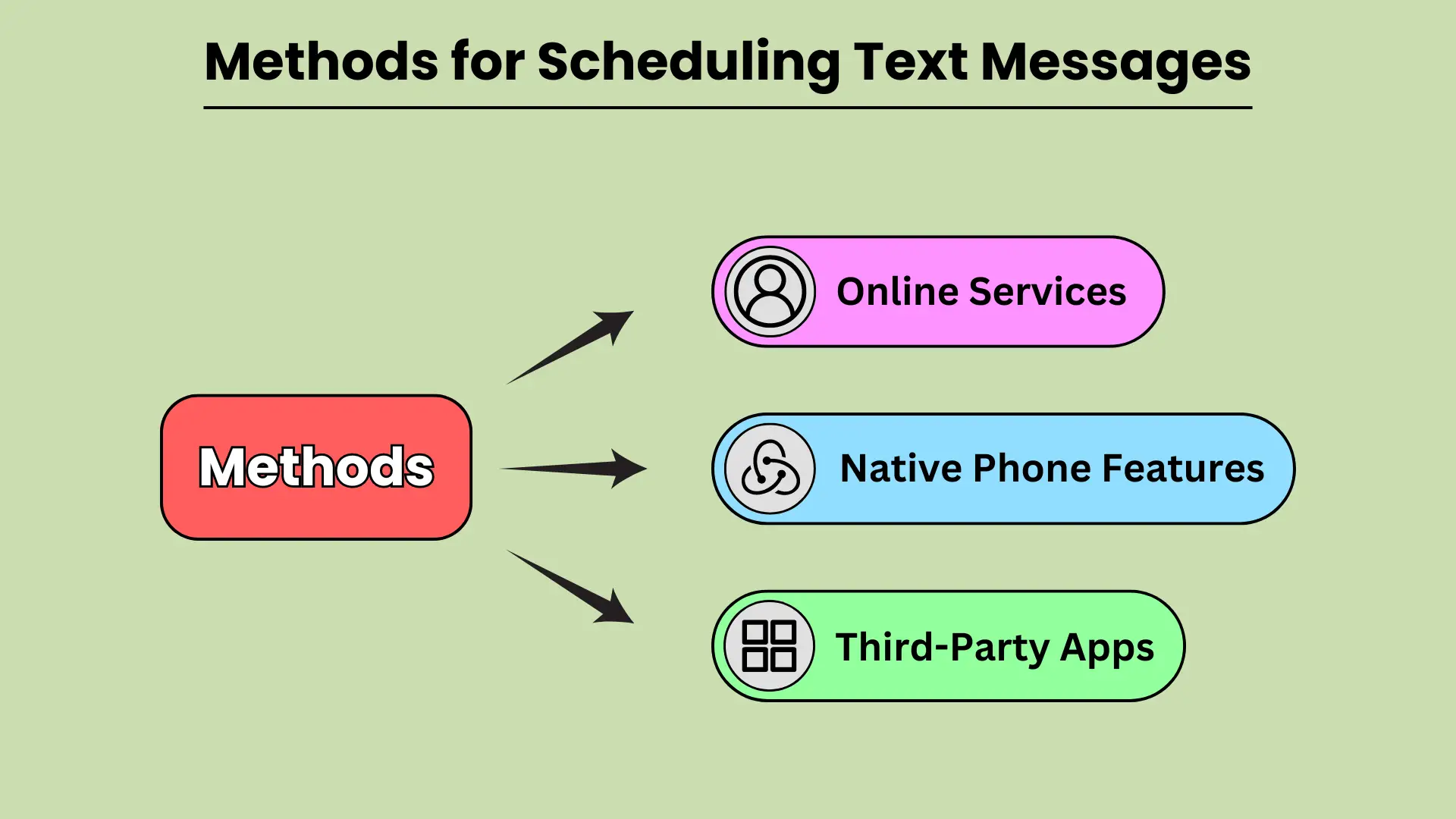
スケジュール設定 テキストメッセージ can be a powerful tool to improve communication, ensuring your messages reach recipients at the most convenient time. Whether you need to send a reminder, a birthday wish, or a business notification, scheduling texts helps you plan ahead and avoid forgetting important messages.
There are various methods available for scheduling texts, from built-in phone features to third-party apps and even web-based services. In this guide, we will explore how you can leverage native phone features on Android and iOS, third-party apps, and online platforms to schedule your text messages seamlessly.
ネイティブの電話機能
Modern smartphones come equipped with built-in features that allow users to schedule texts without relying on external apps. Android devices, particularly those using Google Messages and Samsung Messages, provide simple and intuitive options for scheduling messages. With Google Messages, users can long-press the send button to select a date and time for sending the text.
Similarly, Samsung Messages offers the option under message settings. On iOS, the Shortcuts app provides automation to schedule texts, while the Scheduled Send feature in iMessage allows users to select when a message should be delivered.
ネイティブの電話機能により、テキストのスケジュールを便利かつ迅速に行うことができます。
サードパーティのアプリ
If you want more flexibility or additional features, third-party apps are a great alternative for scheduling texts. Apps like SMS Scheduler on Android allow users to schedule multiple texts, set recurring messages, and manage their schedule with ease.
For iOS users, apps like Text Schedule offer similar functionality, enabling users to automate text delivery at specified times. Other notable apps include Pulse SMS and Textra, both of which are available on Android and provide advanced scheduling options.
サードパーティ アプリを使用すると、テキストのスケジュールをより詳細にカスタマイズおよび制御できます。
オンラインサービス
For businesses or users who prefer to schedule texts from a web-based platform, several online services offer robust solutions. Platforms like Twilio, Nexmo, and MessageBird allow users to schedule bulk text messages, integrate SMS functionality into their apps, and manage messaging campaigns efficiently.
These platforms are especially useful for businesses that need to send automated messages, reminders, or marketing communications to large audiences. By using online services, users can schedule messages with precision and scale their communication efforts.
オンライン サービスは、大規模なテキストのスケジュールを設定するのに最適です。
一般的なプラットフォームでテキスト メッセージをスケジュールする方法
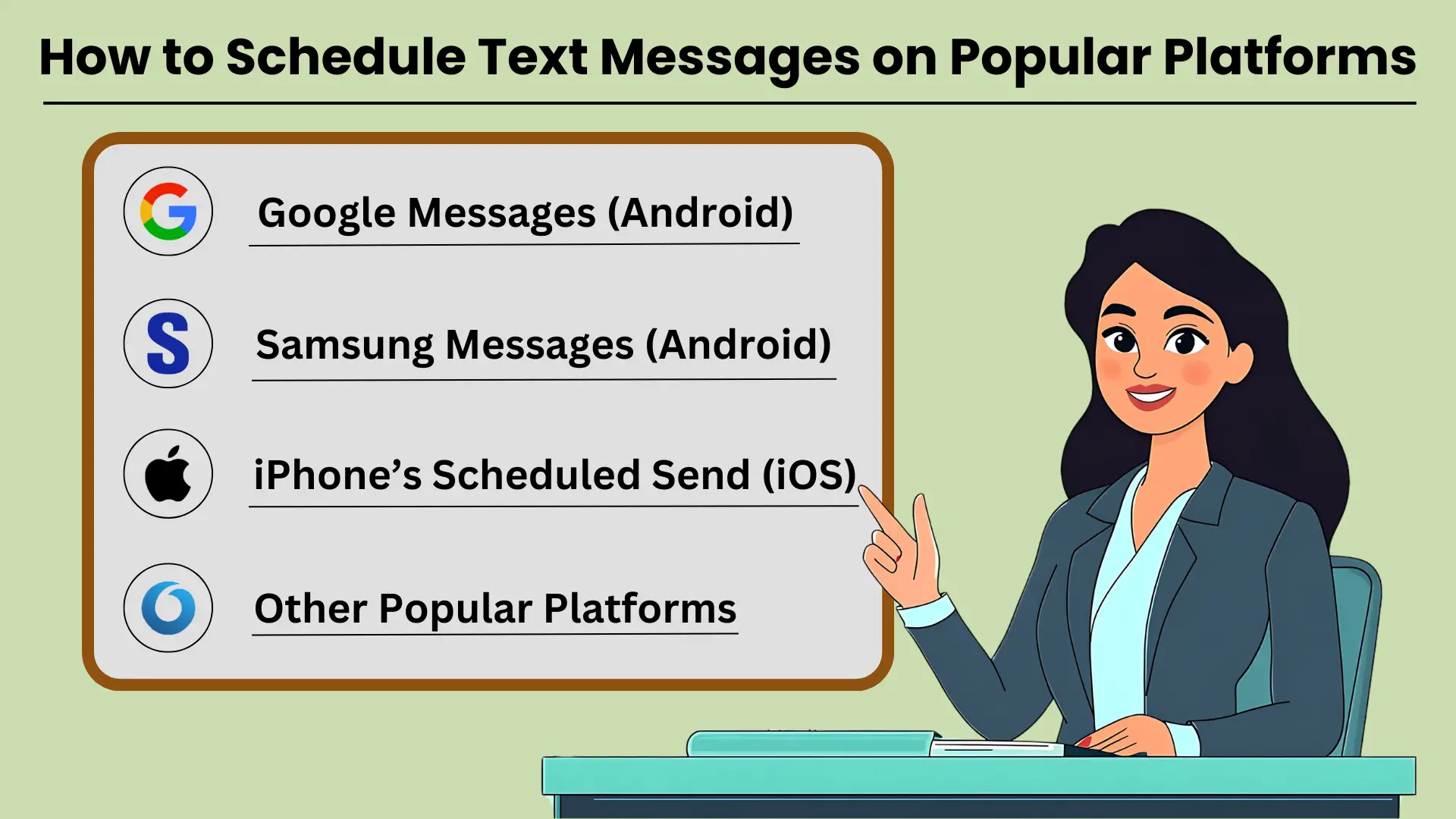
テキストメッセージのスケジュール設定 is a helpful tool for ensuring that your messages are sent at the right time, whether for personal reminders, business communications, or social occasions. Many popular platforms like Google Messages, Samsung Messages, and iPhone’s Scheduled Send feature allow users to schedule texts easily.
With these tools, you can set your messages to go out at a specific date and time. This ensures that your communication is well-timed and impactful. In this guide, we’ll provide テキストメッセージをスケジュールする方法についてのステップバイステップの説明 on several popular messaging platforms. This helps you make the most of this feature.
Google メッセージ (Android)
Google メッセージは、Android デバイスで広く使用されているメッセージング アプリで、テキスト メッセージのスケジュールを簡単に設定できます。次の手順に従います。
- Android デバイスで Google メッセージを開きます。
- メッセージを送りたい連絡先を選択します。
- 通常どおりにメッセージを入力します。
- 送信ボタンを長押しすると、「スケジュール送信」オプションが表示されます。
- 事前に設定された時間を選択するか、「日付と時間を選択」をタップしてカスタムスケジュールを設定します。
- 予定時間を確認し、メッセージを送信してください。
メッセージをスケジュールすると、最も関連性の高いときにテキストが受信者に確実に届きます。
Samsung メッセージ (Android)
Samsung Galaxy ユーザーの場合、ネイティブの Samsung Messages アプリはメッセージ スケジュール機能も提供します。使用方法は次のとおりです。
- Galaxy デバイスで Samsung メッセージ アプリを開きます。
- メッセージを送りたい連絡先との会話を選択するか、新しい会話を開始します。
- テキストフィールドにメッセージを入力します。
- 「+」記号またはオプションボタンをタップし、「メッセージのスケジュール」を選択します。
- メッセージを送信する日時を設定します。
- 「送信」をタップすると、メッセージがスケジュールされます。
Samsung Messages でテキスト メッセージをスケジュールすると、重要なコミュニケーションを簡単に管理できます。
iPhoneの予約送信(iOS)
iOS では、スケジュール送信機能はメッセージ アプリでネイティブに利用できませんが、ショートカットを使用すると、このプロセスを自動化できます。
- iPhone でショートカット アプリを開きます。
- 「+」アイコンをタップして新しいオートメーションを作成します。
- 「パーソナルオートメーションの作成」を選択し、「時刻」を選択します。
- 希望の時間を設定し、「次へ」をタップします。
- 「メッセージを送信」アクションを追加し、メッセージを入力します。
- 連絡先を選択し、「次へ」をタップして完了します。
- 自動化を確認し、「完了」をタップします。
iPhone のショートカットを使用すると、テキストメッセージのスケジュールを設定して、コミュニケーションを時間通りに進めることができます。
その他の人気のあるプラットフォーム
Android および iPhone プラットフォームに加えて、WhatsApp、Telegram、Facebook Messenger などの他のメッセージング アプリでは、メッセージをスケジュールするためにサードパーティ アプリまたは組み込み機能が必要です。これらのプラットフォームにはネイティブのスケジュール機能がない場合がありますが、外部ツールを使用して管理できます。
効果的な SMS 通信のための高度なスケジュール機能
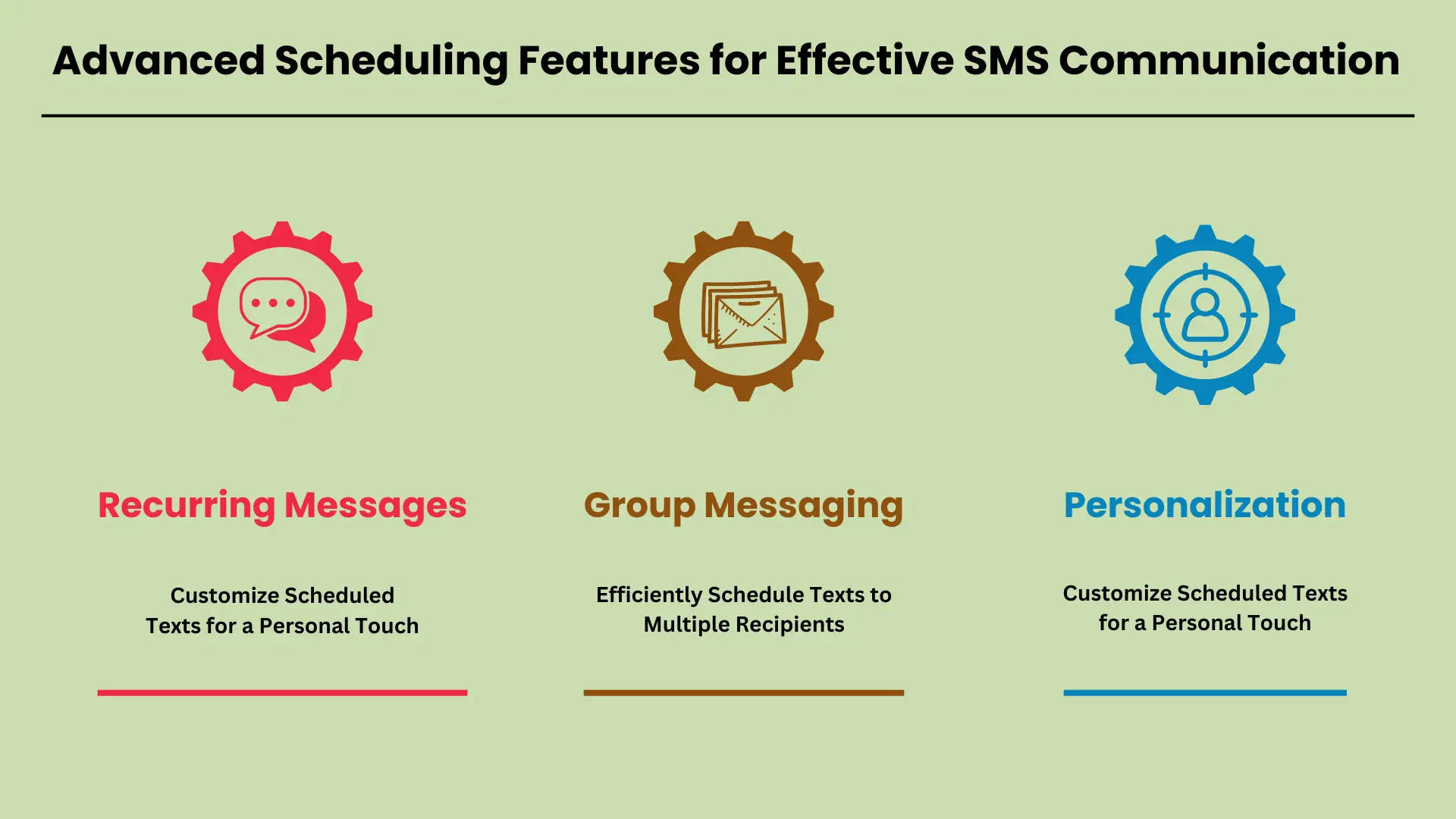
今日のペースの速い世界では、高度なスケジューリング機能が SMS communication have become a necessity. Businesses and individuals alike rely on these tools to automate regular updates, notifications, and reminders. With advanced scheduling, you can ensure that important messages are delivered at the right time, without manual intervention.
Whether you’re sending reminders for appointments, group messages to a team, or personalized texts to customers, scheduling tools offer flexibility and efficiency. In this guide, we will explore key features like recurring messages, group messaging, and personalization, showing how they can streamline communication.
定期的なメッセージ: 定期的な通知とリマインダーを設定する
Recurring messages allow you to automate routine texts, making it easy to send regular updates, reminders, or notifications. For instance, businesses can schedule daily, weekly, or monthly texts to remind customers about appointments or payment deadlines. Setting up recurring messages typically involves selecting the frequency, duration, and content of the text.
Most SMS platforms offer intuitive scheduling options where you simply pick the start date, end date, and the interval for message repetition. This ensures that your audience receives timely reminders without you having to manually send each message.
グループメッセージング: 複数の受信者へのテキストメッセージの効率的なスケジュール設定
Group messaging is a valuable feature for sending a single message to multiple recipients at once. This is particularly useful for teams, customer groups, or event attendees who need to receive the same information simultaneously. Scheduling group messages allows you to plan communication in advance, ensuring everyone is informed at the right time.
SMS platforms often support bulk messaging tools where you can easily upload contacts, compose a message, and set a specific date and time for delivery. This eliminates the need to manually send messages to each recipient and ensures consistent communication across your audience.
パーソナライゼーション: スケジュールされたテキストをカスタマイズして個人的なタッチを実現
Personalization options take scheduled messages to the next level by allowing you to customize content with names, dates, or other specific information. Whether you’re addressing customers by their first name or adding personalized details like appointment times or order numbers, this feature enhances the recipient’s experience.
SMS platforms often support custom fields where you can automatically insert individualized data into each scheduled message. This approach not only improves engagement but also makes your communication feel more personal, which is crucial for building strong customer relationships.
これらの高度なスケジュール機能を SMS 戦略はコミュニケーションを大幅に強化します 効率性とパーソナライゼーション。
スケジュールされたテキストメッセージの一般的な問題のトラブルシューティング
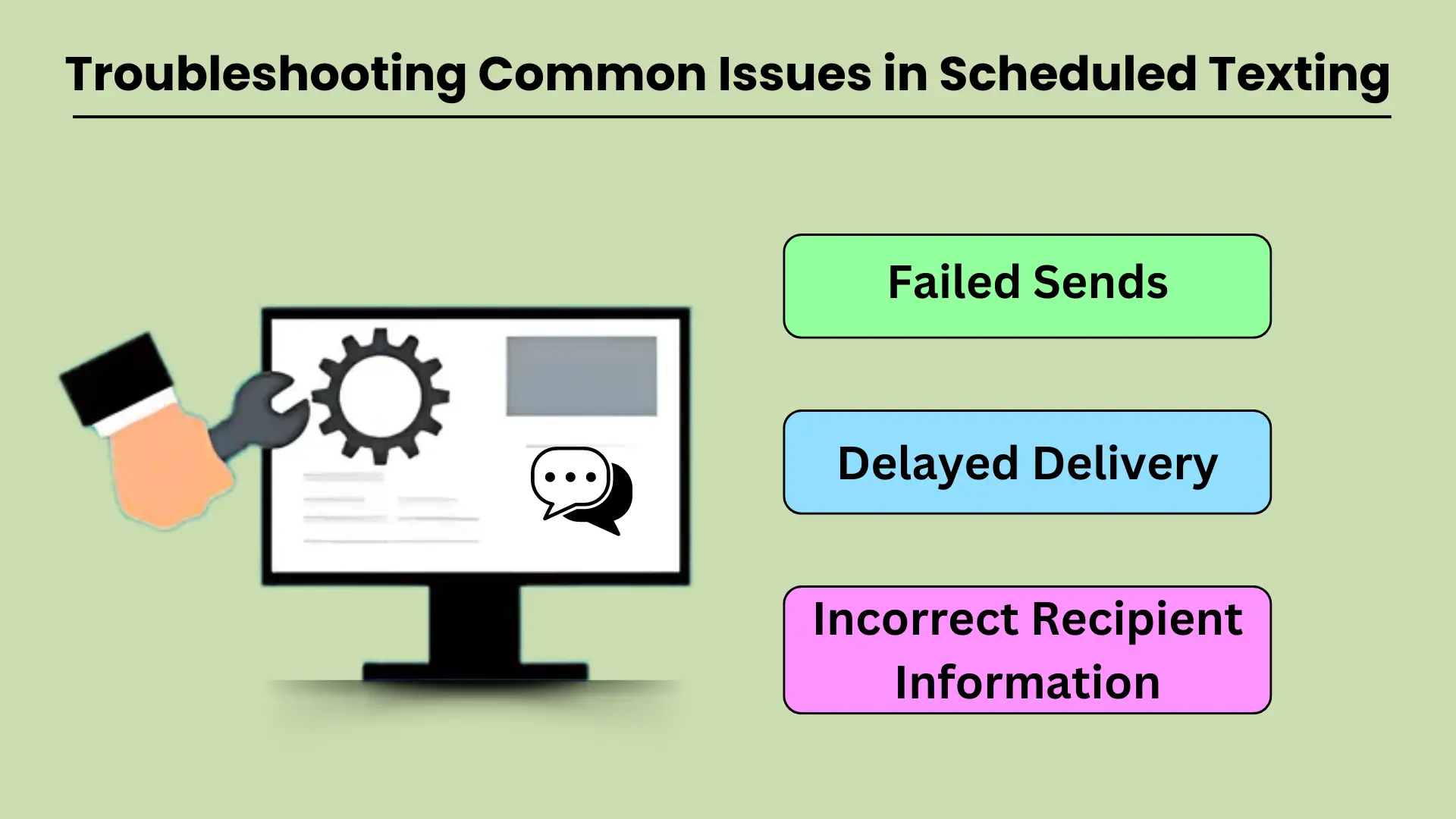
Scheduled texting is a valuable tool for businesses and individuals who want to streamline their communication. However, like any technology, it can sometimes experience issues that prevent messages from being delivered as intended. Common problems such as failed sends, delayed deliveries, and incorrect recipient information can disrupt workflows and reduce the effectiveness of scheduled texting.
Understanding the potential causes behind these issues and knowing how to troubleshoot them effectively is crucial for maintaining smooth communication. This guide will walk you through addressing the most common technical difficulties and provide practical solutions to keep your messaging operations running smoothly.
送信の失敗
Failed message sends are a frustrating issue that can occur for several reasons. The most common cause is poor network connectivity. If your device or the recipient’s phone lacks a stable network connection, the message may fail to send at the scheduled time.
Another factor could be incorrect settings in the テキストメッセージアプリ または、間違ったタイムゾーン構成や古いアプリのバージョンなど、使用されているサービスが原因です。さらに、受信者の電話機の電源がオフになっているか、スケジュールされた送信時間中に通信不能になっている可能性があり、失敗する可能性があります。
これをトラブルシューティングするには、両方のデバイスが安定したネットワークに接続されており、テキスト メッセージ サービスが正しく構成されていることを確認してください。アプリの設定を確認し、最新バージョンに更新し、受信者の番号が正しいことを確認してください。
配達の遅延
Delayed message delivery is another common issue in scheduled texting, and it often results from network congestion or service provider delays. Sometimes, a message might get delayed if the recipient’s network is overloaded, especially during peak hours or when there is high demand on the server.
Other times, the scheduled message might encounter delays if the sender’s device or network is experiencing issues, like low battery, data congestion, or poor signal strength.
これを解決するには、デバイスのネットワーク信号が強く、バッテリー寿命が十分であることを確認してください。遅延が続く場合は、メッセージを手動で送信してみることもできます。 接触 サービスプロバイダーに問い合わせて、停止や速度低下がないか確認してください。
受信者情報が間違っている
スケジュールされたテキストメッセージ送信で最も回避可能な問題の 1 つは、間違った受信者にメッセージを送信することです。これは、受信者の連絡先の詳細を入力するとき、またはリストから間違った連絡先を選択するときの手入力エラーが原因でよく発生します。もう 1 つの考えられる原因は、受信者の情報が変更されているにもかかわらずシステム内で更新されていない、古い連絡先リストです。
この問題を回避するには、メッセージをスケジュールする前に受信者情報を再確認してください。正確性を確保するために、連絡先リストを定期的に更新することもお勧めします。メッセージが間違った人に送信された場合は、すぐにその旨を伝え、正しい受信者にメッセージを再送信してください。
トラブルシューティングのヒント
上記の問題のいずれかについては、追加のトラブルシューティングのヒントをいくつか紹介します。
- ネットワーク接続を確認します。自分のデバイスと受信者のデバイスの両方に安定したネットワーク接続があることを確認します。
- アプリを更新する: スケジュールされたテキストに影響を与える可能性のあるバグや不具合を避けるために、メッセージング アプリを最新の状態に保ちます。
- 設定の確認: スケジュールされたメッセージに正しいタイムゾーン、日付、時刻が設定されていることを再確認します。
- システムをテストする: スケジュールされた重要なメッセージを送信する前に、自分または同僚にテスト メッセージを送信して、システムが適切に動作していることを確認します。
スケジュールされたテキストメッセージと他のツールの統合: 自動化とコミュニケーションの強化
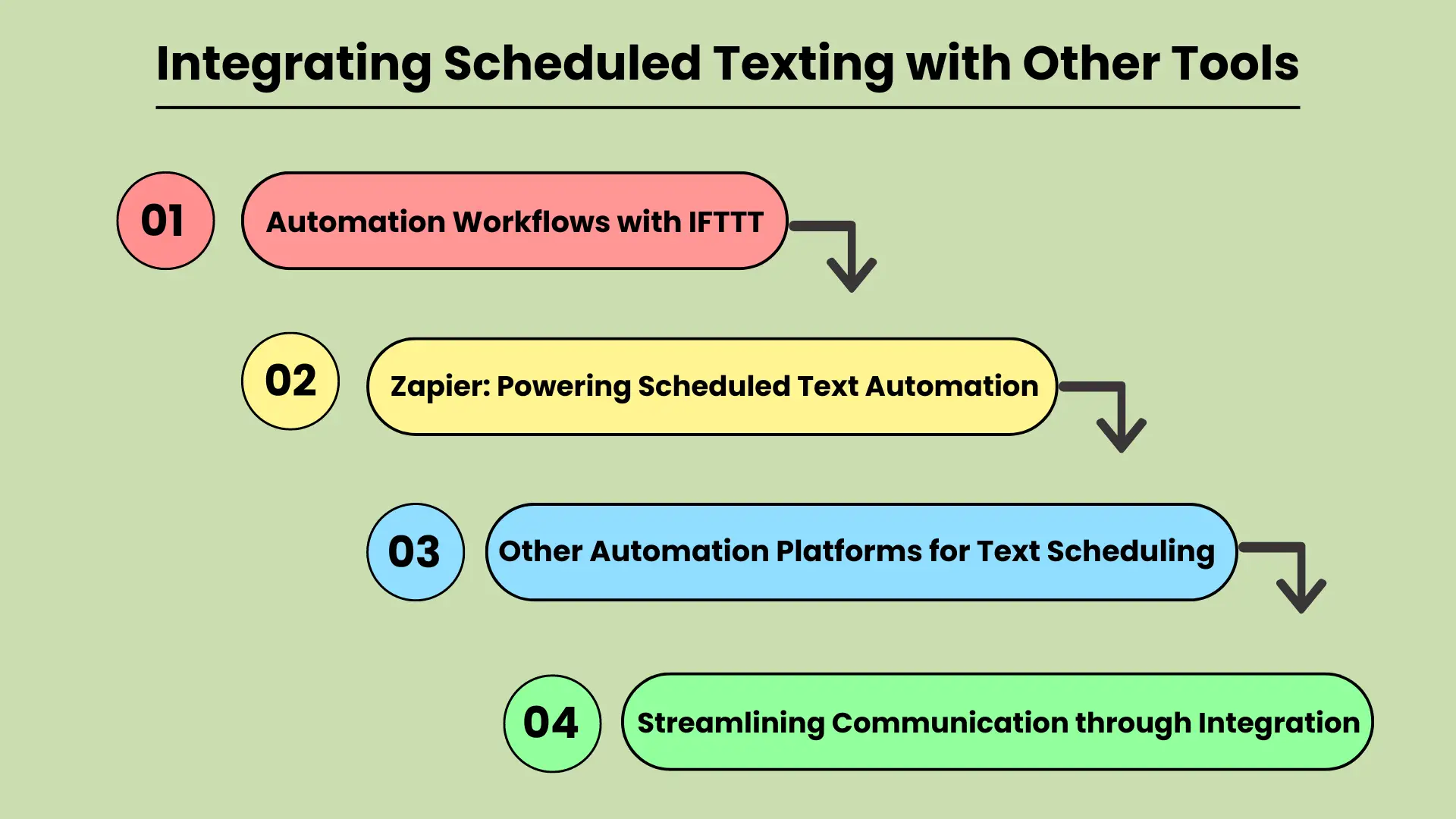
In today’s fast-paced digital world, businesses and individuals are constantly looking for ways to improve their communication efficiency. Integrating scheduled texting with other productivity tools is a powerful strategy for streamlining workflows and automating tasks.
Whether you’re managing marketing campaigns or personal reminders, tools like IFTTT (If This Then That) and Zapier can be key to automating text message scheduling. These platforms connect various apps and services, allowing users to create custom workflows that automatically trigger scheduled texts based on specific events or actions.
This integration not only saves time but also ensures that important messages are sent at the right time, improving communication reliability and effectiveness.
IFTTT による自動化ワークフロー
IFTTT is a popular automation platform that allows users to create “applets” — simple connections between different tools and services. By integrating scheduled texting with IFTTT, users can set up triggers for sending texts when specific conditions are met.
For example, you could automatically send a reminder text to clients when an event is added to a Google Calendar or to any カレンダーアプリ. This type of automation helps eliminate manual texting tasks, ensuring that no communication is missed.
Integrating scheduled texting with IFTTT makes it easy to automate repetitive tasks and streamline communication workflows.
Zapier: スケジュールされたテキスト オートメーションを強化する
Zapier is another powerful tool for connecting apps and automating workflows. Similar to IFTTT, Zapier allows users to set up “zaps” that automate tasks between various apps, including text messaging platforms. With Zapier, businesses can schedule texts based on events, form submissions, or any other activity within their workflow.
For example, a new lead generated in your CRM スケジュールされたテキスト メッセージのフォローアップをトリガーできます。この統合により、機会を逃すリスクが軽減され、タイムリーなコミュニケーションが確保され、顧客エンゲージメントとチームの効率が向上します。
テキストスケジュール用のその他の自動化プラットフォーム
Apart from IFTTT and Zapier, many other automation platforms offer similar capabilities for integrating scheduled texting. These platforms may focus on specific industries or use cases but share the goal of enhancing workflow automation. Tools like Automate.io and Integromat provide similar functionality, allowing users to connect different applications and automate scheduled texting for various tasks.
By leveraging these tools, businesses and individuals can improve the accuracy and timeliness of their communications while freeing up valuable time for more strategic activities.
統合によるコミュニケーションの合理化
QUERY LENGTH LIMIT EXCEEDED. MAX ALLOWED QUERY : 500 CHARS
スケジュールされたテキストメッセージを統合すると、生産性とコミュニケーション効率の両方が向上し、現代のワークフローに不可欠な部分となっています。
結論
テキストメッセージをスケジュールして送信する ある時 is an essential feature for anyone looking to streamline their communication and enhance efficiency. Whether for personal use or business, this tool ensures that you never miss an important moment, while also reducing the time spent managing routine communications. With options available through native phone features, third-party apps, and online platforms, scheduling texts is more accessible than ever.
毎日のコミュニケーション習慣にスケジュールを組み込むことで、時間を節約できるだけでなく、やり取りの質と適時性も向上します。特に企業は、顧客とのコミュニケーションの自動化、リマインダーの送信、大量のメッセージのシームレスな管理から恩恵を受けることができます。テキストのスケジュール設定は、生産性を向上させ、組織的でタイムリーなコミュニケーションを維持するためのシンプルかつ強力な戦略です。
よくある質問
Android では、Google メッセージまたは Samsung メッセージを使用してテキストのスケジュールを設定できます。メッセージを入力し、送信ボタンを押したまま、希望の送信時間を選択するだけです。 Ut elit Tellus、luctus nec ullamcorper mattis、pulvinar dapibus leo。
はい、iPhone のショートカット アプリを使用すると、カスタム オートメーションを設定してテキスト メッセージを自動化し、スケジュールすることができます。
テキストをスケジュールするための人気のあるアプリには、Android 用の SMS Scheduler、Pulse SMS、Textra などがありますが、Text Schedule は iOS ユーザーにとって一般的なオプションです。
テキストのスケジュールを設定すると、企業は顧客とのコミュニケーションを自動化し、手動介入なしで通知、リマインダー、プロモーションをタイムリーに配信できるようになります。
はい、Twilio や Nexmo などのオンライン サービスを使用すると、一括メッセージをスケジュールできるため、多数のユーザーに自動メッセージを送信する必要がある企業に最適です。


