
 English
Giới thiệu
Tin nhắn RCS đang phát triển trong lĩnh vực tiếp thị trên thiết bị di động với các tính năng như trò chuyện nhóm, biên nhận đã đọc và đa phương tiện. Tuy nhiên, nhiều người dùng thích SMS vì tính đơn giản, độ tin cậy, khả năng tương thích phổ quát, truy cập ngoại tuyến và hỗ trợ trên nhiều thiết bị. Để liên lạc đơn giản, SMS vẫn là sự lựa chọn đáng tin cậy và có thể truy cập rộng rãi.
Mặc dù RCS cung cấp các tùy chọn giao tiếp nâng cao nhưng không phải lúc nào nó cũng phù hợp nhất với mọi người. Nếu bạn nhận thấy sự cố với RCS hoặc chỉ đơn giản là thích tính chất đơn giản của SMS, bạn có thể đang muốn quay lại định dạng nhắn tin văn bản cổ điển.
Trong hướng dẫn này, chúng tôi sẽ hướng dẫn bạn cách tắt RCS và chuyển về SMS (tức là RCS sang SMS) trên điện thoại Android của bạn. Nhưng trước khi đi sâu vào các bước, trước tiên chúng ta hãy xem xét kỹ hơn Tin nhắn RCS là gì và tại sao một số người có thể chọn SMS thay vì RCS.
Bài học chính
- RCS cung cấp các tính năng nâng cao như chia sẻ đa phương tiện, biên nhận đã đọc và trò chuyện nhóm nhưng yêu cầu phải có Internet.
- Việc áp dụng RCS đang diễn ra; cả hai nhu cầu của người gửi và người nhận thiết bị tương thích và hỗ trợ mạng.
- Người dùng iPhone cần iOS 18+ để bật RCS thông qua cài đặt Tin nhắn.
- SMS tương thích toàn cầu và đáng tin cậy hơn cho nhắn tin quốc tế.
- SMS sử dụng ít pin và dữ liệu hơn so với RCS.
RCS là gì?
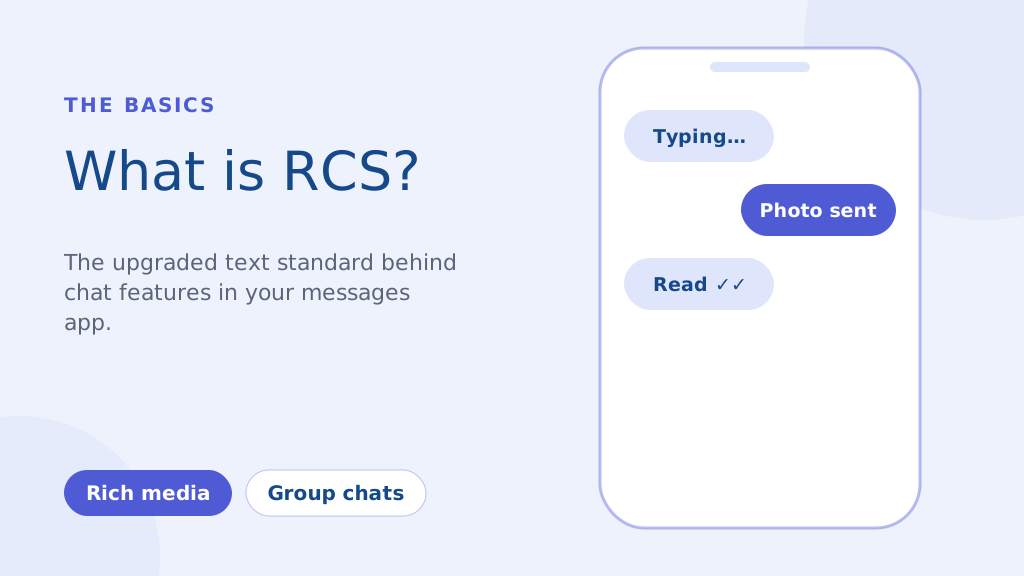
RCS, hay Rich Communication Services, là giao thức truyền thông thế hệ tiếp theo được thiết kế để thay thế giao thức truyền thông cũ kỹ SMS và MMS tiêu chuẩn. Về cơ bản, đây là trải nghiệm nhắn tin hiện đại hơn được tích hợp trong ứng dụng nhắn tin mặc định trên điện thoại của bạn. Các tính năng chính bao gồm:
- Tin nhắn đa phương tiện: Chia sẻ ảnh và video chất lượng cao mà không cần nén MMS quá mức.
- Chỉ báo đánh máy & biên nhận đã đọc: Xem khi nào ai đó đang gõ và khi nào họ đã đọc tin nhắn của bạn.
- Trò chuyện nhóm nâng cao: Khả năng nhắn tin nhóm mạnh mẽ hơn SMS truyền thống.
Không giống như SMS dựa trên mạng di động của bạn, RCS hoạt động qua internet (Wi-Fi hoặc dữ liệu di động). Điều này cho phép các tính năng phong phú hơn nhưng cũng có nghĩa là cả người gửi và người nhận đều cần các thiết bị tương thích và hỗ trợ mạng để có đầy đủ chức năng.
Mặc dù một sáng kiến lớn vào năm 2016 nhằm mục đích biến RCS trở thành tiêu chuẩn phổ quát trên Android nhưng việc áp dụng vẫn đang tiếp tục. Các doanh nghiệp ngày càng tận dụng RCS để tiếp thị chiến dịch, mang lại nhiều trải nghiệm tương tác hơn mức SMS cho phép. Tuy nhiên, như chúng tôi đã nhấn mạnh, vẫn có nhiều trường hợp mà độ tin cậy của SMS là tối quan trọng.
Cách thay đổi cuộc trò chuyện RCs thành tin nhắn SMS trên Android (Hướng dẫn từng bước)
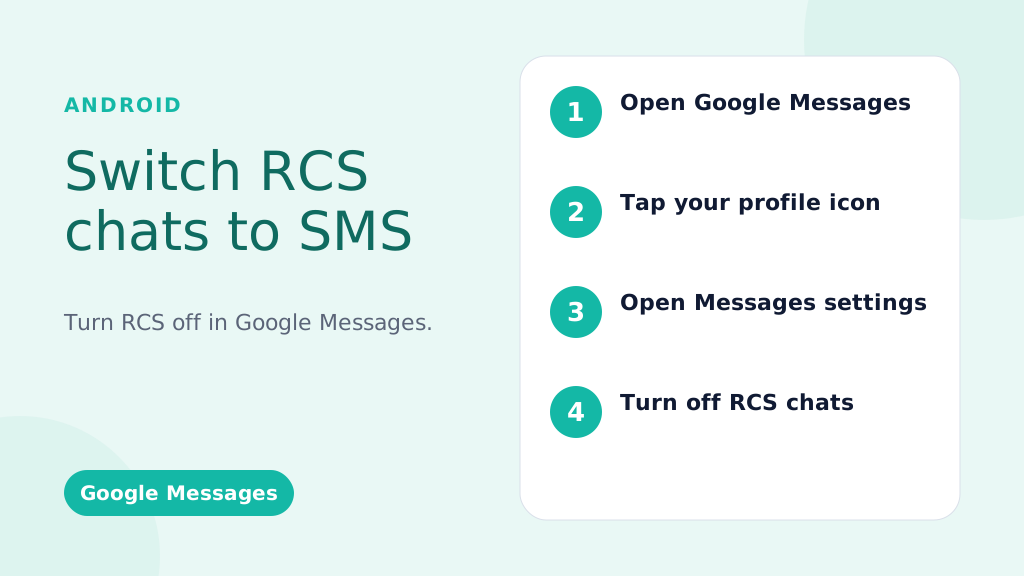
Những hướng dẫn này dành cho Google Messages, ứng dụng nhắn tin mặc định trên hầu hết các điện thoại Android.
Vô hiệu hóa RCS trên toàn cầu (Tắt nó cho tất cả các cuộc hội thoại):
- Mở Ứng dụng Google Messages: Tìm biểu tượng Tin nhắn (thường là ô lời thoại màu xanh lam) và nhấn vào biểu tượng đó.
- Nhấn vào Ảnh/Biểu tượng hồ sơ của bạn: Mục này thường nằm ở góc trên bên phải của ứng dụng.
- Chọn “Cài đặt tin nhắn” (hoặc chỉ “Cài đặt” trên một số phiên bản).
- Nhấn vào “Trò chuyện RCS” (hoặc “Tính năng trò chuyện” – cách diễn đạt có thể thay đổi đôi chút).
- Tắt “Bật trò chuyện RCS” (hoặc nút chuyển tương đương). Bạn có thể được yêu cầu xác nhận quyết định của mình.
- (Tùy chọn nhưng được khuyến nghị) Khởi động lại điện thoại của bạn: Điều này giúp đảm bảo các thay đổi có hiệu lực ngay lập tức.
Tắt RCS cho một cuộc trò chuyện cụ thể (Tính khả dụng có giới hạn):
Quan trọng: Tính năng này không phải lúc nào cũng có sẵn. Nó phụ thuộc vào điện thoại, phiên bản Android và nhà mạng của bạn.
- Mở cuộc trò chuyện: Đi tới cuộc trò chuyện cụ thể.
- Nhấn vào Menu ba chấm (⋮): Thường ở phía trên bên phải.
- Tìm kiếm “Chi tiết”, “Thông tin” hoặc “Cài đặt”: Cách diễn đạt chính xác khác nhau.
- NẾU CÓ, hãy tìm tùy chọn như “Chỉ gửi tin nhắn SMS và MMS” hoặc “Sử dụng TIN NHẮN SMS/MMS“: Toggle this on. If you don’t see this option, your phone/carrier doesn’t support this feature.
Làm cho thông điệp của bạn nổi bật bằng khả năng giao tiếp đáng tin cậy, nhanh chóng và hiệu quả. Nâng cao trò chơi nhắn tin của bạn ngay hôm nay!
Troubleshooting: RCS Messages Still Sending?
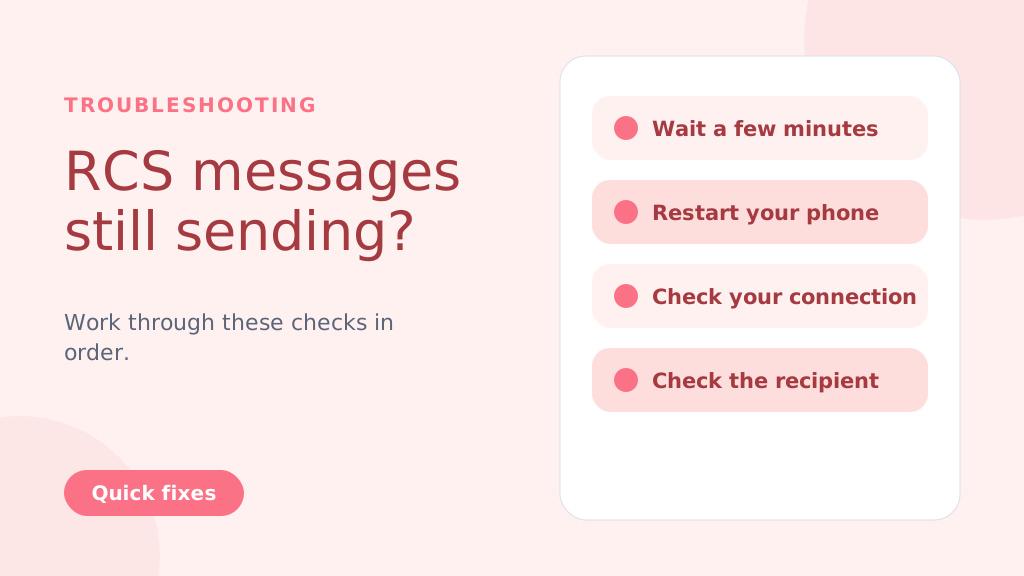
Even after disabling RCS, messages might still try to send as RCS temporarily. Try these steps:
- Wait: Give it a few minutes for the changes to take effect.
- Restart Your Phone: A reboot often resolves lingering issues.
- Check Your Connection: Temporarily turn off Wi-Fi and mobile data to force SMS delivery.
- Check the Recipient’s Status: If the recipient has RCS enabled and a strong connection, your message might still go through as RCS (this is beyond your control).
- Clear App Cache and Data (Advanced Users): Go to Settings > Apps > Messages > Storage > Clear Cache and Clear Data. Caution: This will clear your message history within the Google Messages app
Why People Choose to Change from RCS to SMS
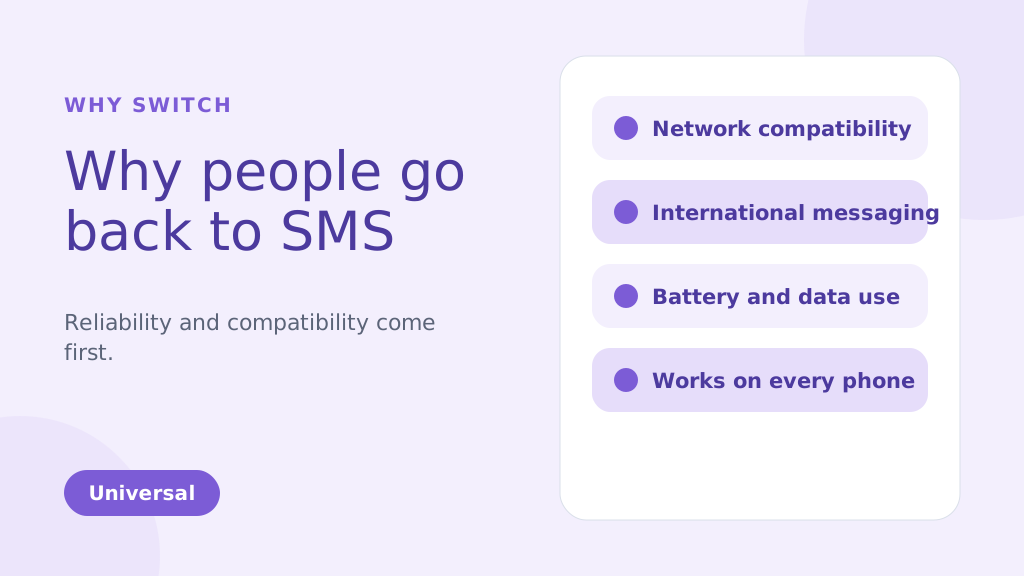
While RCS brings many enhanced features compared to traditional SMS, there are several reasons why you might choose to change from RCS to SMS. Below are some of the common factors that could make SMS a more suitable option for your messaging needs:
1. Network Compatibility Issues
One of the biggest reasons people might change from RCS TO SMS is reliability. RCS message depends on both an internet connection and carrier support, which has slowed its adoption. Unlike SMS, which works universally, RCS requires both the sender and receiver to be on compatible devices and networks. If they aren’t, your RCS message will default to SMS, leading to inconsistencies in message delivery.
2. International Messaging
SMS remains the more reliable option for international communication. RCS may face challenges when sending messages to international numbers because not all global carriers support it. This can result in delayed or undelivered messages. SMS, however, works on almost every carrier worldwide, making it a more dependable option for cross-border messaging.
3. Battery and Data Usage
RCS uses an internet connection to send and receive messages. This can quickly drain your phone’s battery and consume data, especially when Wi-Fi is unavailable. SMS, on the other hand, uses the carrier’s cellular network and doesn’t require an internet connection. This makes it more energy-efficient and data-friendly, particularly when sending multiple messages throughout the day.
4. Personal Preference
Some people simply prefer the simplicity of SMS over the advanced features of RCS. While RCS offers features like group chats, read receipts, and media sharing, not everyone needs or wants these extras. If you prefer straightforward, no-frills communication, SMS can be the more appealing option for your messaging style.
5. More Reliable During Network Congestion
During peak times, such as large events or emergencies, SMS and A2P messages tend to be more reliable, as they don’t depend on data connections like RCS. This ensures better message delivery even when networks are congested.
6. Compatible with All Phones
SMS is universally supported by nearly all mobile phones and networks. Unlike RCS, which requires both the sender and recipient to have compatible devices and carriers, SMS can be sent to any phone.
This ensures that your messages will always reach the recipient, regardless of their phone type or network.
SMS is especially ideal for use cases like OTP verification for user authentication, where reliability is crucial.
Mẹo chuyên nghiệp: If you’re switching from RCS to SMS, consider disabling RCS in your messaging app settings to avoid sending messages that may not be delivered due to compatibility issues. This ensures all your messages are sent via SMS, providing a more reliable and universal communication method.
Bạn cũng có thể biết:
RCS vs SMS: Key Differences and Incredible Benefits Explained
Key Advantages of SMSLocal:
- Guaranteed Delivery: We ensure your messages are delivered, even if RCS fails.
- Automatic Switching: No manual intervention is needed. Our system automatically switches to SMS.
- Seamless Experience: Your recipients receive the message, regardless of their device or settings.
- Peace of Mind: Know that your important messages will always get through.
- Ideal for Business: Perfect for appointment reminders, delivery notifications, urgent alerts, and any communication where delivery is critical.
Phần kết luận
Switching from RCS to SMS is a straightforward process, but it’s important to weigh the pros and cons of each messaging format. RCS offers advanced features, including rich media sharing and read receipts, which are beneficial for those with compatible devices and networks.
However, for users seeking simplicity, reliability, or international compatibility, SMS remains the preferred option. By following the steps outlined for Android and iPhone devices, you can easily switch between these two messaging services based on your preferences.
For a seamless messaging experience, whether you’re using SMS, RCS, or even other channels like WhatsApp, consider signing up with SMSLocal. SMSLocal provides an all-in-one platform to manage your messaging needs efficiently and effectively.
Why not have it all in one place? Sign up with smslocal to access RCS, WhatsApp, SMS, and email all from a single platform
Câu hỏi thường gặp
Điện thoại của bạn có thể đang gửi SMS do cài đặt “Chỉ gửi tin nhắn SMS và MMS” trong Google Messages, thiếu RCS, mạng yếu hoặc không có nhà cung cấp dịch vụ nào hỗ trợ RCS.
RCS sử dụng kết nối internet (dữ liệu hoặc Wi-Fi) để có các tính năng nâng cao như chia sẻ đa phương tiện và chỉ báo nhập thời gian thực, trong khi SMS dựa vào mạng di động và thiếu các tính năng này.
• Open Settings: Tap on the Settings app on your iPhone. • Go to Messages: Scroll down and select Messages. • Disable iMessage: Toggle off iMessage to switch to SMS. Restart iPhone: Restart your iPhone to ensure SMS is enabled.
Bạn sẽ vẫn nhận được tin nhắn nhưng chúng sẽ đến dưới dạng SMS/MMS chứ không phải tin nhắn trò chuyện RCS. Bạn sẽ không thấy các tính năng RCS.
Có, dễ dàng bật lại RCS bất cứ lúc nào bằng cách làm theo các bước tương tự và bật lại nút chuyển.
• Open Google Messages: Launch the app on your Android phone. • Go to Settings: Tap your profile picture and select Settings. • Enable Chat Features: Toggle on Enable Chat Features under Chat Features. • Verify Phone Number: Confirm your phone number via SMS if prompted. • Check Carrier Support: Ensure your carrier supports RCS messaging. • Update Google Play Services: Make sure Google Play Services and the Messages app are up to date.
SMS dựa trên mạng di động, có phạm vi phủ sóng gần như toàn cầu, không giống như tin nhắn RCS, phụ thuộc vào kết nối Internet và sự hỗ trợ của nhà cung cấp dịch vụ.
• Open Google Messages: Launch the app on your Android phone. • Go to Settings: Tap your profile picture and selectSettings. • Disable Chat Features: Toggle offEnable Chat FeaturesunderChat Features. • Verify Phone Number: Confirm your number via SMS if prompted. • Check Carrier Support: Ensure your carrier supports SMS. • Restart Phone: Restart your phone to apply the changes.


