
 English
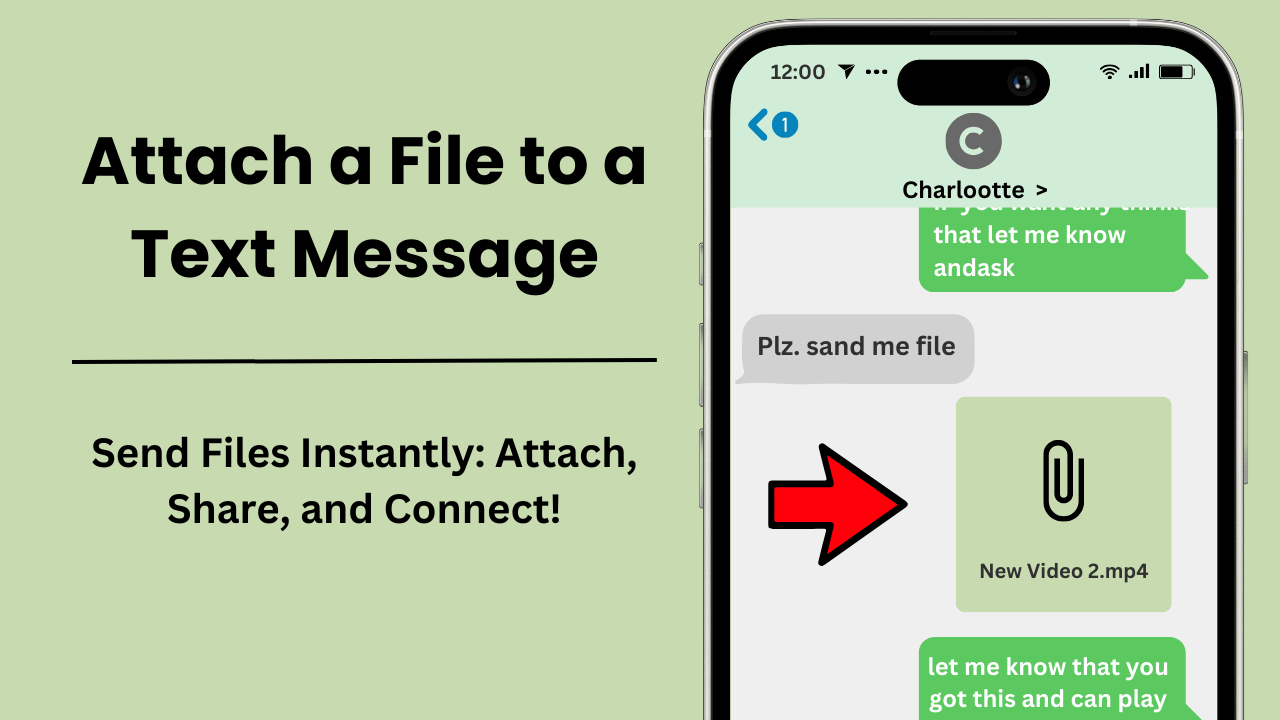
Đính kèm tệp vào tin nhắn văn bản cho phép bạn gửi các tệp đa phương tiện như hình ảnh, tài liệu, video và clip âm thanh trực tiếp qua ứng dụng nhắn tin văn bản. Quá trình này tăng cường giao tiếp bằng cách cho phép người dùng chia sẻ thông tin cần thiết trong tin nhắn của họ theo thời gian thực. Với những tiến bộ trong công nghệ di động, tính năng này dễ tiếp cận và có giá trị hơn bao giờ hết, thay đổi cách các cá nhân và doanh nghiệp giao tiếp.
Điểm mấu chốt:
- Tiện lợi và nhanh chóng: Đính kèm tập tin trực tiếp vào tin nhắn loại bỏ nhu cầu về ứng dụng hoặc email của bên thứ ba, mang lại trải nghiệm liên lạc liền mạch.
- Hỗ trợ tệp rộng: Các loại tệp phổ biến cho tệp đính kèm bao gồm hình ảnh (JPEG, PNG), video (MP4, MOV) và tài liệu (PDF, DOCX).
- Giới hạn kích thước tệp: Nền tảng nhắn tin áp đặt giới hạn kích thước tệp, với hầu hết các nhà cung cấp dịch vụ giới hạn tệp trong khoảng từ 300KB đến 1MB đối với tin nhắn MMS.
- Nâng cao năng suất: Tệp đính kèm tiết kiệm thời gian và hợp lý hóa quy trình công việc, khiến chúng đặc biệt có giá trị trong giao tiếp kinh doanh.
- Cân nhắc về bảo mật: Hãy chú ý đến quyền riêng tư bằng cách chỉ gửi tệp cho những người nhận đáng tin cậy và đảm bảo khả năng tương thích với thiết bị của người nhận.
Đính kèm tệp vào tin nhắn văn bản là gì?
Đính kèm tập tin vào một tin nhắn văn bản đề cập đến quá trình gửi nhiều loại tệp khác nhau—chẳng hạn như hình ảnh, tài liệu, video hoặc tệp âm thanh—thông qua nền tảng nhắn tin văn bản. Chức năng này tăng cường khả năng giao tiếp bằng cách cho phép người dùng chia sẻ tài liệu quan trọng hoặc nội dung đa phương tiện trực tiếp trong cuộc trò chuyện bằng văn bản của họ.
Lợi ích của tệp đính kèm trong tin nhắn văn bản
Tệp đính kèm trong văn bản nhắn tin offer a range of benefits that enhance user experience and communication efficiency. One key advantage is the convenience of sharing files without switching between different apps or platforms.
For example, gửi tài liệu hoặc ảnh trực tiếp qua văn bản tin nhắn loại bỏ nhu cầu sử dụng email hoặc dịch vụ đám mây, đơn giản hóa quy trình. Ngoài ra, tệp đính kèm cho phép chia sẻ theo thời gian thực và truy cập ngay vào nội dung, điều này đặc biệt hữu ích đối với thông tin nhạy cảm về thời gian.
Các loại tệp phổ biến cho tệp đính kèm tin nhắn văn bản
Khi đính kèm tập tin vào tin nhắn văn bản, users can choose from various file types depending on their needs. Common file types include images (JPEG, PNG), documents (PDF, DOCX), videos (MP4, MOV), and audio files (MP3).
However, If your file is not in one of these formats, you can easily convert it using công cụ chuyển đổi trực tuyến before attaching it to your message. Each file type serves a specific purpose and is compatible with most messaging platforms.
For instance, images and videos are ideal for sharing visual content, while documents and audio files are useful for exchanging textual or thông tin âm thanh.
Mẹo quản lý tệp đính kèm trong tin nhắn văn bản
ĐẾN quản lý hiệu quả tin nhắn văn bản attachments, users should consider a few key tips. First, ensure that the file size is within the limits set by the messaging platform, as large files may not be sent or could impact the performance of the message.
Second, use clear and descriptive filenames to make it easier for the recipient to identify and access the attached file. Lastly, be mindful of privacy and security by only sending files to trusted recipients and avoiding sensitive information in unsecured messages.
Việc đính kèm tập tin vào tin nhắn văn bản cho phép chia sẻ nội dung và tài liệu đa phương tiện một cách thuận tiện và hiệu quả. Tính năng này tăng cường giao tiếp bằng cách cho phép chia sẻ theo thời gian thực và truy cập ngay vào các tệp, khiến nó trở nên lý tưởng cho mục đích sử dụng cá nhân và chuyên nghiệp.
Làm cách nào để đính kèm ảnh và tệp vào tin nhắn văn bản?
Làm cách nào để đính kèm tập tin vào tin nhắn văn bản? Đơn giản chỉ cần quét mã QR và làm theo các bước đơn giản sau
- Mở một tin nhắn mới và nhấp vào nút đính kèm.
- Chọn định dạng tệp bạn muốn trong cửa sổ mới.
- Tiếp theo, chọn ảnh hoặc tệp (tùy thuộc vào hệ điều hành của bạn) mà bạn muốn gửi.
- Chèn người nhận và văn bản của bạn, thế là xong!
Xin lưu ý: Nếu bạn sử dụng iPad, bạn chỉ được phép đính kèm hình ảnh.
Bạn có thể đính kèm tối đa 4 tệp cho mỗi tin nhắn, với kích thước tối đa là 10 MB cho mỗi ảnh hoặc tệp. Những giới hạn này đảm bảo việc phân phối thông suốt tệp đính kèm tin nhắn văn bản mà không làm quá tải nền tảng nhắn tin.
Việc đính kèm tệp vào tin nhắn văn bản hoạt động như thế nào?
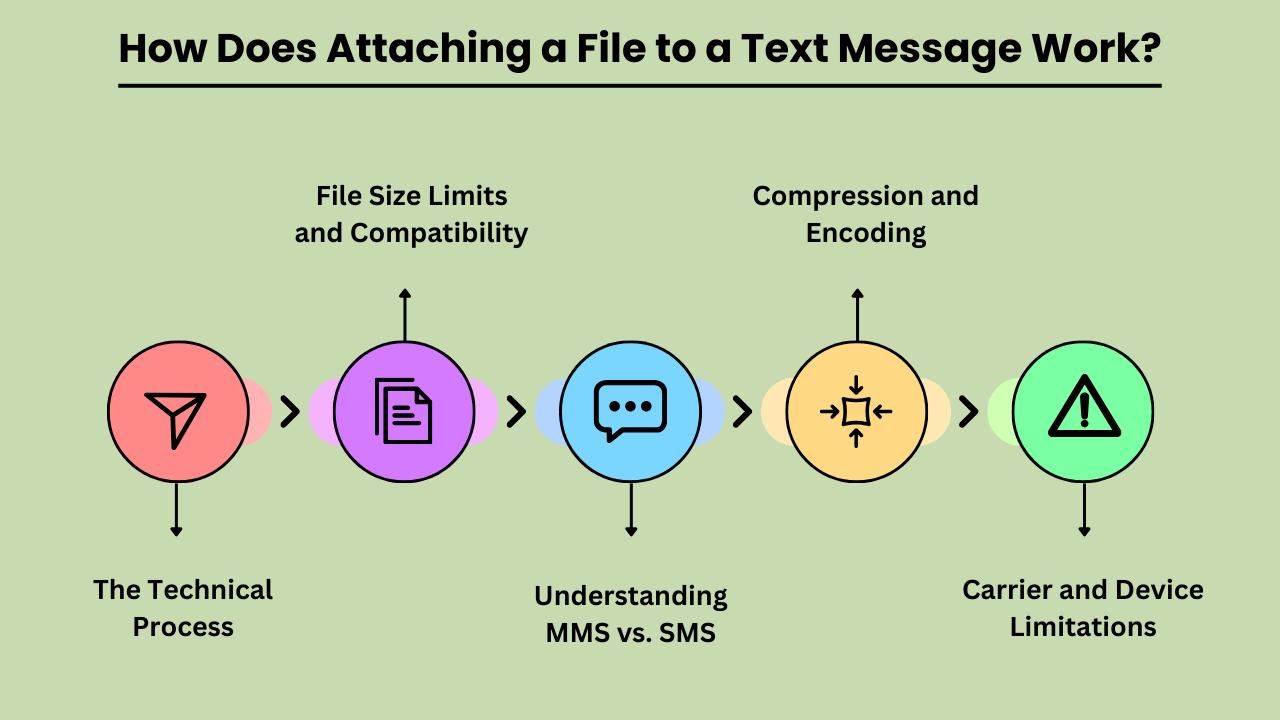
Cách gửi tập tin qua tin nhắn văn bảnbao gồm một số quy trình kỹ thuật để đảm bảo tệp được gửi và nhận chính xác. SMS truyền thống (Dịch vụ tin nhắn ngắn) chỉ hỗ trợ văn bản nên việc gửi tệp cần có MMS (Dịch vụ nhắn tin đa phương tiện), mở rộng khả năng SMS để bao gồm nội dung đa phương tiện.
Quy trình kỹ thuật đính kèm tệp vào tin nhắn văn bản
Việc đính kèm tệp bắt đầu khi người dùng chọn tệp từ thiết bị của họ và bắt đầu quá trình trong ứng dụng nhắn tin của họ. Sau đó, tệp được mã hóa thành định dạng phù hợp để truyền MMS. Mã hóa này bao gồm việc thêm siêu dữ liệu về tệp, chẳng hạn như loại và kích thước của tệp. Sau đó, tin nhắn được mã hóa sẽ được truyền đến máy chủ MMS của nhà mạng, máy chủ này sẽ xử lý việc gửi đến máy chủ MMS của người nhận.
Giới hạn kích thước tệp và khả năng tương thích
When sending files via MMS, size limits are a crucial consideration. Most carriers impose a maximum file size limit, typically between 300KB and 1MB. Files exceeding this limit may need to be compressed or sent using alternative methods, such as email or cloud storage links.
Additionally, file types must be compatible with both the sending and receiving devices. Common formats like JPEG, PNG, and MP4 are usually supported, but less common or proprietary formats may not be. Ensuring compatibility involves checking file types and sizes before sending to avoid delivery issues.
Hiểu MMS và SMS
MMS (Multimedia Messaging Service) and SMS (Short Message Service) serve different purposes in text communication. SMS is limited to text only, while MMS supports multimedia files such as images, videos, and audio clips. When attaching a file, the message is converted into an MMS format, which can handle these larger and more complex data types.
This conversion is necessary because traditional tin nhắn SMS thiếu khả năng truyền tải các tập tin ngoài văn bản đơn giản.
Nén và mã hóa
Nén và mã hóa tệp là điều cần thiết để gửi tệp qua MMS. Nén làm giảm kích thước tệp để đáp ứng giới hạn của nhà cung cấp dịch vụ, trong khi mã hóa đảm bảo tệp được truyền chính xác qua mạng. Quá trình này bao gồm việc chuyển đổi tệp sang định dạng tương thích và có khả năng giảm chất lượng của tệp để phù hợp với các giới hạn về kích thước. Việc giải mã sau đó được thực hiện trên thiết bị của người nhận để khôi phục tệp về trạng thái ban đầu.
Giới hạn của nhà cung cấp dịch vụ và thiết bị
Các giới hạn của nhà cung cấp dịch vụ và thiết bị đóng một vai trò quan trọng trong quá trình đính kèm tệp. Các nhà cung cấp dịch vụ khác nhau có giới hạn kích thước tệp và định dạng được hỗ trợ khác nhau, điều này có thể ảnh hưởng đến cách gửi và nhận tệp. Ngoài ra, không phải tất cả các thiết bị đều xử lý tin nhắn đa phương tiện theo cách giống nhau, điều này có thể dẫn đến các vấn đề về khả năng tương thích. Điều quan trọng là phải xem xét các yếu tố này khi đính kèm tệp để đảm bảo phân phối thành công và xem đúng cách.
Ưu điểm của việc đính kèm tập tin vào tin nhắn văn bản
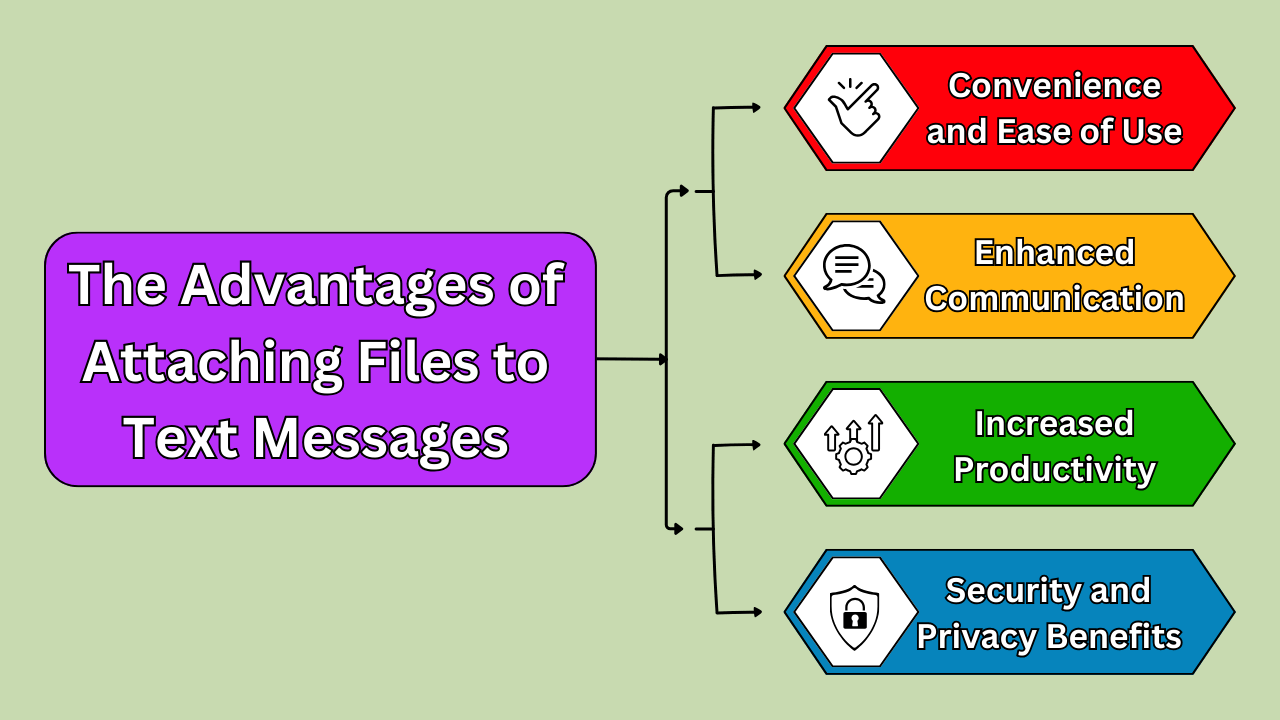
Việc đính kèm tệp vào tin nhắn văn bản mang lại nhiều lợi ích, thay đổi cách chúng ta giao tiếp và cộng tác. MỘT Trợ lý cuộc gọi AI đơn giản hóa việc cộng tác bằng cách cho phép chia sẻ tệp đa phương tiện dễ dàng qua tin nhắn văn bản và Cuộc gọi điện thoại AI, streamlining communication.
The primary benefit is convenience; with just a few taps, you can send documents, images, and other files directly from your mobile device. This eliminates the need for additional apps or platforms, streamlining the process of sharing essential information. Enhanced communication is another key advantage.
Whether you’re sending a project update to a colleague or sharing a photo with a friend, attaching files ensures that your message is complete and contextually rich. Moreover, this method boosts productivity. By quickly sharing files without needing to switch between different applications or devices, you save time and can focus on more pressing tasks.
In today’s fast-paced world, the ability to send and receive files effortlessly through text messages is a significant asset.
Tiện lợi và dễ sử dụng
Attaching a file to a text message is incredibly convenient and user-friendly. Most modern smartphones allow for easy integration of file attachments into text conversations. You simply select the file you wish to share, and it’s sent instantly, eliminating the need for lengthy email threads or complex file-sharing systems.
This simplicity is particularly valuable when you’re on the go or in situations where quick communication is crucial. Additionally, text messages with file attachments can be accessed without an internet connection once received. This is beneficial for users in areas with unstable connectivity.
Tăng cường giao tiếp và hợp tác
Files attached to text messages significantly enhance communication and collaboration. For professional settings, this means that team members can quickly share reports, presentations, or spreadsheets. This makes it easier to coordinate and make decisions in real time. Implementing Dịch vụ quản lý cơ sở hạ tầng ensures these file-sharing capabilities remain reliable and secure across the organization.
In personal contexts, sharing images or documents via text helps keep conversations rich and detailed. This seamless exchange of information supports more effective and informed discussions, as recipients have immediate access to the materials they need.
Enhanced communication through file attachments also reduces the likelihood of misunderstandings, as the content is directly available for review and clarification.
Tiết kiệm thời gian và tăng năng suất
Attaching files to text messages saves time and boosts productivity. Traditional methods of file sharing often involve multiple steps and can be cumbersome, especially if you have to use different platforms. By using text messaging to send files, you streamline the process, reducing the time spent navigating between applications.
This efficiency is particularly useful in professional settings where quick turnaround times are essential. The ability to instantly share documents or images means you can address tasks and respond to requests faster, leading to a more productive workflow.
Lợi ích bảo mật và quyền riêng tư
Attaching files to text messages also provides enhanced security and privacy compared to other methods of sharing. Many messaging platforms now offer encryption features that help protect the content of your messages and attached files from unauthorized access.
This ensures that sensitive information, such as contracts, personal documents, or private images, is kept secure during transmission. Additionally, since text messages are typically stored directly on the recipient’s device, there’s less risk of your files being intercepted or exposed in a shared or cloud-based system.
This added layer of security makes file attachment via text an attractive option for both personal and professional communication. This ensures that important data remains protected.
Chọn phương pháp tốt nhất để đính kèm tệp vào tin nhắn văn bản
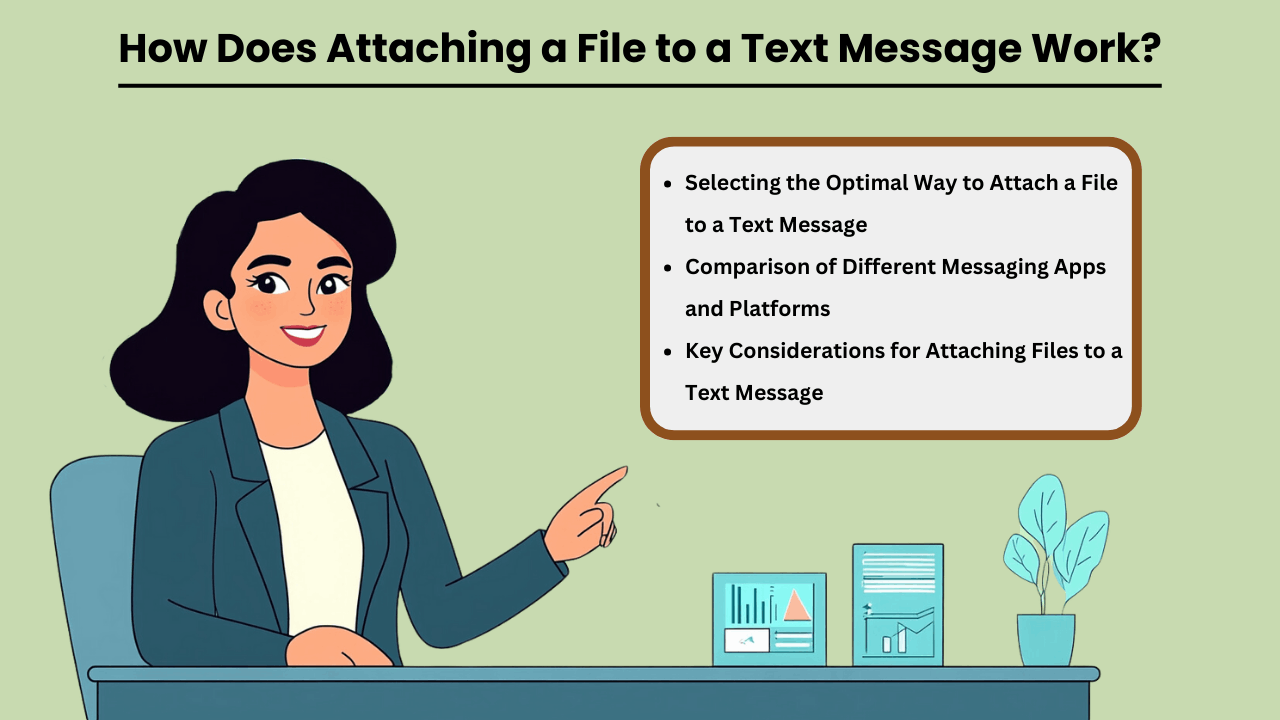
In today’s digital age, the ability to send files via text messages has become a vital aspect of personal and professional communication.
Whether you are sharing documents, images, or multimedia files, selecting the best method for cách đính kèm tập tin vào tin nhắn văn bản can make a significant difference in terms of convenience and efficiency.
Factors such as file size, the platform being used, and the type of file all play a role in determining the most suitable method. Additionally, ensuring that the recipient can open the file without any compatibility issues is crucial for a seamless experience.
Understanding how different methods work can help you make informed decisions and improve your messaging experience.
Chọn cách tối ưu để đính kèm tệp vào tin nhắn văn bản
Các nền tảng nhắn tin khác nhau cung cấp nhiều cách khác nhau để đính kèm tập tin vào văn bản messages, and knowing which one to use depends on the situation. Some apps, like WhatsApp or iMessage, allow for easy attachment of large files, while others, like standard SMS, may have restrictions on file size.
Consider the file type and recipient’s device compatibility when choosing a method. Sending files over secure platforms can also protect sensitive information, so it’s essential to select the right platform for the task.
So sánh các ứng dụng và nền tảng nhắn tin khác nhau
When comparing messaging apps, factors such as file size limits, ease of use, and security features should be considered. Apps like WhatsApp, iMessage, and Signal offer secure, end-to-end encrypted file sharing, while basic SMS may only support small files. Additionally, certain apps are better suited for multimedia or document sharing depending on their design.
Understanding the limitations and strengths of each platform can help you choose the best one for your file-sharing needs.
Những cân nhắc chính khi đính kèm tệp vào tin nhắn văn bản
Khi đính kèm tệp vào tin nhắn văn bản, kích thước tệp, khả năng tương thích và bảo mật là những yếu tố quan trọng cần xem xét. Các tệp lớn có thể yêu cầu sử dụng liên kết lưu trữ đám mây hoặc nén tệp để phù hợp với giới hạn của ứng dụng. Điều quan trọng nữa là phải đảm bảo định dạng tệp tương thích với thiết bị của người nhận. Cuối cùng, việc chọn nền tảng an toàn có thể bảo vệ dữ liệu của bạn khỏi sự truy cập trái phép, đảm bảo rằng các tệp đính kèm của bạn được phân phối an toàn.
Tương lai của việc đính kèm tệp vào tin nhắn văn bản
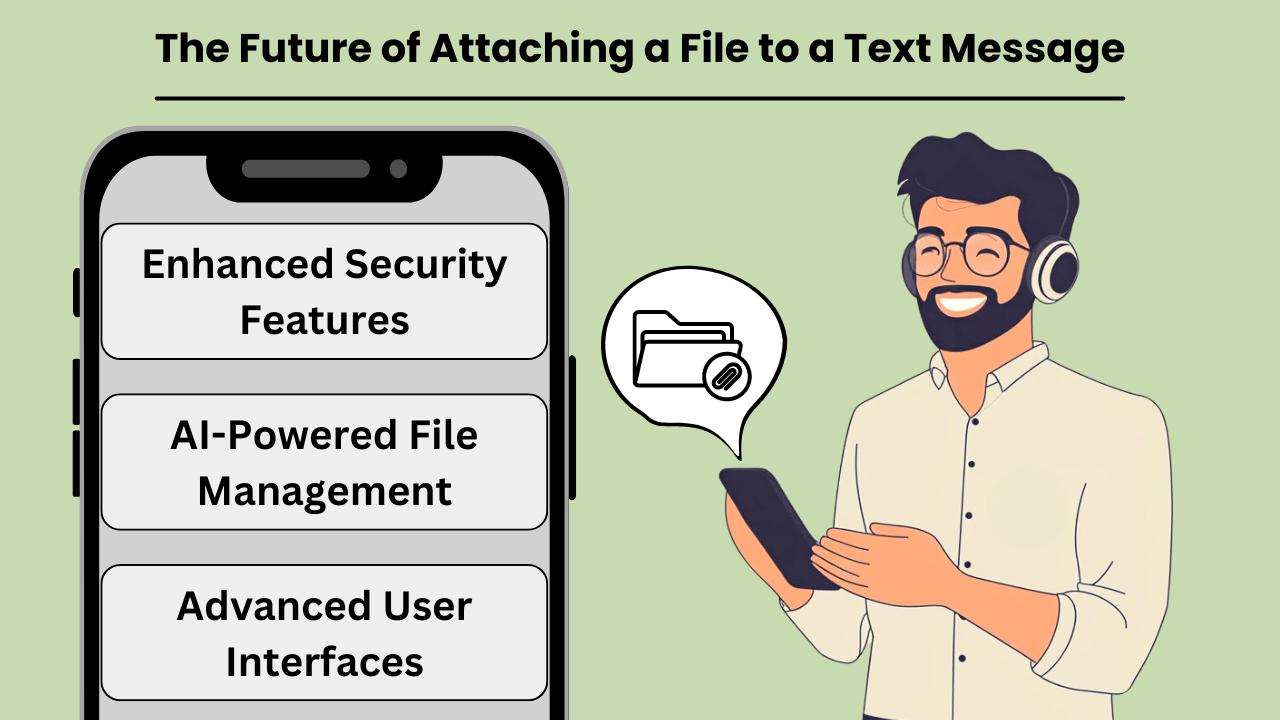
Khi công nghệ truyền thông phát triển, khả năng đính kèm tập tin vào văn bản messages is becoming faster, more reliable, and widely accessible. Traditional SMS, while effective for basic communication, has its limitations when it comes to sharing media, large files, or documents.
However, with the introduction of new technologies such as Rich Communication Services (RCS) and 5G, the future of file sharing via text is set to transform drastically. These advancements will not only increase the speed and ease of sharing files but also enhance the overall user experience.
This makes text messaging a more robust and versatile tool for personal and professional communication. From high-quality images to complex documents, file attachment capabilities are poised to meet the growing demand for seamless, real-time interaction. Advances in AI đa phương thức tiếp tục định hình cách các nền tảng nhắn tin xử lý các định dạng nội dung đa dạng.
Xu hướng và công nghệ mới nổi
The rise of RCS, often seen as the successor to SMS, brings enhanced functionality to text messaging, including the ability to attach large files. With RCS, users can share videos, high-resolution images, and even PDFs without the size constraints of traditional SMS.
Coupled with the rollout of 5G technology, which offers unprecedented download and upload speeds, the potential for file sharing via text messaging is limitless. This combination of RCS and 5G paves the way for a new era where attaching files to messages will be as seamless as sending a simple text.
Tác động tiềm ẩn đến việc chia sẻ và liên lạc tệp
The integration of file-sharing capabilities into text messaging platforms will revolutionize how we communicate. With faster, more reliable networks, individuals and businesses can easily share important documents, images, and videos without the need for email or third-party apps.
This shift is expected to streamline communication workflows, especially in business environments where quick sharing of information is crucial. As file attachment technology becomes more sophisticated, text messaging could soon rival other communication methods as the preferred choice for sharing media.
Dự đoán về tương lai của việc đính kèm tệp vào tin nhắn văn bản
In the near future, we can expect file attachments in text messages to become even more user-friendly and secure. Enhanced encryption and data protection measures will likely accompany these innovations, ensuring that sensitive information can be shared safely.
Additionally, the growing reliance on cloud storage and integration with messaging platforms may further simplify the process of attaching and accessing files. As these trends continue to evolve, text messaging will solidify its place as a versatile tool for both casual and professional communication, seamlessly integrating file sharing with everyday interactions.
Phần kết luận
Attaching files to text messages has revolutionized personal and professional communication. The ability to share multimedia content instantly enhances collaboration, productivity, and convenience. As technologies like RCS and 5G advance, the future of file sharing via text messages will become even more efficient, with larger file sizes, enhanced security, and improved user experience.
Whether you’re sharing images, documents, or videos, file attachments through text messaging remain a vital tool in today’s digital landscape.
Looking ahead, as file-sharing capabilities continue to evolve, we can expect even greater integration of cloud storage services and AI-powered messaging platforms that streamline how we share and access content. These advancements will allow for even more seamless experiences. This ensures that file attachments via text will remain an essential feature of both personal and professional communication in the future.
Câu hỏi thường gặp
Bạn có thể đính kèm hình ảnh, video, tài liệu và tệp âm thanh vào tin nhắn văn bản. Các định dạng phổ biến bao gồm JPEG, PNG, MP4, PDF và MP3.
Giới hạn kích thước tệp khác nhau tùy thuộc vào nền tảng nhắn tin và nhà cung cấp dịch vụ. Thông thường, tin nhắn MMS có giới hạn từ 300KB đến 1 MB, nhưng các ứng dụng như WhatsApp hoặc iMessage cho phép các tệp lớn hơn.
Không, SMS chỉ hỗ trợ văn bản. Để gửi tệp, bạn phải sử dụng MMS hoặc ứng dụng hỗ trợ nhắn tin đa phương tiện như WhatsApp, iMessage hoặc RCS.
Có, điều cần thiết là phải đảm bảo rằng các tệp được gửi một cách an toàn và đến những người nhận đáng tin cậy. Sử dụng nền tảng nhắn tin được mã hóa giúp bảo vệ dữ liệu nhạy cảm.
Nếu thiết bị của người nhận không hỗ trợ định dạng tệp, họ có thể không mở hoặc xem được tệp. Điều cần thiết là đảm bảo tính tương thích của tệp trước khi gửi.


