English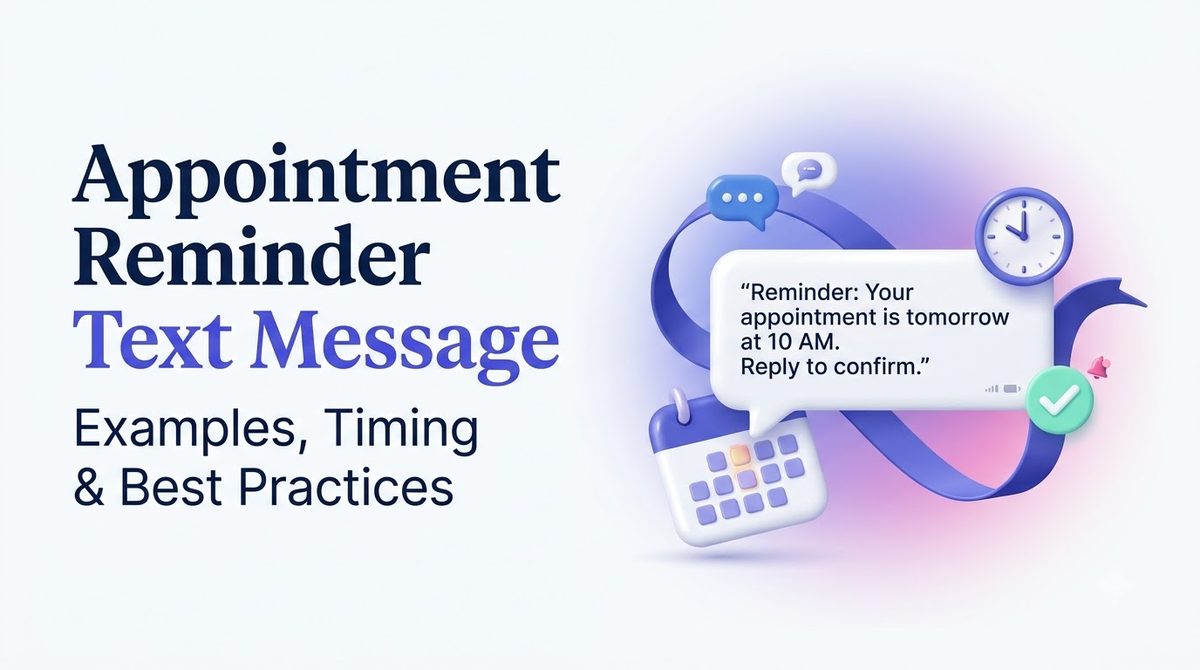
Invoering
An empty chair costs more than it looks like. A dental hygienist waits at 2:15 p.m. for a 2:00 patient who simply forgot. The hour cannot be resold, the supplies are set out, and the next patient is already running late because the front desk is busy making calls.
A short appointment reminder text message fixes most of that. It lands on the screen people look at all day, it asks for one tiny action, and it costs a fraction of a missed visit.
This guide covers what to say, when to send it, how to handle replies, how to stay compliant in the USA and how to automate the whole thing.
Belangrijkste afhaalrestaurants
- A good appointment reminder text message names your business, the date, time and place, and asks for one action.
- Send one reminder a day or two ahead, and a second one a few hours before if no-shows are common.
- Let customers reply to confirm, reschedule or cancel, and make sure someone reads the replies.
- Get consent when the customer books, include opt-out wording and honor STOP right away.
- Keep private details out. A date, time and location is usually enough.
Why Reminders by Text Work
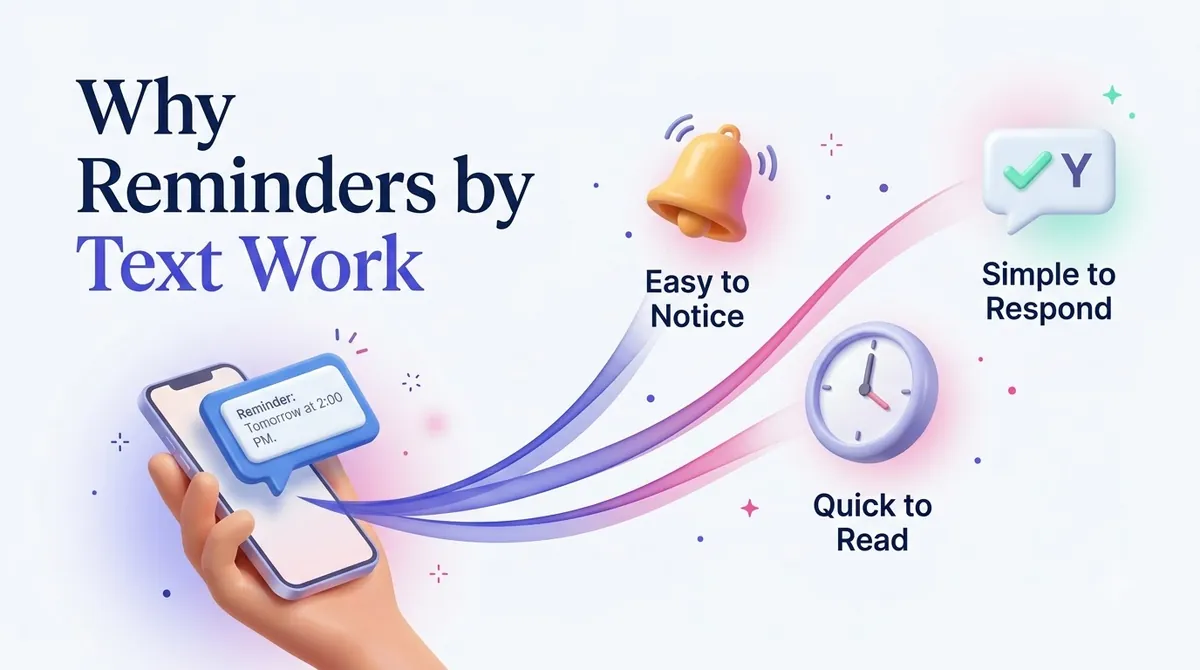
People rarely skip appointments out of disrespect. They forget, they get busy, or the details slip away in a crowded inbox. A text works because of three simple traits:
- It is seen quickly. Most people check texts within minutes, unlike an email that may sit for a day.
- It is easy to answer. One word, "C" to confirm or "R" to reschedule, takes five seconds.
- It is saved. The message stays in the phone, so the date and time are there when the customer looks for them.
A reminder also gives you a chance to refill a slot. If a customer cancels a day ahead instead of simply not showing, you can offer that time to someone else.
What to Put in an Appointment Reminder
A good reminder answers the questions the customer would otherwise call about. Include:
- Who you are. Start with your business name.
- Who it is for. A first name makes it personal.
- When. Day, date and time, written clearly.
- Where. Add an address or room if it is not obvious.
- What to do next. Confirm, reschedule or call.
- How to stop. Add opt-out wording such as "Reply STOP to opt out."
Leave out everything else. Because a single text holds only so many characters, extra detail can push it into a second segment. Our guide to the SMS character limit shows how to check this before you send.
Appointment Reminder Text Message Examples by Industry
Use these as starting points and rewrite them in your own voice.
Dental or medical office
“Maple Street Dental: Hi Priya, your visit is Thu, May 8 at 10:30 AM. Reply C to confirm or R to reschedule. STOP to opt out.”
Keep health details out of the message. Do not mention a diagnosis, treatment or test results in a text.
Salon or spa
“Luna Salon: Hi Danielle, see you Saturday at 1:00 PM for your color appointment with Mia. Need to move it? Reply R. STOP to opt out.”
Auto repair shop
“Bayside Auto: Your car is booked for drop-off tomorrow at 8:00 AM. Please bring your key and any spare. Reply C to confirm. STOP to opt out.”
Home services
“Northside Plumbing: Our technician Marcus will arrive between 2 and 4 PM today. He will text when he is 20 minutes away. Reply STOP to opt out.”
Consulting or professional services
“Carter & Lee CPA: Your meeting is Tue, Jun 3 at 11:00 AM. Reply C to confirm or call (555) 010-4477 to change it. STOP to opt out.”
Fitness class or personal trainer
“Peak Fit: Your 6:30 AM class tomorrow is booked. Cancel by 8 PM tonight to avoid a late fee. Reply X to cancel. STOP to opt out.”
Notice that each example uses a different ask. The consulting reminder directs the customer to call, the gym one allows cancellation by text, and the plumber needs no reply at all. Match the action to what your business actually needs.
When to Send an Appointment Reminder Text Message
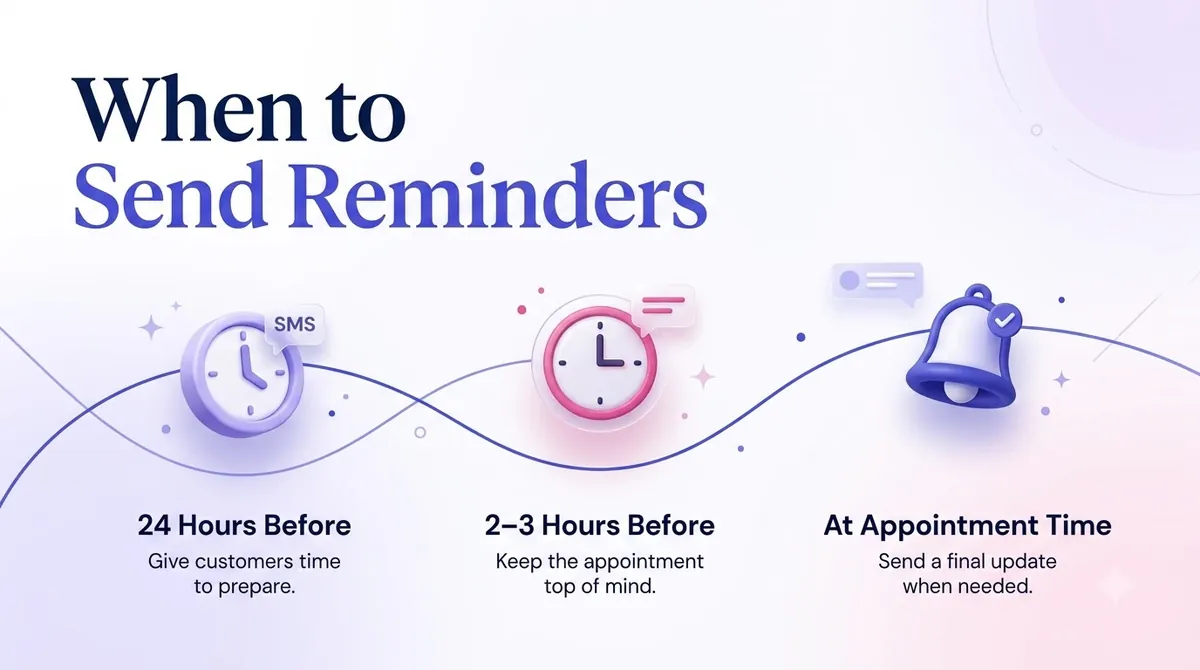
Timing matters as much as wording. A reminder sent too early gets buried, and one sent too late leaves no room to reschedule.
| Appointment type | A sensible rhythm |
|---|---|
| Medical or dental | Confirmation at booking, a reminder 2 days before, a short note the morning of |
| Salon or spa | A reminder 1 day before, and a quick one 2 to 3 hours before |
| Home services | A day before, plus a "technician on the way" message |
| Long lead time (weeks out) | Confirmation at booking, a check-in a week before, a final reminder a day before |
| Same-day bookings | One reminder 1 to 2 hours before |
These are starting points. Review your own no-show patterns to find what works. If most cancellations happen the evening before, a reminder two days out is the one that matters.
Send during daytime hours in the customer's time zone. A text at 11 p.m. feels intrusive even when it is useful.
Make your messages stand out with reliable, fast and effective communication. Elevate your texting game today.
Make Reminders Two-Way
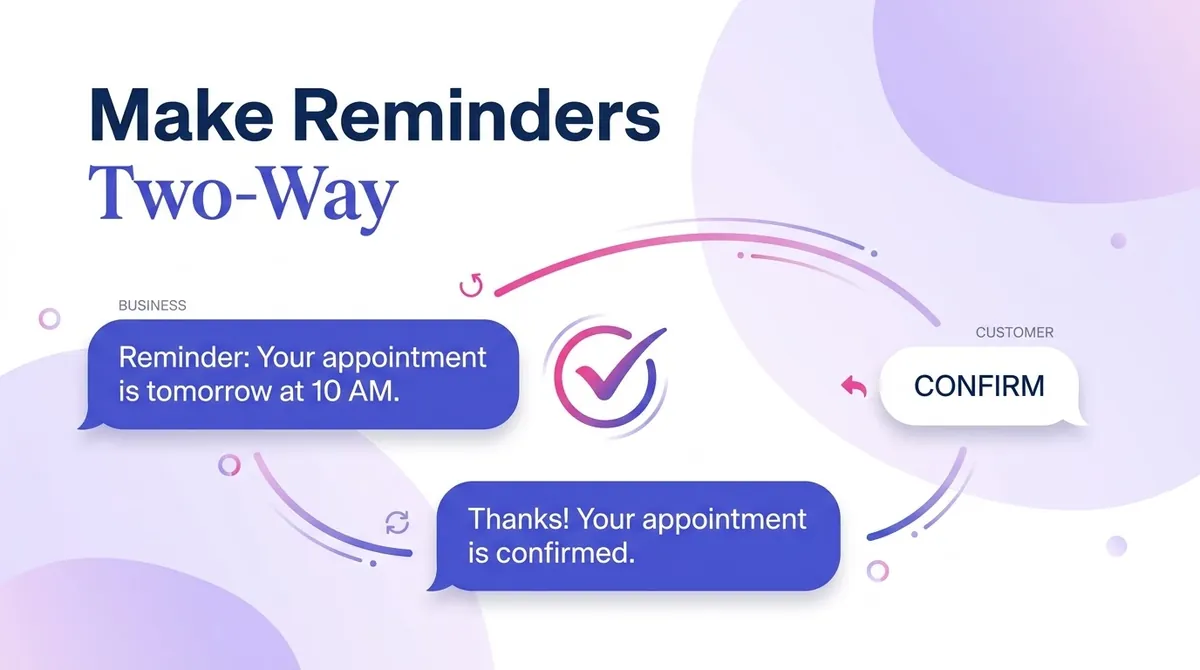
A reminder that only talks is half the value. Invite a reply and let customers confirm or change plans in one step.
- Confirm: "Reply C to confirm" gives you a clear yes.
- Reschedule: "Reply R" can trigger a follow-up text with new times, or a staff member can answer.
- Cancel: "Reply X to cancel" frees the slot.
Plan for the replies that do not follow the script. Customers will write "Can I come at 4 instead?" or "I'm running late." Someone on your team should be able to see and answer these. A reminder program that ignores replies wastes its best feature.
Keep It Compliant
Reminders are informational, which is why customers usually welcome them. They are still regulated, so follow these basics. This is general guidance, not legal advice.
- Get permission. Collect consent when someone books, for example a checkbox on the booking form or a line on the intake sheet saying you will text appointment reminders.
- Honor STOP. If a customer opts out, stop texting them immediately. The FCC's rule at 47 CFR 64.1200 lets customers revoke consent by any reasonable means, so read replies like "please stop" too.
- Protect private information. For healthcare practices, keep details to a minimum. A date, time and location is usually enough. Leave out reasons for the visit, and ask your compliance officer how health privacy rules such as HIPAA apply to your messages.
- Be careful with sending times. Avoid early-morning and late-night sends.
- Register your number. If you send from a standard local number, carriers expect registration. See our guide to 10DLC registration.
Reminders sit in the same family as other messages triggered by customer actions. Our post on transactionele sms explains where they fit.
How to Set Up Appointment Reminders with SMSLocal
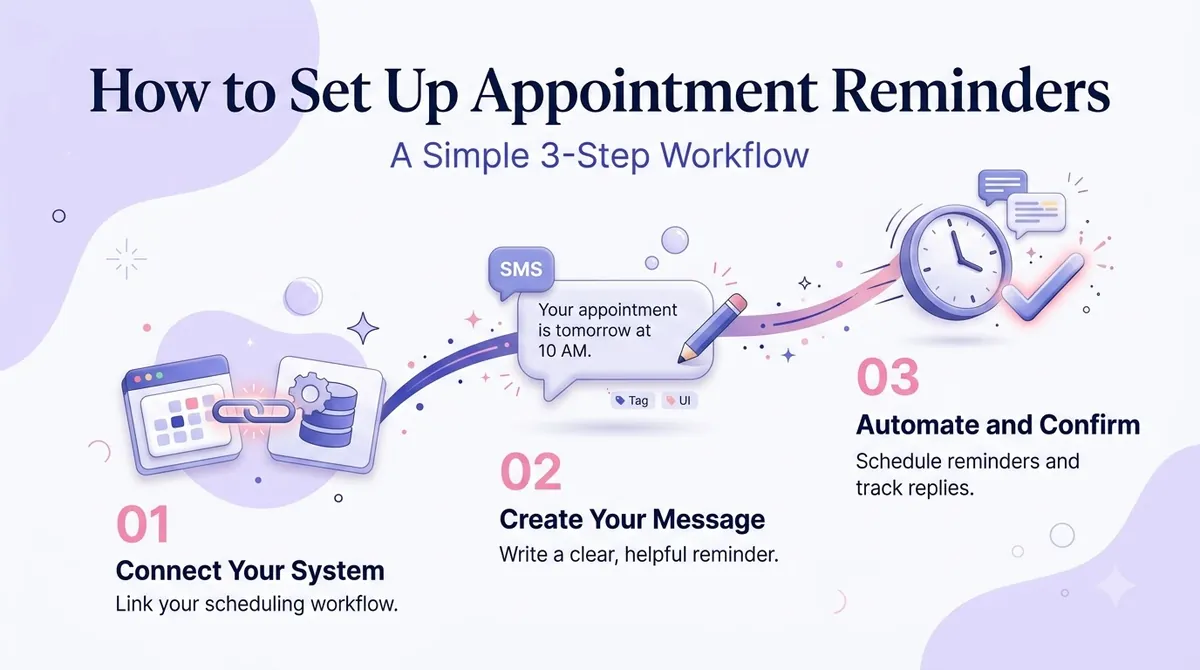
You do not need a developer to start. Here is a simple path.
1. Create your account. Sign up at SMSLocal. A free trial lets you test before committing.
2. Add your customers. Import a contact list or add numbers one by one. Group them, for example by location or service, so messages stay relevant.
3. Build your reminder. Write one message per reminder type and use merge fields for the name, date and time.
4. Schedule the sends. Set messages to go out at the right time before each appointment. Our guide to scheduling a text message shows how scheduling works step by step.
5. Watch the replies. Read confirmations and answer questions the same day.
6. Check your reports. Review delivery results and see which reminders produced confirmations or reschedules.
7. Improve over time. Adjust timing and wording based on what you see.
If you only need a one-off message on an iPhone, our post on scheduling a text on iPhone covers a simple workaround, though a messaging platform is better once you have more than a handful of appointments.
Mistakes That Make Reminders Less Effective
- Sending too many. Three reminders for one appointment feels nagging. One or two is usually plenty.
- Skipping the business name. An unnamed text looks like spam.
- Writing too much. If it does not fit in a few lines, shorten it.
- Forgetting time zones. Check the customer's location if you serve more than one.
- Ignoring cancellations. When someone cancels, offer the slot to the next person on your waitlist.
- No opt-out. Always include it.
- Reusing the same message for everything. A first visit and a regular follow-up deserve different wording.
How to Measure Whether It Is Working
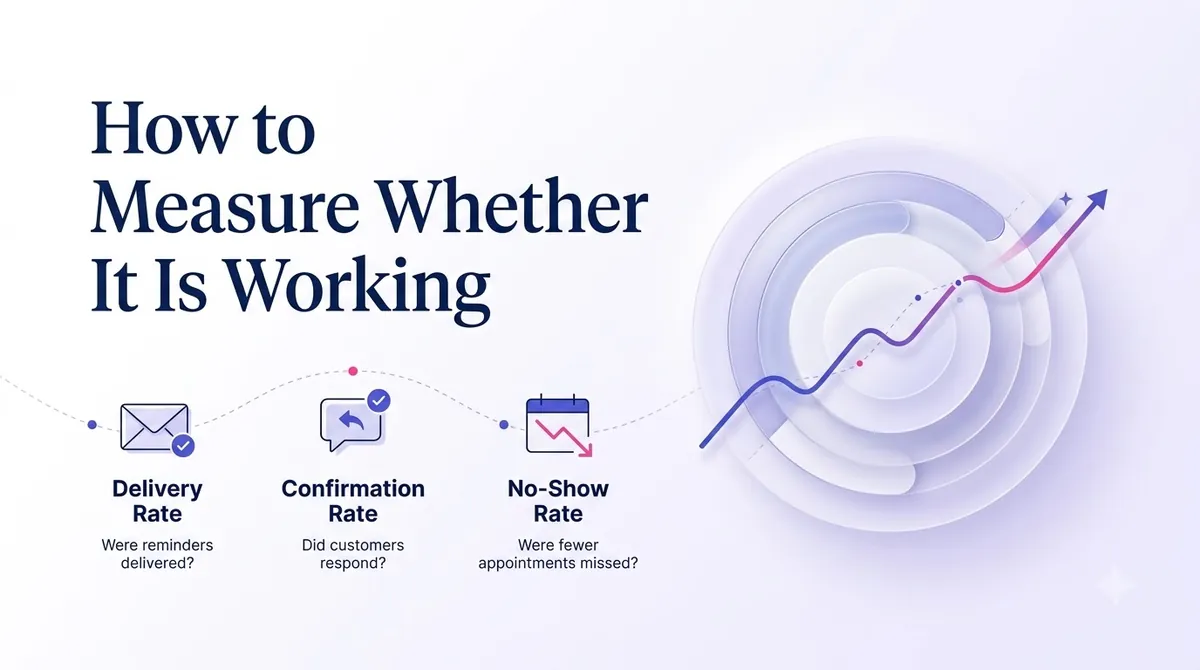
Track a few simple numbers for a month:
- No-show rate before and after you start reminders.
- Confirmation rate, meaning how many customers reply to confirm.
- Reschedule and cancel rate, which shows how much capacity you recover.
- Opt-out rate. A rising number means your messages may be too frequent or poorly timed.
You do not need a perfect study. If the empty-chair hours drop and your front desk makes fewer phone calls, the reminders are paying for themselves.
Conclusie
An appointment reminder text message is one of the simplest ways to protect your schedule. Say who you are, give the date, time and place, ask for one clear action, and include an opt-out. Send at the right moment, listen for replies and keep private details out.
Start with one reminder for your most common appointment, watch the results for a few weeks and add from there.
Start your free trial with SMSLocal and send your first appointment reminder today.
Veelgestelde vragen
Include your business name, the customer's first name, the date and time, the location if it is not obvious, one simple action such as confirming or rescheduling, and opt-out wording like "Reply STOP to opt out."
It depends on the appointment. For many businesses, one reminder a day or two before works well, sometimes with a short second message a few hours ahead. Long lead-time appointments benefit from a confirmation at booking and a check-in closer to the date.
Yes. Collect consent when the customer books, such as a checkbox or a line on your intake form, and keep a record. Always honor STOP requests.
Keep it minimal. A date, time and location is usually enough. Avoid diagnoses, treatments and results, since texts can be seen on a locked screen or read by someone else.
Yes. You can ask them to reply with a letter or word, such as R, and then send new options or have a staff member respond. Make sure someone monitors replies.
For most appointments, one or two. If customers begin to opt out or complain, reduce the frequency or tighten your timing.