
 English
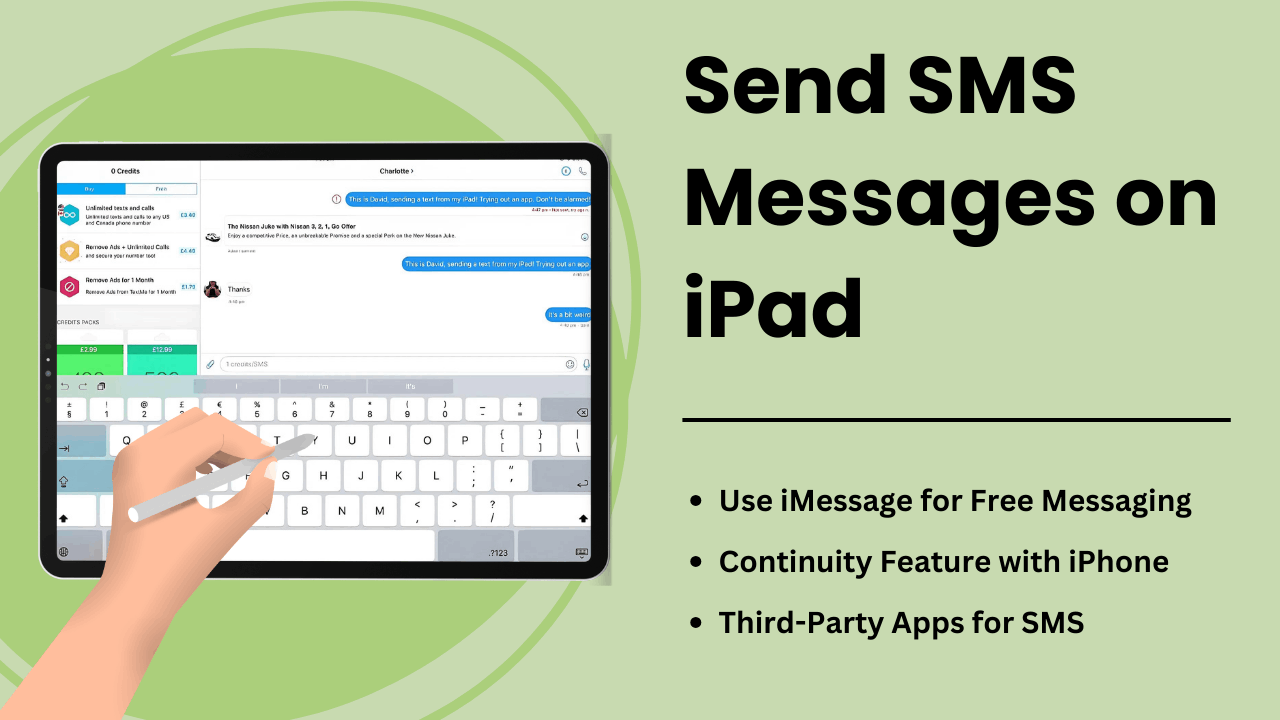
iPad에서 SMS 메시지 보내기를 통해 사용자는 태블릿의 기능을 확장하여 강력한 커뮤니케이션 도구로 활용할 수 있습니다. iPad에는 iPhone과 같은 기본 SMS 기능이 탑재되어 있지 않지만 Apple의 연속성 기능과 타사 메시징 앱을 사용하면 기기에서 문자 메시지를 보내고 받을 수 있는 편리한 방법을 제공합니다.
의사소통을 간소화하려는 전문가이든, 간편한 액세스를 원하는 일반 사용자이든, iPad에서 SMS가 작동하는 방식을 이해하면 사용자 경험을 크게 향상시킬 수 있습니다. 이 가이드에서는 방법, 기술적 측면, 이점 및 문제 해결 팁을 살펴봅니다. SMS 메시지 보내기 아이패드에서.
주요 시사점:
- Apple의 연속성 기능: 동일한 Apple ID를 통해 iPhone과 페어링된 iPad에서 SMS를 보내고 받을 수 있습니다.
- 타사 앱: Google Voice 또는 WhatsApp과 같은 SMS 서비스를 사용하면 사용자는 iPhone이 필요하지 않습니다.
- SMS 릴레이: iCloud와 Apple ID 동기화를 사용하여 iPad가 iPhone을 통해 SMS를 보낼 수 있도록 하는 기술 프로세스입니다.
- 향상된 생산성: iPad는 더 큰 화면과 멀티태스킹 기능을 통해 향상된 메시징 경험을 제공합니다.
- 문제 해결 팁: 메시지 오류와 같은 일반적인 문제는 설정을 조정하거나 Apple 장치를 적절하게 동기화하여 해결할 수 있습니다.
iPad에서 SMS 메시지 보내기란 무엇입니까?
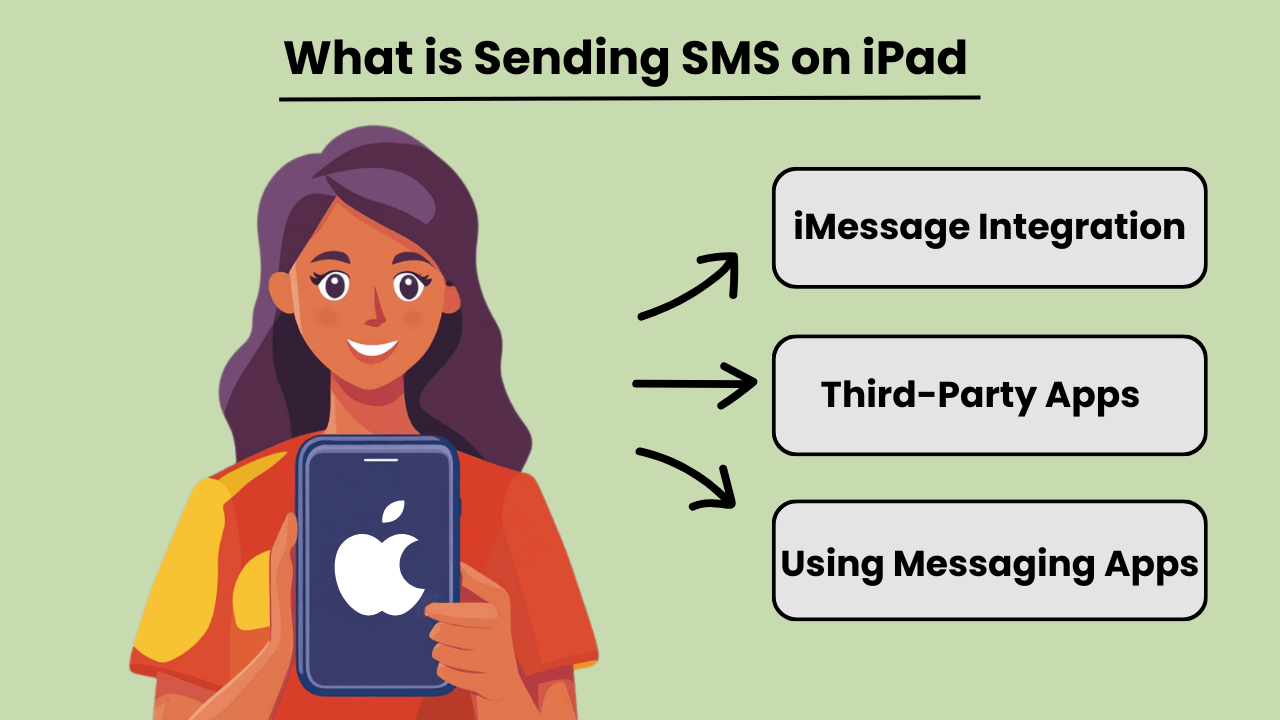
iPad에서 SMS 메시지 보내기 iPad가 본질적으로 iPhone과 같은 셀룰러 통신용으로 설계되지 않았음에도 불구하고 사용자는 전통적인 문자 메시지를 보내고 받을 수 있습니다. iPhone과의 통합을 통해 또는 타사 메시징 앱을 사용하여 사용자는 액세스할 수 있습니다. SMS 메시징 능력. 이 기능은 Apple의 연속성 기능을 사용하여 iPad와 iPhone이 모두 동일한 Apple ID에 로그인된 경우 사용할 수 있습니다.
iPhone 연결 외에도 다양한 앱이 제공됩니다. SMS 메시징 기능을 iPad에서 직접 제공하여 사용자가 Apple 이외의 장치에 접근할 수 있도록 합니다. Google Voice 또는 WhatsApp과 같은 앱을 사용하면 사용자는 전화에 대한 의존도를 완전히 우회하고 iPad의 인터넷 연결을 통해 SMS를 보낼 수 있습니다.
iPad에서 SMS 메시지의 중요성
iPad의 SMS 메시지 기능이 향상되었습니다. 장치의 다양성으로 인해 지속적인 커뮤니케이션에 의존하는 사용자에게 더욱 유용합니다. 더 큰 화면을 선호하는 전문가나 개인의 경우 iPad를 통해 문자를 보내면 장치를 전환하지 않고도 의사소통을 간소화할 수 있습니다. 데스크톱 문자 메시지의 이점을 휴대용 태블릿에 가져와 원활한 작업 흐름을 가능하게 합니다.
또한 iPad에서 직접 SMS를 보낼 수 있으면 접근성이 향상될 수 있으며, 특히 작은 장치에서 입력하는 데 어려움을 겪는 사용자의 경우 더욱 그렇습니다. 메시징 앱 또는 연속성을 통합하면 모든 커뮤니케이션을 단일 장치에 중앙 집중화하는 데 도움이 됩니다.
iPad와 SMS 기능 통합의 장점
Integrating SMS features on an iPad offers several advantages, such as improved productivity and convenience. By linking an iPhone and iPad, users can send and receive messages from any device. This ensures that important conversations are not missed while switching between devices. This seamless transition between devices fosters greater flexibility.
또한 iPad에서 SMS를 지원하는 앱을 사용하면 사용자는 값비싼 문자 메시지 비용을 들이지 않고도 국제적으로 통신할 수 있으므로 비용 효율적인 솔루션이 됩니다. iPad의 더 큰 화면과 강력한 키보드 옵션도 전반적인 메시징 경험을 향상시킵니다.
iPad에서 SMS 보내기 작동 방식: 기술 개요
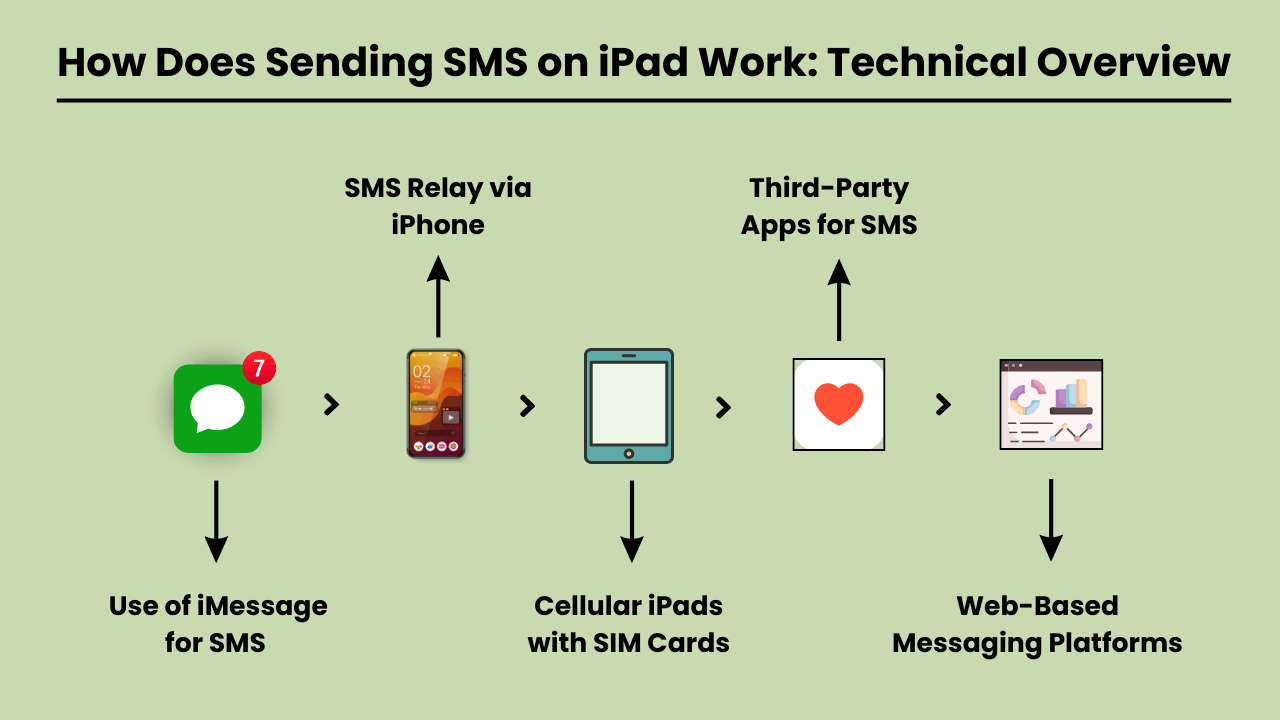
SMS 메시지 보내기 on an iPad involves using a technical system that integrates with both iOS and cellular carrier services. Since iPads are typically Wi-Fi-only devices or rely on cellular data, they lack native SMS functionality found in traditional phones.
To enable SMS on an iPad, Apple uses a feature called SMS Relay, which is part of the Continuity suite in iOS. SMS Relay allows iPads to send and receive SMS and MMS messages through a paired iPhone, bridging the gap between the device’s limitations and the capabilities of cellular networks.
This process relies on the seamless integration of iCloud services, Apple ID, and carrier support to ensure messages are delivered as they would be from a traditional phone.
SMS 릴레이 및 iCloud 서비스
SMS 릴레이는 중추입니다. SMS 메시지 보내기 on an iPad. When you send a message from an iPad, the message is first routed through iCloud to the paired iPhone. The iPhone then sends the message through the cellular network as an SMS.
Similarly, when a message is received on the iPhone, it is relayed to the iPad via iCloud, enabling a synchronized messaging experience across devices.
This functionality requires that both the iPad and iPhone are signed in to the same iCloud account and connected to the same Wi-Fi network, although sometimes Bluetooth pairing can enhance this communication.
SMS 통합에서 iOS의 역할
The iOS system plays a critical role in integrating SMS functionality on iPads. It manages the handoff between devices, allowing seamless communication between the iPhone and the iPad.
The Messages app on iOS is designed to handle both iMessages and SMS/MMS, and when SMS Relay is enabled, iOS automatically determines which type of message should be sent based on the recipient.
The iOS ecosystem ensures that even though the iPad lacks cellular connectivity for SMS, it can leverage the iPhone’s network capabilities to send and receive messages.
SMS 릴레이를 활성화하는 통신사 서비스
Carrier services are essential for making SMS Relay work, as they are responsible for transmitting SMS and MMS through the cellular network. While iCloud handles the relay between Apple devices, it is the carrier that ensures the actual delivery of the messages to non-Apple devices.
For this reason, the iPhone involved in the SMS Relay must have a valid carrier plan that supports SMS services. Carrier compatibility is crucial, as not all carriers may fully support all aspects of Apple’s Continuity features, especially when it comes to international networks.
iPad에서 SMS 전송의 이점: 이를 사용해야 하는 이유
The iPad has become an essential tool for communication, offering convenience, versatility, and ease of use. One of the key features is the ability to send SMS messages directly from the device.
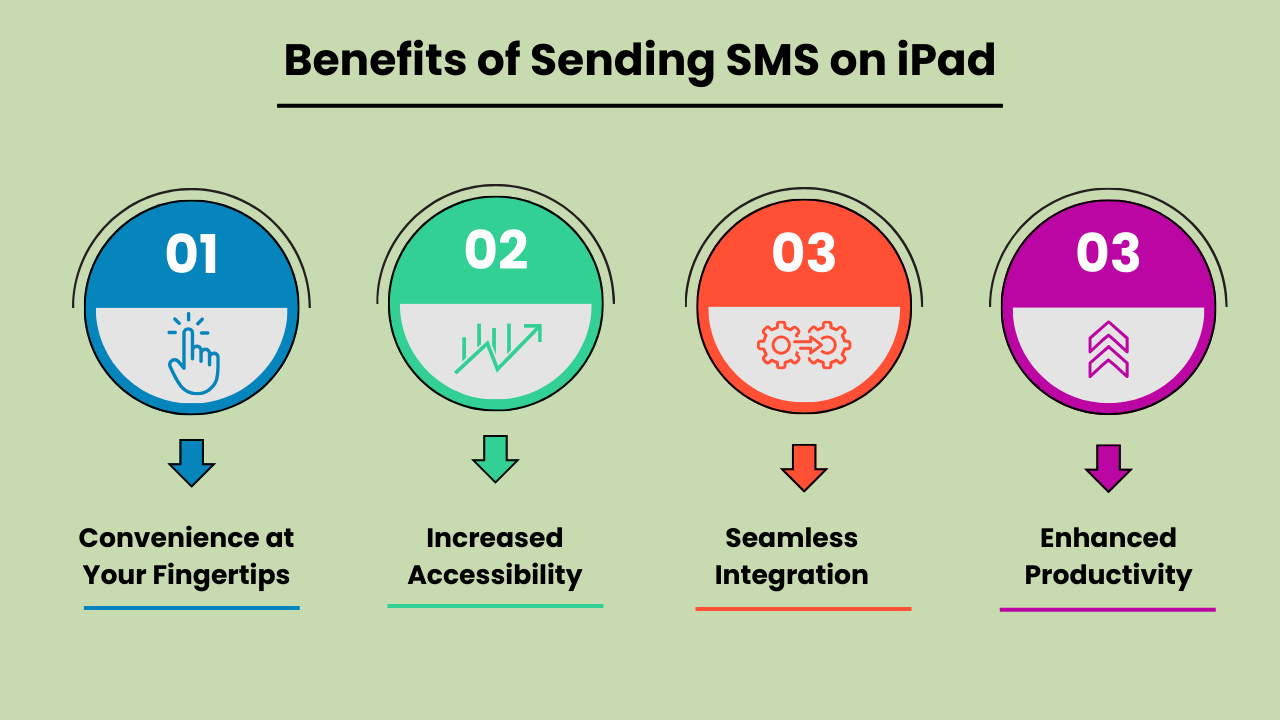
Whether you’re at home, in the office, or on the go, SMS 메시지 보내기 iPad에서는 커뮤니케이션 경험을 향상시키는 중요한 이점을 제공합니다. iPad의 더 큰 화면, 직관적인 인터페이스, 다른 Apple 기기와의 동기화 기능은 더 쉽고 효율적으로 문자 메시지 보내기.
Additionally, SMS functionality on an iPad provides seamless connectivity, allowing users to stay in touch with friends, family, and colleagues from virtually anywhere. With the rise of digital communication, using an iPad to send SMS is not only practical but also a smart choice for modern users.
손끝에서 느껴지는 편리함
iPad에서 SMS 메시지 보내기는 비교할 수 없는 편리함을 제공합니다. 기존 휴대폰과 달리 아이패드의 화면이 커져 타이핑과 메시지 읽기가 더욱 편안해졌습니다. 빠른 업데이트를 보내거나 긴 대화를 나누는 경우 iPad의 사용자 친화적인 인터페이스를 통해 메시지를 쉽게 보낼 수 있습니다. 이러한 편리함 덕분에 이 장치는 개인 및 전문 통신 요구 사항 모두에 이상적인 장치입니다.
접근성 향상
The iPad’s SMS functionality provides increased accessibility, especially for individuals who might find smaller mobile devices difficult to use. The larger, clearer screen is particularly helpful for those with visual impairments or limited dexterity. Additionally, with the ability to connect to Wi-Fi, users can send SMS messages without relying solely on a mobile network. This ensures accessibility even in areas with poor cell service.
다른 Apple 장치와의 원활한 통합
One of the biggest advantages of Send SMS Messages on an iPad is its seamless integration with other Apple devices. Messages sent on an iPad can be synced across all devices within the Apple ecosystem, including iPhones and MacBooks.
This feature allows users to pick up conversations from any device, providing flexibility and continuity in communication. It enhances productivity by ensuring that no messages are missed, regardless of the device being used at the moment.
멀티태스킹을 위한 향상된 생산성
Using an iPad to send SMS boosts productivity, particularly for multitaskers. With the iPad’s split-screen feature, you can send messages while simultaneously browsing the web, taking notes, or working on other tasks. This multitasking capability is especially beneficial for professionals who need to communicate while working on projects or accessing information on the go.
The ability to handle multiple tasks efficiently on one device makes the iPad a powerful tool for staying productive and connected.
iPad에서 SMS를 보내는 가장 좋은 방법 선택: 옵션 및 고려 사항
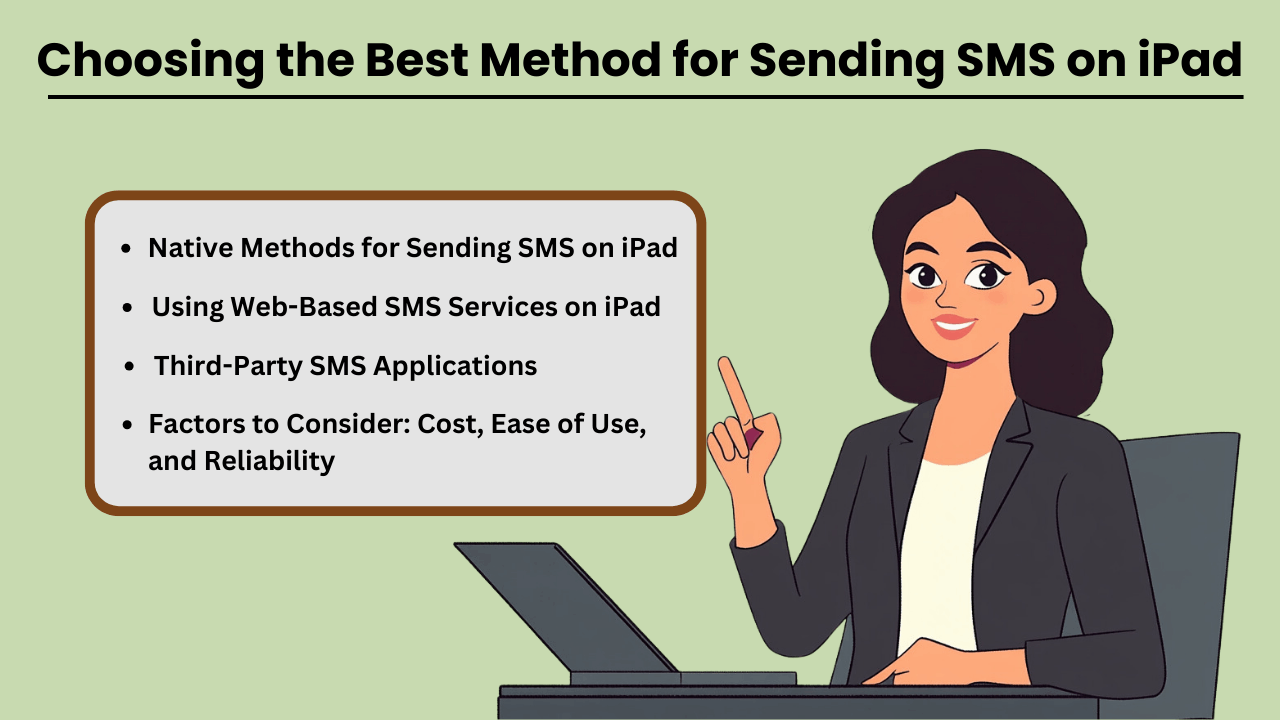
Send SMS Messages on an iPad can be done through several methods, both native and third-party. While iPads are not designed for direct SMS capabilities like iPhones, Apple has made it possible through its continuity features.
This allows users to send and receive text messages if they own an iPhone paired with their iPad via iMessage. Additionally, third-party apps provide robust solutions for SMS sending without an iPhone, often catering to business or high-volume needs.
When selecting a method, factors such as cost, ease of use, and reliability play crucial roles in determining the most suitable option for both personal and business use.
iPad에서 SMS를 보내는 기본 방법
If you already own an iPhone, Apple’s native messaging solution, iMessage, allows you to send SMS from your iPad seamlessly. This method leverages Apple’s ecosystem, offering a smooth experience with minimal setup.
The advantage of this approach is that it is highly reliable, as it uses your iPhone’s mobile network to relay messages through the iPad. Moreover, it is cost-effective since you don’t need any additional apps or subscriptions, making it an ideal solution for casual, everyday use.
타사 SMS 애플리케이션
iPhone이 없거나 고급 기능이 필요한 사람들을 위해 Google Voice, TextNow 및 WhatsApp과 같은 타사 애플리케이션이 대안을 제공합니다. 이 앱은 다음을 제공하도록 설계되었습니다. SMS functionality using a data or Wi-Fi connection, enabling users to send messages globally.
These services can be more versatile than iMessage, as they allow communication with non-Apple devices without relying on phone network continuity. While some services are free, others come with premium features at a cost, offering features like message scheduling, 대량 발송및 고급 보고 기능을 제공합니다.
고려해야 할 요소: 비용, 사용 용이성 및 신뢰성
When choosing the best method for sending SMS on your iPad, it is essential to weigh factors such as cost, ease of use, and reliability. Native methods like iMessage come at no extra cost but require an iPhone, whereas third-party apps may involve subscription fees or in-app purchases.
Ease of use also varies, with native options generally being simpler for Apple users. However, third-party apps often provide a wider range of features, especially for business purposes. Reliability is critical as well—native methods tend to be highly dependable, while the reliability of third-party apps may vary based on network quality and app provider stability.
iPad에서 웹 기반 SMS 서비스 사용
Web-based SMS services are another option for sending texts from your iPad, especially if you don’t want to install additional apps. Services like Twilio, SendPulse, and ClickSend allow users to send SMS directly from their browser.
These platforms are ideal for businesses needing bulk messaging or marketing solutions, providing features such as automation, message scheduling, and analytics. While highly functional, these services often require a subscription and may not be as user-friendly for personal use. However, they are an excellent choice for those looking for scalability and advanced messaging capabilities.
iPad에서 SMS 전송과 관련된 일반적인 문제 해결: 솔루션 및 수정 사항
iPad에서 SMS 메시지 보내기 can be a convenient way to stay connected. But users often encounter various issues that can disrupt the experience. The most common problems include the inability to send messages, message delivery failures, and issues related to syncing with iPhone or cellular networks.
These problems can arise due to several reasons, such as incorrect settings, software bugs, or carrier-related issues. Fortunately, most of these problems can be resolved with a few troubleshooting steps. In this guide, we’ll explore the common errors and offer practical solutions to get your iPad’s messaging feature back on track.
Whether the issue lies with the device, network, or settings, these tips will help you fix it quickly and efficiently.
iPad에서 SMS 전송과 관련된 일반적인 오류 및 문제
One of the most common issues iPad users face is not being able to send or receive SMS messages through the Messages app. This issue often occurs if your iPad is not properly synced with your iPhone or cellular service.
Additionally, software glitches, incorrect message settings, or a weak Wi-Fi connection can lead to these failures. Another issue could be related to network connectivity or problems with the carrier settings, which might prevent the iPad from sending SMS, even though it is connected to Wi-Fi.
문제 해결 팁 및 솔루션
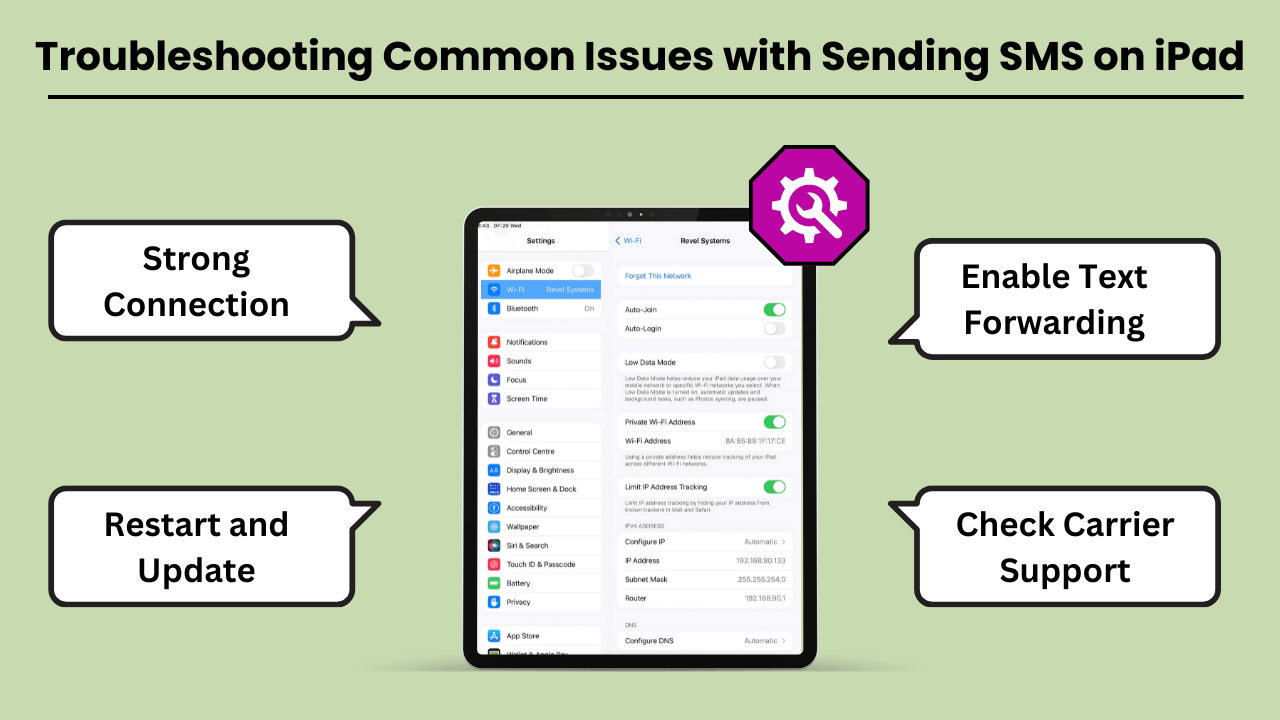
If you are unable to send SMS messages on your iPad, the first step is to check your device settings. Ensure that your iPad is connected to the same Apple ID as your iPhone and that Text Message Forwarding is enabled.
If the issue persists, restarting your iPad and checking for any available software updates can often resolve bugs. Additionally, ensure that your carrier supports SMS on the iPad, and consider resetting network settings to clear out any connection-related issues. Another tip is to make sure you have a strong Wi-Fi or cellular connection.
결론
Sending SMS Messages on an iPad brings convenience, especially for users who appreciate a larger screen and the ability to sync messaging across devices. By using the Continuity feature, iPads seamlessly integrate with iPhones to enable SMS functionality, while third-party apps expand the messaging capabilities even further.
This integration not only improves communication but also boosts productivity by allowing users to send messages without switching between devices. Understanding the setup, technical process, and troubleshooting tips ensures a smooth experience for both personal and professional use.
Additionally, utilizing SMS on an iPad offers greater flexibility and accessibility, particularly for users who prefer working on a larger screen or require assistive features. It bridges the gap between multiple devices, ensuring that important conversations continue uninterrupted.
Whether for personal messaging or professional communication, Sending SMS Messages on an iPad not only enhances user convenience but also streamlines workflows. This makes it a valuable tool in the Apple ecosystem. With a better understanding of how SMS works on the iPad, users can fully harness its potential for seamless, on-the-go communication.
자주 묻는 질문
Google Voice, WhatsApp 또는 TextNow와 같은 타사 메시지 앱을 사용하여 iPad의 인터넷 연결을 통해 SMS를 보낼 수 있습니다.
예, iPhone에서 연속성 기능을 사용하는 경우 두 장치 모두 동일한 Wi-Fi 네트워크에 있어야 합니다. 또는 타사 앱은 Wi-Fi 또는 데이터 연결을 사용합니다.
두 장치가 모두 동일한 Apple ID에 로그인되어 있고 iPhone에서 문자 메시지 전달이 활성화되어 있는지 확인하십시오. 두 장치를 모두 다시 시작하면 이 문제를 해결할 수도 있습니다. 내용
Apps like Google Voice, WhatsApp and TextNow allow you to send SMS on your iPad without needing an iPhone.
예, WhatsApp, TextNow 또는 Google Voice와 같은 앱을 사용하면 앱 기능에 따라 더 저렴하거나 무료로 국제 SMS를 보낼 수 있습니다.


