
 English
Introduktion
Oavsett om du skickar ett snabbt meddelande till en vän eller får en viktig uppdatering från ett företag, är smidig SMS-kommunikation nyckeln. Men har du någonsin stött på meddelandet "Skickat som SMS via server"? Du kanske undrar vad detta betyder och om det påverkar leveransen av ditt meddelande. I det här inlägget kommer vi att förklara vad "Skickat som SMS via Server” betyder egentligen och hur det kan påverka din meddelandeleverans.
Nyckel Takeawys
- "Skickat som SMS via server" betyder att ditt meddelande skickades som SMS istället för RCS på grund av kompatibilitets- eller nätverksproblem.
- Vanliga orsaker inkluderar RCS-inkompatibilitet, offline-mottagare och affärsanvändning för massleverans av SMS.
- För att fixa det, aktivera RCS, aktivera SMS-leveransaviseringar, inaktivera SMS-återställning och rensa cacheminnet.
- Serverbaserade SMS gynnar företag med effektiv massmeddelanden, förbättrad säkerhet, pålitlig leverans och kostnadsbesparingar.
Vad betyder "Skickat som SMS via server"?
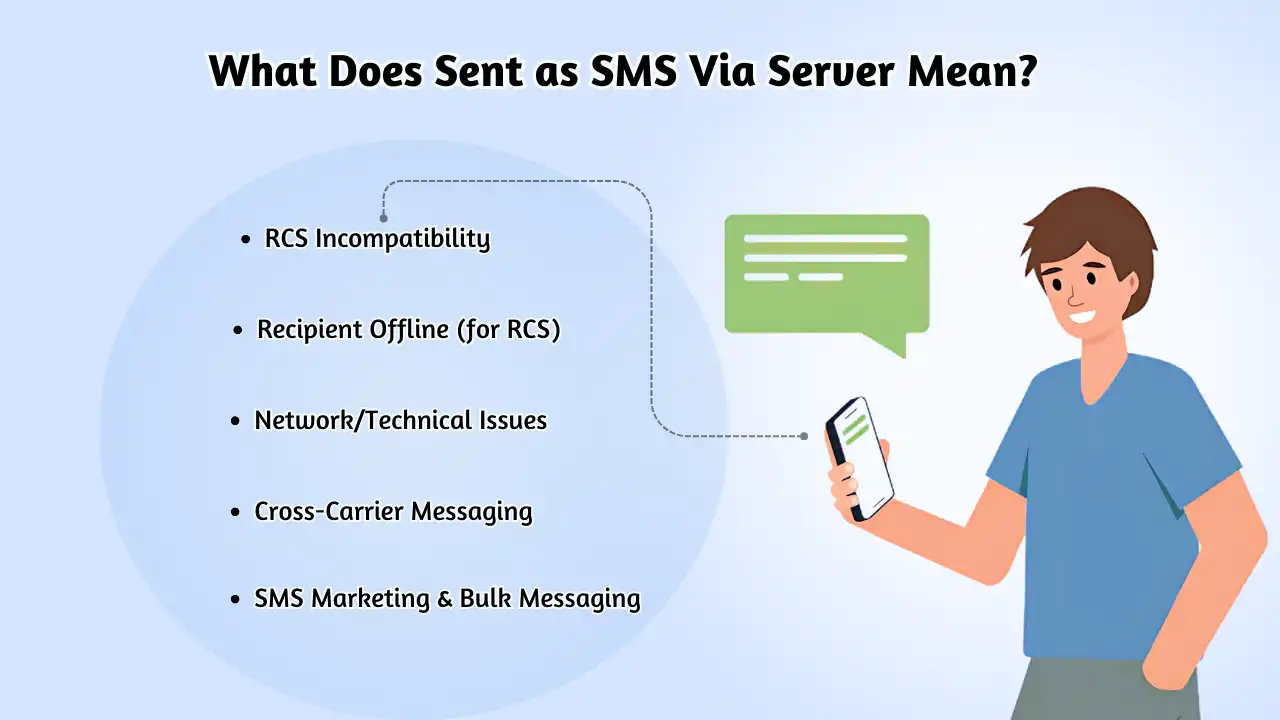
När du ser meddelandet "Skickat som SMS via server" betyder det att ditt meddelande inte kunde skickas via Rich Communication Services (RCS) och skickades istället som en vanlig Short Message Service (SMS). RCS-meddelanden levereras över Wi-Fi, vilket innebär att de inte förbrukar mobildata, medan SMS-meddelanden är beroende av mobildata för leverans.
Så om du stöter på denna status indikerar det helt enkelt att ditt meddelande har lämnat din telefon och nu finns på servern. Det är ett sätt att visa dig det aktuella skedet av ditt meddelandes resa.
Termen "Skickat som SMS via server" hänvisar till en SMS-leveransstatus. Skickat som SMS via server” betyder din text meddelande skickades via en server istället för direkt från din telefon, används ofta för massleverans eller automatisk SMS-leverans, eller när mottagarens enhet inte stöder RCS.
Medan vanliga användare skickar textmeddelanden via lokala telekommunikationsnätverk behöver företag ofta en SMS-server för att skicka massmeddelanden till en bred publik. Lyckligtvis kan en dator ansluten till internet fungera som den nödvändiga servern för att leverera båda SMS och MMS meddelanden.
6 vanliga anledningar till att du kan se det här meddelandet
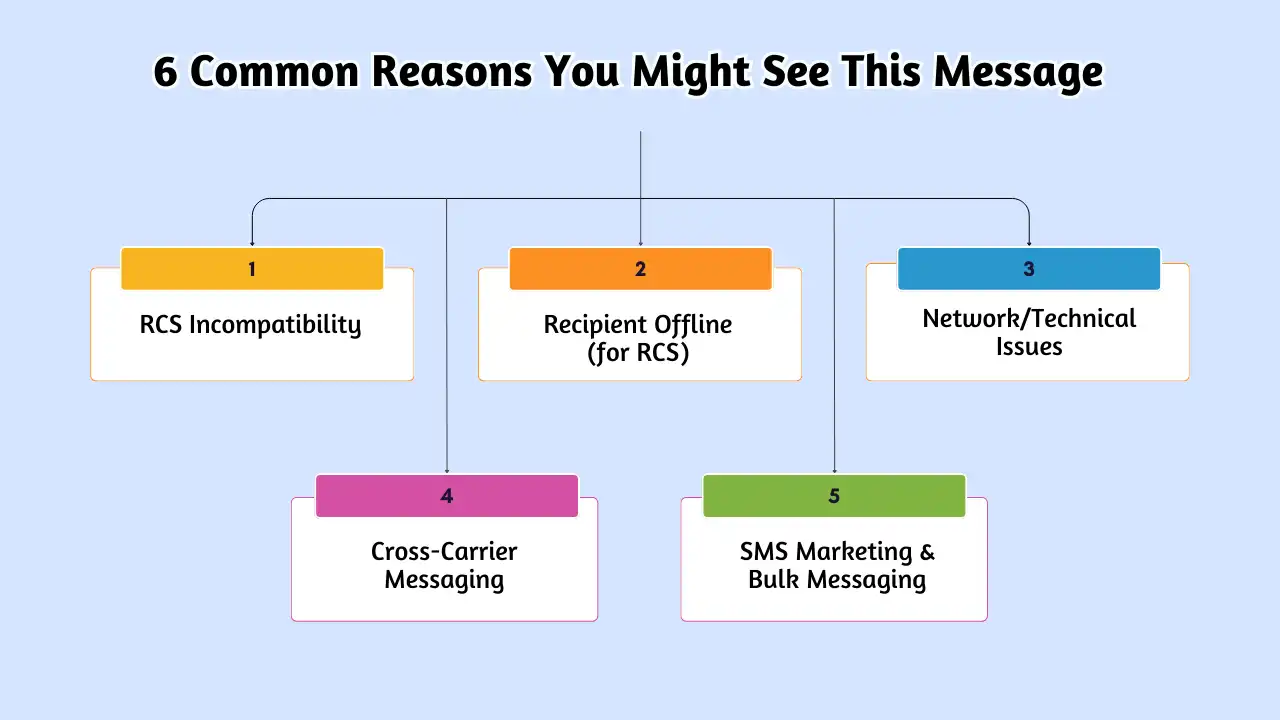
Flera scenarier kan utlösa statusen "Skickat som SMS via server":
- RCS-inkompatibilitet: Om antingen avsändarens eller mottagarens enhet stöder inte RCS, eller om en person har den avstängd, är meddelandet som standard SMS, vilket eventuellt visar denna status.
- Mottagare offline (för RCS): Om mottagaren inte är ansluten till internet (Wi-Fi eller mobildata) när en RCS-meddelande görs försök kan det falla tillbaka till SMS via servern.
- Nätverks-/tekniska problem: Tillfälliga nätverksproblem eller operatörsinkompatibilitet kan förhindra RCS-leverans, vilket tvingar tillbaka ett serversänt SMS.
- Meddelanden över operatörer: Att skicka texter mellan olika mobiloperatörer innebär ofta att meddelanden passerar genom olika servrar och gateways, vilket ibland kan resultera i denna status.
- Affärskommunikation: Detta är en viktig anledning. Företag som använder plattformar som SMSLocal skickar mötespåminnelser, bekräftelser, varningar och tvåfaktorsautentiseringskoder via SMS-servrar för tillförlitlighet och skala.
- SMS-marknadsföring och massmeddelanden: Företag som skickar marknadsföringsmeddelanden eller storskaliga kampanjer använda serversystem för effektiv distribution. Om du får en reklamtext kommer den nästan säkert "via server".
Du kanske också vet:
Skicka textmeddelande från dator: metoder, fördelar och säkerhetstips
Så här fixar du "Skickat som SMS via server"
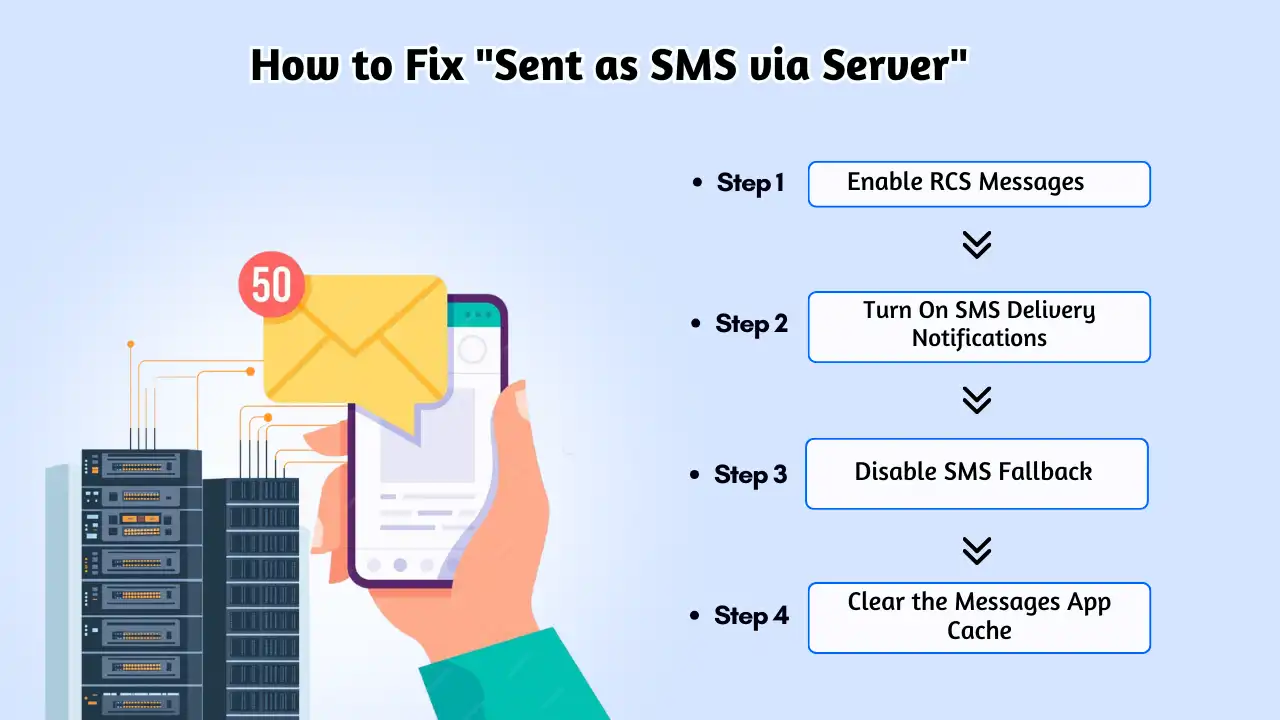
Om du ser meddelandet "Skickat som SMS via server", oroa dig inte - det finns några enkla steg du kan vidta för att fixa det. Här är en steg-för-steg-guide som hjälper dig att få dina meddelanden tillbaka till att använda RCS (Rich Communication Services) istället för SMS.
Steg 1: Aktivera RCS-meddelanden
RCS-meddelanden är vanligtvis aktiverade som standard, men det är en bra idé att dubbelkolla. För att åtgärda problemet, se till att både du och mottagaren har RCS aktiverat. Följ dessa steg för att aktivera RCS på din telefon:
- Öppna Meddelanden-appen och tryck på din profilbild i det övre högra hörnet.
- Tryck på Meddelandeinställningar > RCS-chattar.
- Växla alternativet Slå på RCS Chats om det är avstängt.
Steg 2: Aktivera SMS-leveransmeddelanden
Som standard är SMS-leveransaviseringar avstängda. Genom att aktivera dessa aviseringar kan du undvika att se statusen "Skickat som SMS via server". Även om detta inte kommer att ändra leveransmetoden (det kommer fortfarande att skickas som SMS), får du istället en standardleveransrapport. Så här aktiverar du SMS-leveransaviseringar:
- Open the Messages app and tap your profile picture in the top-right corner.
- Tap Messages Settings > Advanced.
- Toggle on Get SMS Delivery Reports if it’s off.
Step 3: Disable SMS Fallback
If you want to avoid SMS being sent at all, you can disable the SMS fallback feature. Keep in mind that if RCS isn’t available or fails, the message will not be sent at all. To turn off SMS fallback:
- Öppna Meddelanden-appen och tryck på din profilbild i det övre högra hörnet.
- Tryck på Meddelandeinställningar > RCS-chattar.
- Toggle off Automatically Resend as a Text (SMS/MMS) if it’s turned on.
Step 4: Clear the Messages App Cache
Occasionally, the Messages app cache may become corrupted, causing issues like sending messages as SMS when they should be RCS. Clearing your app cache is an easy and safe troubleshooting step to fix this. Here’s how:
- Go to Settings and tap Apps or Apps & Notifications (you might need to select See All Apps).
- Find and tap on the Messages app.
- Tap Storage & Cache > Clear Cache.
The Business Perspective: Why Server-Based SMS is Essential
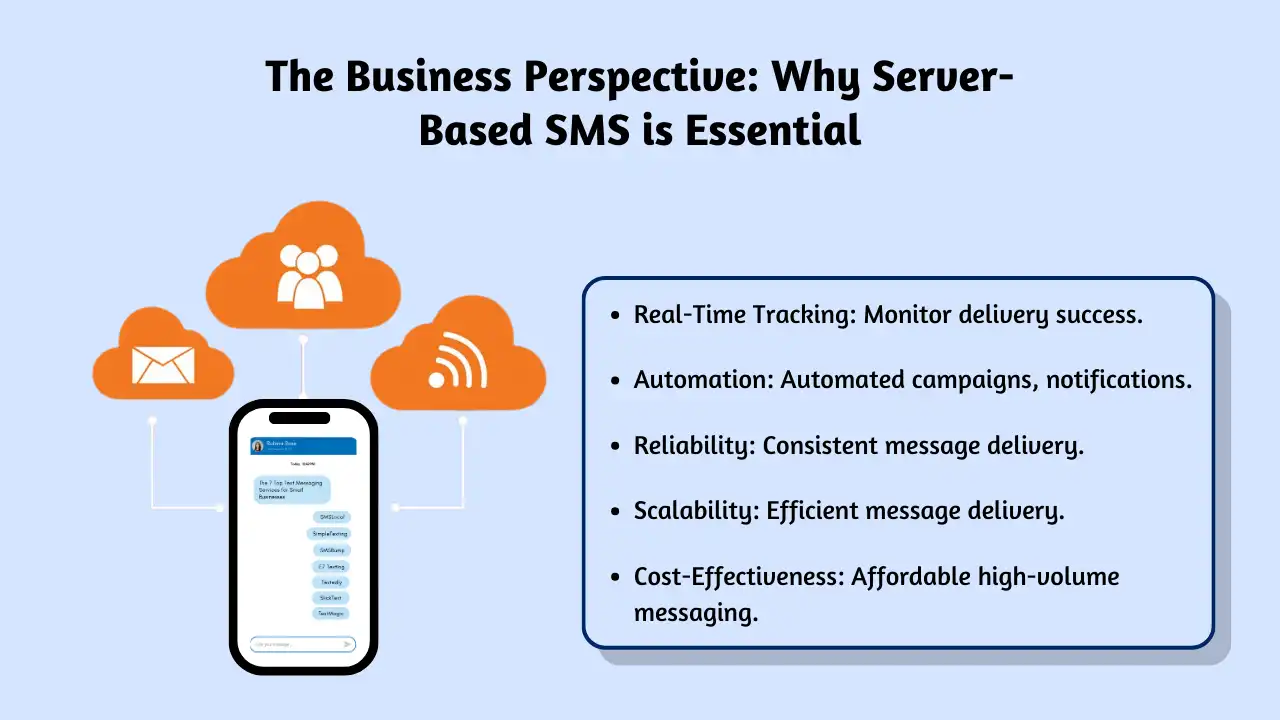
While the steps above help individuals manage their RCS preferences, the “Sent as SMS via Server” status often points to the powerful world of business SMS communication. For businesses, using an SMS server or platform like SMSLocal isn’t just an option; it’s crucial for effective communication.
According to studies, SMS boasts incredibly high open rates (often over 90%), with most messages read within minutes. This makes it invaluable for businesses. Here’s why they rely on server-based sending:
- Efficient Bulk Messaging: Sending thousands of marketing messages, alerts, or notifications individually from a phone is impossible. SMS servers automate this, allowing segmentation and personalization for massive audiences.
- Improved Security and Privacy: Reputable platforms use encryption and secure protocols to protect customer data. They also manage consent (opt-ins/opt-outs) rigorously, ensuring compliance with regulations like TCPA and GDPR.
- Reliable Delivery & Cost Savings: Server-based platforms bypass the limitations of individual devices and carrier plans. They ensure messages are delivered reliably, optimize routes for cost-effectiveness, and reduce the overhead of managing multiple devices or plans.
Få dina meddelanden att sticka ut med pålitlig, snabb och effektiv kommunikation. Lyft ditt sms-spel idag!
How Much Does Sending SMS via Server Cost?
SMS marketing is an affordable way to engage your audience, especially when compared to other marketing channels. For example, with services like Omnisend, sending a 160-character text message to a recipient in the US costs just $0.015. This means you only pay $15 for 1,000 messages.
Omnisend offers a free SMS calculator that helps you estimate the cost of sending SMS via server and previews how your message will appear on different phones.
Factors Influencing the Cost of Sending SMS via Server
The cost of sending SMS via server can vary based on several factors. Here’s a breakdown of how these elements affect the price:
| Meddelande Längd | Cost per Message |
|---|---|
| 160 tecken | $0.015 |
| 320 characters | $0.03 |
| 480 characters | $0.045 |
| 640 characters | $0.06 |
| Multimedia (Images, GIFs, Videos) | Up to 4 times the cost of a regular SMS message |
| International SMS | Varies based on carrier fees and regulations |
Why Server-Based SMS Delivery Matters
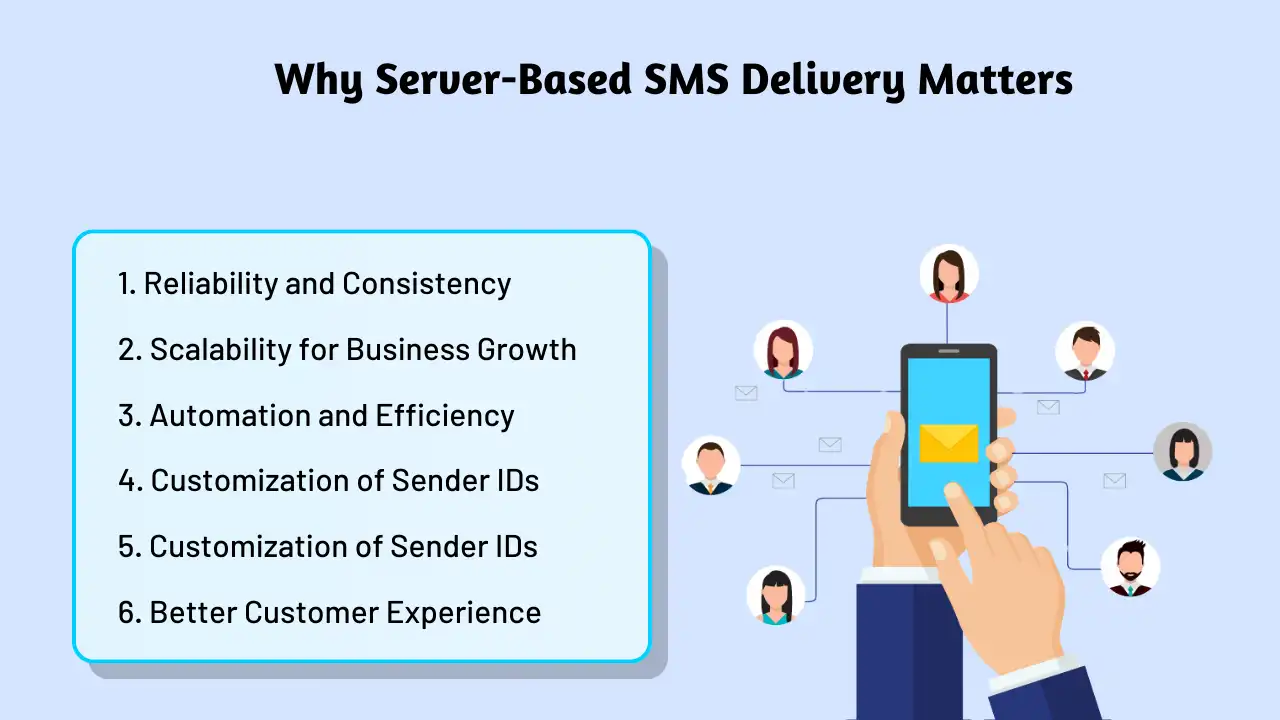
Server-based SMS delivery may seem like an added step, but it plays a critical role for businesses and individuals alike. Here’s why it’s so important:
- Pålitlighet Server-based systems ensure your SMS messages are delivered consistently, even if the recipient is on a different carrier or in a different location. This guarantees that your message reaches its intended destination, no matter the circumstances.
- Speed When using server systems to send SMS, delivery is often quicker and more efficient compared to traditional device-to-device messaging. This allows for faster communication, which is especially beneficial for time-sensitive messages.
- Scalability For businesses and organizations that need to send large volumes of text messages, server-based SMS delivery provides the scalability needed to manage mass communication. This solution helps streamline the process of reaching large audiences without compromising performance or reliability.
- Enhanced Security Server-based SMS systems often come with added layers of security, such as encryption and authentication, to protect sensitive information. This makes sure that your messages are delivered securely, safeguarding both personal and business-related data.
Setting Up Server-Based SMS Messaging for Your Business
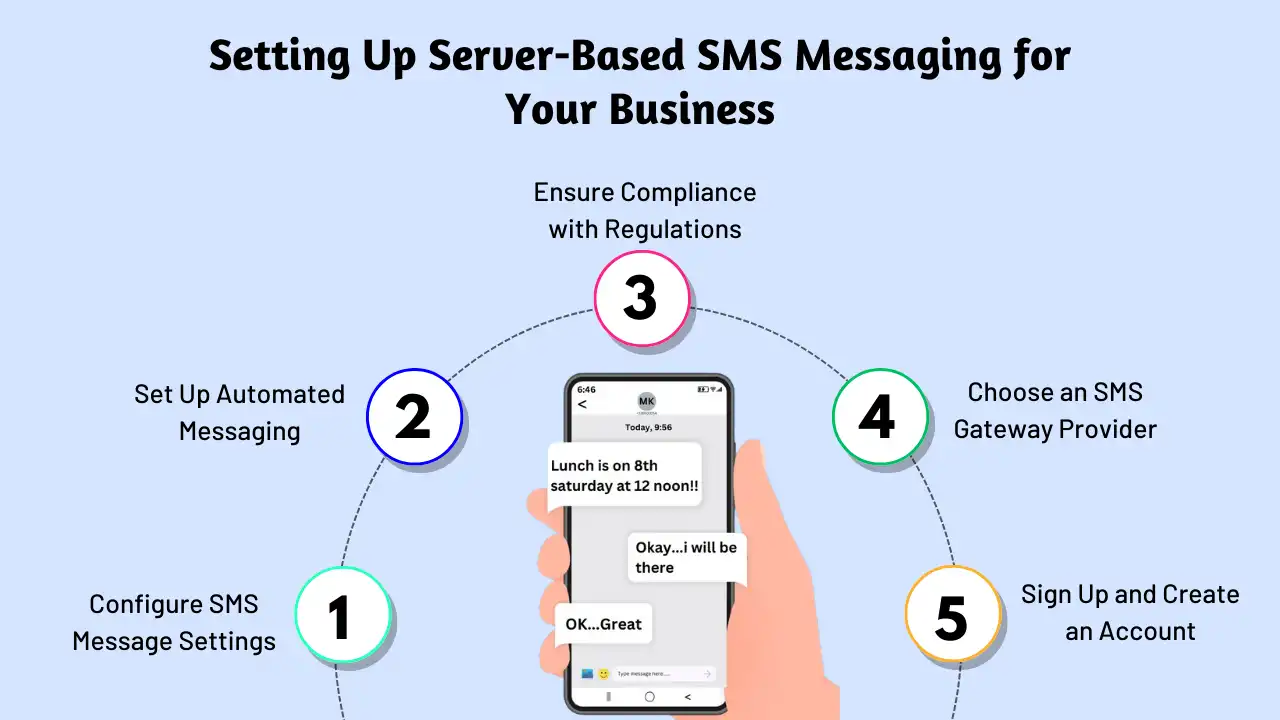
Setting up a server-based SMS messaging solution is a great way for businesses to communicate efficiently with their customers. Whether you’re using SMS for promotions, notifications, or customer support, here’s a guide to help you set up an effective system:
1. Choose the Right Messaging Platform
Start by exploring various SMS platforms to find one that best fits your business needs. Consider factors like reliability, features, pricing, and integration options. It’s important to choose a platform that can scale with your business and meet your messaging goals.
2. Enhance SMS Messaging with Automation and Personalization
To make the most of server-based SMS, use automation tools to send personalized messages triggered by specific customer actions or events. Additionally, leverage analytics and reporting to track delivery rates and evaluate the performance of your SMS campaigns.
3. Prioritize Compliance and Security
When sending SMS at scale, compliance is key. Ensure that your messaging practices align with regulations like the Telephone Consumer Protection Act (TCPA) and the General Data Protection Regulation (GDPR). It’s essential to choose a platform that prioritizes data security, privacy, and follows industry best practices to protect your customers’ information.
Du kanske också vet:
How to Forward a Text Message: Easy Steps for Sharing Messages
How to Set Up Server-Based SMS Messaging with SMSLocal
Setting up server-based SMS messaging with SMSLocal is simple and straightforward. Here’s a quick guide to get you started:
- Choose a Platform Select a secure and reliable platform, such as SMSLocal, that fits your business’s SMS needs. SMSLocal offers the flexibility and scalability you need to send messages efficiently.
- Create an Account To get started, sign up for an account with SMSLocal and gain access to a range of SMS features and services.
- Import Your Contact List Import your contact list into the platform, making it easier to send bulk messages. This is especially useful for businesses that regularly send out SMS notifications to large groups.
- Register for 10DLC Number If you’re a US-based business, be sure to register your 10DLC number to comply with carrier requirements. Unregistered 10DLC numbers will be blocked, and messages won’t be delivered by mobile network operators.
- Compose and Schedule Messages Use SMSLocal’s easy-to-use dashboard to create message templates, personalize content, and schedule SMS messages. You can target specific contact groups to improve engagement with your audience.
- Track and Manage Your SMS Activity Monitor all SMS activity directly from your SMSLocal account. Track messages that have been sent, received, and those scheduled for delivery to ensure your campaigns are running smoothly.
Slutsats
In conclusion, setting up server-based SMS messaging is a powerful solution for businesses looking to streamline communication with their audience. By leveraging reliable platforms like SMSLocal, you can send bulk messages efficiently, enhance security, and ensure compliance with regulations. Whether you’re using SMS for marketing kampanjer, customer notifications, or internal communications, server-based delivery ensures messages are sent quickly, securely, and reliably. With the right platform, tools, and strategies in place, businesses can maximize their messaging efforts and engage their customers effectively.
Sign up with SMSLocal for more guides on popular acronyms and tips to improve your online communication. Don’t miss out!
Frågor och svar
sent as sms via server meaning your message was sent through a server instead of directly from your phone, often used for bulk or automated messages, or when the recipient’s device doesn’t support RCS.
It indicates the message was sent using the standard SMS protocol, without the features of RCS, like high-quality images or read receipts.
This happens when messages are sent in bulk, automatically, by businesses, or when the recipient’s device doesn’t support RCS. It’s a default when RCS fails due to network or compatibility issues.
It means your message was sent using regular SMS, likely because RCS isn’t available for that specific message path (e.g., recipient incompatibility).
Typically, itensuresdelivery when RCS fails or isn’t appropriate. The messageisdelivered, just as a standard SMS without RCS features.
No, not if the sender (especially a business) is intentionally using a server-based platform for sending. You can only control howyourphone attempts tosendmessages.