
 English
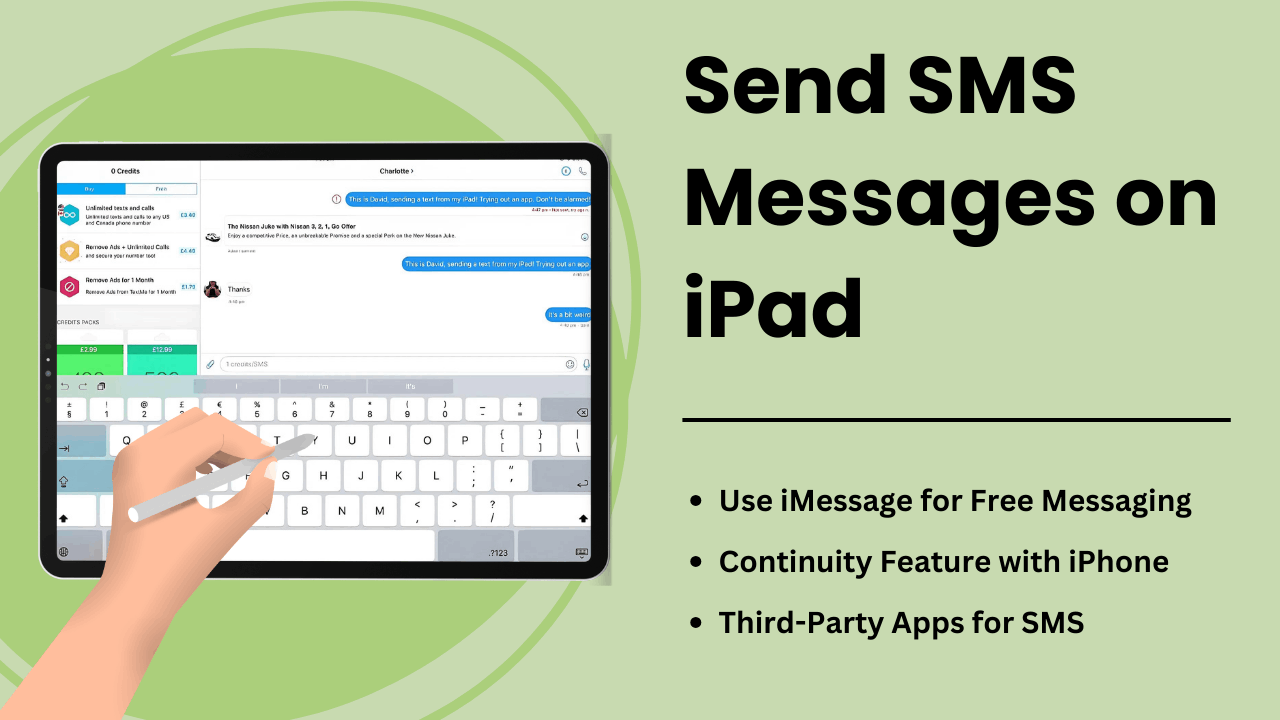
Enviar mensagens SMS no iPad permite aos usuários expandir a funcionalidade do tablet, transformando-o em uma ferramenta de comunicação robusta. Embora os iPads não estejam equipados com recursos nativos de SMS como os iPhones, o recurso Continuidade da Apple e aplicativos de mensagens de terceiros oferecem maneiras convenientes de enviar e receber mensagens de texto no dispositivo.
Quer você seja um profissional que busca agilizar a comunicação ou um usuário comum que busca facilidade de acesso, entender como o SMS funciona em um iPad pode melhorar significativamente sua experiência de usuário. Este guia explora os métodos, aspectos técnicos, benefícios e dicas de solução de problemas para Enviar mensagens SMS em um iPad.
Principais vantagens:
- Recurso de continuidade da Apple: você pode enviar e receber SMS em um iPad quando ele estiver emparelhado com um iPhone por meio do mesmo ID Apple.
- Aplicativos de terceiros: serviços de SMS como Google Voice ou WhatsApp permitem que os usuários ignorem a necessidade de um iPhone.
- Retransmissão de SMS: O processo técnico que permite ao iPad enviar SMS através do iPhone usando a sincronização do iCloud e do Apple ID.
- Produtividade aprimorada: com uma tela maior e recursos multitarefa, o iPad oferece experiências aprimoradas de mensagens.
- Dicas para solução de problemas: Problemas comuns, como falhas de mensagens, podem ser corrigidos ajustando as configurações ou sincronizando seus dispositivos Apple corretamente.
O que é enviar mensagens SMS no iPad
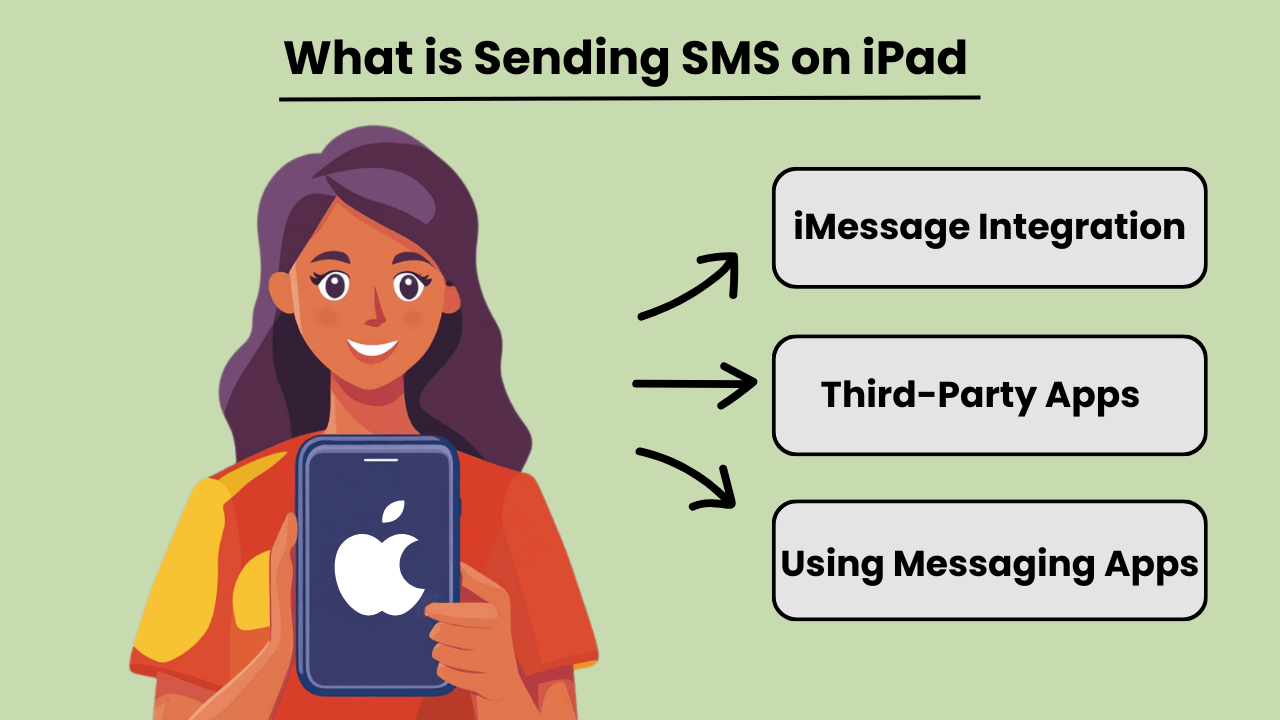
Envie mensagens SMS em um iPad permite que os usuários enviem e recebam mensagens de texto tradicionais, mesmo que os iPads não sejam inerentemente projetados para comunicação celular como os iPhones. Através da integração com um iPhone ou usando aplicativos de mensagens de terceiros, os usuários podem acessar Mensagens SMS capacidades. Este recurso fica disponível quando o iPad e o iPhone estão conectados ao mesmo ID Apple, usando o recurso Continuidade da Apple.
Além da conexão com o iPhone, vários aplicativos oferecem Mensagens SMS recursos diretamente no iPad, permitindo que os usuários acessem dispositivos que não sejam da Apple. Ao usar aplicativos como Google Voice ou WhatsApp, os usuários podem ignorar totalmente a dependência de um telefone e enviar SMS através da conexão de Internet do iPad.
Importância das mensagens SMS no iPad
Mensagens SMS em um iPad aprimoram a versatilidade do dispositivo, tornando-o mais útil para usuários que dependem de comunicação constante. Para profissionais ou indivíduos que preferem uma tela maior, o envio de textos por meio de um iPad pode agilizar a comunicação sem a necessidade de alternar entre dispositivos. Ele traz os benefícios das mensagens de texto do desktop para um tablet portátil, permitindo fluxos de trabalho contínuos.
Além disso, poder enviar SMS diretamente de um iPad pode melhorar a acessibilidade, especialmente para usuários que podem ter dificuldade para digitar em dispositivos menores. A integração de aplicativos de mensagens ou Continuidade ajuda a manter toda a comunicação centralizada em um único dispositivo.
Vantagens de integrar o iPad com recursos de SMS
Integrating SMS features on an iPad offers several advantages, such as improved productivity and convenience. By linking an iPhone and iPad, users can send and receive messages from any device. This ensures that important conversations are not missed while switching between devices. This seamless transition between devices fosters greater flexibility.
Além disso, o uso de aplicativos que suportam SMS em iPads permite que os usuários se comuniquem internacionalmente sem incorrer em taxas caras de mensagens de texto, tornando-se uma solução econômica. A tela maior e as opções de teclado robustas do iPad também melhoram a experiência geral de mensagens.
Como funciona o envio de SMS no iPad: visão geral técnica
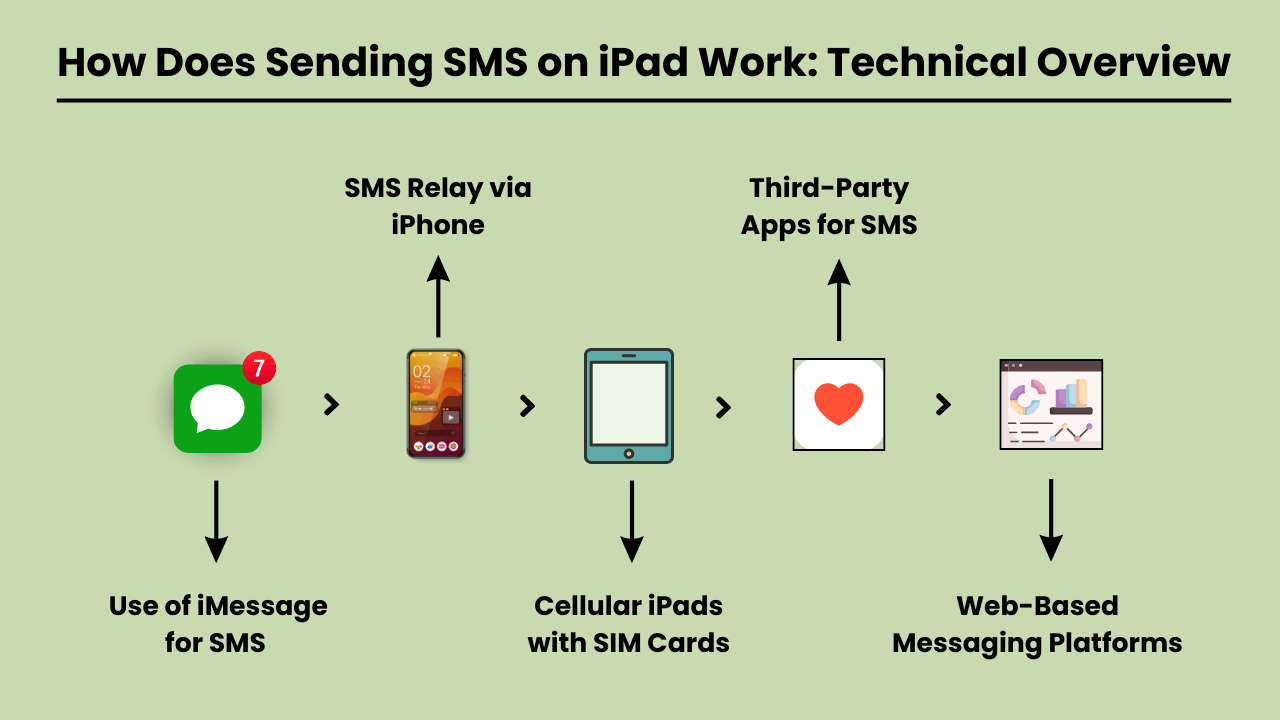
Enviar mensagens SMS on an iPad involves using a technical system that integrates with both iOS and cellular carrier services. Since iPads are typically Wi-Fi-only devices or rely on cellular data, they lack native SMS functionality found in traditional phones.
To enable SMS on an iPad, Apple uses a feature called SMS Relay, which is part of the Continuity suite in iOS. SMS Relay allows iPads to send and receive SMS and MMS messages through a paired iPhone, bridging the gap between the device’s limitations and the capabilities of cellular networks.
This process relies on the seamless integration of iCloud services, Apple ID, and carrier support to ensure messages are delivered as they would be from a traditional phone.
Retransmissão de SMS e serviços iCloud
O SMS Relay é a espinha dorsal do Enviar mensagens SMS on an iPad. When you send a message from an iPad, the message is first routed through iCloud to the paired iPhone. The iPhone then sends the message through the cellular network as an SMS.
Similarly, when a message is received on the iPhone, it is relayed to the iPad via iCloud, enabling a synchronized messaging experience across devices.
This functionality requires that both the iPad and iPhone are signed in to the same iCloud account and connected to the same Wi-Fi network, although sometimes Bluetooth pairing can enhance this communication.
Papel do iOS na integração de SMS
The iOS system plays a critical role in integrating SMS functionality on iPads. It manages the handoff between devices, allowing seamless communication between the iPhone and the iPad.
The Messages app on iOS is designed to handle both iMessages and SMS/MMS, and when SMS Relay is enabled, iOS automatically determines which type of message should be sent based on the recipient.
The iOS ecosystem ensures that even though the iPad lacks cellular connectivity for SMS, it can leverage the iPhone’s network capabilities to send and receive messages.
Serviços de operadora habilitando retransmissão de SMS
Carrier services are essential for making SMS Relay work, as they are responsible for transmitting SMS and MMS through the cellular network. While iCloud handles the relay between Apple devices, it is the carrier that ensures the actual delivery of the messages to non-Apple devices.
For this reason, the iPhone involved in the SMS Relay must have a valid carrier plan that supports SMS services. Carrier compatibility is crucial, as not all carriers may fully support all aspects of Apple’s Continuity features, especially when it comes to international networks.
Benefícios de enviar SMS no iPad: por que você deve usá-lo
The iPad has become an essential tool for communication, offering convenience, versatility, and ease of use. One of the key features is the ability to send SMS messages directly from the device.
Whether you’re at home, in the office, or on the go, Enviar mensagens SMS em um iPad oferece benefícios significativos que aprimoram sua experiência de comunicação. A tela maior do iPad, a interface intuitiva e a capacidade de sincronização com outros dispositivos Apple tornam enviar mensagens de texto sem esforço e mais eficiente.
Additionally, SMS functionality on an iPad provides seamless connectivity, allowing users to stay in touch with friends, family, and colleagues from virtually anywhere. With the rise of digital communication, using an iPad to send SMS is not only practical but also a smart choice for modern users.
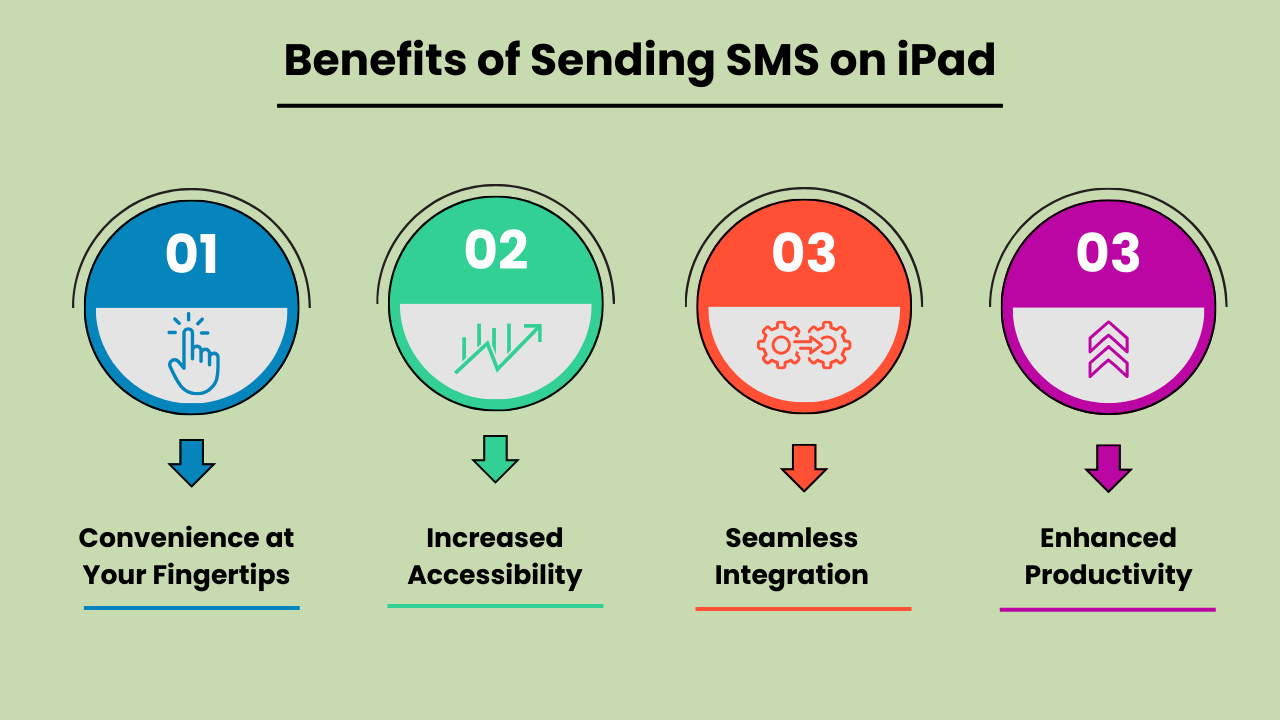
Conveniência ao seu alcance
Enviar mensagens SMS em um iPad oferece conveniência incomparável. Ao contrário dos telefones celulares tradicionais, a tela maior do iPad permite digitação e leitura de mensagens mais confortáveis. Esteja você enviando uma atualização rápida ou tendo uma conversa prolongada, a interface amigável do iPad garante que suas mensagens sejam enviadas com facilidade. Essa conveniência o torna um dispositivo ideal para necessidades de comunicação pessoal e profissional.
Maior acessibilidade
The iPad’s SMS functionality provides increased accessibility, especially for individuals who might find smaller mobile devices difficult to use. The larger, clearer screen is particularly helpful for those with visual impairments or limited dexterity. Additionally, with the ability to connect to Wi-Fi, users can send SMS messages without relying solely on a mobile network. This ensures accessibility even in areas with poor cell service.
Integração perfeita com outros dispositivos Apple
One of the biggest advantages of Send SMS Messages on an iPad is its seamless integration with other Apple devices. Messages sent on an iPad can be synced across all devices within the Apple ecosystem, including iPhones and MacBooks.
This feature allows users to pick up conversations from any device, providing flexibility and continuity in communication. It enhances productivity by ensuring that no messages are missed, regardless of the device being used at the moment.
Produtividade aprimorada para multitarefa
Using an iPad to send SMS boosts productivity, particularly for multitaskers. With the iPad’s split-screen feature, you can send messages while simultaneously browsing the web, taking notes, or working on other tasks. This multitasking capability is especially beneficial for professionals who need to communicate while working on projects or accessing information on the go.
The ability to handle multiple tasks efficiently on one device makes the iPad a powerful tool for staying productive and connected.
Escolhendo o melhor método para enviar SMS no iPad: opções e considerações
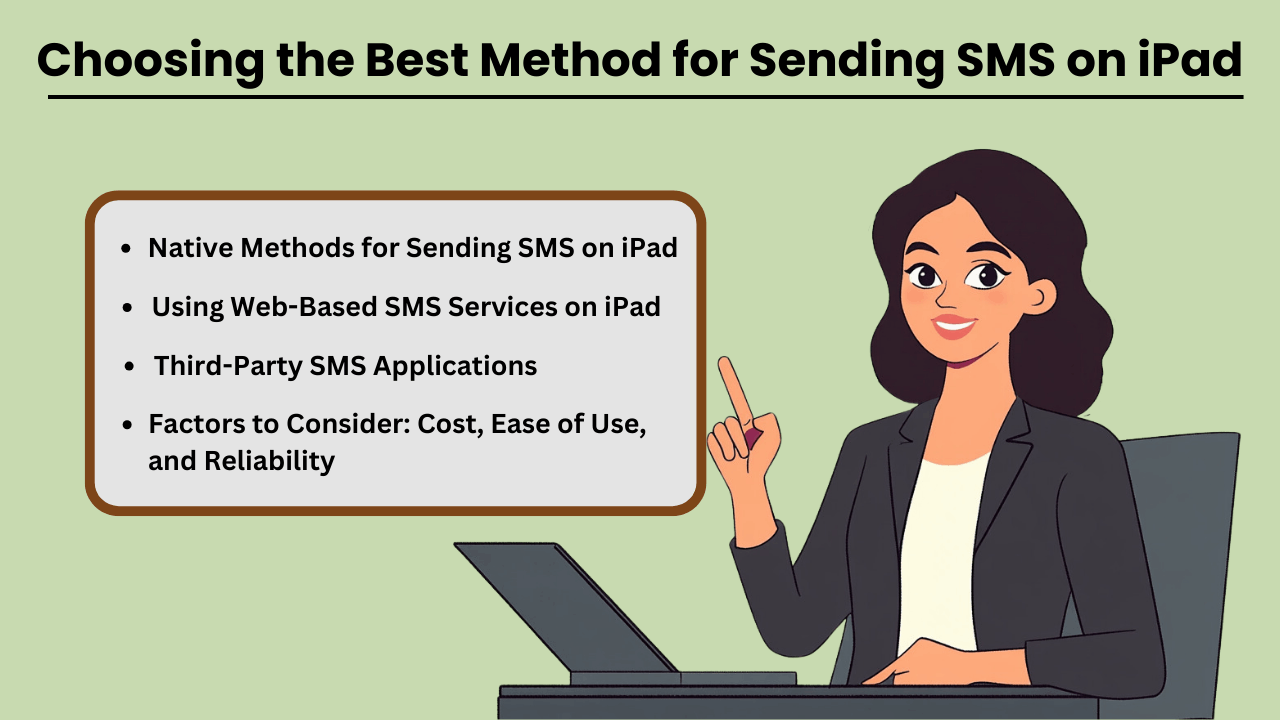
Send SMS Messages on an iPad can be done through several methods, both native and third-party. While iPads are not designed for direct SMS capabilities like iPhones, Apple has made it possible through its continuity features.
This allows users to send and receive text messages if they own an iPhone paired with their iPad via iMessage. Additionally, third-party apps provide robust solutions for SMS sending without an iPhone, often catering to business or high-volume needs.
When selecting a method, factors such as cost, ease of use, and reliability play crucial roles in determining the most suitable option for both personal and business use.
Métodos nativos para envio de SMS no iPad
If you already own an iPhone, Apple’s native messaging solution, iMessage, allows you to send SMS from your iPad seamlessly. This method leverages Apple’s ecosystem, offering a smooth experience with minimal setup.
The advantage of this approach is that it is highly reliable, as it uses your iPhone’s mobile network to relay messages through the iPad. Moreover, it is cost-effective since you don’t need any additional apps or subscriptions, making it an ideal solution for casual, everyday use.
Aplicativos SMS de terceiros
Para quem não tem iPhone ou precisa de recursos avançados, aplicativos de terceiros como Google Voice, TextNow e WhatsApp oferecem alternativas. Esses aplicativos são projetados para oferecer SMS functionality using a data or Wi-Fi connection, enabling users to send messages globally.
These services can be more versatile than iMessage, as they allow communication with non-Apple devices without relying on phone network continuity. While some services are free, others come with premium features at a cost, offering features like message scheduling, envio em massae relatórios avançados.
Fatores a serem considerados: custo, facilidade de uso e confiabilidade
When choosing the best method for sending SMS on your iPad, it is essential to weigh factors such as cost, ease of use, and reliability. Native methods like iMessage come at no extra cost but require an iPhone, whereas third-party apps may involve subscription fees or in-app purchases.
Ease of use also varies, with native options generally being simpler for Apple users. However, third-party apps often provide a wider range of features, especially for business purposes. Reliability is critical as well—native methods tend to be highly dependable, while the reliability of third-party apps may vary based on network quality and app provider stability.
Usando serviços de SMS baseados na Web no iPad
Web-based SMS services are another option for sending texts from your iPad, especially if you don’t want to install additional apps. Services like Twilio, SendPulse, and ClickSend allow users to send SMS directly from their browser.
These platforms are ideal for businesses needing bulk messaging or marketing solutions, providing features such as automation, message scheduling, and analytics. While highly functional, these services often require a subscription and may not be as user-friendly for personal use. However, they are an excellent choice for those looking for scalability and advanced messaging capabilities.
Solução de problemas comuns de envio de SMS no iPad: soluções e correções
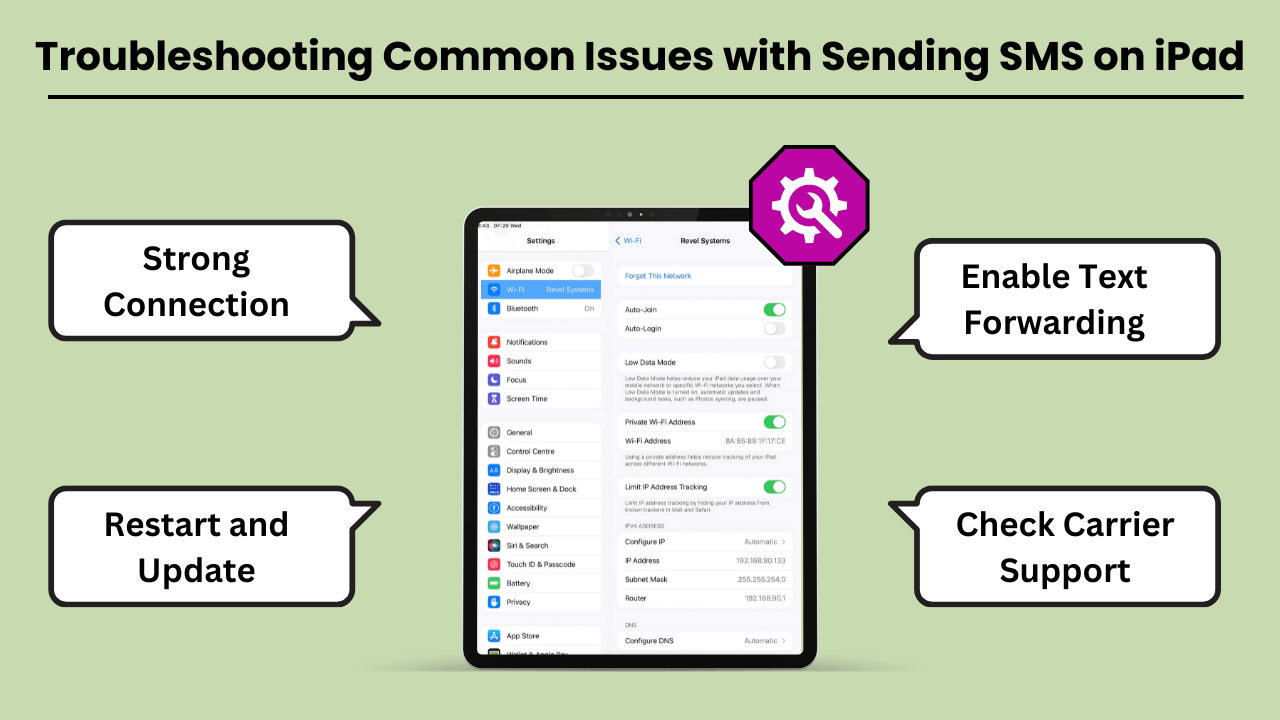
Envie mensagens SMS em um iPad can be a convenient way to stay connected. But users often encounter various issues that can disrupt the experience. The most common problems include the inability to send messages, message delivery failures, and issues related to syncing with iPhone or cellular networks.
These problems can arise due to several reasons, such as incorrect settings, software bugs, or carrier-related issues. Fortunately, most of these problems can be resolved with a few troubleshooting steps. In this guide, we’ll explore the common errors and offer practical solutions to get your iPad’s messaging feature back on track.
Whether the issue lies with the device, network, or settings, these tips will help you fix it quickly and efficiently.
Erros e problemas comuns ao enviar SMS no iPad
One of the most common issues iPad users face is not being able to send or receive SMS messages through the Messages app. This issue often occurs if your iPad is not properly synced with your iPhone or cellular service.
Additionally, software glitches, incorrect message settings, or a weak Wi-Fi connection can lead to these failures. Another issue could be related to network connectivity or problems with the carrier settings, which might prevent the iPad from sending SMS, even though it is connected to Wi-Fi.
Dicas e soluções para solução de problemas
If you are unable to send SMS messages on your iPad, the first step is to check your device settings. Ensure that your iPad is connected to the same Apple ID as your iPhone and that Text Message Forwarding is enabled.
If the issue persists, restarting your iPad and checking for any available software updates can often resolve bugs. Additionally, ensure that your carrier supports SMS on the iPad, and consider resetting network settings to clear out any connection-related issues. Another tip is to make sure you have a strong Wi-Fi or cellular connection.
Conclusão
Sending SMS Messages on an iPad brings convenience, especially for users who appreciate a larger screen and the ability to sync messaging across devices. By using the Continuity feature, iPads seamlessly integrate with iPhones to enable SMS functionality, while third-party apps expand the messaging capabilities even further.
This integration not only improves communication but also boosts productivity by allowing users to send messages without switching between devices. Understanding the setup, technical process, and troubleshooting tips ensures a smooth experience for both personal and professional use.
Additionally, utilizing SMS on an iPad offers greater flexibility and accessibility, particularly for users who prefer working on a larger screen or require assistive features. It bridges the gap between multiple devices, ensuring that important conversations continue uninterrupted.
Whether for personal messaging or professional communication, Sending SMS Messages on an iPad not only enhances user convenience but also streamlines workflows. This makes it a valuable tool in the Apple ecosystem. With a better understanding of how SMS works on the iPad, users can fully harness its potential for seamless, on-the-go communication.
Perguntas frequentes
Você pode usar aplicativos de mensagens de terceiros, como Google Voice, WhatsApp ou TextNow, para enviar SMS usando a conexão de internet do seu iPad.
Sim, se você estiver usando o recurso Continuidade com seu iPhone, os dois dispositivos precisam estar na mesma rede Wi-Fi. Alternativamente, aplicativos de terceiros dependem de uma conexão Wi-Fi ou de dados.
Verifique se ambos os dispositivos estão conectados ao mesmo ID Apple e se o encaminhamento de mensagens de texto está ativado no seu iPhone. Reiniciar ambos os dispositivos também pode resolver esse problema.no Conteúdo
Apps like Google Voice, WhatsApp and TextNow allow you to send SMS on your iPad without needing an iPhone.
Sim, usar aplicativos como WhatsApp, TextNow ou Google Voice permite enviar SMS internacionais com custo menor ou gratuito, dependendo dos recursos do aplicativo.


