English
Efektywna komunikacja jest niezbędna w dzisiejszych aplikacjach. Wiadomości SMS pozostają jedną z najskuteczniejszych metod szybkiego przekazywania informacji docelowym odbiorcom. Dzięki integracji funkcji SMS w PHP i wykorzystaniu technologii takich jak metoda Wyślij SMS przez PHP, programiści mogą bezproblemowo wysyłać wiadomości SMS do użytkowników, poprawiając komunikację i zwiększając zaangażowanie.
W tym artykule dowiemy się, jak to zrobić deweloperzy mogą zintegrować komunikację SMS ze swoimi aplikacjami PHP w pięciu sprawdzonych krokach. Skoncentrujemy się na korzyściach płynących z wykorzystania SmsLocal, zaufanego dostawcy SMS-ów, do opłacalnego i globalnego przesyłania wiadomości SMS. Zyskasz wgląd w wymagania techniczne i najlepsze praktyki dotyczące wysyłanie SMS-ów wiadomości masowych, obsługę odpowiedzi i błędów API oraz korzystanie z różnych usług SMS świadczonych przez SmsLocal.
Czytaj dalej, aby dowiedzieć się więcej o sprawdzonych krokach szybkiego i skutecznego przesyłania wiadomości za pośrednictwem PHP i odkryj, jak SmsLocal może pomóc Ci osiągnąć płynną komunikację w Twoich aplikacjach.
Zrozumienie podstaw integracji SMS
Przed wdrożeniem funkcjonalności SMS w aplikacji ważne jest zrozumienie podstaw integracji SMS-ów i roli PHP w wysyłaniu SMS-ów. Integracja SMS to proces włączania funkcjonalności SMS do aplikacji poprzez wykorzystanie usługi bramki SMS. Usługa bramki SMS działa jako pośrednik pomiędzy aplikacją a dostawcą usług SMS, umożliwiając programistom taką możliwość wysyłać wiadomości SMS programowo z ich aplikacji.
PHP to popularny język po stronie serwera używany do tworzenia stron internetowych, który obsługuje również integrację z SMS-ami. Niektóre z kluczowych koncepcji, z którymi programiści muszą się zapoznać przed wdrożeniem funkcji SMS w swoich aplikacjach PHP, obejmują:
- Metody żądania HTTP (GET, POST)
- Kody stanu HTTP
- Dokumentacja API i uwierzytelnianie
- Budowanie i formatowanie żądań i odpowiedzi HTTP
- Obsługa danych JSON
Dobre zrozumienie tych koncepcji pomoże programistom skutecznie zintegrować funkcjonalność SMS z ich aplikacjami przy użyciu PHP.
Wybór odpowiedniego dostawcy usług SMS: Przedstawiamy SmsLocal
Jeśli chodzi o integrację funkcji SMS z aplikacjami internetowymi, wybór odpowiedniego dostawcy SMS ma kluczowe znaczenie dla skutecznego i wydajnego przesyłania wiadomości. SmsLocal to firma niezawodna i godna zaufania Dostawca SMS-ów oferujący szereg korzyści dla programistów.
SmsLocal wyróżnia się przede wszystkim opłacalnością usług i dużym zasięgiem globalnym, co czyni go idealną opcją do masowej wysyłki wiadomości SMS. Dzięki SmsLocal programiści mogą cieszyć się konkurencyjnymi cenami i z łatwością docierać do docelowych odbiorców na całym świecie.
Ponadto SmsLocal zapewnia łatwe w użyciu API, które ułatwia szybką integrację z PHP, zapewniając płynną komunikację w aplikacjach internetowych. Przyjazne dla użytkownika podejście sprawia, że jest dostępny dla programistów na wszystkich poziomach umiejętności.
Innowacyjne funkcje i dbałość o szczegóły, jakie oferuje SmsLocal, sprawiają, że jest to ulubiony dostawca SMS-ów dla programistów, dla których priorytetem jest jakość i wartość. Wybierając SmsLocal, programiści mogą być pewni, że ich potrzeby w zakresie wiadomości SMS zostaną zaspokojone z najwyższym profesjonalizmem i starannością.
Integracja API grupowego SMS-ów SmsLocal
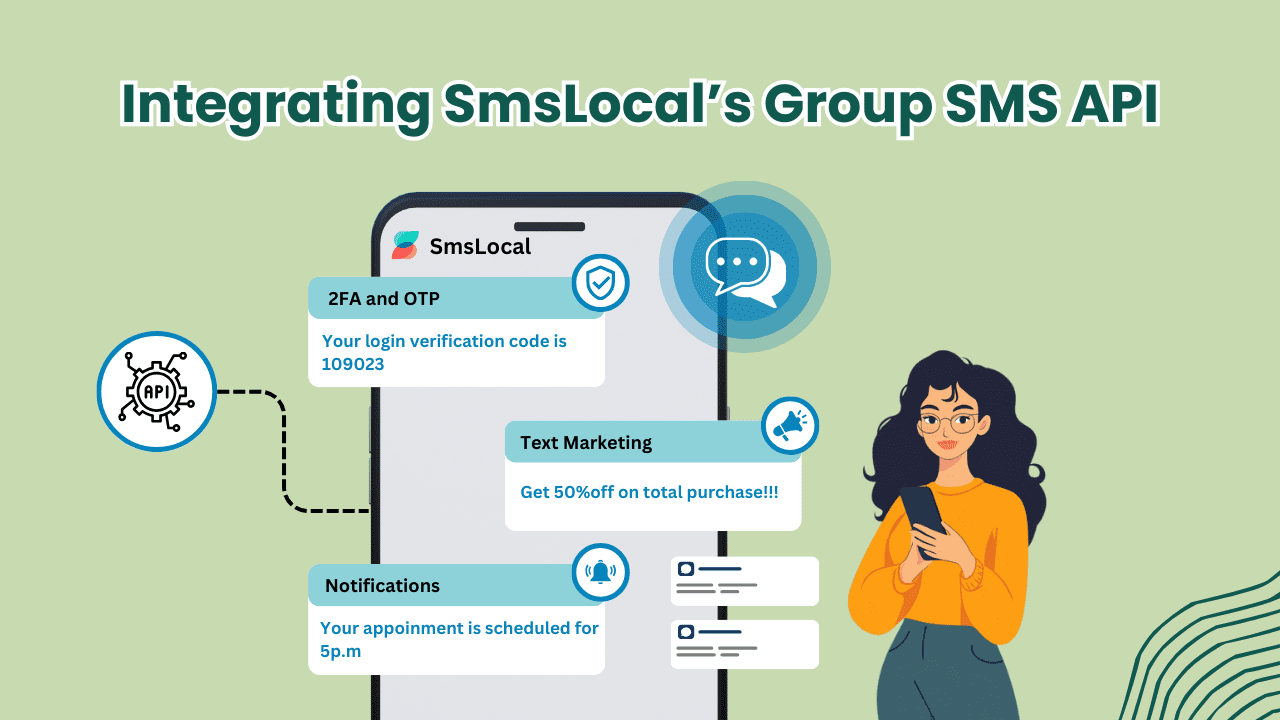
Integracja SmsLocal Grupowe API SMS-ów umożliwia programistom wysyłanie wiadomości SMS do wielu odbiorców jednocześnie, umożliwiając szybką komunikację w ich aplikacjach. Proces integracji API jest prosty i wymaga jedynie kilku prostych kroków.
Krok 1: Uzyskaj poświadczenia API
Pierwszym krokiem do integracji API Group SMS SmsLocal jest uzyskanie niezbędnych danych uwierzytelniających API ze strony internetowej SmsLocal. Programiści muszą utworzyć nowe konto w witrynie i przejść do sekcji API, aby wygenerować wymagane dane uwierzytelniające. Proces ten zazwyczaj obejmuje wybranie opcji Group SMS API oraz wygenerowanie klucza i tokena API.
Krok 2: Zainstaluj bibliotekę PHP SmsLocal
Gdy programiści uzyskają dane uwierzytelniające API, mogą przystąpić do instalacji biblioteki PHP SmsLocal. Biblioteka ta zapewnia funkcje i metody współpracy z API Group SMS oraz znacząco upraszcza proces integracji. Instalacja zazwyczaj polega na pobraniu biblioteki, wyodrębnieniu plików i umieszczeniu ich w odpowiedniej lokalizacji w katalogu projektu PHP.
Krok 3: Zbuduj treść wiadomości SMS
Następnym krokiem jest zbudowanie treści wiadomości SMS i utworzenie niezbędnych zmiennych w PHP kod który będzie zawierał szczegóły wiadomości, takie jak numery odbiorców i treść wiadomości. Grupa SmsLocal SMS API obsługuje wysyłanie spersonalizowanych wiadomości, a programiści mogą wykorzystać tę funkcję do tworzenia unikalnych wiadomości dla każdego odbiorcy.
Krok 4: Wyślij żądanie API
Po zbudowaniu treści wiadomości SMS programiści mogą przystąpić do wysyłania żądania API do API Group SMS SmsLocal. Zwykle wiąże się to z wywołaniem odpowiednich funkcji bibliotecznych i przekazaniem niezbędnych parametrów, takich jak klucz API, token i szczegóły komunikatu. Po wysłaniu żądania SmsLocal przetwarza wiadomość i dostarcza ją do numerów odbiorców określonych w wywołaniu API.
Zapewnienie opłacalnych masowych wiadomości SMS w USA
Chociaż wysyłanie wiadomości SMS jest wygodną i popularną metodą komunikacji, koszty związane z masowym wysyłaniem wiadomości SMS mogą szybko się sumować. Programiści mogą jednak zoptymalizować proces wysyłania SMS-ów, aby osiągnąć opłacalność i mieć pewność, że ich kampanie komunikacyjne mieszczą się w budżecie.
Jednym ze sposobów zaoszczędzenia na kosztach jest korzystanie z niedrogich usług masowych SMS-ów SmsLocal. Dzięki globalnemu zasięgowi i konkurencyjnym cenom SmsLocal oferuje opłacalne rozwiązanie do masowego wysyłania wiadomości SMS w Stanach Zjednoczonych.
Programiści mogą również rozważyć strategie takie jak segmentacja listy odbiorców i wysyłanie wiadomości poza godzinami szczytu, aby uniknąć wyższych stawek. Ponadto tworzenie zwięzłych i skutecznych komunikatów może zminimalizować liczbę używanych znaków, co skutkuje niższymi kosztami.
Wysyłaj SMS-y przez PHP: Rozszerzanie zasięgu SMS-ów na całym świecie
Rozszerzanie zasięg SMS-ów komunikacja z odbiorcami na całym świecie może zmienić zasady gry dla firm i aplikacji. Dzięki SmsLocal programiści mogą wysyłać masowe wiadomości SMS, które docierają do odbiorców na skalę globalną. Wykorzystując solidną infrastrukturę SmsLocal i partnerstwo z wiodącymi operatorami telekomunikacyjnymi na całym świecie, programiści mogą zapewnić płynność Dostawa SMS-ów w prawie każdym kraju.
SmsLocal zapewnia prosty i przyjazny dla użytkownika interfejs, który umożliwia programistom bezproblemowe wysyłanie masowych wiadomości SMS przez granice. Dzięki umożliwieniu globalnego przesyłania wiadomości firmy mogą wejść na nowe rynki, nawiązać kontakt z szerszą publicznością i zwiększyć wskaźniki zaangażowania. Dzięki SmsLocal programiści mogą wysyłać masowe wiadomości SMS do ponad 200 krajów i terytoriów po przystępnych cenach.
Dzięki globalnej strategii SMS firmy mogą dotrzeć do większej liczby użytkowników oraz zwiększyć świadomość marki i zaangażowanie klientów. Niezależnie od tego, czy chodzi o wysyłanie przypomnień, alertów, powiadomień czy wiadomości promocyjnych, masowe wysyłanie wiadomości SMS okazało się skutecznym kanałem komunikacji. Rozszerzając swój globalny zasięg SMS-ów za pomocą SmsLocal, programiści mogą osiągnąć większy sukces w swoich wysiłkach na rzecz integracji SMS-ów i ulepszyć funkcjonalność swoich aplikacji.
Testowanie funkcjonalności wiadomości SMS za pomocą komunikatora masowego SMS
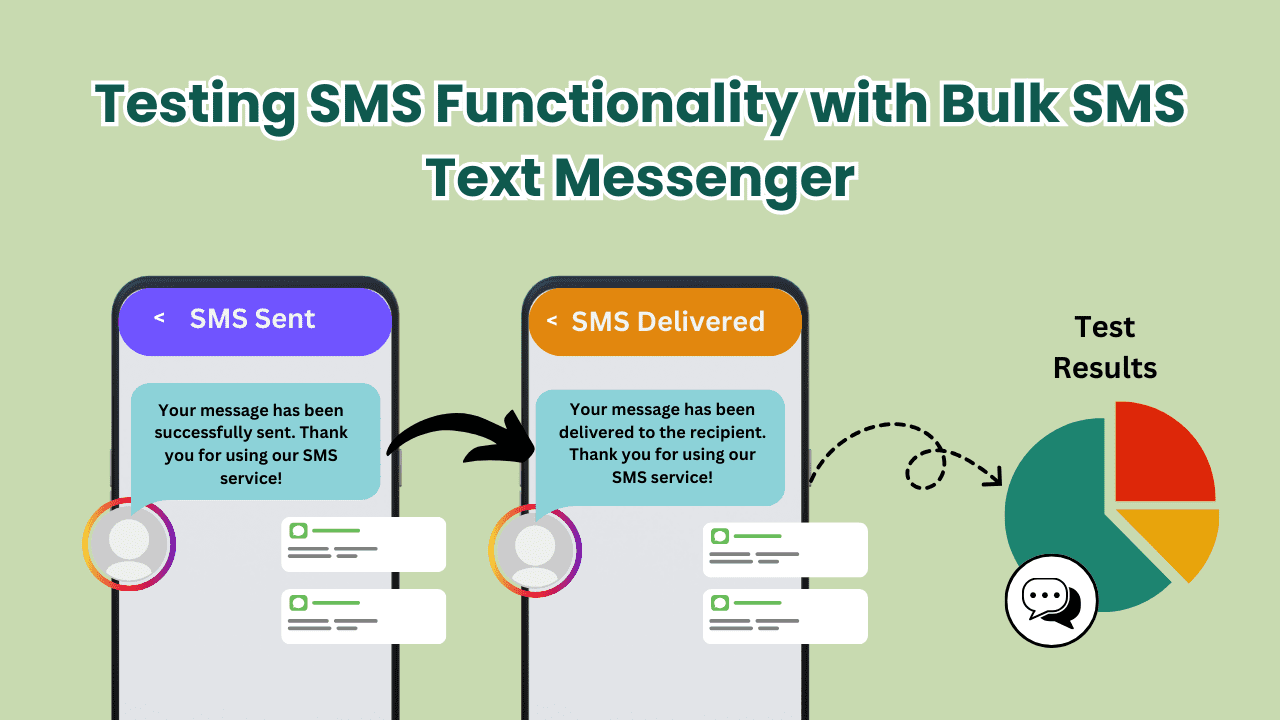
Before deploying an application with SMS integration, developers must ensure that the SMS functionality is working correctly. This can be achieved with SmsLocal’s Bulk SMS Text Messenger feature. This feature allows developers to test their SMS-sending capability and ensure message delivery and accuracy.
To utilize this feature, developers can simply input their desired sender ID, destination phone number, and message content. The Bulk SMS Text Messenger will then verify the message delivery and provide the developer with information on any errors encountered in the sending process. This way, developers can promptly resolve any issues before deploying the application.
Benefits of Using Bulk SMS Text Messenger:
- Save time and avoid errors in message delivery
- Ensure reliable SMS functionality before launching the application
- Identify and resolve issues promptly
SmsLocal’s Bulk SMS Text Messenger is a crucial tool for developers looking to ensure seamless SMS integration in their applications. By using this feature, developers can confidently send bulk SMS messages while ensuring message delivery and accuracy.
Implementing Transactional Bulk SMS
Transactional bulk SMS is a critical feature in applications that require sending order confirmations, appointment reminders, or other essential information to customers. Integrating this functionality in PHP using a reliable SMS provider such as SmsLocal can streamline communication and enhance the user experience.
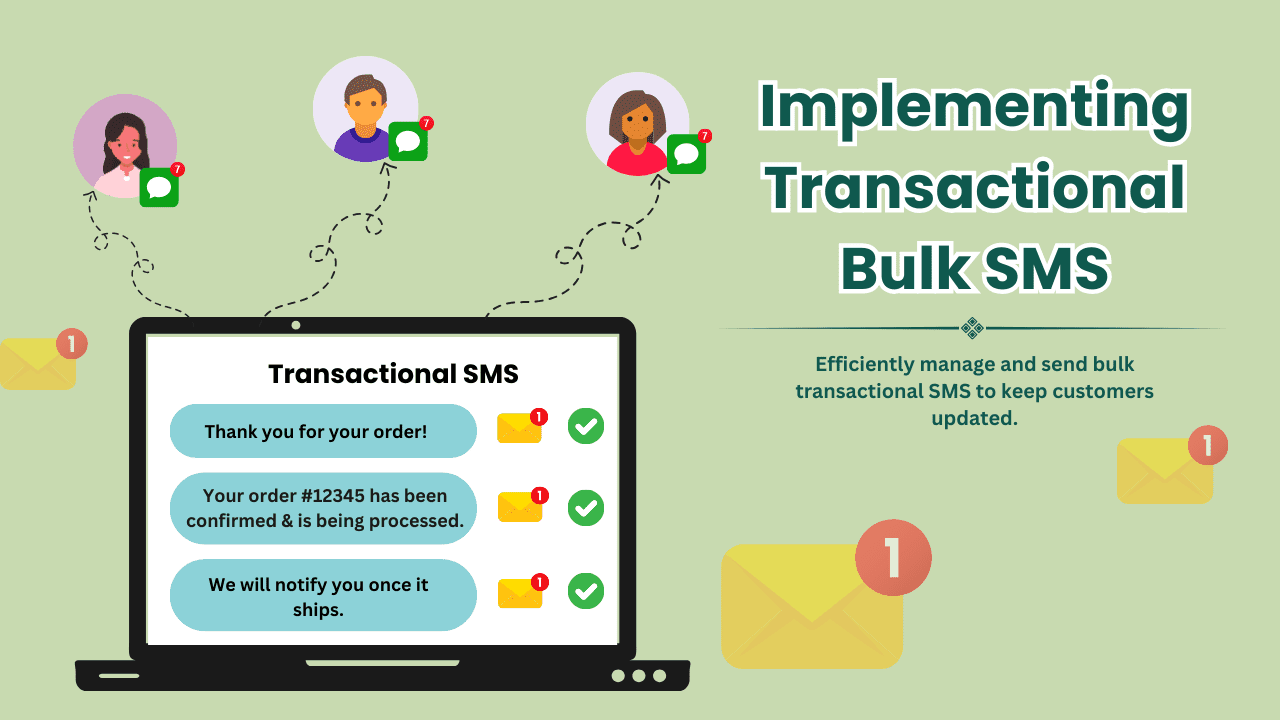
SmsLocal offers robust transactional SMS capabilities, allowing developers to send automated messages that are triggered by specific events, such as user registrations or order placements. With this feature, businesses can keep their customers informed and engaged, resulting in higher customer satisfaction rates.
To implement transactional bulk SMS in PHP, developers can leverage SmsLocal’s Group SMS API and follow the five proven steps outlined in the article. This streamlined process ensures quick and effective messaging while utilizing SmsLocal’s features such as global coverage and cost-effectiveness.
Leveraging Mobi Bulk SMS for Mobile Optimization
Mobile optimization plays a crucial role in SMS messaging. With an increasing number of people relying on their smartphones, it is essential to ensure that SMS content is mobile-friendly to enhance user experience. SmsLocal offers Mobi Bulk SMS, a feature that enables developers to optimize their SMS content for mobile devices.
Mobi Bulk SMS ensures that SMS messages are formatted for mobile screens, making them easy to read and navigate. With Mobi Bulk SMS, developers can add clickable links, images, and concise text formatting, making SMS messages more engaging. This feature allows businesses to create personalized and interactive SMS content to engage and retain customers better.
SmsLocal’s Mobi Bulk SMS is an excellent addition to any SMS messaging strategy. It enables developers to tailor the messaging experience for mobile users, enhancing the overall effectiveness of SMS communication.
Step 1: Setting Up SmsLocal Account and Obtaining API Credentials
Before integrating SMS functionality into your PHP application, the first step is to set up a SmsLocal account and obtain the API credentials. This process is quick and straightforward and can be completed in a few simple steps.
Create a SmsLocal Account
To set up a SmsLocal account, navigate to the SmsLocal website and click on the “Signup” button. Fill in the necessary details such as your name, email address, and phone number. Follow the prompts to create a new account and verify your email address.
Obtain API Credentials
Once you have set up your account, you can obtain the API credentials necessary for SMS integration. Navigate to your SmsLocal dashboard and click on “API Credentials.” Enter your application name and select the API features you require, such as sending SMS or checking your account balance. Click on “Generate Credentials” to get your API Key and API Secret. Keep these credentials safe, as they are needed for API requests.
With your SmsLocal account set up and API credentials obtained, you can move on to the next step of the SMS integration process – installing and configuring the required PHP libraries.
Step 2: Installing and Configuring PHP Libraries
To send SMS via PHP using SmsLocal, the developer must first install and configure the required PHP libraries. This involves downloading the SmsLocal PHP library and integrating it into their application.
The process for installing the SmsLocal PHP library is straightforward:
- Download the library from the SmsLocal website.
- Extract the contents of the downloaded zip file to a folder on the developer’s computer.
- Copy the extracted folder to the project directory.
Once the library is installed, the developer must include it in their code, typically by adding the following line at the beginning of their PHP file:
require_once('/path/to/SmsLocal/autoload.php');
With the library properly installed and included, the developer can proceed to configure it for use with SmsLocal’s API.
Step 3: Crafting SMS Messages and Sending Requests
After obtaining the necessary API credentials and configuring PHP libraries, the third step in SMS integration with SmsLocal involves crafting SMS messages and sending requests to their API.
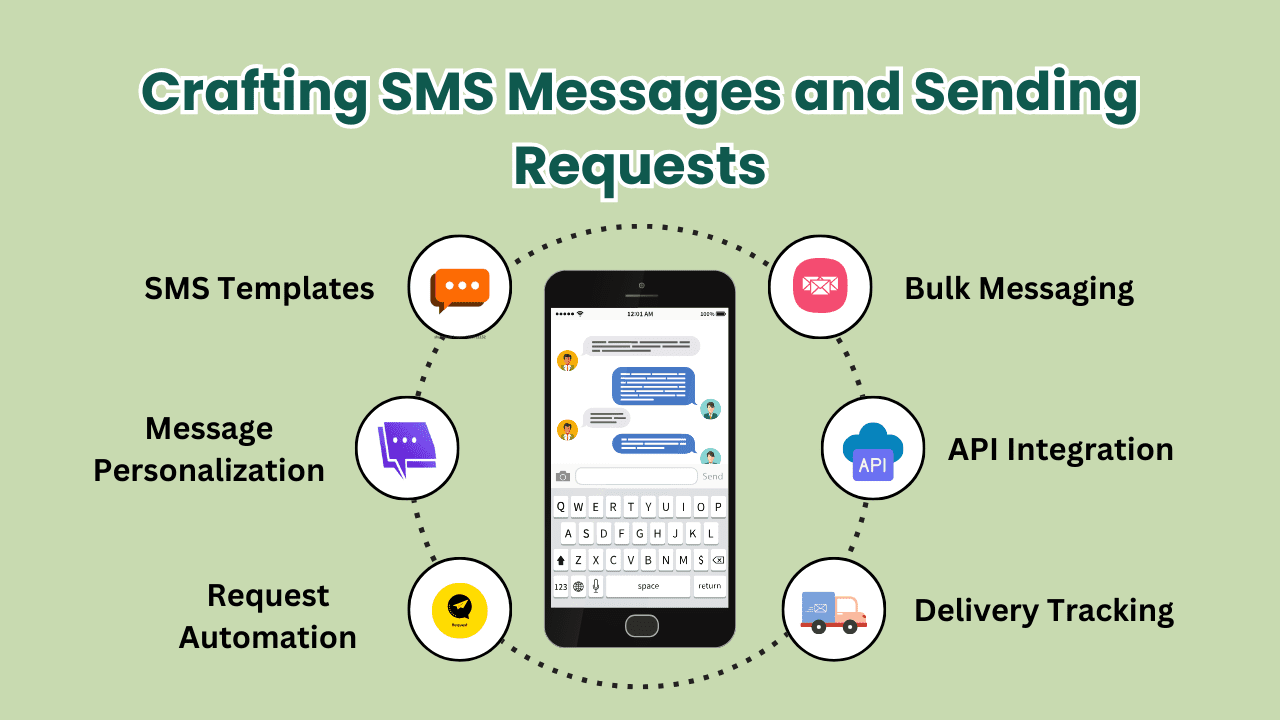
To build a successful message, it is important to keep it short, simple, and relevant to the recipient. Avoid using excessive punctuation, all caps, or lengthy messages that may result in the message being truncated or rejected.
Once the message content is crafted, developers need to format the API request properly before sending it to SmsLocal. This involves including the recipient’s phone number, the sender ID, and the message text as parameters in the API URL.
For example, to send a message to a single recipient, the API request would be as follows:
https://api.smslocal.com/send/?apikey=YourApiKey&numbers=919999999999&sender=SenderID&message=This+is+a+test+message.
Keep in mind that the URL must be properly encoded to ensure accurate transmission of data.
For sending requests to multiple recipients simultaneously, developers can leverage the Group SMS API from SmsLocal, as explained in the previous section.
It is important to test the SMS functionality thoroughly after sending the requests to ensure message accuracy and delivery. This can be done using the Bulk SMS Text Messenger feature provided by SmsLocal, as discussed in the following section.
Step 4: Handling API Responses and Error Handling
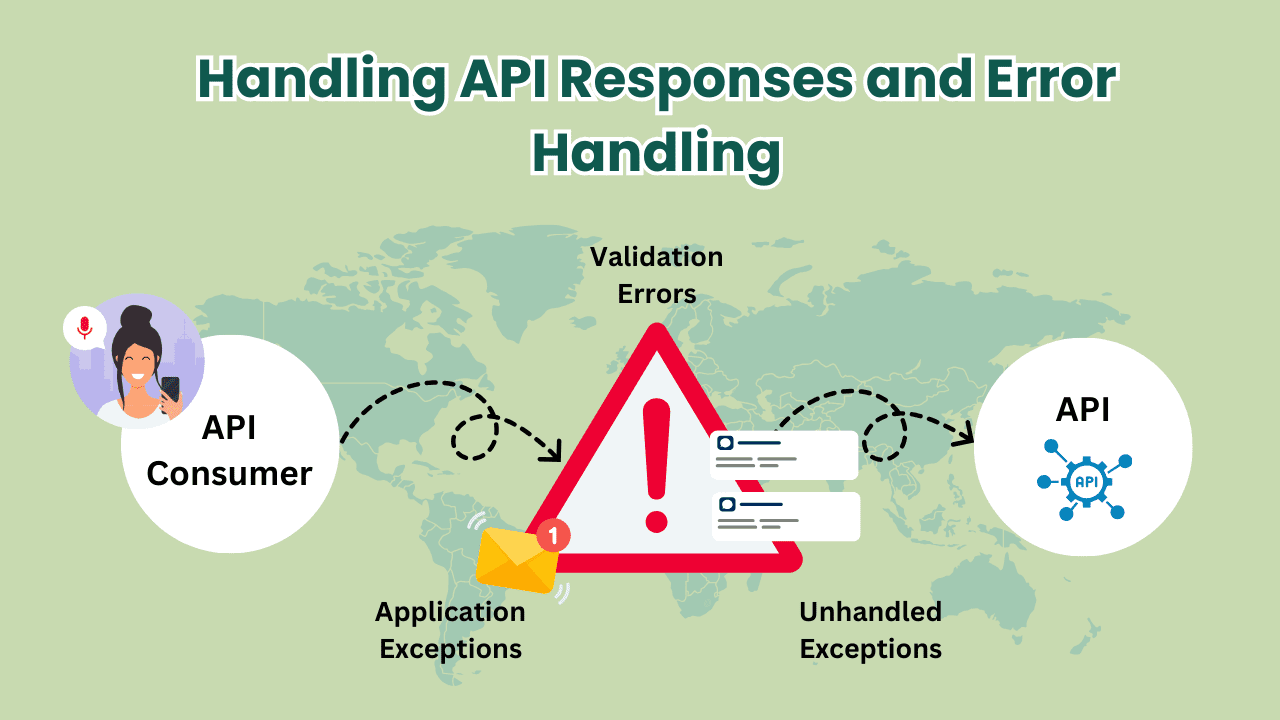
After sending requests to the SmsLocal API, developers need to be aware of the different types of responses they may receive. These responses are categorized into success, error, and invalid. Success responses indicate that the SMS message was sent successfully, error responses imply that an error occurred while processing the request, and invalid responses suggest that there was an error in the request parameters.
Handling Success Responses
When a successful response is received, it means that the SMS message has been sent to the recipient’s phone number. Developers can use the response code and message from the API to confirm the success and update their application accordingly.
Handling Error Responses
If an error response is received, developers need to understand what caused the error and provide appropriate solutions. Common errors could include invalid API credentials, insufficient balance in the account, incorrect phone number format, or message content restrictions. Developers can use the response code and message to identify the error and display a meaningful error message to the user.
Handling Invalid Responses
Invalid responses occur when there is an error in the request parameters. Developers can use the response code and message to identify the source of the error and rectify it. For instance, if the phone number is in an incorrect format, developers can prompt the user to enter a valid mobile number before resubmitting the request.
Implementing error-handling mechanisms is crucial to ensure the successful delivery of SMS messages and prevent potential errors from causing downtime. By following the appropriate error-handling practices and carefully monitoring API responses, developers can create robust SMS integration in their PHP applications.
Wniosek
Effective and efficient communication is crucial in today’s fast-paced digital world, and SMS integration via PHP provides developers with a powerful tool to achieve this goal. By following the 5 proven steps outlined in this article, developers can seamlessly integrate SMS functionality in their applications and enjoy the benefits of quick messaging, cost-effectiveness, and global coverage.
Choosing a reliable SMS provider is essential for successful SMS integration, and SmsLocal offers a comprehensive range of services that meet developers’ needs. With its Group SMS API, developers can send SMS messages to multiple recipients simultaneously, while the Bulk SMS Text Messenger feature ensures message delivery and accuracy.
Transactional bulk SMS and Mobi Bulk SMS from SmsLocal provide developers with additional capabilities for enhancing the user experience and optimizing SMS content for mobile devices. By setting up a SmsLocal account and configuring the necessary PHP libraries, developers can start crafting SMS messages and sending requests to the SmsLocal API.
Handling API responses and error handling are critical components of SMS integration, and developers must be aware of the different types of responses from the SmsLocal API and implement best practices for handling errors in PHP.
In conclusion, SmsLocal provides developers with a comprehensive solution for Sending SMS via PHP. By leveraging the services and features offered by SmsLocal, developers can achieve quick and effective messaging and enhance the user experience in their applications.