
 English
Tekst op een bepaald tijdstip plannen en verzenden is een baanbrekende functie waarmee zowel individuen als bedrijven tijdige en georganiseerde communicatie kunnen onderhouden. Deze tool elimineert de noodzaak om handmatig berichten te verzenden en zorgt ervoor dat belangrijke meldingen de ontvangers op het meest geschikte moment bereiken. Of het nu gaat om een persoonlijke herinnering of een zakelijke update, de mogelijkheid om teksten in te plannen verhoogt de productiviteit, verbetert de organisatie en verbetert de communicatie-efficiëntie.
Belangrijkste afhaalrestaurants:
- Plan teksten vooraf in om te voorkomen dat u belangrijke deadlines mist.
- Automatiseer routinematige berichten om tijd en mentale ruimte vrij te maken.
- Verbeter de betrouwbaarheid van de communicatie door berichten op optimale tijdstippen te verzenden.
Waarom sms-berichten plannen?
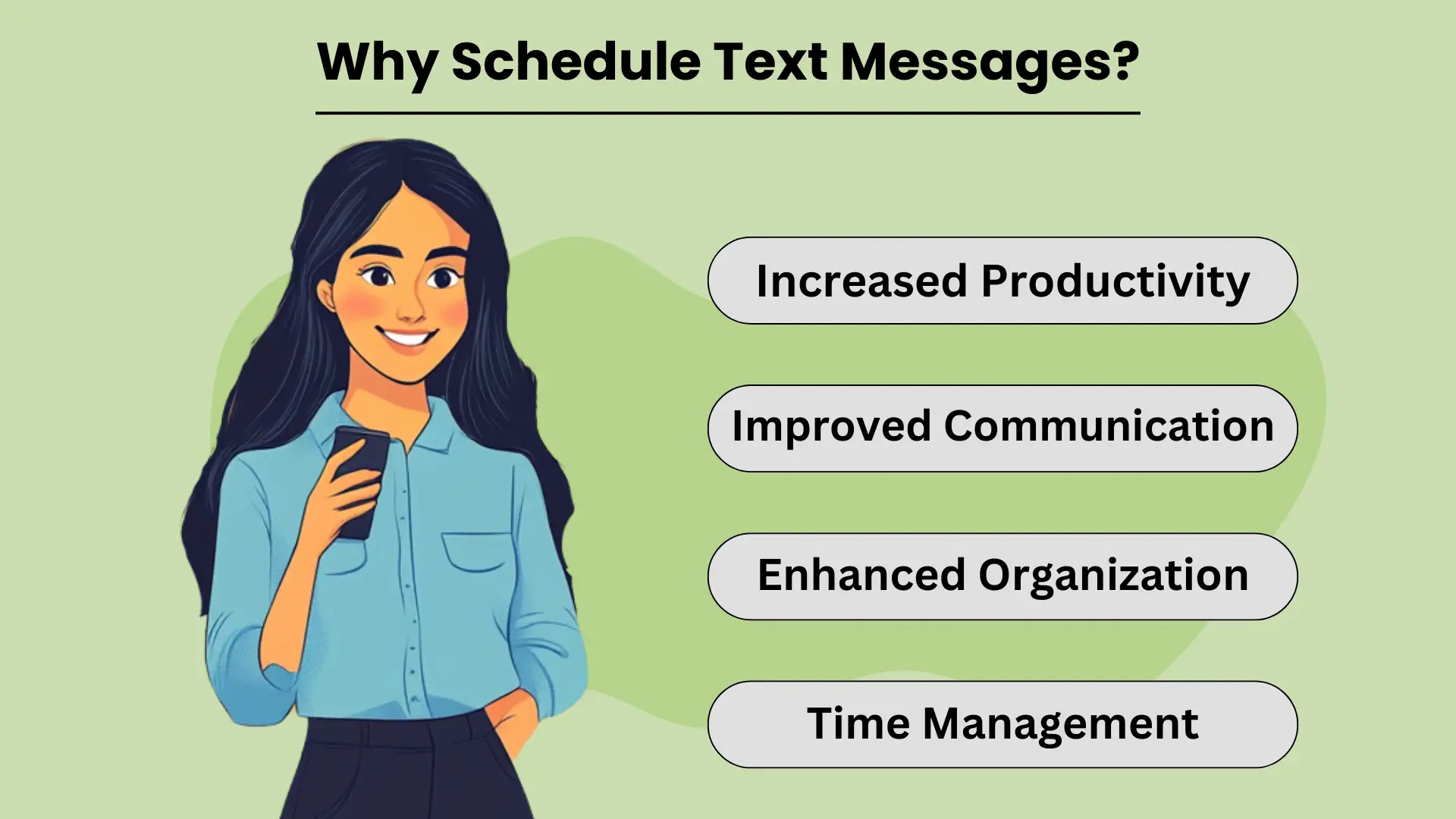
Planning sms-berichten allows individuals and businesses to send timely and relevant information without needing to manually hit “send” at the perfect moment. This simple yet powerful tool helps streamline communication by automating routine messages, ensuring that important information reaches the recipient when it’s most impactful.
Whether it’s personal reminders or business notifications, scheduled sms'en biedt een breed scala aan voordelen die verbeteren efficiëntie en productiviteit. Met deze mogelijkheid kunt u uw dag beter indelen, taken effectief beheren en ervoor zorgen dat belangrijke berichten worden verzonden, zelfs als u het te druk heeft om dit in realtime te doen.
Verhoogde productiviteit
By scheduling texts in advance, you eliminate the need to remember to send each message manually. This not only saves time but also frees up your mental space to focus on more important tasks. For businesses, this feature can help automate customer communication, allowing you to handle high volumes of messages effortlessly.
Ultimately, scheduling texts improves your overall productivity, as it reduces the distractions that come with managing communication throughout the day.
Verbeterde communicatie
Geplande berichten zorgen ervoor dat uw communicatie op het meest geschikte tijdstip wordt verzonden. Of u nu verjaardagswensen, herinneringen of bedrijfsupdates verzendt, door deze berichten vooraf in te stellen, kunt u ze op tijd bezorgen. Dit verbetert de consistentie en betrouwbaarheid van uw communicatie, waardoor u sterkere relaties opbouwt met zowel persoonlijke contacten als klanten. Wanneer ontvangers berichten op precies het juiste moment ontvangen, kan dit leiden tot een betere betrokkenheid en responspercentages.
Verbeterde organisatie en tijdmanagement
Het plannen van teksten is een belangrijk hulpmiddel om georganiseerd te blijven. Door berichten vooraf in te stellen, vermijdt u het risico dat u belangrijke datums of deadlines vergeet, zoals het verzenden van uitnodigingen voor evenementen of herinneringen. Dit helpt ook mee tijdmanagement, as it allows you to plan out your communication in one go, freeing up time for other responsibilities.
Additionally, scheduled texting helps businesses manage customer interaction efficiently, especially for routine notifications, without the need to disrupt daily operations.
Methoden voor het plannen van tekstberichten
Planning sms-berichten can be a powerful tool to improve communication, ensuring your messages reach recipients at the most convenient time. Whether you need to send a reminder, a birthday wish, or a business notification, scheduling texts helps you plan ahead and avoid forgetting important messages.
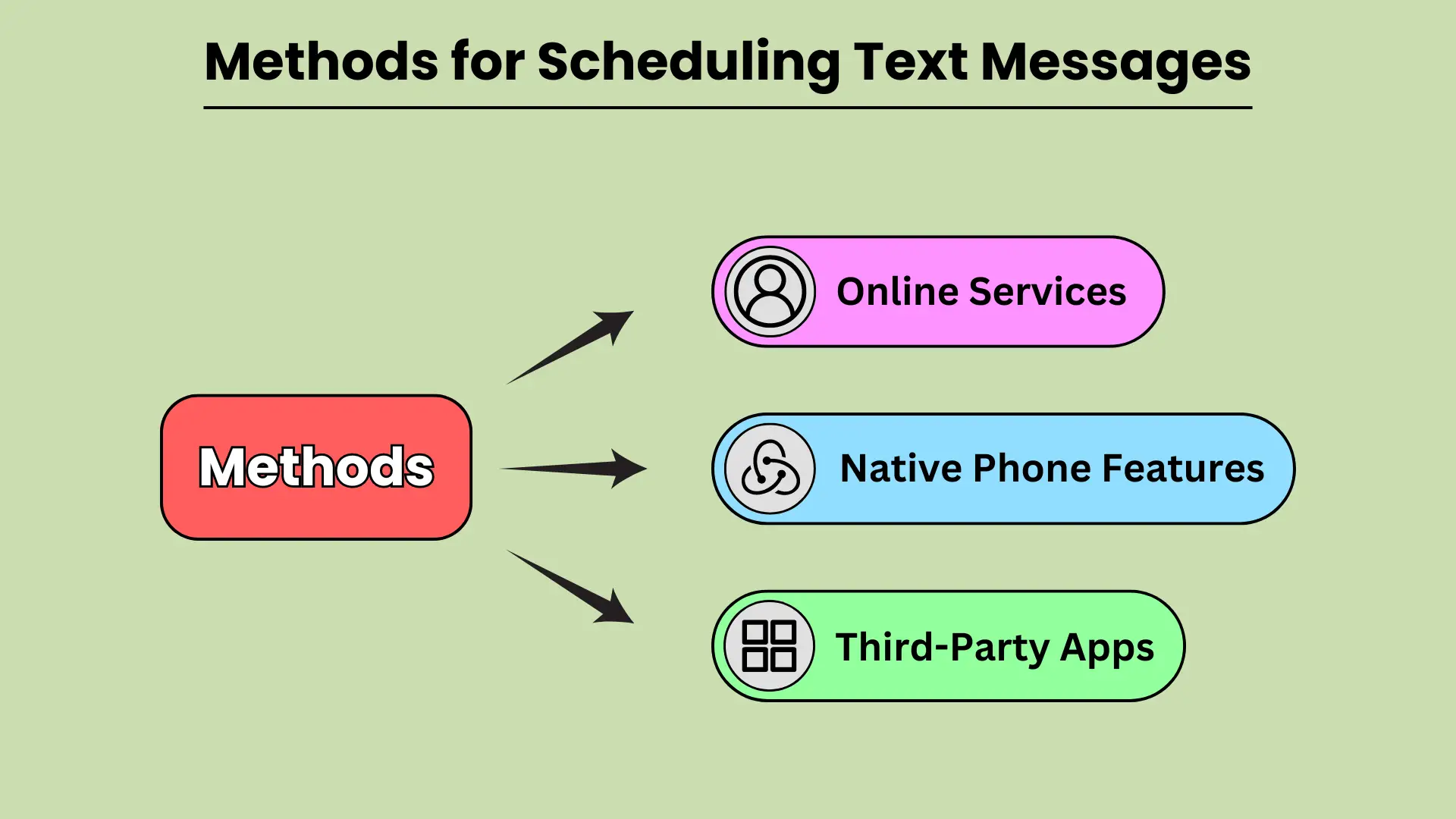
There are various methods available for scheduling texts, from built-in phone features to third-party apps and even web-based services. In this guide, we will explore how you can leverage native phone features on Android and iOS, third-party apps, and online platforms to schedule your text messages seamlessly.
Native telefoonfuncties
Modern smartphones come equipped with built-in features that allow users to schedule texts without relying on external apps. Android devices, particularly those using Google Messages and Samsung Messages, provide simple and intuitive options for scheduling messages. With Google Messages, users can long-press the send button to select a date and time for sending the text.
Similarly, Samsung Messages offers the option under message settings. On iOS, the Shortcuts app provides automation to schedule texts, while the Scheduled Send feature in iMessage allows users to select when a message should be delivered.
Ingebouwde telefoonfuncties maken het plannen van sms-berichten gemakkelijk en snel.
Apps van derden
If you want more flexibility or additional features, third-party apps are a great alternative for scheduling texts. Apps like SMS Scheduler on Android allow users to schedule multiple texts, set recurring messages, and manage their schedule with ease.
For iOS users, apps like Text Schedule offer similar functionality, enabling users to automate text delivery at specified times. Other notable apps include Pulse SMS and Textra, both of which are available on Android and provide advanced scheduling options.
Apps van derden bieden meer maatwerk en controle voor het plannen van teksten.
Onlinediensten
For businesses or users who prefer to schedule texts from a web-based platform, several online services offer robust solutions. Platforms like Twilio, Nexmo, and MessageBird allow users to schedule bulk text messages, integrate SMS functionality into their apps, and manage messaging campaigns efficiently.
These platforms are especially useful for businesses that need to send automated messages, reminders, or marketing communications to large audiences. By using online services, users can schedule messages with precision and scale their communication efforts.
Online diensten zijn ideaal voor het inplannen van teksten op grotere schaal.
Hoe u sms-berichten kunt plannen op populaire platforms
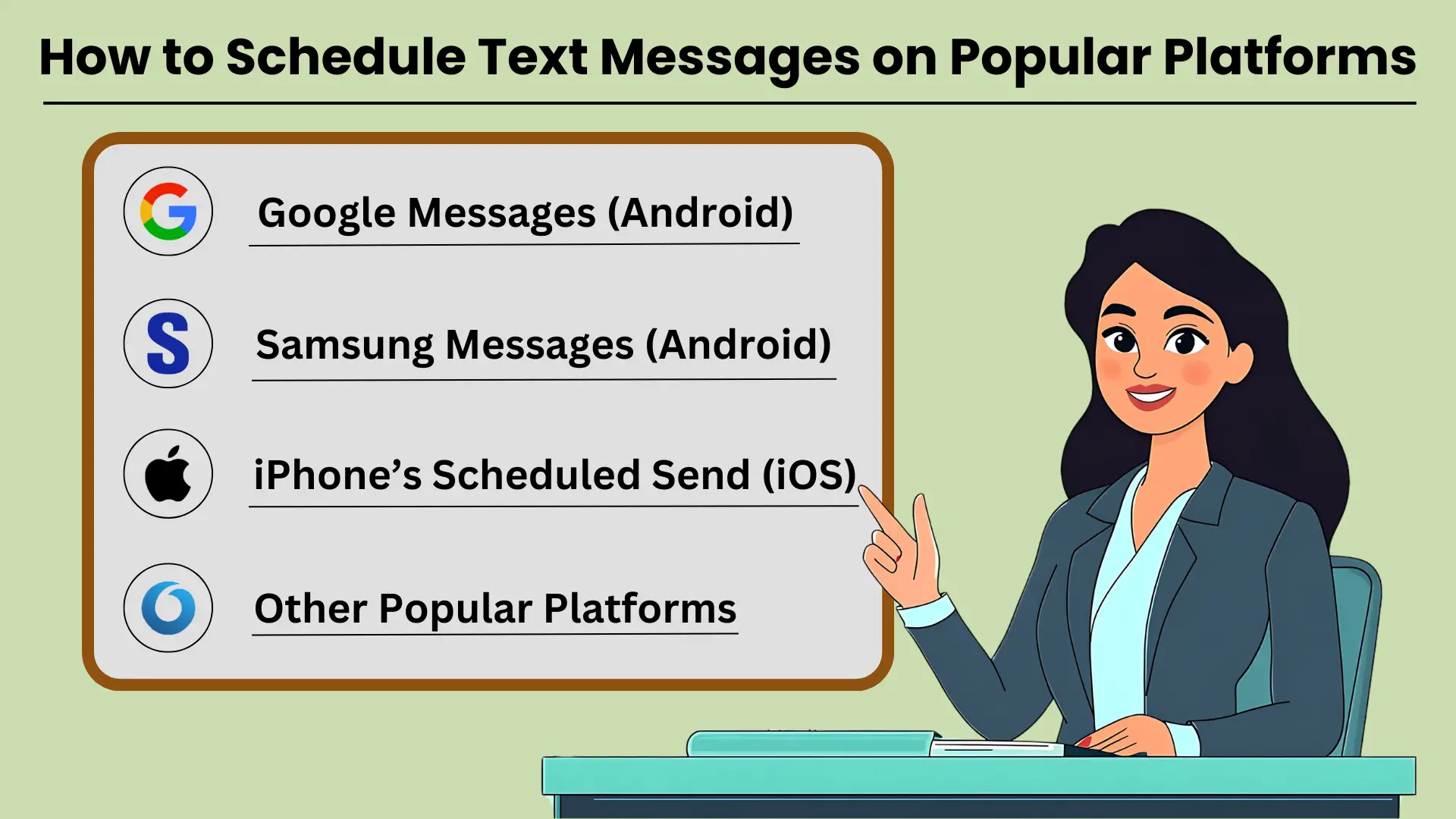
SMS-berichten plannen is a helpful tool for ensuring that your messages are sent at the right time, whether for personal reminders, business communications, or social occasions. Many popular platforms like Google Messages, Samsung Messages, and iPhone’s Scheduled Send feature allow users to schedule texts easily.
With these tools, you can set your messages to go out at a specific date and time. This ensures that your communication is well-timed and impactful. In this guide, we’ll provide stapsgewijze instructies voor het plannen van sms-berichten on several popular messaging platforms. This helps you make the most of this feature.
Google Berichten (Android)
Google Berichten is een veelgebruikte berichten-app op Android-apparaten, waarmee u eenvoudig sms-berichten kunt plannen. Volg deze stappen:
- Open Google Berichten op uw Android-apparaat.
- Selecteer het contact dat u een bericht wilt sturen.
- Typ uw bericht zoals u dat normaal zou doen.
- Houd de knop Verzenden ingedrukt en de optie "Verzenden plannen" verschijnt.
- Kies een vooraf ingestelde tijd of tik op 'Kies datum en tijd' om een aangepast schema in te stellen.
- Bevestig de geplande tijd en verstuur uw bericht.
Als u een bericht plant, zorgt u ervoor dat uw tekst de ontvanger bereikt wanneer deze het meest relevant is.
Samsung-berichten (Android)
Voor Samsung Galaxy-gebruikers biedt de native Samsung Messages-app ook een functie voor het plannen van berichten. Hier ziet u hoe u het kunt gebruiken:
- Open de Samsung Messages-app op uw Galaxy-apparaat.
- Selecteer het gesprek of start een nieuw gesprek met het contact dat u een bericht wilt sturen.
- Typ uw bericht in het tekstveld.
- Tik op het ‘+’-symbool of de optieknop en selecteer vervolgens ‘Bericht plannen’.
- Stel de datum en tijd in waarop u wilt dat het bericht wordt verzonden.
- Tik op 'Verzenden' en uw bericht wordt gepland.
Door sms-berichten te plannen met Samsung Messages kunt u belangrijke communicatie gemakkelijk beheren.
iPhone's geplande verzending (iOS)
Op iOS is de functie voor gepland verzenden niet standaard beschikbaar in de Berichten-app, maar met Snelkoppelingen kun je dit proces automatiseren:
- Open de Snelkoppelingen-app op uw iPhone.
- Tik op het pictogram “+” om een nieuwe automatisering te maken.
- Selecteer 'Persoonlijke automatisering maken' en kies 'Tijdstip'.
- Stel de gewenste tijd in en tik vervolgens op 'Volgende'.
- Voeg de actie “Bericht verzenden” toe en typ uw bericht.
- Kies het contact en tik op “Volgende” om te voltooien.
- Controleer de automatisering en tik vervolgens op 'Gereed'.
Met de snelkoppelingen van iPhone kunt u sms-berichten plannen om ervoor te zorgen dat uw communicatie op tijd verloopt.
Andere populaire platforms
Naast Android- en iPhone-platforms hebben andere berichten-apps zoals WhatsApp, Telegram en Facebook Messenger apps van derden of ingebouwde functies nodig om berichten te plannen. Deze platforms hebben mogelijk geen eigen planningsmogelijkheden, maar kunnen worden beheerd met externe tools.
Geavanceerde planningsfuncties voor effectieve sms-communicatie
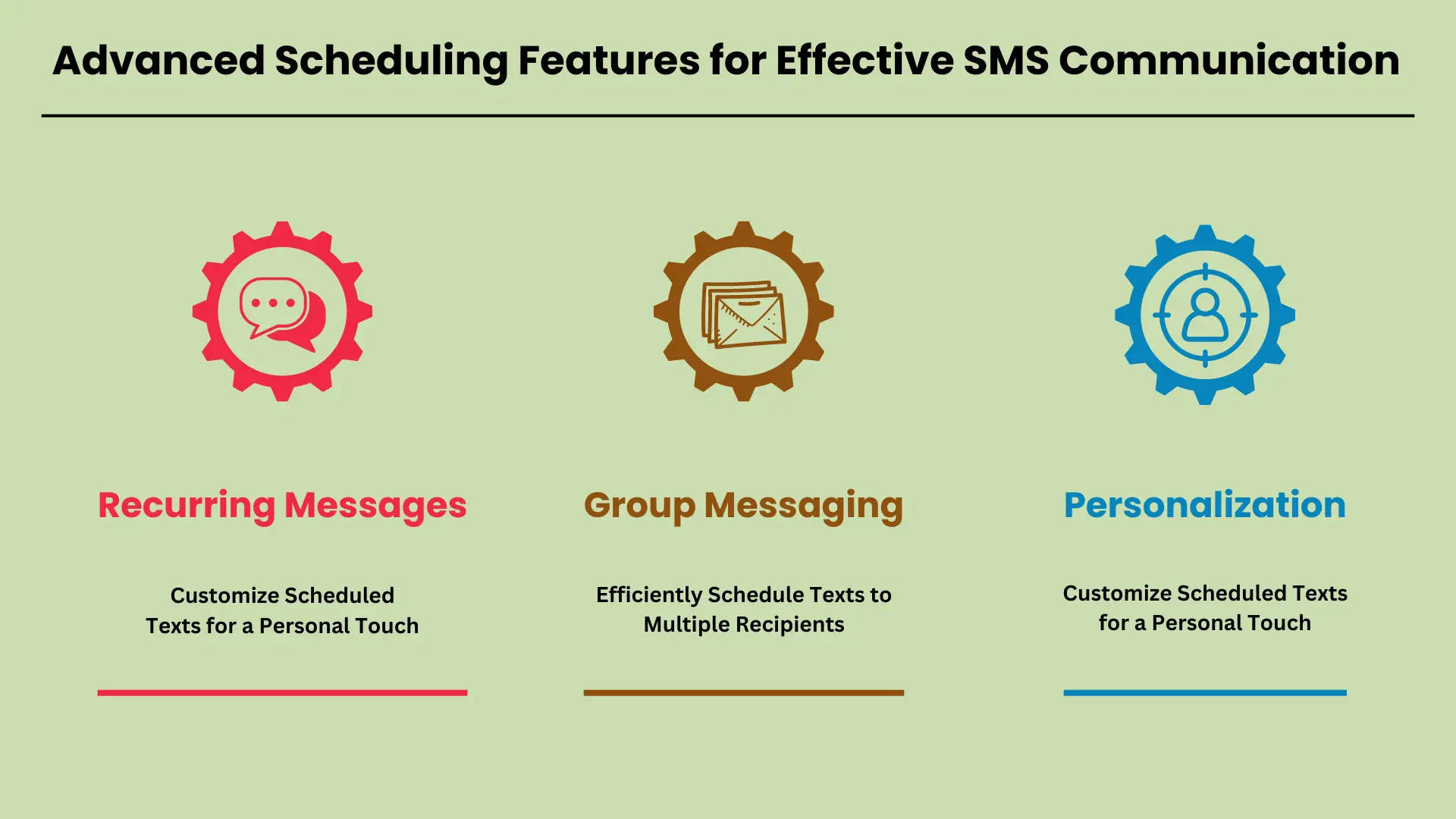
In de snelle wereld van vandaag zijn geavanceerde planningsfuncties voor Sms communication have become a necessity. Businesses and individuals alike rely on these tools to automate regular updates, notifications, and reminders. With advanced scheduling, you can ensure that important messages are delivered at the right time, without manual intervention.
Whether you’re sending reminders for appointments, group messages to a team, or personalized texts to customers, scheduling tools offer flexibility and efficiency. In this guide, we will explore key features like recurring messages, group messaging, and personalization, showing how they can streamline communication.
Terugkerende berichten: stel regelmatige meldingen en herinneringen in
Recurring messages allow you to automate routine texts, making it easy to send regular updates, reminders, or notifications. For instance, businesses can schedule daily, weekly, or monthly texts to remind customers about appointments or payment deadlines. Setting up recurring messages typically involves selecting the frequency, duration, and content of the text.
Most SMS platforms offer intuitive scheduling options where you simply pick the start date, end date, and the interval for message repetition. This ensures that your audience receives timely reminders without you having to manually send each message.
Groepsberichten: Plan efficiënt sms-berichten naar meerdere ontvangers
Group messaging is a valuable feature for sending a single message to multiple recipients at once. This is particularly useful for teams, customer groups, or event attendees who need to receive the same information simultaneously. Scheduling group messages allows you to plan communication in advance, ensuring everyone is informed at the right time.
SMS platforms often support bulk messaging tools where you can easily upload contacts, compose a message, and set a specific date and time for delivery. This eliminates the need to manually send messages to each recipient and ensures consistent communication across your audience.
Personalisatie: Pas geplande teksten aan voor een persoonlijk tintje
Personalization options take scheduled messages to the next level by allowing you to customize content with names, dates, or other specific information. Whether you’re addressing customers by their first name or adding personalized details like appointment times or order numbers, this feature enhances the recipient’s experience.
SMS platforms often support custom fields where you can automatically insert individualized data into each scheduled message. This approach not only improves engagement but also makes your communication feel more personal, which is crucial for building strong customer relationships.
Door deze geavanceerde planningsfuncties in uw SMS-strategie kan de communicatie aanzienlijk verbeteren efficiëntie en personalisatie.
Veelvoorkomende problemen bij gepland sms'en oplossen
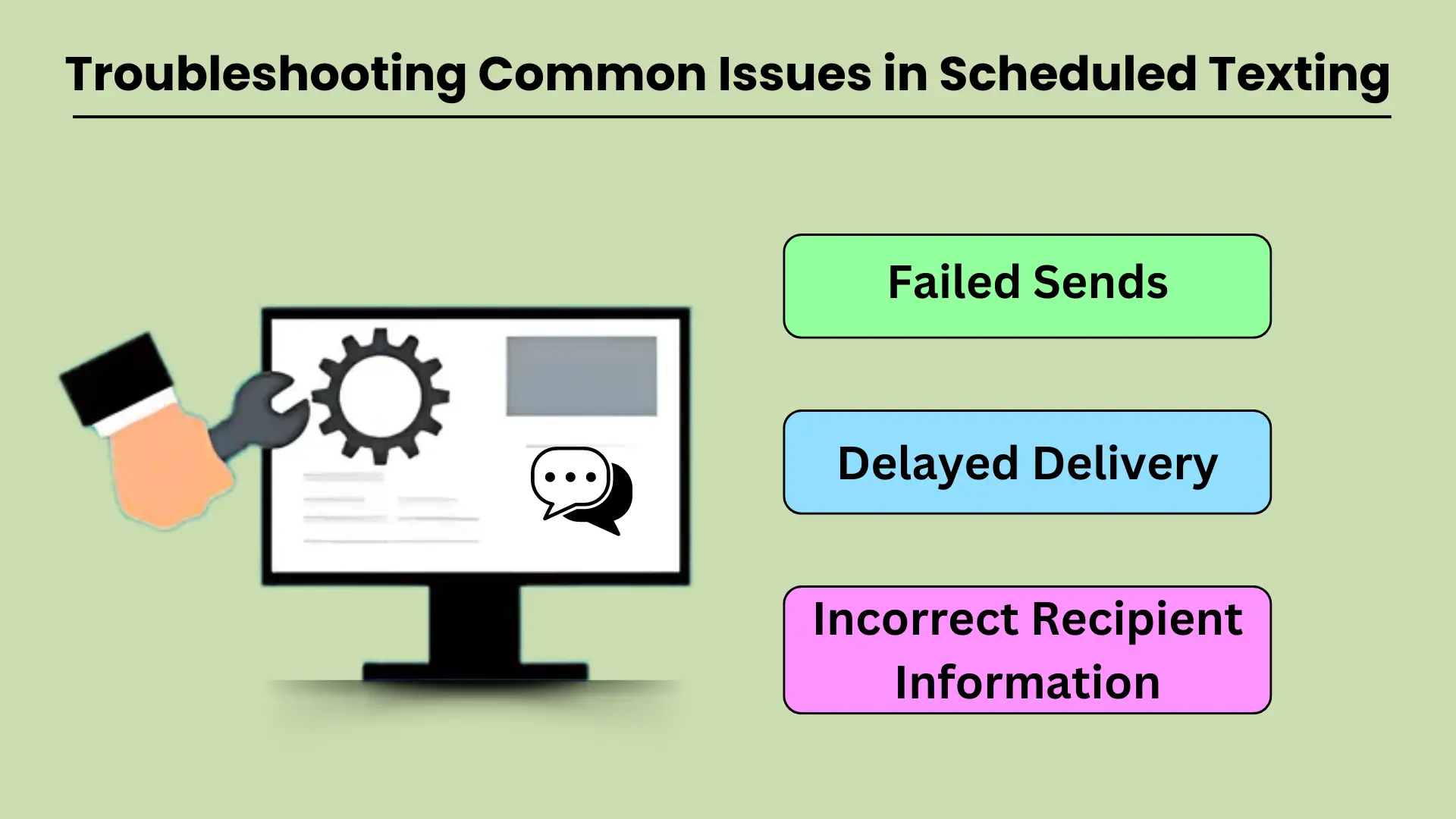
Scheduled texting is a valuable tool for businesses and individuals who want to streamline their communication. However, like any technology, it can sometimes experience issues that prevent messages from being delivered as intended. Common problems such as failed sends, delayed deliveries, and incorrect recipient information can disrupt workflows and reduce the effectiveness of scheduled texting.
Understanding the potential causes behind these issues and knowing how to troubleshoot them effectively is crucial for maintaining smooth communication. This guide will walk you through addressing the most common technical difficulties and provide practical solutions to keep your messaging operations running smoothly.
Mislukte verzendingen
Failed message sends are a frustrating issue that can occur for several reasons. The most common cause is poor network connectivity. If your device or the recipient’s phone lacks a stable network connection, the message may fail to send at the scheduled time.
Another factor could be incorrect settings in the sms-app of dienst die wordt gebruikt, zoals een verkeerde tijdzoneconfiguratie of verouderde app-versies. Bovendien kan de telefoon van de ontvanger uitgeschakeld of buiten gebruik zijn geweest tijdens de geplande verzendtijd, wat tot een storing kan leiden.
Om dit probleem op te lossen, moet u ervoor zorgen dat beide apparaten zijn verbonden met een stabiel netwerk en dat de sms-service correct is geconfigureerd. Controleer de app-instellingen, update naar de nieuwste versie en controleer of het nummer van de ontvanger correct is.
Vertraagde levering
Delayed message delivery is another common issue in scheduled texting, and it often results from network congestion or service provider delays. Sometimes, a message might get delayed if the recipient’s network is overloaded, especially during peak hours or when there is high demand on the server.
Other times, the scheduled message might encounter delays if the sender’s device or network is experiencing issues, like low battery, data congestion, or poor signal strength.
Om dit op te lossen, moet u ervoor zorgen dat uw apparaat een sterk netwerksignaal en voldoende batterijduur heeft. U kunt ook proberen het bericht handmatig te verzenden als de vertraging aanhoudt, of contact uw serviceprovider om te controleren op eventuele storingen of vertragingen.
Onjuiste ontvangerinformatie
Een van de meest te voorkomen problemen bij gepland sms'en is het verzenden van berichten naar de verkeerde ontvanger. Dit gebeurt vaak als gevolg van handmatige invoerfouten bij het invoeren van de contactgegevens van de ontvanger of het selecteren van de verkeerde contactpersoon uit een lijst. Een andere mogelijke oorzaak is een verouderde contactlijst waarbij de gegevens van de ontvanger zijn gewijzigd, maar niet zijn bijgewerkt in het systeem.
Om dit probleem te voorkomen, controleert u de gegevens van de ontvanger nogmaals voordat u berichten plant. Het is ook een goede gewoonte om uw contactenlijst regelmatig bij te werken om de nauwkeurigheid te garanderen. Als een bericht naar de verkeerde persoon wordt verzonden, informeer hem/haar dan onmiddellijk en stuur het bericht opnieuw naar de juiste ontvanger.
Tips voor het oplossen van problemen
Voor elk van de bovenstaande problemen volgen hier enkele aanvullende tips voor het oplossen van problemen:
- Controleer uw netwerkverbinding: Zorg ervoor dat zowel uw apparaat als het apparaat van de ontvanger stabiele netwerkverbindingen hebben.
- Update uw app: Houd uw berichtenapp up-to-date om bugs en storingen te voorkomen die van invloed kunnen zijn op geplande sms-berichten.
- Instellingen verifiëren: Controleer nogmaals of de juiste tijdzone, datum en tijd zijn ingesteld voor uw geplande berichten.
- Test uw systeem: Voordat u belangrijke geplande berichten verzendt, stuurt u een testbericht naar uzelf of een collega om er zeker van te zijn dat het systeem goed werkt.
Geplande sms-berichten integreren met andere hulpmiddelen: automatisering en communicatie verbeteren
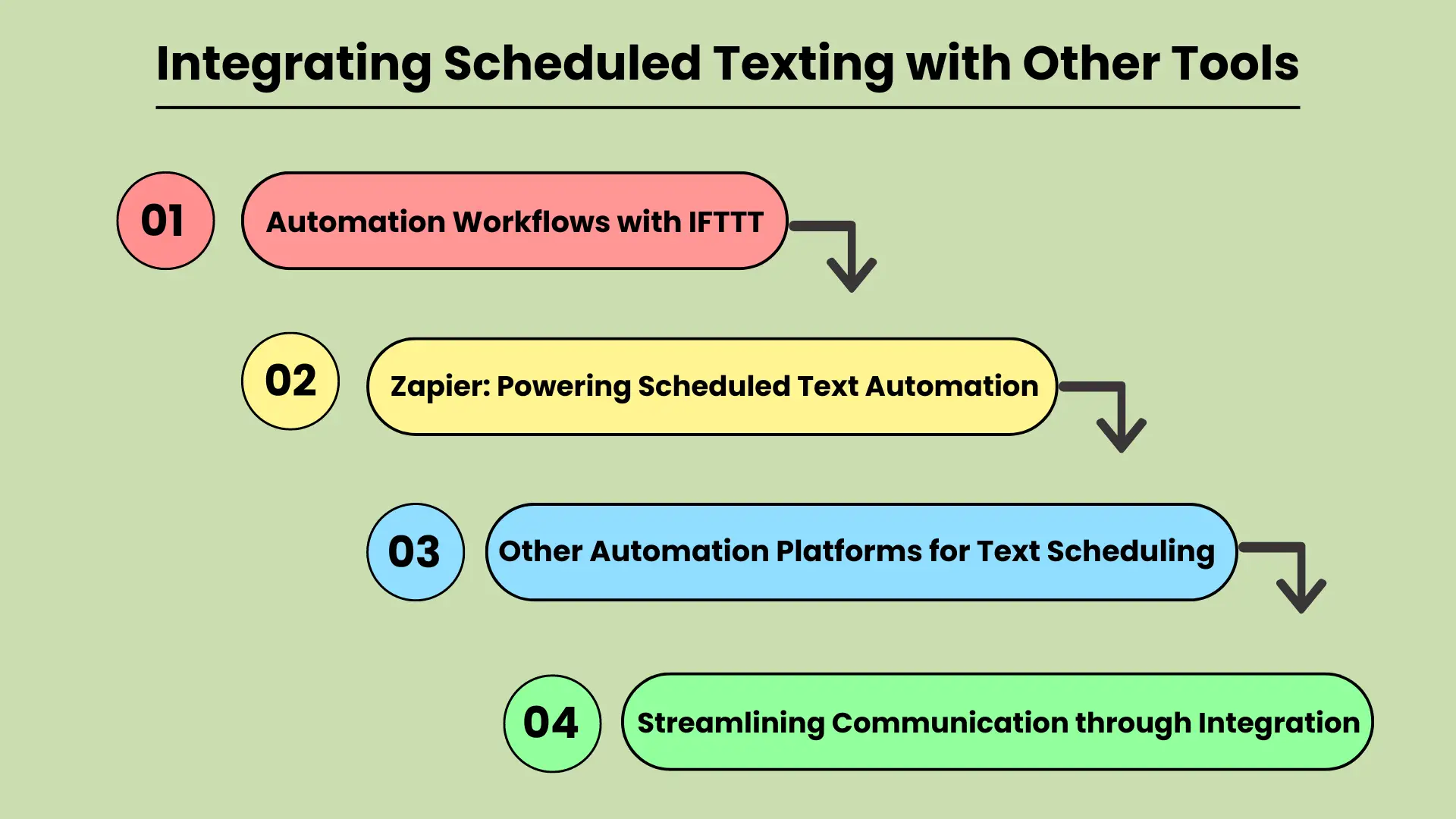
In today’s fast-paced digital world, businesses and individuals are constantly looking for ways to improve their communication efficiency. Integrating scheduled texting with other productivity tools is a powerful strategy for streamlining workflows and automating tasks.
Whether you’re managing marketing campaigns or personal reminders, tools like IFTTT (If This Then That) and Zapier can be key to automating text message scheduling. These platforms connect various apps and services, allowing users to create custom workflows that automatically trigger scheduled texts based on specific events or actions.
This integration not only saves time but also ensures that important messages are sent at the right time, improving communication reliability and effectiveness.
Automatiseringsworkflows met IFTTT
IFTTT is a popular automation platform that allows users to create “applets” — simple connections between different tools and services. By integrating scheduled texting with IFTTT, users can set up triggers for sending texts when specific conditions are met.
For example, you could automatically send a reminder text to clients when an event is added to a Google Calendar or to any agenda-apps. This type of automation helps eliminate manual texting tasks, ensuring that no communication is missed.
Integrating scheduled texting with IFTTT makes it easy to automate repetitive tasks and streamline communication workflows.
Zapier: Geplande tekstautomatisering mogelijk maken
Zapier is another powerful tool for connecting apps and automating workflows. Similar to IFTTT, Zapier allows users to set up “zaps” that automate tasks between various apps, including text messaging platforms. With Zapier, businesses can schedule texts based on events, form submissions, or any other activity within their workflow.
For example, a new lead generated in your CRM kan een geplande follow-up van een sms-bericht activeren. Deze integratie vermindert het risico op gemiste kansen en zorgt voor tijdige communicatie, waardoor de klantbetrokkenheid en de teamefficiëntie worden vergroot.
Andere automatiseringsplatforms voor tekstplanning
Apart from IFTTT and Zapier, many other automation platforms offer similar capabilities for integrating scheduled texting. These platforms may focus on specific industries or use cases but share the goal of enhancing workflow automation. Tools like Automate.io and Integromat provide similar functionality, allowing users to connect different applications and automate scheduled texting for various tasks.
By leveraging these tools, businesses and individuals can improve the accuracy and timeliness of their communications while freeing up valuable time for more strategic activities.
Communicatie stroomlijnen door integratie
QUERY LENGTH LIMIT EXCEEDED. MAX ALLOWED QUERY : 500 CHARS
Het integreren van geplande sms-berichten verbetert zowel de productiviteit als de communicatie-efficiëntie, waardoor het een essentieel onderdeel wordt van moderne workflows.
Conclusie
SMS-berichten plannen en verzenden op a bepaalde tijd is an essential feature for anyone looking to streamline their communication and enhance efficiency. Whether for personal use or business, this tool ensures that you never miss an important moment, while also reducing the time spent managing routine communications. With options available through native phone features, third-party apps, and online platforms, scheduling texts is more accessible than ever.
Door planning in uw dagelijkse communicatiegewoonten op te nemen, bespaart u niet alleen tijd, maar verbetert u ook de kwaliteit en tijdigheid van uw interacties. Vooral bedrijven kunnen profiteren van het automatiseren van klantcommunicatie, het verzenden van herinneringen en het naadloos beheren van grote hoeveelheden berichten. Het plannen van teksten is een eenvoudige maar krachtige strategie om de productiviteit te verhogen en georganiseerde, tijdige communicatie te behouden.
Veelgestelde vragen
Op Android kun je sms-berichten plannen met Google Berichten of Samsung Berichten. Typ gewoon uw bericht, houd de verzendknop ingedrukt en kies het gewenste verzendtijdstip.ctetur adipiscing elit. Ut elit tellus, luctus nec ullamcorper mattis, pulvinar dapibus leo.
Ja, met de Snelkoppelingen-app op de iPhone kunt u sms-berichten automatiseren en plannen door een aangepaste automatisering in te stellen.
Populaire apps voor het plannen van sms-berichten zijn onder meer SMS Scheduler, Pulse SMS en Textra voor Android, terwijl Text Schedule een veelgebruikte optie is voor iOS-gebruikers.
Door sms-berichten te plannen, kunnen bedrijven de communicatie met klanten automatiseren en zorgen voor een tijdige levering van meldingen, herinneringen en promoties zonder handmatige tussenkomst.
Ja, met online services zoals Twilio en Nexmo kunt u bulkberichten plannen, waardoor dit ideaal is voor bedrijven die geautomatiseerde berichten naar een groot publiek moeten sturen.


