
 English
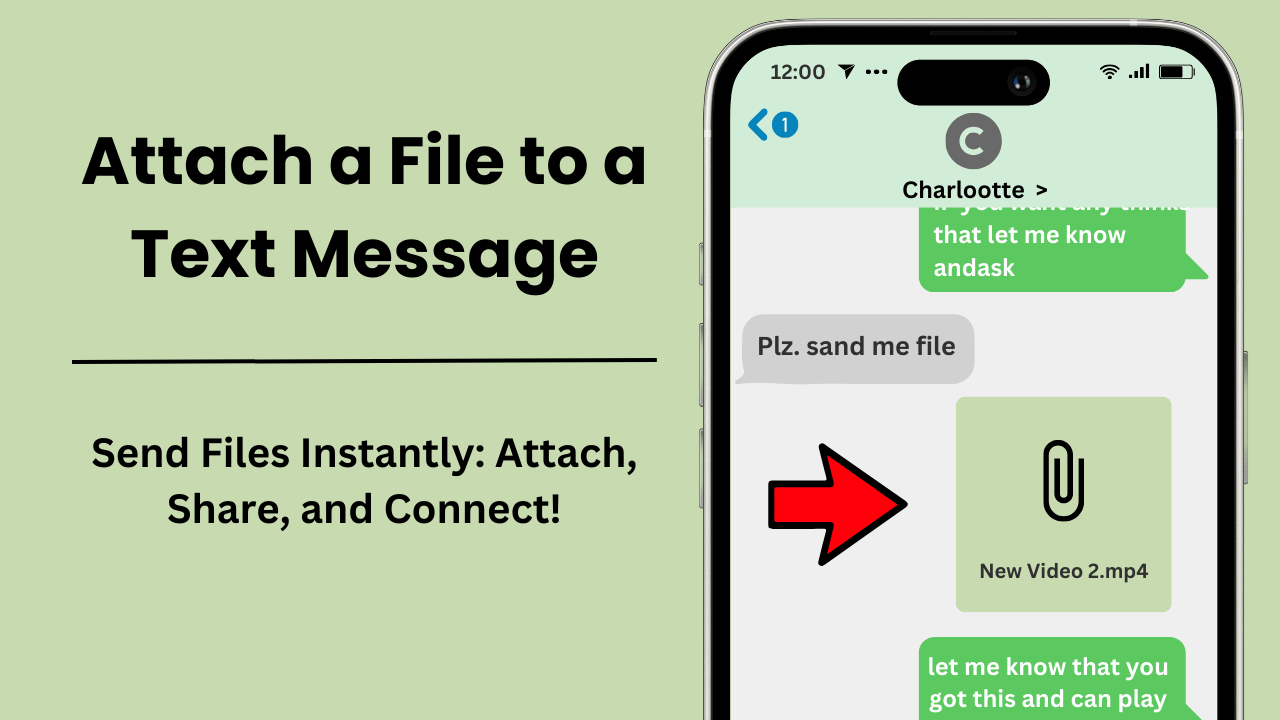
Allega un file a un messaggio di testo ti consente di inviare file multimediali come immagini, documenti, video e clip audio direttamente tramite le app di messaggistica di testo. Questo processo migliora la comunicazione consentendo agli utenti di condividere informazioni essenziali all'interno dei loro messaggi in tempo reale. Con i progressi della tecnologia mobile, questa funzionalità è più accessibile e preziosa che mai, trasformando il modo in cui gli individui e le aziende comunicano.
Punti chiave:
- Convenienza e velocità: Allegare file direttamente a un messaggio elimina la necessità di app o e-mail di terze parti, fornendo un'esperienza di comunicazione senza interruzioni.
- Ampio supporto di file: i tipi di file più comuni per gli allegati includono immagini (JPEG, PNG), video (MP4, MOV) e documenti (PDF, DOCX).
- Limiti di dimensione dei file: le piattaforme di messaggistica impongono limiti di dimensione dei file, con la maggior parte degli operatori che limitano i file tra 300 KB e 1 MB per i messaggi MMS.
- Produttività migliorata: i file allegati fanno risparmiare tempo e semplificano i flussi di lavoro, rendendoli particolarmente preziosi per la comunicazione aziendale.
- Considerazioni sulla sicurezza: presta attenzione alla privacy inviando file solo a destinatari fidati e garantendo la compatibilità con il dispositivo del destinatario.
Che cosa significa allegare un file a un messaggio di testo?
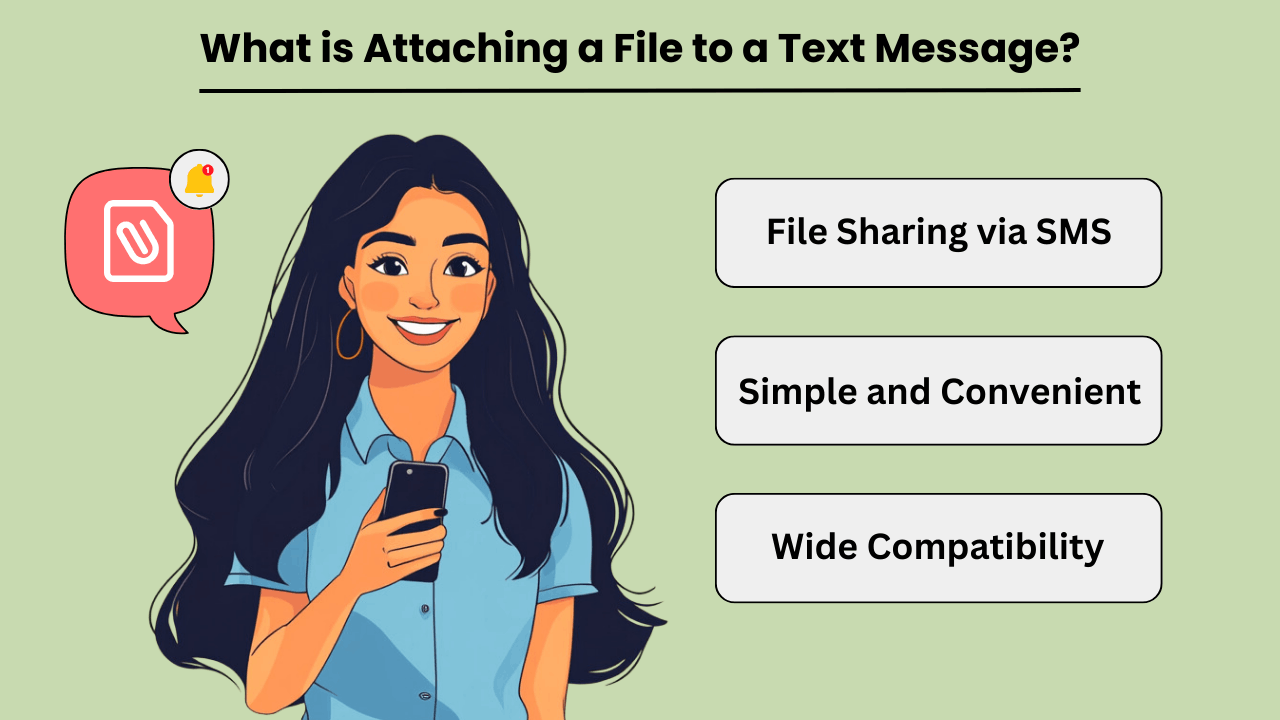
Allegare un file a il messaggio di testo si riferisce al processo di invio vari tipi di file, come immagini, documenti, video o file audio, tramite una piattaforma di messaggistica di testo. Questa funzionalità migliora la comunicazione consentendo agli utenti di condividere documenti importanti o contenuti multimediali direttamente all'interno delle loro conversazioni di testo.
Vantaggi dei file allegati nei messaggi di testo
File allegati nel testo messaggistica offer a range of benefits that enhance user experience and communication efficiency. One key advantage is the convenience of sharing files without switching between different apps or platforms.
For example, inviare un documento o una foto direttamente tramite un testo message elimina la necessità di servizi email o cloud, semplificando il processo. Inoltre, i file allegati consentono la condivisione in tempo reale e l'accesso immediato al contenuto, il che è particolarmente utile per le informazioni urgenti.
Tipi di file comuni per gli allegati dei messaggi di testo
Quando si allegano file a messaggi di testo, users can choose from various file types depending on their needs. Common file types include images (JPEG, PNG), documents (PDF, DOCX), videos (MP4, MOV), and audio files (MP3).
However, If your file is not in one of these formats, you can easily convert it using il convertitore on-line before attaching it to your message. Each file type serves a specific purpose and is compatible with most messaging platforms.
For instance, images and videos are ideal for sharing visual content, while documents and audio files are useful for exchanging textual or informazioni sull'audio.
Suggerimenti per la gestione dei file allegati nei messaggi di testo
A gestire efficacemente messaggio di testo attachments, users should consider a few key tips. First, ensure that the file size is within the limits set by the messaging platform, as large files may not be sent or could impact the performance of the message.
Second, use clear and descriptive filenames to make it easier for the recipient to identify and access the attached file. Lastly, be mindful of privacy and security by only sending files to trusted recipients and avoiding sensitive information in unsecured messages.
Allegare file ai messaggi di testo consente la condivisione comoda ed efficiente di contenuti e documenti multimediali. Questa funzionalità migliora la comunicazione consentendo la condivisione in tempo reale e l'accesso immediato ai file, rendendolo ideale per l'uso personale e professionale.
Come allego immagini e file a un messaggio di testo?
Come allegare file a un messaggio di testo? Basta scansionare il file Codice QR e segui questi semplici passaggi
- Apri un nuovo messaggio e fai clic sul pulsante dell'allegato.
- Scegli il formato file desiderato nella nuova finestra.
- Successivamente, scegli l'immagine o il file (a seconda del sistema operativo) che desideri inviare.
- Inserisci il destinatario e il testo e il gioco è fatto!
Notare che: Se utilizzi un iPad, puoi limitarti ad allegare solo immagini.
Puoi allegare fino a 4 file per messaggio, con una dimensione massima di 10 MB per ogni immagine o file. Questi limiti garantiscono una consegna regolare di allegati di messaggi di testo senza sovraccaricare la piattaforma di messaggistica.
Come funziona allegare un file a un messaggio di testo?
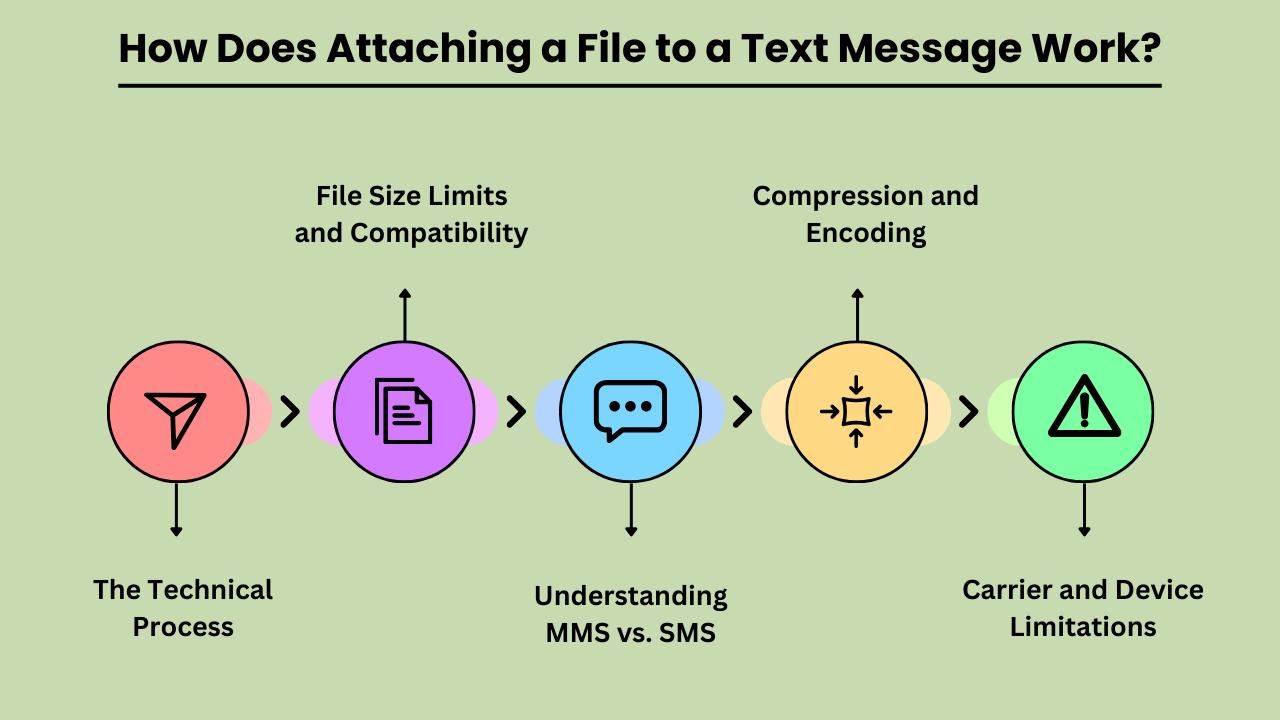
Come inviare un file tramite SMScomporta diversi processi tecnici per garantire che il file venga inviato e ricevuto correttamente. Gli SMS tradizionali (Short Message Service) supportano solo il testo, quindi l'invio di file richiede MMS (Multimedia Messaging Service), che estende le funzionalità degli SMS per includere contenuti multimediali.
Il processo tecnico per allegare un file a un messaggio di testo
L'allegato di un file inizia quando l'utente seleziona il file dal proprio dispositivo e avvia il processo all'interno dell'app di messaggistica. Il file viene quindi codificato in un formato adatto alla trasmissione MMS. Questa codifica include l'aggiunta di metadati sul file, come tipo e dimensione. Il messaggio codificato viene quindi trasmesso al server MMS del corriere, che gestisce la consegna al server MMS del destinatario.
Limiti e compatibilità delle dimensioni dei file
When sending files via MMS, size limits are a crucial consideration. Most carriers impose a maximum file size limit, typically between 300KB and 1MB. Files exceeding this limit may need to be compressed or sent using alternative methods, such as email or cloud storage links.
Additionally, file types must be compatible with both the sending and receiving devices. Common formats like JPEG, PNG, and MP4 are usually supported, but less common or proprietary formats may not be. Ensuring compatibility involves checking file types and sizes before sending to avoid delivery issues.
Comprendere MMS e SMS
MMS (Multimedia Messaging Service) and SMS (Short Message Service) serve different purposes in text communication. SMS is limited to text only, while MMS supports multimedia files such as images, videos, and audio clips. When attaching a file, the message is converted into an MMS format, which can handle these larger and more complex data types.
This conversion is necessary because traditional sms non ha la capacità di trasmettere file oltre il semplice testo.
Compressione e codifica
La compressione e la codifica dei file sono essenziali per l'invio di file tramite MMS. La compressione riduce la dimensione del file per soddisfare i limiti del gestore, mentre la codifica garantisce che il file venga trasmesso correttamente sulla rete. Questo processo prevede la conversione del file in un formato compatibile e la potenziale riduzione della sua qualità per adattarsi ai limiti di dimensione. Viene quindi eseguita la decodifica sul dispositivo del destinatario per ripristinare il file al suo stato originale.
Limitazioni del gestore e del dispositivo
Le limitazioni del gestore e del dispositivo svolgono un ruolo significativo nei processi di allegato dei file. Diversi operatori hanno limiti di dimensioni dei file e formati supportati diversi, che possono influenzare il modo in cui i file vengono inviati e ricevuti. Inoltre, non tutti i dispositivi gestiscono i messaggi multimediali allo stesso modo, il che potrebbe causare problemi di compatibilità. È importante considerare questi fattori quando si allegano file per garantire la corretta consegna e una corretta visualizzazione.
I vantaggi di allegare file ai messaggi di testo
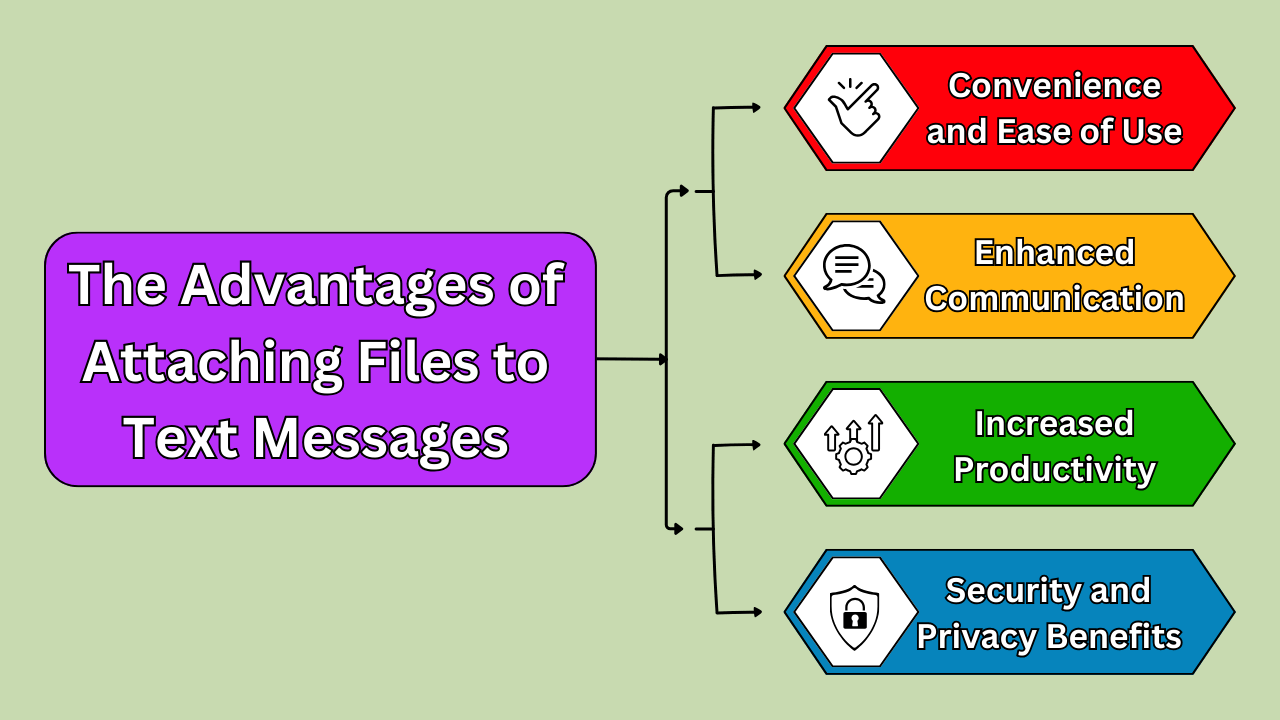
Allegare un file a un messaggio di testo offre numerosi vantaggi, trasformando il modo in cui comunichiamo e collaboriamo. UN Assistente di chiamata AI semplifica la collaborazione consentendo la condivisione semplice di file multimediali tramite messaggi di testo e Telefonate AI, streamlining communication.
The primary benefit is convenience; with just a few taps, you can send documents, images, and other files directly from your mobile device. This eliminates the need for additional apps or platforms, streamlining the process of sharing essential information. Enhanced communication is another key advantage.
Whether you’re sending a project update to a colleague or sharing a photo with a friend, attaching files ensures that your message is complete and contextually rich. Moreover, this method boosts productivity. By quickly sharing files without needing to switch between different applications or devices, you save time and can focus on more pressing tasks.
In today’s fast-paced world, the ability to send and receive files effortlessly through text messages is a significant asset.
Convenienza e facilità d'uso
Attaching a file to a text message is incredibly convenient and user-friendly. Most modern smartphones allow for easy integration of file attachments into text conversations. You simply select the file you wish to share, and it’s sent instantly, eliminating the need for lengthy email threads or complex file-sharing systems.
This simplicity is particularly valuable when you’re on the go or in situations where quick communication is crucial. Additionally, text messages with file attachments can be accessed without an internet connection once received. This is beneficial for users in areas with unstable connectivity.
Comunicazione e collaborazione migliorate
Files attached to text messages significantly enhance communication and collaboration. For professional settings, this means that team members can quickly share reports, presentations, or spreadsheets. This makes it easier to coordinate and make decisions in real time. Implementing servizi per la gestione delle infrastrutture ensures these file-sharing capabilities remain reliable and secure across the organization.
In personal contexts, sharing images or documents via text helps keep conversations rich and detailed. This seamless exchange of information supports more effective and informed discussions, as recipients have immediate access to the materials they need.
Enhanced communication through file attachments also reduces the likelihood of misunderstandings, as the content is directly available for review and clarification.
Risparmio di tempo e aumento della produttività
Attaching files to text messages saves time and boosts productivity. Traditional methods of file sharing often involve multiple steps and can be cumbersome, especially if you have to use different platforms. By using text messaging to send files, you streamline the process, reducing the time spent navigating between applications.
This efficiency is particularly useful in professional settings where quick turnaround times are essential. The ability to instantly share documents or images means you can address tasks and respond to requests faster, leading to a more productive workflow.
Vantaggi in termini di sicurezza e privacy
Attaching files to text messages also provides enhanced security and privacy compared to other methods of sharing. Many messaging platforms now offer encryption features that help protect the content of your messages and attached files from unauthorized access.
This ensures that sensitive information, such as contracts, personal documents, or private images, is kept secure during transmission. Additionally, since text messages are typically stored directly on the recipient’s device, there’s less risk of your files being intercepted or exposed in a shared or cloud-based system.
This added layer of security makes file attachment via text an attractive option for both personal and professional communication. This ensures that important data remains protected.
Scegliere il metodo migliore per allegare un file a un messaggio di testo
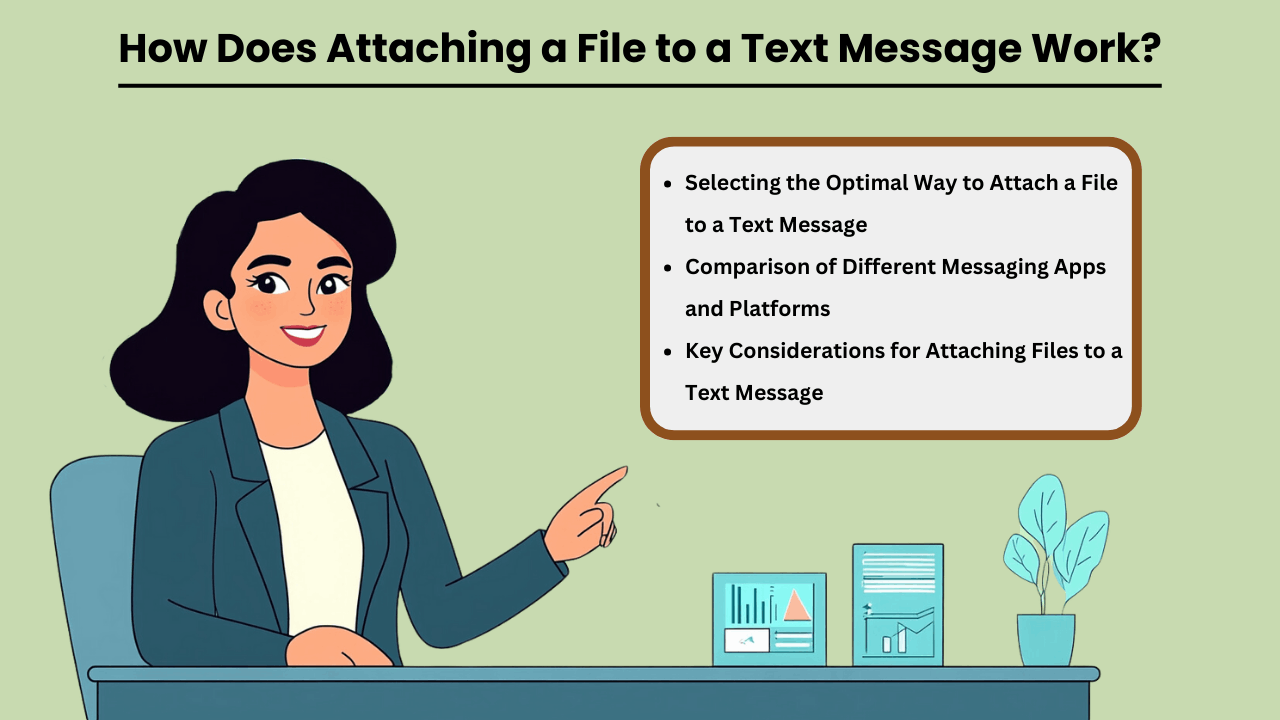
In today’s digital age, the ability to send files via text messages has become a vital aspect of personal and professional communication.
Whether you are sharing documents, images, or multimedia files, selecting the best method for come allegare un file a un messaggio di testo can make a significant difference in terms of convenience and efficiency.
Factors such as file size, the platform being used, and the type of file all play a role in determining the most suitable method. Additionally, ensuring that the recipient can open the file without any compatibility issues is crucial for a seamless experience.
Understanding how different methods work can help you make informed decisions and improve your messaging experience.
Selezione del modo ottimale per allegare un file a un messaggio di testo
Diverse piattaforme di messaggistica offrono vari modi per farlo allega file al testo messages, and knowing which one to use depends on the situation. Some apps, like WhatsApp or iMessage, allow for easy attachment of large files, while others, like standard SMS, may have restrictions on file size.
Consider the file type and recipient’s device compatibility when choosing a method. Sending files over secure platforms can also protect sensitive information, so it’s essential to select the right platform for the task.
Confronto tra diverse app e piattaforme di messaggistica
When comparing messaging apps, factors such as file size limits, ease of use, and security features should be considered. Apps like WhatsApp, iMessage, and Signal offer secure, end-to-end encrypted file sharing, while basic SMS may only support small files. Additionally, certain apps are better suited for multimedia or document sharing depending on their design.
Understanding the limitations and strengths of each platform can help you choose the best one for your file-sharing needs.
Considerazioni chiave per allegare file a un messaggio di testo
Quando si allegano file a un messaggio di testo, la dimensione del file, la compatibilità e la sicurezza sono fattori critici da considerare. I file di grandi dimensioni potrebbero richiedere l'utilizzo di collegamenti di archiviazione cloud o la compressione del file per adattarlo ai limiti dell'app. È anche importante assicurarsi che il formato del file sia compatibile con il dispositivo del destinatario. Infine, la scelta di piattaforme sicure può farlo salvaguardare i tuoi dati da accessi non autorizzati, garantendo che i tuoi allegati vengano consegnati in modo sicuro.
Il futuro di allegare un file a un messaggio di testo
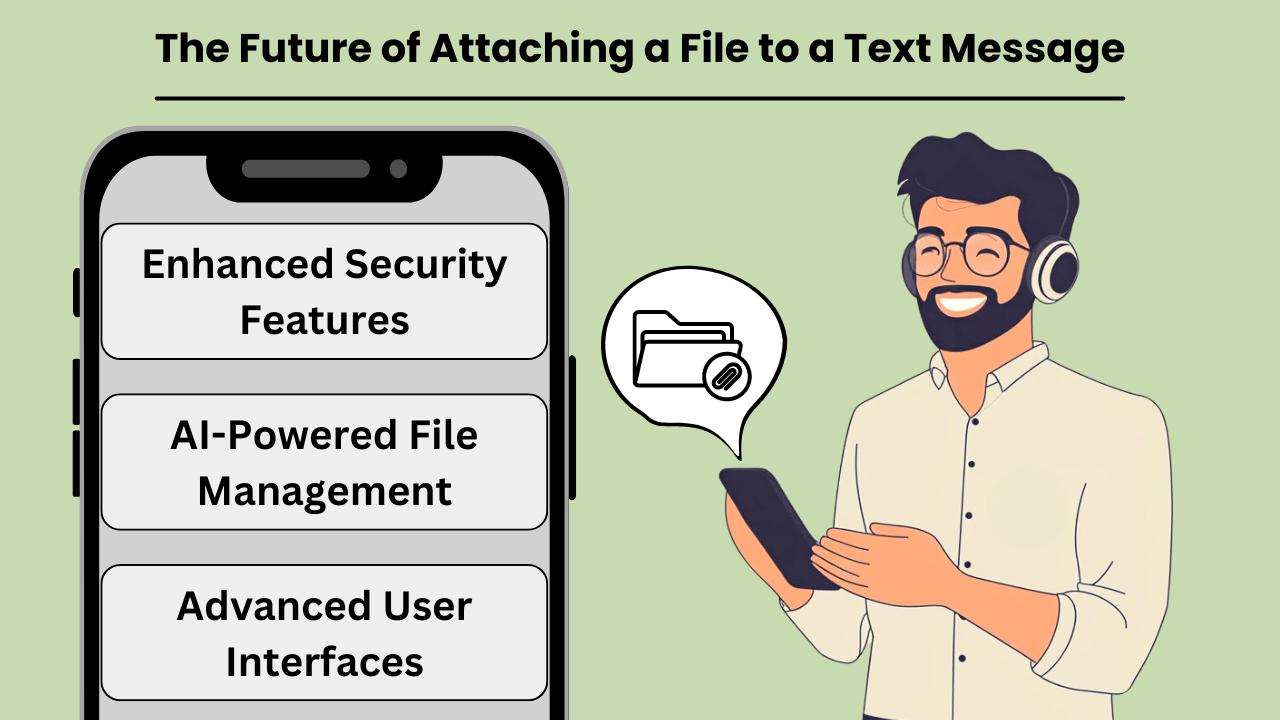
Con l'evolversi della tecnologia della comunicazione, la capacità di allega file al testo messages is becoming faster, more reliable, and widely accessible. Traditional SMS, while effective for basic communication, has its limitations when it comes to sharing media, large files, or documents.
However, with the introduction of new technologies such as Rich Communication Services (RCS) and 5G, the future of file sharing via text is set to transform drastically. These advancements will not only increase the speed and ease of sharing files but also enhance the overall user experience.
This makes text messaging a more robust and versatile tool for personal and professional communication. From high-quality images to complex documents, file attachment capabilities are poised to meet the growing demand for seamless, real-time interaction. Advances in IA multimodale continuano a modellare il modo in cui le piattaforme di messaggistica gestiscono diversi formati di contenuto.
Tendenze e tecnologie emergenti
The rise of RCS, often seen as the successor to SMS, brings enhanced functionality to text messaging, including the ability to attach large files. With RCS, users can share videos, high-resolution images, and even PDFs without the size constraints of traditional SMS.
Coupled with the rollout of 5G technology, which offers unprecedented download and upload speeds, the potential for file sharing via text messaging is limitless. This combination of RCS and 5G paves the way for a new era where attaching files to messages will be as seamless as sending a simple text.
Impatto potenziale sulla condivisione e comunicazione di file
The integration of file-sharing capabilities into text messaging platforms will revolutionize how we communicate. With faster, more reliable networks, individuals and businesses can easily share important documents, images, and videos without the need for email or third-party apps.
This shift is expected to streamline communication workflows, especially in business environments where quick sharing of information is crucial. As file attachment technology becomes more sophisticated, text messaging could soon rival other communication methods as the preferred choice for sharing media.
Previsioni per il futuro dell'allegato di un file a un messaggio di testo
In the near future, we can expect file attachments in text messages to become even more user-friendly and secure. Enhanced encryption and data protection measures will likely accompany these innovations, ensuring that sensitive information can be shared safely.
Additionally, the growing reliance on cloud storage and integration with messaging platforms may further simplify the process of attaching and accessing files. As these trends continue to evolve, text messaging will solidify its place as a versatile tool for both casual and professional communication, seamlessly integrating file sharing with everyday interactions.
Conclusione
Attaching files to text messages has revolutionized personal and professional communication. The ability to share multimedia content instantly enhances collaboration, productivity, and convenience. As technologies like RCS and 5G advance, the future of file sharing via text messages will become even more efficient, with larger file sizes, enhanced security, and improved user experience.
Whether you’re sharing images, documents, or videos, file attachments through text messaging remain a vital tool in today’s digital landscape.
Looking ahead, as file-sharing capabilities continue to evolve, we can expect even greater integration of cloud storage services and AI-powered messaging platforms that streamline how we share and access content. These advancements will allow for even more seamless experiences. This ensures that file attachments via text will remain an essential feature of both personal and professional communication in the future.
Domande frequenti
Puoi allegare immagini, video, documenti e file audio ai messaggi di testo. I formati comuni includono JPEG, PNG, MP4, PDF e MP3.
I limiti delle dimensioni dei file variano a seconda della piattaforma di messaggistica e dell'operatore. In genere, i messaggi MMS hanno un limite compreso tra 300 KB e 1 MB, ma app come WhatsApp o iMessage consentono file più grandi.
No, gli SMS supportano solo il testo. Per inviare file, devi utilizzare MMS o un'app che supporti la messaggistica multimediale come WhatsApp, iMessage o RCS.
Sì, è essenziale garantire che i file vengano inviati in modo sicuro e a destinatari fidati. L'utilizzo di piattaforme di messaggistica crittografate aiuta a proteggere i dati sensibili.
Se il dispositivo del destinatario non supporta il formato file, potrebbe non essere in grado di aprire o visualizzare il file. È essenziale garantire la compatibilità dei file prima dell'invio.


