
 English
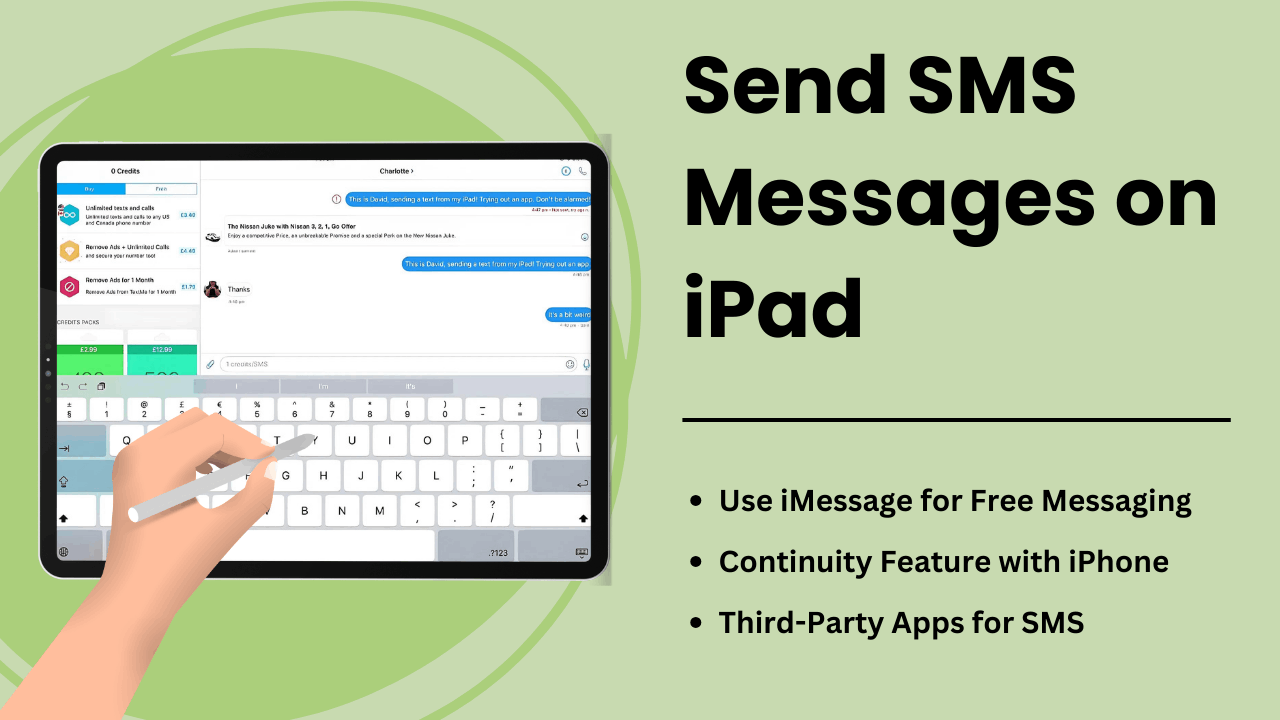
Envoyer des messages SMS sur iPad permet aux utilisateurs d’étendre les fonctionnalités de la tablette, la transformant en un outil de communication robuste. Bien que les iPad ne soient pas équipés de fonctionnalités SMS natives comme les iPhones, la fonction Continuité d'Apple et les applications de messagerie tierces offrent des moyens pratiques d'envoyer et de recevoir des messages texte sur l'appareil.
Que vous soyez un professionnel cherchant à rationaliser la communication ou un utilisateur quotidien recherchant un accès facile, comprendre le fonctionnement des SMS sur un iPad peut améliorer considérablement votre expérience utilisateur. Ce guide explore les méthodes, les aspects techniques, les avantages et les conseils de dépannage pour Envoyer des SMS sur un iPad.
Points clés à retenir :
- Fonction de continuité d'Apple : vous pouvez envoyer et recevoir des SMS sur un iPad lorsqu'il est associé à un iPhone via le même identifiant Apple.
- Applications tierces : les services SMS comme Google Voice ou WhatsApp permettent aux utilisateurs de contourner le besoin d'un iPhone.
- Relais SMS : processus technique qui permet à l'iPad d'envoyer des SMS via l'iPhone en utilisant la synchronisation iCloud et Apple ID.
- Productivité améliorée : Avec un écran plus grand et des fonctionnalités multitâches, l’iPad offre des expériences de messagerie améliorées.
- Conseils de dépannage : les problèmes courants tels que les échecs de messages peuvent être résolus en ajustant les paramètres ou en synchronisant correctement vos appareils Apple.
Qu'est-ce que l'envoi de messages SMS sur iPad
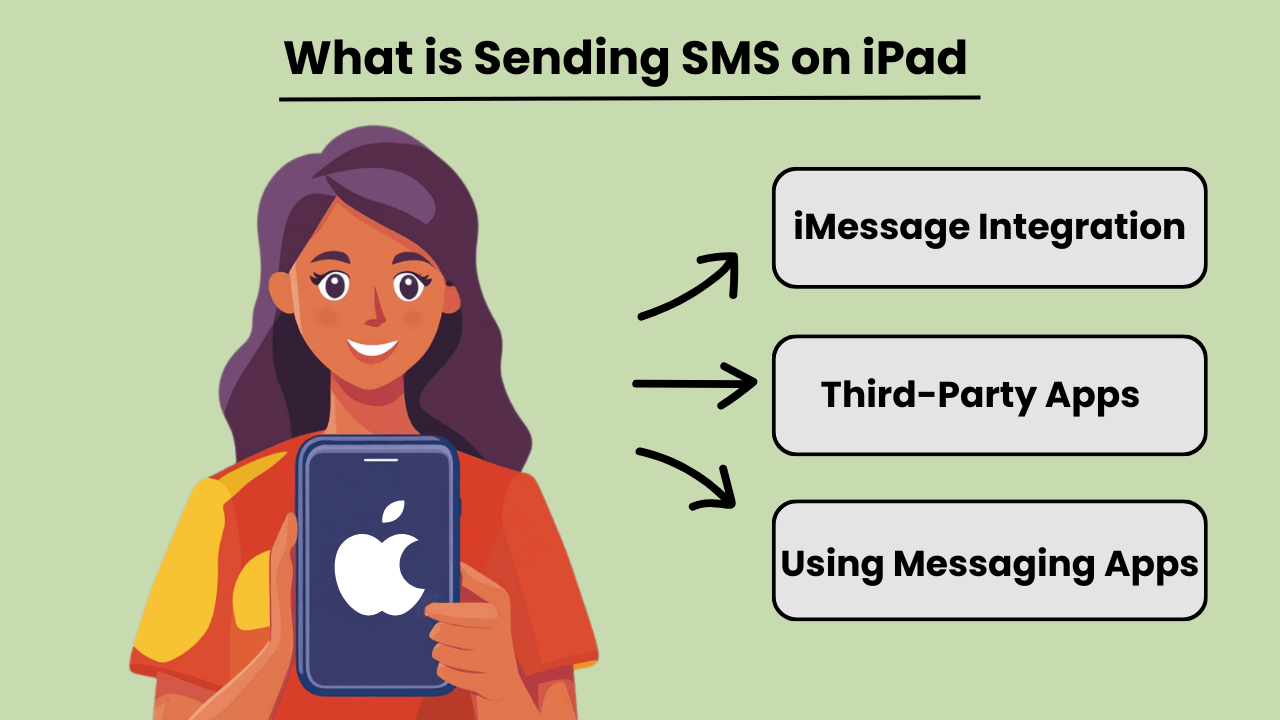
Envoyer des messages SMS sur un iPad permet aux utilisateurs d'envoyer et de recevoir des messages texte traditionnels, même si les iPad ne sont pas intrinsèquement conçus pour la communication cellulaire comme les iPhones. Grâce à l'intégration avec un iPhone ou en utilisant des applications de messagerie tierces, les utilisateurs peuvent accéder Messagerie SMS capacités. Cette fonctionnalité devient disponible lorsque l'iPad et l'iPhone sont connectés au même identifiant Apple, à l'aide de la fonction de continuité d'Apple.
En plus de la connexion iPhone, plusieurs applications proposent Messagerie SMS fonctionnalités directement sur l'iPad, permettant aux utilisateurs d'accéder à des appareils non Apple. En utilisant des applications telles que Google Voice ou WhatsApp, les utilisateurs peuvent éviter complètement de dépendre d'un téléphone et envoyer des SMS via la connexion Internet de leur iPad.
Importance de la messagerie SMS sur iPad
La messagerie SMS sur un iPad améliore la polyvalence de l’appareil, le rendant plus utile pour les utilisateurs qui dépendent d’une communication constante. Pour les professionnels ou les particuliers qui préfèrent un écran plus grand, l'envoi de textes via un iPad peut rationaliser la communication sans avoir besoin de basculer entre les appareils. Il apporte les avantages de l'envoi de SMS sur un ordinateur de bureau à une tablette portable, permettant des flux de travail fluides.
De plus, la possibilité d'envoyer des SMS directement depuis un iPad peut améliorer l'accessibilité, en particulier pour les utilisateurs qui pourraient avoir des difficultés à taper sur des appareils plus petits. L'intégration d'applications de messagerie ou Continuity permet de centraliser toutes les communications sur un seul appareil.
Avantages de l'intégration de l'iPad avec les fonctionnalités SMS
Integrating SMS features on an iPad offers several advantages, such as improved productivity and convenience. By linking an iPhone and iPad, users can send and receive messages from any device. This ensures that important conversations are not missed while switching between devices. This seamless transition between devices fosters greater flexibility.
De plus, l’utilisation d’applications prenant en charge les SMS sur iPad permet aux utilisateurs de communiquer à l’échelle internationale sans encourir de frais d’envoi de SMS coûteux, ce qui en fait une solution rentable. L'écran plus grand et les options de clavier robustes de l'iPad améliorent également l'expérience globale de messagerie.
Comment fonctionne l'envoi de SMS sur iPad : aperçu technique
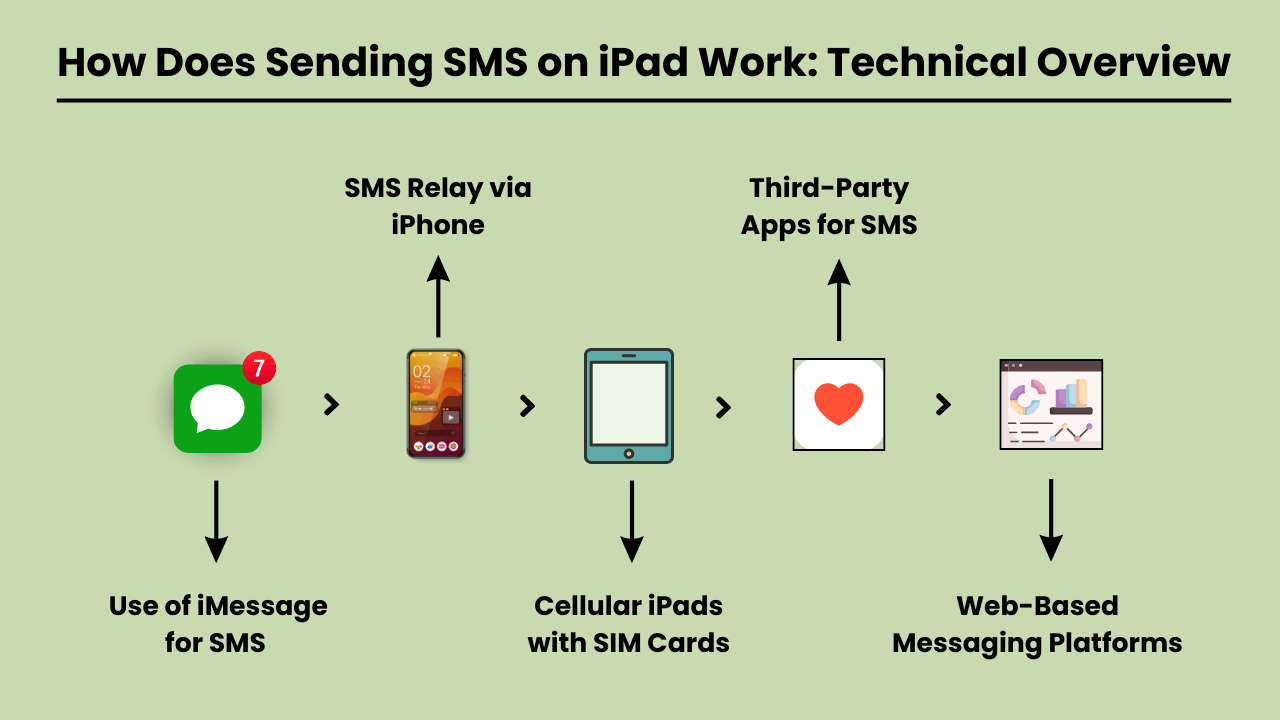
Envoyer des SMS on an iPad involves using a technical system that integrates with both iOS and cellular carrier services. Since iPads are typically Wi-Fi-only devices or rely on cellular data, they lack native SMS functionality found in traditional phones.
To enable SMS on an iPad, Apple uses a feature called SMS Relay, which is part of the Continuity suite in iOS. SMS Relay allows iPads to send and receive SMS and MMS messages through a paired iPhone, bridging the gap between the device’s limitations and the capabilities of cellular networks.
This process relies on the seamless integration of iCloud services, Apple ID, and carrier support to ensure messages are delivered as they would be from a traditional phone.
Relais SMS et services iCloud
Le relais SMS est l'épine dorsale de Envoyer des SMS on an iPad. When you send a message from an iPad, the message is first routed through iCloud to the paired iPhone. The iPhone then sends the message through the cellular network as an SMS.
Similarly, when a message is received on the iPhone, it is relayed to the iPad via iCloud, enabling a synchronized messaging experience across devices.
This functionality requires that both the iPad and iPhone are signed in to the same iCloud account and connected to the same Wi-Fi network, although sometimes Bluetooth pairing can enhance this communication.
Rôle d'iOS dans l'intégration SMS
The iOS system plays a critical role in integrating SMS functionality on iPads. It manages the handoff between devices, allowing seamless communication between the iPhone and the iPad.
The Messages app on iOS is designed to handle both iMessages and SMS/MMS, and when SMS Relay is enabled, iOS automatically determines which type of message should be sent based on the recipient.
The iOS ecosystem ensures that even though the iPad lacks cellular connectivity for SMS, it can leverage the iPhone’s network capabilities to send and receive messages.
Services d'opérateur permettant le relais SMS
Carrier services are essential for making SMS Relay work, as they are responsible for transmitting SMS and MMS through the cellular network. While iCloud handles the relay between Apple devices, it is the carrier that ensures the actual delivery of the messages to non-Apple devices.
For this reason, the iPhone involved in the SMS Relay must have a valid carrier plan that supports SMS services. Carrier compatibility is crucial, as not all carriers may fully support all aspects of Apple’s Continuity features, especially when it comes to international networks.
Avantages de l'envoi de SMS sur iPad : pourquoi vous devriez l'utiliser
The iPad has become an essential tool for communication, offering convenience, versatility, and ease of use. One of the key features is the ability to send SMS messages directly from the device.
Whether you’re at home, in the office, or on the go, Envoyer des SMS sur iPad offre des avantages significatifs qui améliorent votre expérience de communication. L'écran plus grand de l'iPad, son interface intuitive et sa capacité à se synchroniser avec d'autres appareils Apple en font envoyer des SMS sans effort et plus efficacement.
Additionally, SMS functionality on an iPad provides seamless connectivity, allowing users to stay in touch with friends, family, and colleagues from virtually anywhere. With the rise of digital communication, using an iPad to send SMS is not only practical but also a smart choice for modern users.
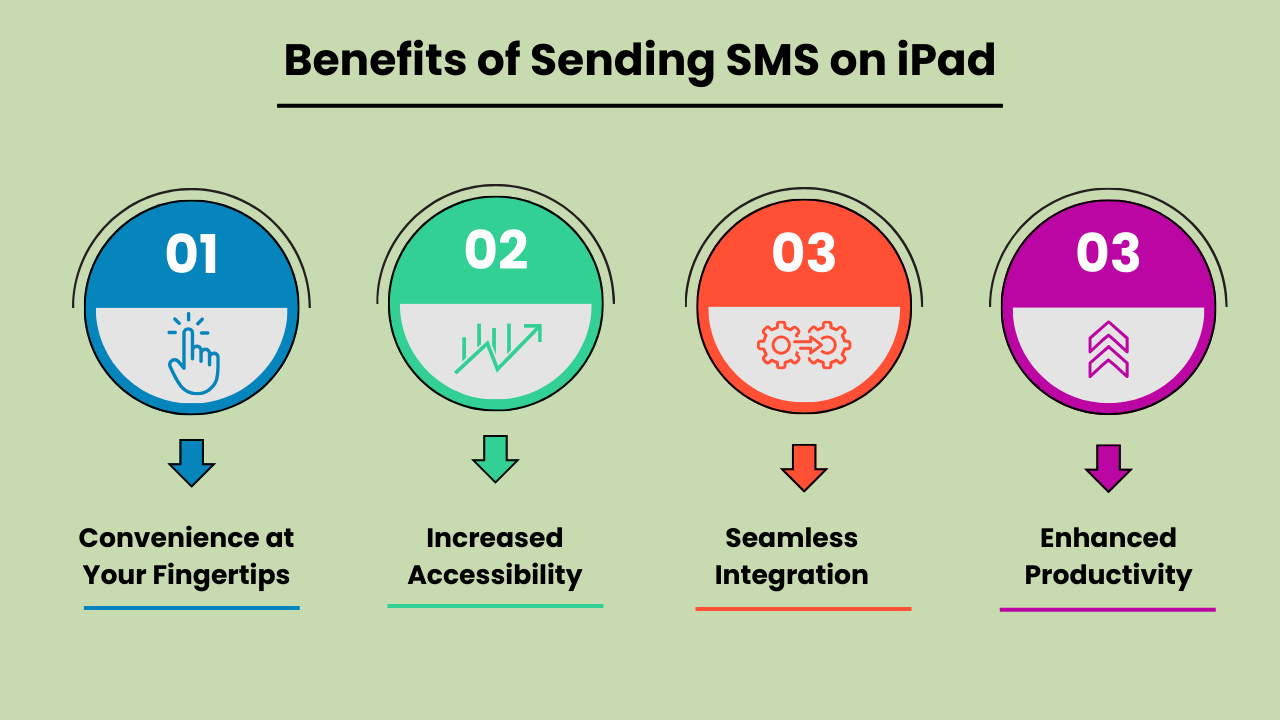
La commodité à portée de main
Envoyer des messages SMS sur un iPad offre une commodité inégalée. Contrairement aux téléphones mobiles traditionnels, l’écran plus grand de l’iPad permet une saisie et une lecture des messages plus confortables. Que vous envoyiez une mise à jour rapide ou que vous ayez une conversation prolongée, l’interface conviviale de l’iPad garantit que vos messages sont envoyés facilement. Cette commodité en fait un appareil idéal pour les besoins de communication personnels et professionnels.
Accessibilité accrue
The iPad’s SMS functionality provides increased accessibility, especially for individuals who might find smaller mobile devices difficult to use. The larger, clearer screen is particularly helpful for those with visual impairments or limited dexterity. Additionally, with the ability to connect to Wi-Fi, users can send SMS messages without relying solely on a mobile network. This ensures accessibility even in areas with poor cell service.
Intégration transparente avec d'autres appareils Apple
One of the biggest advantages of Send SMS Messages on an iPad is its seamless integration with other Apple devices. Messages sent on an iPad can be synced across all devices within the Apple ecosystem, including iPhones and MacBooks.
This feature allows users to pick up conversations from any device, providing flexibility and continuity in communication. It enhances productivity by ensuring that no messages are missed, regardless of the device being used at the moment.
Productivité améliorée pour le multitâche
Using an iPad to send SMS boosts productivity, particularly for multitaskers. With the iPad’s split-screen feature, you can send messages while simultaneously browsing the web, taking notes, or working on other tasks. This multitasking capability is especially beneficial for professionals who need to communicate while working on projects or accessing information on the go.
The ability to handle multiple tasks efficiently on one device makes the iPad a powerful tool for staying productive and connected.
Choisir la meilleure méthode pour envoyer des SMS sur iPad : options et considérations
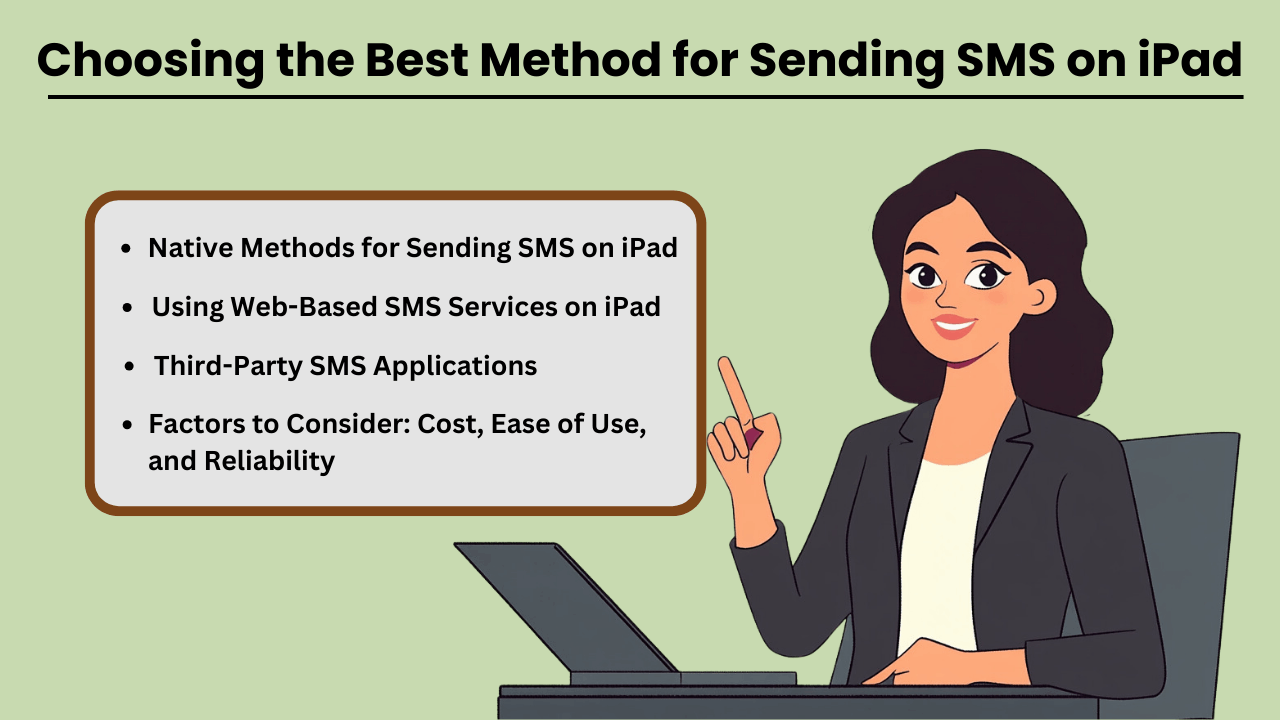
Send SMS Messages on an iPad can be done through several methods, both native and third-party. While iPads are not designed for direct SMS capabilities like iPhones, Apple has made it possible through its continuity features.
This allows users to send and receive text messages if they own an iPhone paired with their iPad via iMessage. Additionally, third-party apps provide robust solutions for SMS sending without an iPhone, often catering to business or high-volume needs.
When selecting a method, factors such as cost, ease of use, and reliability play crucial roles in determining the most suitable option for both personal and business use.
Méthodes natives pour envoyer des SMS sur iPad
If you already own an iPhone, Apple’s native messaging solution, iMessage, allows you to send SMS from your iPad seamlessly. This method leverages Apple’s ecosystem, offering a smooth experience with minimal setup.
The advantage of this approach is that it is highly reliable, as it uses your iPhone’s mobile network to relay messages through the iPad. Moreover, it is cost-effective since you don’t need any additional apps or subscriptions, making it an ideal solution for casual, everyday use.
Applications SMS tierces
Pour ceux qui n'ont pas d'iPhone ou qui ont besoin de fonctionnalités avancées, des applications tierces telles que Google Voice, TextNow et WhatsApp proposent des alternatives. Ces applications sont conçues pour offrir SMS functionality using a data or Wi-Fi connection, enabling users to send messages globally.
These services can be more versatile than iMessage, as they allow communication with non-Apple devices without relying on phone network continuity. While some services are free, others come with premium features at a cost, offering features like message scheduling, envoi groupéet des rapports avancés.
Facteurs à considérer : coût, facilité d’utilisation et fiabilité
When choosing the best method for sending SMS on your iPad, it is essential to weigh factors such as cost, ease of use, and reliability. Native methods like iMessage come at no extra cost but require an iPhone, whereas third-party apps may involve subscription fees or in-app purchases.
Ease of use also varies, with native options generally being simpler for Apple users. However, third-party apps often provide a wider range of features, especially for business purposes. Reliability is critical as well—native methods tend to be highly dependable, while the reliability of third-party apps may vary based on network quality and app provider stability.
Utilisation des services SMS Web sur iPad
Web-based SMS services are another option for sending texts from your iPad, especially if you don’t want to install additional apps. Services like Twilio, SendPulse, and ClickSend allow users to send SMS directly from their browser.
These platforms are ideal for businesses needing bulk messaging or marketing solutions, providing features such as automation, message scheduling, and analytics. While highly functional, these services often require a subscription and may not be as user-friendly for personal use. However, they are an excellent choice for those looking for scalability and advanced messaging capabilities.
Dépannage des problèmes courants liés à l'envoi de SMS sur iPad : solutions et correctifs
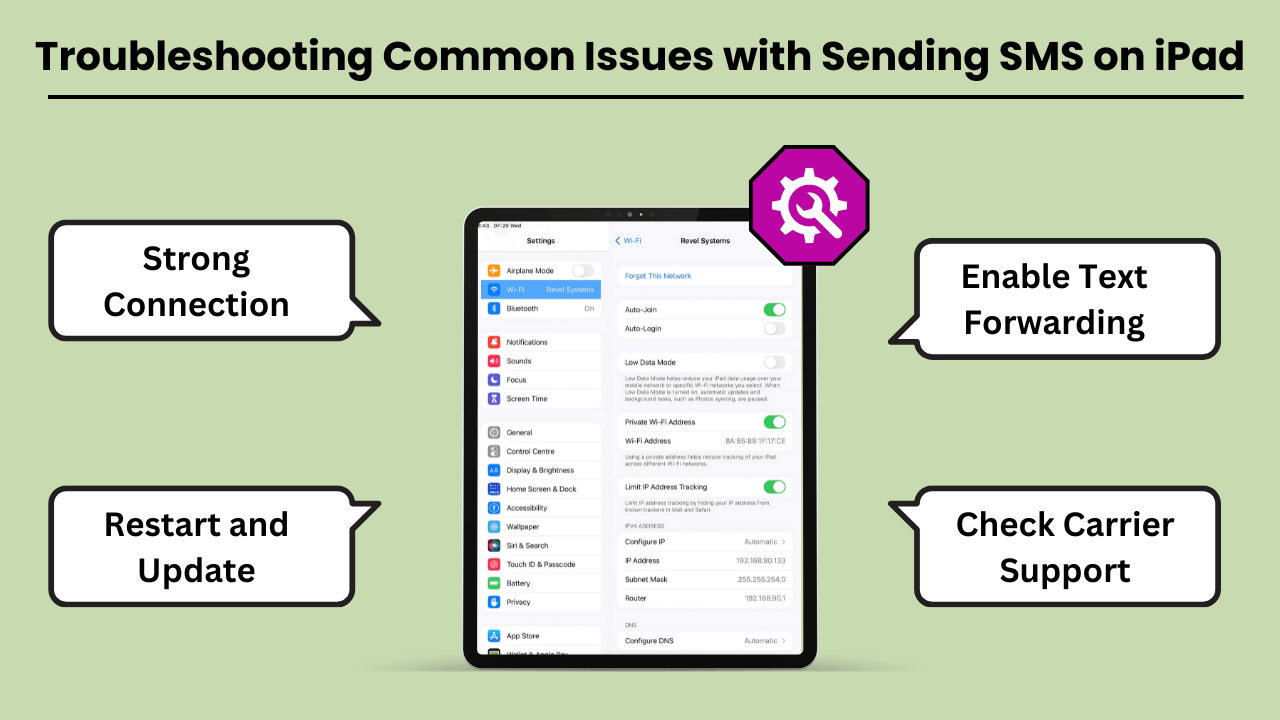
Envoyer des messages SMS sur un iPad can be a convenient way to stay connected. But users often encounter various issues that can disrupt the experience. The most common problems include the inability to send messages, message delivery failures, and issues related to syncing with iPhone or cellular networks.
These problems can arise due to several reasons, such as incorrect settings, software bugs, or carrier-related issues. Fortunately, most of these problems can be resolved with a few troubleshooting steps. In this guide, we’ll explore the common errors and offer practical solutions to get your iPad’s messaging feature back on track.
Whether the issue lies with the device, network, or settings, these tips will help you fix it quickly and efficiently.
Erreurs et problèmes courants liés à l'envoi de SMS sur iPad
One of the most common issues iPad users face is not being able to send or receive SMS messages through the Messages app. This issue often occurs if your iPad is not properly synced with your iPhone or cellular service.
Additionally, software glitches, incorrect message settings, or a weak Wi-Fi connection can lead to these failures. Another issue could be related to network connectivity or problems with the carrier settings, which might prevent the iPad from sending SMS, even though it is connected to Wi-Fi.
Conseils et solutions de dépannage
If you are unable to send SMS messages on your iPad, the first step is to check your device settings. Ensure that your iPad is connected to the same Apple ID as your iPhone and that Text Message Forwarding is enabled.
If the issue persists, restarting your iPad and checking for any available software updates can often resolve bugs. Additionally, ensure that your carrier supports SMS on the iPad, and consider resetting network settings to clear out any connection-related issues. Another tip is to make sure you have a strong Wi-Fi or cellular connection.
Conclusion
Sending SMS Messages on an iPad brings convenience, especially for users who appreciate a larger screen and the ability to sync messaging across devices. By using the Continuity feature, iPads seamlessly integrate with iPhones to enable SMS functionality, while third-party apps expand the messaging capabilities even further.
This integration not only improves communication but also boosts productivity by allowing users to send messages without switching between devices. Understanding the setup, technical process, and troubleshooting tips ensures a smooth experience for both personal and professional use.
Additionally, utilizing SMS on an iPad offers greater flexibility and accessibility, particularly for users who prefer working on a larger screen or require assistive features. It bridges the gap between multiple devices, ensuring that important conversations continue uninterrupted.
Whether for personal messaging or professional communication, Sending SMS Messages on an iPad not only enhances user convenience but also streamlines workflows. This makes it a valuable tool in the Apple ecosystem. With a better understanding of how SMS works on the iPad, users can fully harness its potential for seamless, on-the-go communication.
Foire aux questions
Vous pouvez utiliser des applications de messagerie tierces telles que Google Voice, WhatsApp ou TextNow pour envoyer des SMS à l'aide de la connexion Internet de votre iPad.
Oui, si vous utilisez la fonction Continuité avec votre iPhone, les deux appareils doivent être sur le même réseau Wi-Fi. Alternativement, les applications tierces s'appuient sur une connexion Wi-Fi ou de données.
Vérifiez si les deux appareils sont connectés au même identifiant Apple et que le transfert de messages texte est activé sur votre iPhone. Le redémarrage des deux appareils peut également résoudre ce problème.on Content
Apps like Google Voice, WhatsApp and TextNow allow you to send SMS on your iPad without needing an iPhone.
Oui, l'utilisation d'applications comme WhatsApp, TextNow ou Google Voice vous permet d'envoyer des SMS internationaux à moindre coût ou gratuitement, selon les fonctionnalités de l'application.


