
 English
Introducción
La mensajería RCS está creciendo en el marketing móvil con funciones como chats grupales, recibos de lectura y medios enriquecidos. Aún así, muchos usuarios prefieren los SMS por su simplicidad, confiabilidad, compatibilidad universal, acceso sin conexión y soporte en todos los dispositivos. Para una comunicación sencilla, los SMS siguen siendo una opción confiable y ampliamente accesible.
Si bien RCS ofrece opciones de comunicación mejoradas, no siempre es la mejor opción para todos. Si ha notado problemas con RCS o simplemente prefiere la naturaleza sencilla de los SMS, es posible que desee volver al formato clásico de mensajería de texto.
En esta guía, le explicaremos cómo desactivar RCS y volver a SMS (es decir, RCS a SMS) en su teléfono Android. Pero antes de profundizar en los pasos, primero echemos un vistazo más de cerca. ¿Qué es la mensajería RCS? y por qué algunas personas podrían elegir SMS en lugar de RCS.
Conclusiones clave
- RCS ofrece funciones mejoradas como compartir multimedia, recibos de lectura y chats grupales, pero requiere Internet.
- La adopción de RCS está en curso; ambos necesidad del emisor y del receptor dispositivos compatibles y soporte de red.
- Los usuarios de iPhone necesitan iOS 18+ para habilitar RCS a través de la configuración de Mensajes.
- Los SMS son universalmente compatibles y más confiables para la mensajería internacional.
- Los SMS utilizan menos batería y datos en comparación con RCS.
¿Qué es RCS?
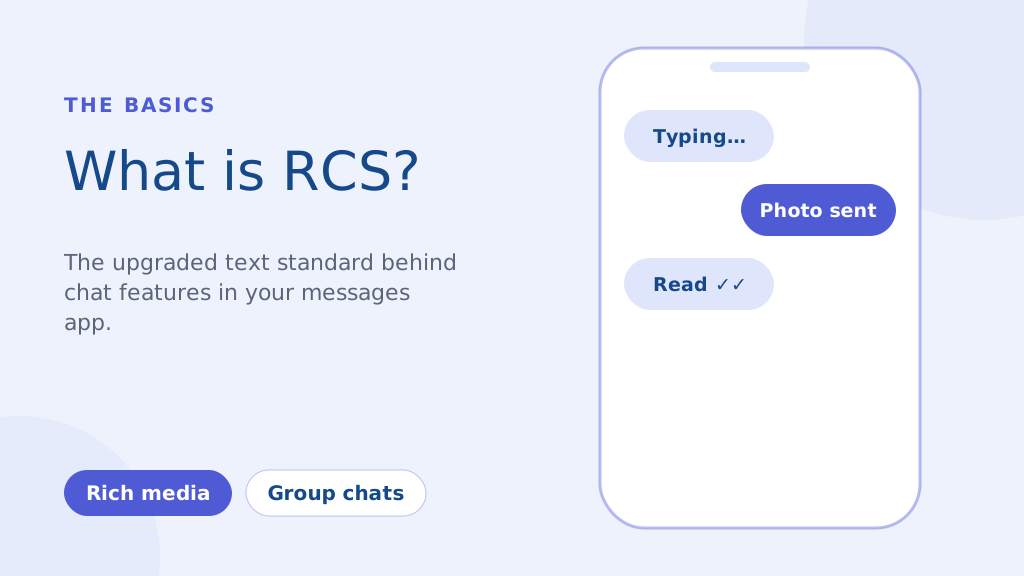
RCS, o Rich Communication Services, es un protocolo de comunicación de próxima generación diseñado para reemplazar el antiguo SMS y MMS estándares. Es esencialmente una experiencia de mensajería más moderna integrada en la aplicación de mensajería predeterminada de su teléfono. Las características clave incluyen:
- Mensajería rica en medios: Comparta fotografías y vídeos de alta calidad sin la severa compresión de MMS.
- Indicadores de escritura y recibos de lectura: Vea cuándo alguien está escribiendo y cuándo leyó su mensaje.
- Chats grupales mejorados: Capacidades de mensajería grupal más sólidas que los SMS tradicionales.
A diferencia de los SMS, que dependen de su red celular, RCS opera a través de Internet (Wi-Fi o datos móviles). Esto permite funciones más completas, pero también significa que tanto el remitente como el receptor necesitan dispositivos compatibles y soporte de red para una funcionalidad completa.
Si bien una importante iniciativa en 2016 tenía como objetivo hacer de RCS un estándar universal en Android, la adopción aún está en curso. Las empresas aprovechan cada vez más RCS para marketing campañas, ofreciendo experiencias más interactivas que las que permite el SMS. Sin embargo, como hemos destacado, todavía hay muchas situaciones en las que la confiabilidad de los SMS es primordial.
Cómo cambiar chats rcs a sms en Android (Guía paso a paso)
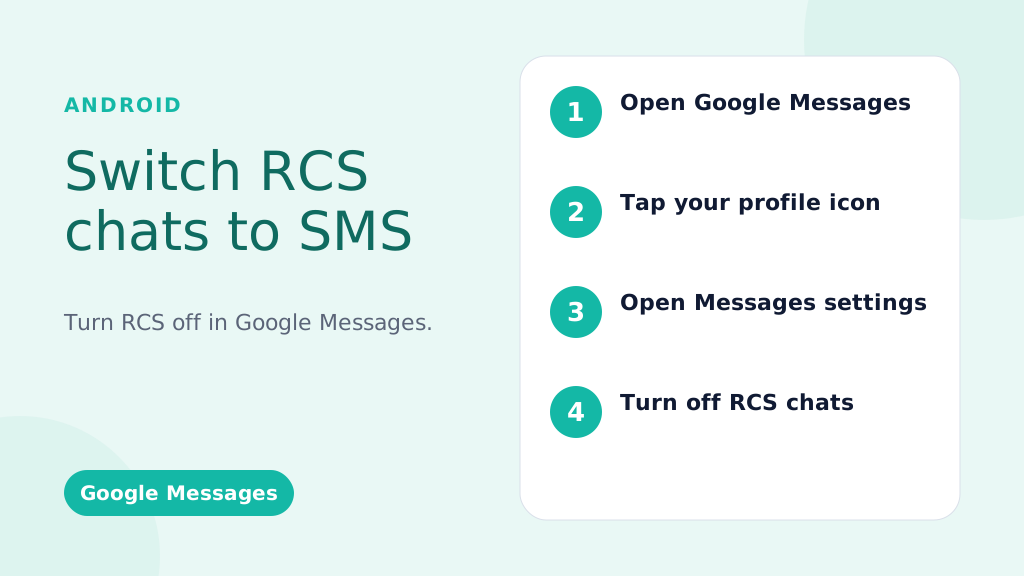
Estas instrucciones son para Mensajes de Google, la aplicación de mensajería predeterminada en la mayoría de los teléfonos Android.
Deshabilitar RCS globalmente (desactivarlo para todas las conversaciones):
- Abra la aplicación Google Messages: busque el ícono de Mensajes (generalmente un bocadillo azul) y tóquelo.
- Toca tu imagen/icono de perfil: normalmente se encuentra en la esquina superior derecha de la aplicación.
- Seleccione "Configuración de mensajes" (o simplemente "Configuración" en algunas versiones).
- Toque "Chats RCS" (o "Funciones de chat"; la redacción puede variar ligeramente).
- Desactive “Activar chats RCS” (o el interruptor equivalente). Es posible que se le solicite que confirme su decisión.
- (Opcional pero recomendado) Reinicie su teléfono: esto ayuda a garantizar que los cambios entren en vigor de inmediato.
Deshabilitar RCS para una conversación específica (disponibilidad limitada):
Importante: esta función no siempre está disponible. Depende de su teléfono, versión de Android y operador.
- Abrir la conversación: vaya a la conversación específica.
- Toca el menú de tres puntos (⋮): normalmente en la esquina superior derecha.
- Busque "Detalles", "Información" o "Configuración": la redacción exacta varía.
- SI ESTÁ DISPONIBLE, busque una opción como "Enviar solo mensajes SMS y MMS" o "Usar SMS/MMS“: Toggle this on. If you don’t see this option, your phone/carrier doesn’t support this feature.
Haga que sus mensajes se destaquen con una comunicación confiable, rápida y efectiva. ¡Mejora tu juego de mensajes de texto hoy!
Troubleshooting: RCS Messages Still Sending?
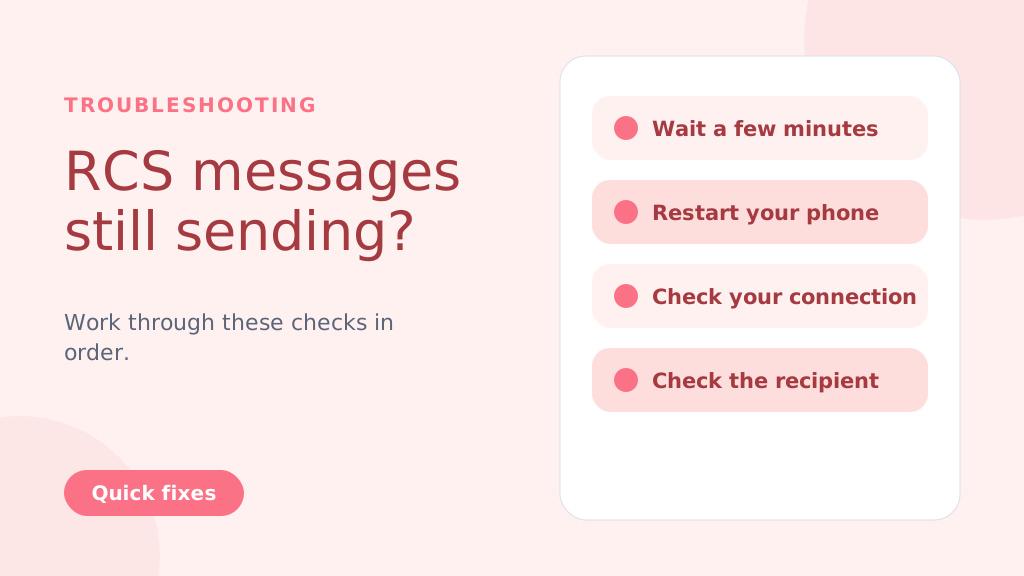
Even after disabling RCS, messages might still try to send as RCS temporarily. Try these steps:
- Wait: Give it a few minutes for the changes to take effect.
- Restart Your Phone: A reboot often resolves lingering issues.
- Check Your Connection: Temporarily turn off Wi-Fi and mobile data to force SMS delivery.
- Check the Recipient’s Status: If the recipient has RCS enabled and a strong connection, your message might still go through as RCS (this is beyond your control).
- Clear App Cache and Data (Advanced Users): Go to Settings > Apps > Messages > Storage > Clear Cache and Clear Data. Caution: This will clear your message history within the Google Messages app
Why People Choose to Change from RCS to SMS
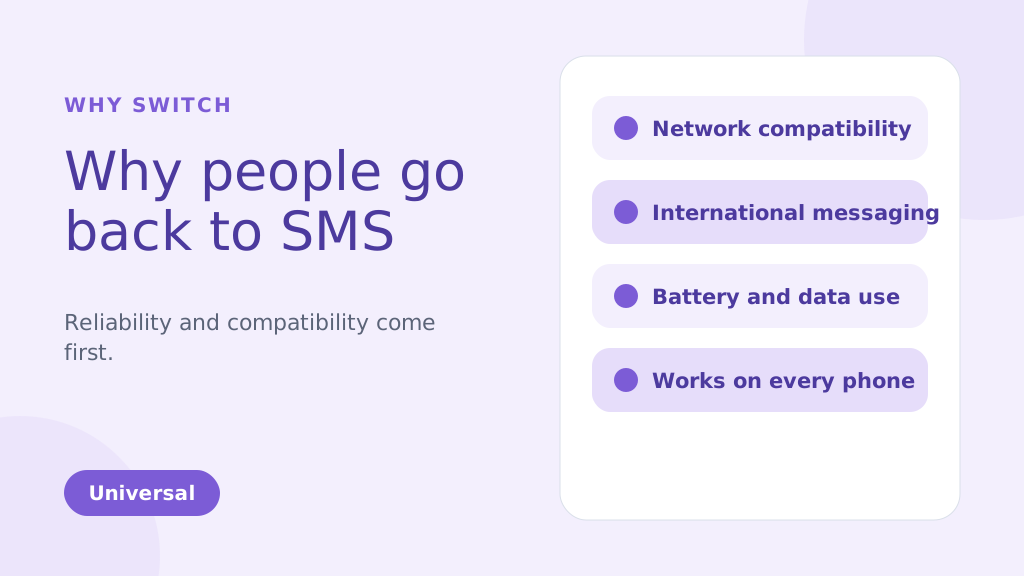
While RCS brings many enhanced features compared to traditional SMS, there are several reasons why you might choose to change from RCS to SMS. Below are some of the common factors that could make SMS a more suitable option for your messaging needs:
1. Network Compatibility Issues
One of the biggest reasons people might change from RCS TO SMS is reliability. RCS message depends on both an internet connection and carrier support, which has slowed its adoption. Unlike SMS, which works universally, RCS requires both the sender and receiver to be on compatible devices and networks. If they aren’t, your RCS message will default to SMS, leading to inconsistencies in message delivery.
2. International Messaging
SMS remains the more reliable option for international communication. RCS may face challenges when sending messages to international numbers because not all global carriers support it. This can result in delayed or undelivered messages. SMS, however, works on almost every carrier worldwide, making it a more dependable option for cross-border messaging.
3. Battery and Data Usage
RCS uses an internet connection to send and receive messages. This can quickly drain your phone’s battery and consume data, especially when Wi-Fi is unavailable. SMS, on the other hand, uses the carrier’s cellular network and doesn’t require an internet connection. This makes it more energy-efficient and data-friendly, particularly when sending multiple messages throughout the day.
4. Personal Preference
Some people simply prefer the simplicity of SMS over the advanced features of RCS. While RCS offers features like group chats, read receipts, and media sharing, not everyone needs or wants these extras. If you prefer straightforward, no-frills communication, SMS can be the more appealing option for your messaging style.
5. More Reliable During Network Congestion
During peak times, such as large events or emergencies, SMS and A2P messages tend to be more reliable, as they don’t depend on data connections like RCS. This ensures better message delivery even when networks are congested.
6. Compatible with All Phones
SMS is universally supported by nearly all mobile phones and networks. Unlike RCS, which requires both the sender and recipient to have compatible devices and carriers, SMS can be sent to any phone.
This ensures that your messages will always reach the recipient, regardless of their phone type or network.
SMS is especially ideal for use cases like OTP verification for user authentication, where reliability is crucial.
Consejo profesional: If you’re switching from RCS to SMS, consider disabling RCS in your messaging app settings to avoid sending messages that may not be delivered due to compatibility issues. This ensures all your messages are sent via SMS, providing a more reliable and universal communication method.
Quizás también sepas:
RCS vs SMS: Key Differences and Incredible Benefits Explained
Key Advantages of SMSLocal:
- Guaranteed Delivery: We ensure your messages are delivered, even if RCS fails.
- Automatic Switching: No manual intervention is needed. Our system automatically switches to SMS.
- Seamless Experience: Your recipients receive the message, regardless of their device or settings.
- Peace of Mind: Know that your important messages will always get through.
- Ideal for Business: Perfect for appointment reminders, delivery notifications, urgent alerts, and any communication where delivery is critical.
Conclusión
Switching from RCS to SMS is a straightforward process, but it’s important to weigh the pros and cons of each messaging format. RCS offers advanced features, including rich media sharing and read receipts, which are beneficial for those with compatible devices and networks.
However, for users seeking simplicity, reliability, or international compatibility, SMS remains the preferred option. By following the steps outlined for Android and iPhone devices, you can easily switch between these two messaging services based on your preferences.
For a seamless messaging experience, whether you’re using SMS, RCS, or even other channels like WhatsApp, consider signing up with SMSLocal. SMSLocal provides an all-in-one platform to manage your messaging needs efficiently and effectively.
Why not have it all in one place? Sign up with smslocal to access RCS, WhatsApp, SMS, and email all from a single platform
Preguntas frecuentes
Es posible que su teléfono esté enviando SMS debido a la configuración "Enviar solo mensajes SMS y MMS" en Mensajes de Google, falta de disponibilidad de RCS, una red débil o la falta de soporte del operador para RCS.
RCS utiliza una conexión a Internet (datos o Wi-Fi) para funciones mejoradas como compartir multimedia e indicadores de escritura en tiempo real, mientras que SMS depende de redes celulares y carece de estas funciones.
• Open Settings: Tap on the Settings app on your iPhone. • Go to Messages: Scroll down and select Messages. • Disable iMessage: Toggle off iMessage to switch to SMS. Restart iPhone: Restart your iPhone to ensure SMS is enabled.
Seguirás recibiendo mensajes, pero llegarán como SMS/MMS, no como chats de mensajes RCS. No verás las funciones de RCS.
Sí, vuelva a habilitar RCS fácilmente en cualquier momento siguiendo los mismos pasos y volviendo a encender el interruptor.
• Open Google Messages: Launch the app on your Android phone. • Go to Settings: Tap your profile picture and select Settings. • Enable Chat Features: Toggle on Enable Chat Features under Chat Features. • Verify Phone Number: Confirm your phone number via SMS if prompted. • Check Carrier Support: Ensure your carrier supports RCS messaging. • Update Google Play Services: Make sure Google Play Services and the Messages app are up to date.
Los SMS se basan en la red celular, que tiene una cobertura casi universal, a diferencia de los mensajes RCS, que dependen de la conectividad a Internet y del soporte del operador.
• Open Google Messages: Launch the app on your Android phone. • Go to Settings: Tap your profile picture and selectSettings. • Disable Chat Features: Toggle offEnable Chat FeaturesunderChat Features. • Verify Phone Number: Confirm your number via SMS if prompted. • Check Carrier Support: Ensure your carrier supports SMS. • Restart Phone: Restart your phone to apply the changes.


