English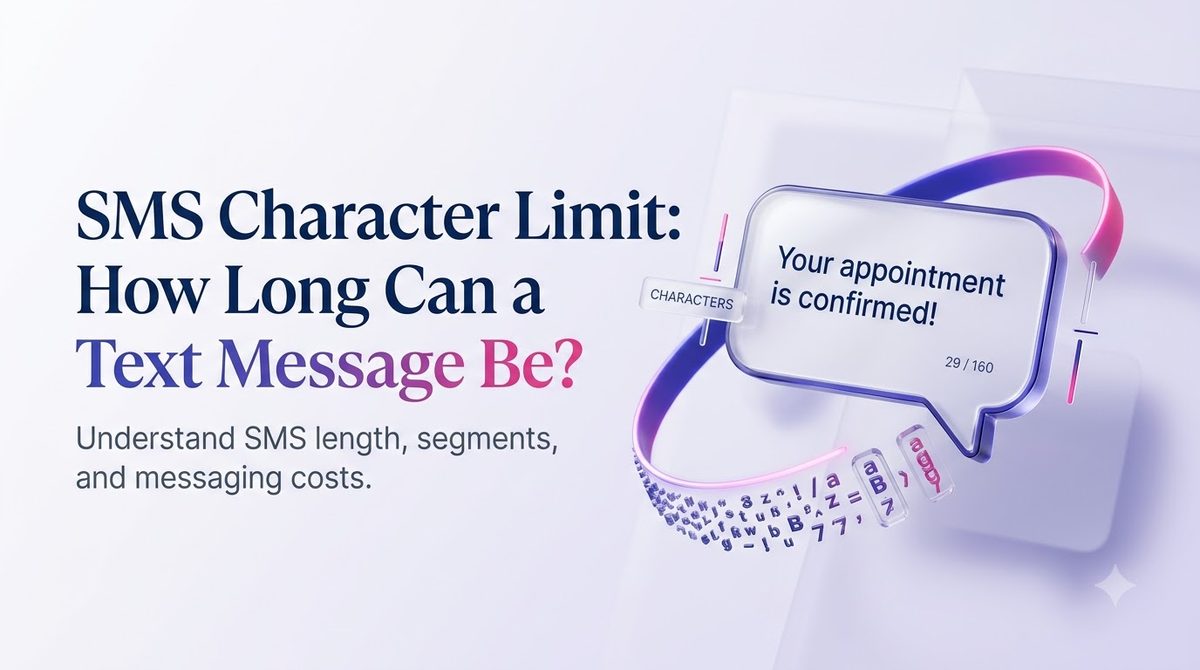
مقدمة
تكتب نصًا واضحًا وودودًا مكونًا من 170 حرفًا لعملائك. يبدو جيدًا على شاشتك. ثم يظهر تقرير التسليم الخاص بك أنه خرج كرسالتين، وتعكسه فاتورتك.
تأتي هذه المفاجأة من عدد الأحرف المسموح به للرسائل النصية القصيرة. تحتوي الرسالة النصية الواحدة على حد أقصى كبير الحجم، ويتغير الحد الأقصى وفقًا لما تكتبه. يمكن للفاصلة العليا المتعرجة أو رمز تعبيري واحد أن يقطع غرفتك بأكثر من النصف.
يشرح هذا الدليل الحد بعبارات واضحة: ما هي الأرقام، وسبب وجودها، ومدة تجميع الرسائل معًا، وكيفية كتابة النصوص التي تصل إلى قطعة واحدة. تعتمد الأمثلة على كيفية إرسال الشركات في الولايات المتحدة الأمريكية للرسائل اليوم، سواء من الهاتف أو من منصة الرسائل القصيرة الجماعية مثل SMSLocal.
الوجبات السريعة الرئيسية
- يحمل SMS القياسية 160 حرفا عندما يستخدم الأبجدية GSM-7 الأساسية.
- يقوم رمز تعبيري واحد، أو حرف واحد خارج تلك الأبجدية، بتحويل الرسالة بأكملها إلى Unicode، حيث يكون الحد الأقصى 70 حرفا.
- يتم تقسيم الرسائل الأطول إلى شرائح من 153 حرفًا (GSM-7) أو 67 حرفًا (Unicode)، ومعظم الأنظمة الأساسية فاتورة لكل مقطع.
- يتم احتساب كل من صياغة إلغاء الاشتراك والروابط واسم عملك ضمن الحد الأقصى، لذا خطط لها أولاً.
- يمكنك معاينة رسالتك واختبارها قبل إطلاق الحملة، وهو أمر أرخص من اكتشافها بعد ذلك.
ما هو الحد الأقصى لأحرف الرسائل القصيرة؟
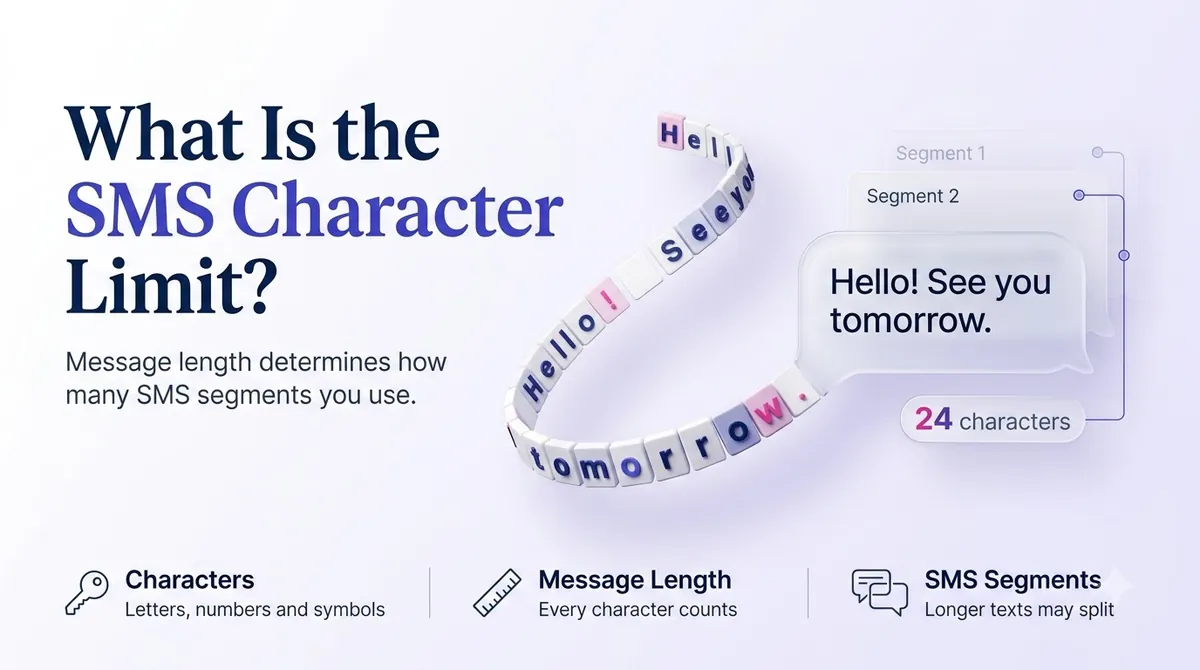
الحد الأقصى لأحرف SMS هو الحد الأقصى لمقدار النص الذي يمكن احتواؤه في رسالة خدمة الرسائل القصيرة الواحدة. بالنسبة للرسالة المكتوبة بأحرف إنجليزية عادية وأرقام وعلامات ترقيم شائعة، يبلغ الحد الأقصى 160 حرفًا.
يعود الرقم إلى عام 1985. يقال إن المهندس فريدهيلم هيلبراند، الذي ساعد في تصميم معيار الرسائل القصيرة، اختبر البطاقات البريدية ورسائل التلكس النموذجية ووجد أن معظم الأفكار تتلاءم مع حوالي 160 حرفًا. كانت قناة الإشارة التي تحمل النصوص تحتوي على مساحة قليلة جدًا، لذلك أصبح 160 هو المعيار ولم تتحرك أبدًا.
ولهذا السبب فإن النص ليس مثل البريد الإلكتروني. ينتقل النص عبر قناة تحكم صغيرة على شبكة الهاتف المحمول، وليس من خلال خطة البيانات الخاصة بك. لقد تم بناؤه ليكون قصيرًا.
لماذا يتغير الرقم؟
لأن الحد الحقيقي ليس 160 حرفًا. إنها 140 بايت. يعتمد عدد الأحرف التي تناسب 140 بايت على كيفية ترميز كل حرف:
- جي إس إم-7 يستخدم 7 بتات لكل حرف، لذا فإن 140 بايت تحتوي على 160 حرفًا.
- UCS-2 (يونيكود) يستخدم 16 بت لكل حرف، لذا فإن 140 بايت تحتوي على 70 حرفًا فقط.
يختار الهاتف أو النظام الأساسي التشفير نيابةً عنك. إذا كان كل حرف في رسالتك موجودًا بأبجدية GSM-7، فإنه يستخدم GSM-7. إذا لم يحدث ذلك، فسيتم تحويل الرسالة بأكملها إلى Unicode.
لمحة سريعة عن حدود أحرف الرسائل القصيرة
| نوع الرسالة | رسالة واحدة | كل جزء من رسالة أطول |
|---|---|---|
| GSM-7 (الحروف القياسية والأرقام والرموز المشتركة) | 160 حرفا | 153 حرفا |
| Unicode / UCS-2 (الرموز التعبيرية، علامات الاقتباس المتعرجة، النصوص غير اللاتينية) | 70 حرفا | 67 حرفا |
لماذا يكون كل جزء من رسالة أطول أقصر من رسالة واحدة؟ تحتاج الشبكة إلى رأس صغير لإعادة ترتيب الأجزاء، ويشغل هذا الرأس مساحة تبلغ 7 أحرف في GSM-7 (و3 في Unicode).
ما هو قطاع الرسائل القصيرة؟
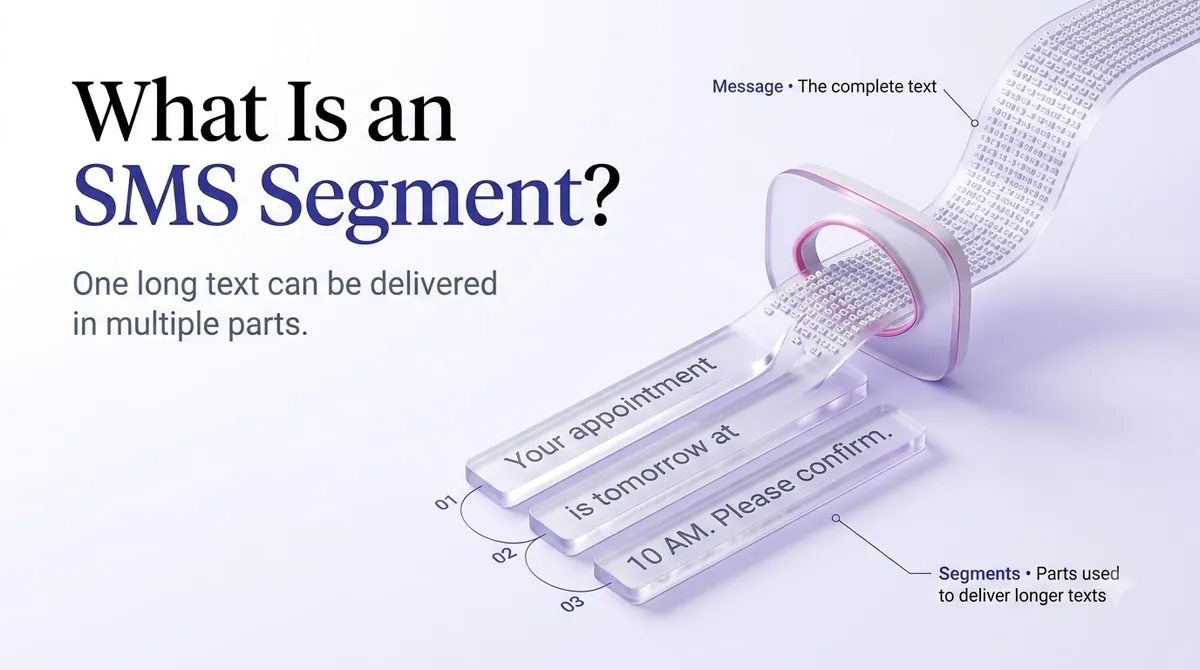
المقطع هو وحدة واحدة قابلة للفوترة من النص. إذا كانت رسالتك تتناسب مع حد واحد، فهي جزء واحد. إذا لم يحدث ذلك، يتم تقطيعه إلى قطع، وكل قطعة قطعة.
إليك كيف يبدو الأمر مع الأعداد الحقيقية:
- رسالة GSM-7 مكونة من 140 حرفًا = 1 قطعة.
- رسالة GSM-7 مكونة من 200 حرف = 2 قطاعات (153 + 47).
- رسالة GSM-7 مكونة من 306 حرفًا = 2 قطاعات (153 + 153). أضف حرفًا آخر ويصبح 3 قطاعات.
- رسالة مكونة من 100 حرف تحتوي على رمز تعبيري واحد = 2 قطاعات، لأن الرموز التعبيرية تفرض استخدام Unicode وينخفض حد الرسالة الواحدة إلى 70.
لا يرى المستلم المقاطع. الهواتف الحديثة تلصقها في رسالة واحدة. ولكن من جانبك، عادةً ما تكون كل شريحة عبارة عن رسوم منفصلة، لذا فإن حملة الاتصال المكونة من 10000 جهة اتصال بقسمين لكل نص هي 20000 شريحة قابلة للفوترة.
لماذا تستهلك الرموز التعبيرية وعلامات الترقيم الفاخرة حدودك؟
Most people never realize their message is in Unicode. The usual culprits:
- Emojis. Even one is enough.
- Curly quotes and apostrophes. If you draft in Word, Google Docs or Notes, your straight apostrophe (') often becomes a curly one (’). That single character switches the message to Unicode.
- Long dashes such as the em dash.
- Accented or non-Latin letters that are not in the GSM-7 set, including some characters used in Spanish-language messages.
- Non-English scripts such as Chinese, Arabic or Hindi.
There is a second quirk. A handful of GSM-7 characters, including ^ { } \ [ ] ~ | and the euro sign, use an escape sequence and count as two characters each. Both alphabets are defined in the ETSI and 3GPP specification TS 23.038, which says the GSM 7-bit alphabet allows up to 160 characters in a message.
A quick example. This is only about 80 characters, but it will send as two segments:
“Hi Maria, your table for 4 is ready 🍽️ Come on in — we’ll hold it for 10 minutes.”
The emoji, the em dash and the curly apostrophe each trigger Unicode. Rewriting it with plain punctuation and no emoji brings it back to a single segment:
“Hi Maria, your table for 4 is ready. Come on in, we'll hold it for 10 minutes.”
Do Emojis and Unicode Ever Make Sense?
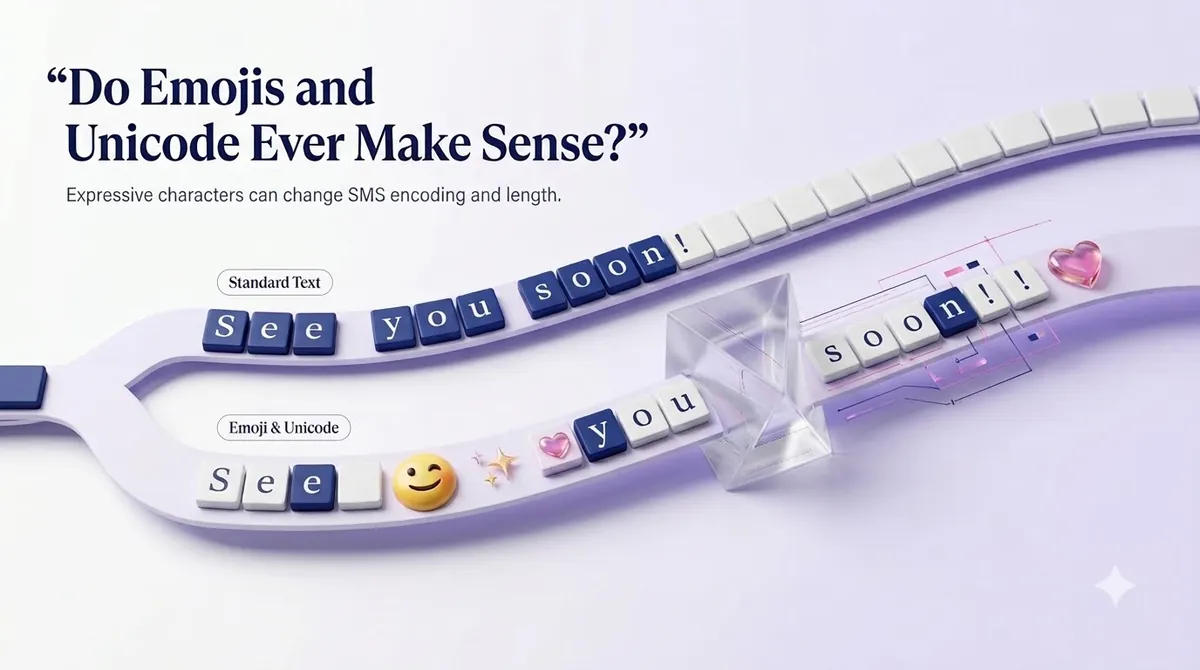
Yes, when the message earns it. A birthday offer or a restaurant promotion can feel warmer with one well-placed emoji, and Spanish-language campaigns need their accented characters to read correctly.
The trick is to choose on purpose. If your message is already close to 70 characters, Unicode is cheap. If it runs 140 characters or more, adding an emoji can double the segments. Test both versions on a small audience and compare response, not just cost.
اجعل رسائلك مميزة من خلال التواصل الموثوق والسريع والفعال. ارفع مستوى لعبة الرسائل النصية الخاصة بك اليوم.
SMS Limits vs MMS Limits
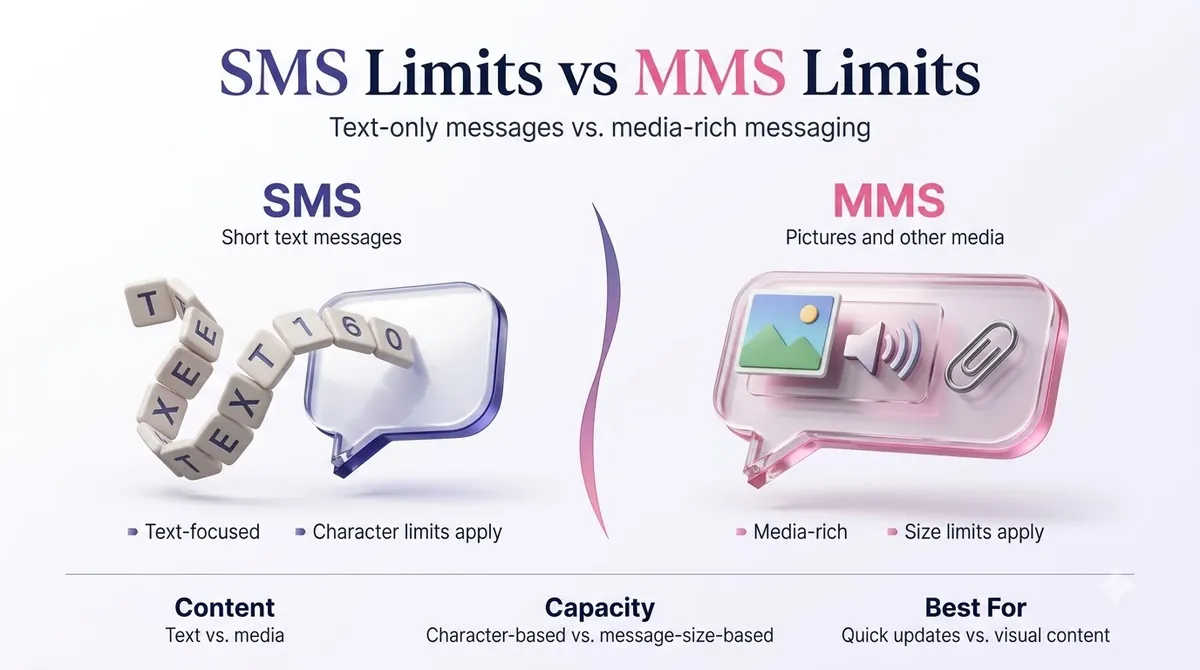
If you need more room, MMS (Multimedia Messaging Service) is the other option. It is built for images, short video, audio and longer text, and it is not constrained by the 160-character rule in the same way.
| رسالة قصيرة | رسائل الوسائط المتعددة | |
|---|---|---|
| Text length | 160 (GSM-7) or 70 (Unicode) per segment | Much longer text, commonly up to about 1,600 characters |
| Media | لا أحد | Images, GIFs, short video, audio |
| توصيل | Works on any mobile phone | Needs MMS support and a data connection on many devices |
| يكلف | أدنى | Typically higher per message |
Limits for media size and text length vary by carrier and by platform, so check your provider's documentation before designing a campaign around a specific file size. A safe habit is to keep images small. For a deeper comparison, read our guide on SMS vs MMS.
iMessage, the blue-bubble service between Apple devices, is a different system altogether and does not follow the SMS limit. Your business texts to a customer's iPhone still go out as SMS or MMS unless they are sent through a channel that supports Apple's messaging service.
What Counts Toward Your Character Limit
Everything the customer sees counts. When you budget your message, include:
- Your business name, which US carriers and regulations expect you to identify.
- Any personalization you merge in, like a name or order number. A first name can be 4 characters or 14.
- Links. A full URL with tracking can use 60 or more characters by itself.
- Opt-out wording. Messages sent to customers should give an easy way to stop, such as "Reply STOP to opt out." That alone is about 22 characters.
A message you plan as 130 characters might grow to 190 after merge fields, a link and opt-out text. Plan for the longest version, not the average one.
A note about links
Short links save characters, but be careful with free public link shorteners. Carriers can treat them as a spam signal, and messages containing them may be filtered. A branded short link on your own domain is a safer way to keep a URL short and trusted.
How to Write Within the Limit: Practical Tips
- Lead with the point. Put the offer, the time or the action in the first 100 characters.
- Cut filler. "Just a reminder that" and "We wanted to let you know" are easy deletions.
- Use plain punctuation. Type straight quotes and apostrophes, or paste your draft into a plain-text editor first.
- Count the extras. Add opt-out text, your business name and the longest likely personalization before you decide the length.
- Use one clear call to action. Two requests in one text tend to cost characters and reduce replies.
- Test at scale. Send your final version to your own phone and a few colleagues to see how it actually arrives.
Here is how a real edit looks. The original is 203 characters and sends as two segments:
“Hello valued customer! We just wanted to remind you that your appointment with Dr. Lee is scheduled for tomorrow, March 14th at 3:00 PM. Please reply to this message if you need to reschedule. Thank you!”
The tightened version is 126 characters and stays in one segment:
“Reminder: your appointment with Dr. Lee is tomorrow, Mar 14 at 3:00 PM. Reply C to confirm or R to reschedule. STOP to opt out”
It says the same thing, gives a faster reply path and costs half as much, since it is one segment instead of two.
How to Check and Send Within the Limit Using SMSLocal
Whatever platform you choose, the workflow is similar. Here is how it works with SMSLocal.
- Create your account. Register on the SMSLocal website. Signing up takes a few minutes, and you can start with a free trial.
- Import your contacts. Upload a list or add numbers manually, and group them so you can send targeted messages.
- اكتب رسالتك. Draft it in a template if you have one, using merge fields for names or order details. Write with the longest likely values in mind.
- Review the length before sending. Check your message for emojis, curly punctuation and the opt-out line. Send a test to your own phone.
- Schedule or send. Send right away or pick a date and time that suits your audience.
- Read your delivery reports. Confirm the messages went out, and note whether any customers replied. Use what you learn to tighten the next message.
Planning your sends also reduces failed or delayed messages. If a text is not reaching anyone, our guide to why text messages are not sending covers common causes.
Does the Limit Change for Business Messaging?
The character limit itself does not change when you use a business number. A 10DLC number, a toll-free number or a short code all deliver SMS segments of the same size. What changes is the compliance around the message, such as identifying your business, giving opt-out options and sending only to people who agreed to receive texts.
If you are new to how business texting works in the US, our overview of رسائل A2P explains the difference between application-to-person and regular texting.
خاتمة
The SMS character limit is simple on paper: 160 characters in GSM-7, 70 in Unicode. In practice, one curly apostrophe or one emoji decides which number applies, and the answer shows up as segments on your bill.
Write for the limit before you hit send. Keep your lead short, use plain punctuation unless the emoji is worth the cost, and budget room for your business name, link and opt-out text. Test the message, read the report, and adjust.
Start your free trial with SMSLocal and see how easy it is to reach your customers.
الأسئلة المتداولة
تحتوي الرسالة القصيرة القياسية على 160 حرفًا عندما تستخدم الأبجدية GSM-7. إذا كانت تتضمن رمزًا تعبيريًا أو حرفًا آخر خارج تلك الأبجدية، ينخفض الحد إلى 70 حرفًا للرسالة الواحدة.
يتم تقسيم الرسالة إلى أجزاء وإرسالها كرسالة منضمة. تعرضها معظم الهواتف كرسالة واحدة، ولكن يتم احتساب كل مقطع بشكل منفصل للفوترة. تستخدم الرسائل الأطول 153 حرفًا (GSM-7) أو 67 حرفًا (Unicode) لكل مقطع.
نعم. يمكن أن يشغل الرمز التعبيري نفسه أكثر من حرف واحد، كما أنه يحول الرسالة بأكملها إلى ترميز Unicode. يؤدي ذلك إلى خفض الحد الأقصى من 160 إلى 70 لكل قطعة. يمكن بسهولة مضاعفة الرسالة التي تحتوي على رمز تعبيري واحد إلى أجزاء.
يعتمد ذلك على شركة الاتصالات ومنصة المراسلة الخاصة بك. تسمح العديد من المنصات برسائل تصل إلى 1600 حرف تقريبًا، لكن النصوص الطويلة يصعب قراءتها وتكلف أكثر. إذا كنت بحاجة إلى أكثر من بضع جمل، ففكر في الارتباط بصفحة أو استخدام رسائل الوسائط المتعددة.
تعمل الرسائل القصيرة بنفس الطريقة على كليهما. إذا أرسل مستخدم iPhone رسالة نصية إلى مستخدم iPhone آخر عبر iMessage، فهذه خدمة منفصلة من Apple ولا تتبع حدود الرسائل النصية القصيرة. يتم إرسال الرسائل المرسلة من منصة الرسائل النصية الخاصة بالعمل كرسائل نصية قصيرة (SMS) أو رسائل وسائط متعددة (MMS).